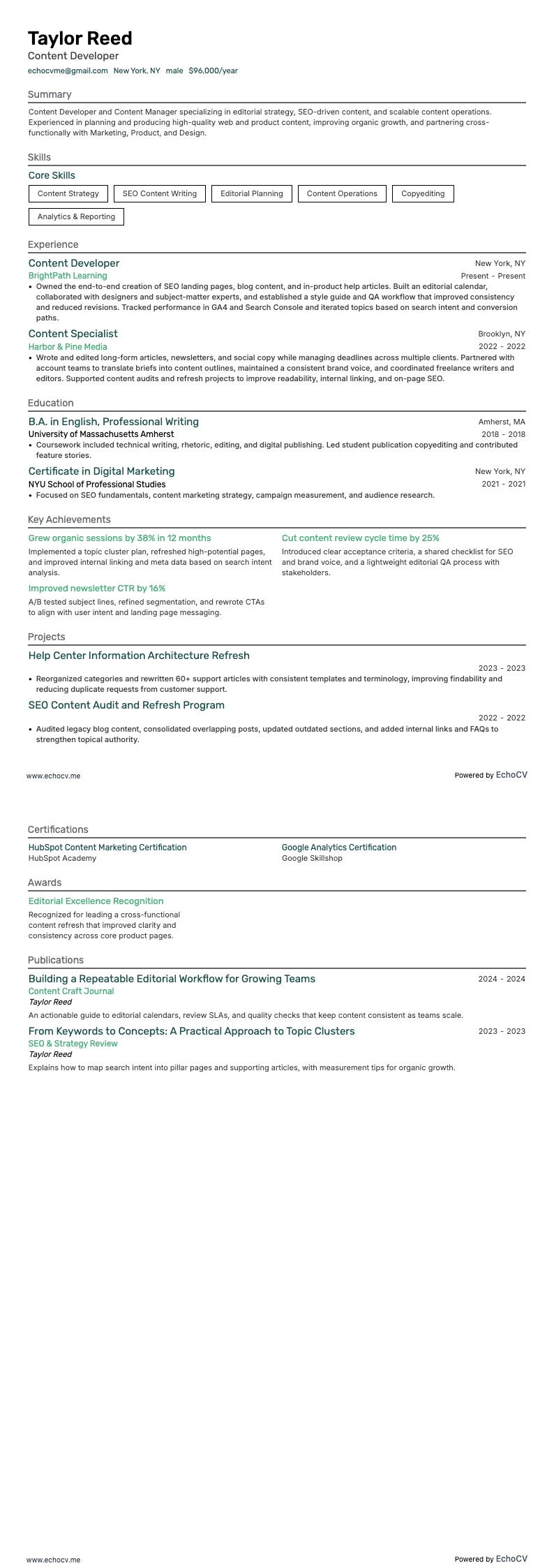
How to format a content manager resume
To give your resume a chance in the spotlight, you need to make sure it is properly formatted resume. Plus, it makes it easier for recruiters and hiring managers to read as they expect each resume to look a certain way.
The days of siphoning through every single resume to hand-pick a select few are over. Nowadays, companies use applicant tracking software for that monotonous task. This means if your resume does not meet industry standards, it may not pass the initial scan.
First off, if you are using Microsoft Word or another word-processing app or software, new documents will already have the standard document format, so you don’t need to worry about margins or font size.
Some key points to remember when formatting each section:
- When listing education and resume experience, use a reverse chronological format
- Make sure your contact information is current, and you use a professional name
- Include technical sections to highlight experience with content management systems and photo and video editing software
- Keep your resume between one and two pages
- Keep your font size between 10-12 points
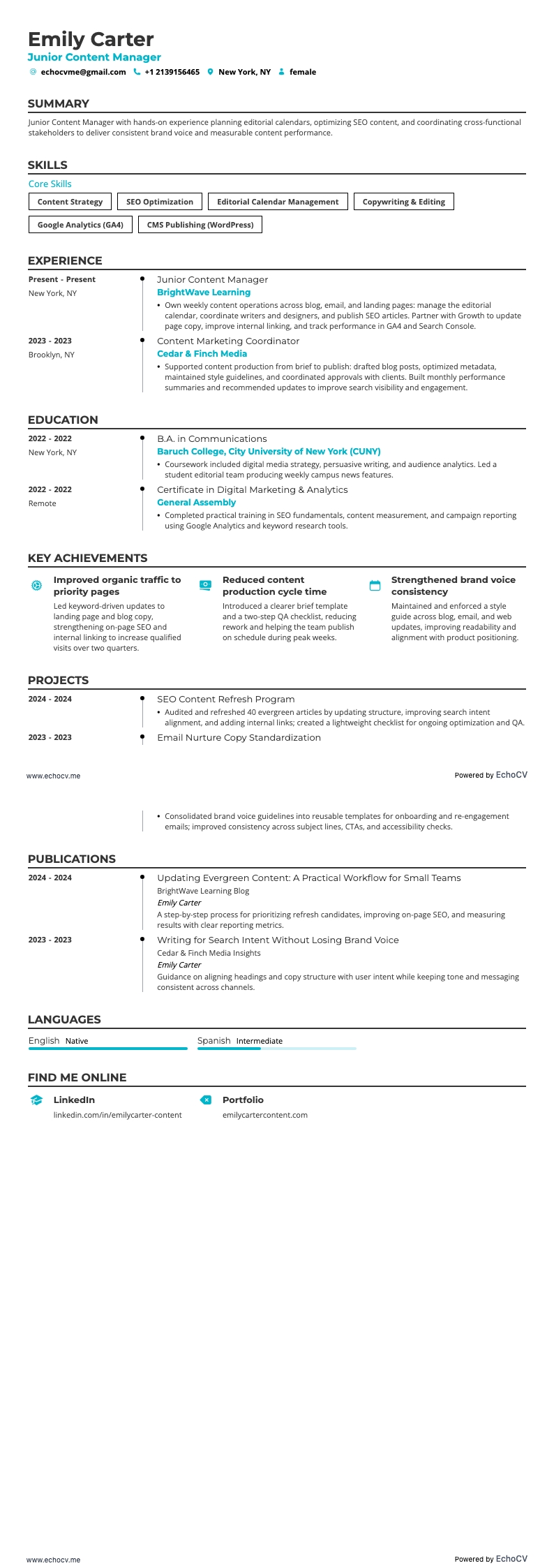
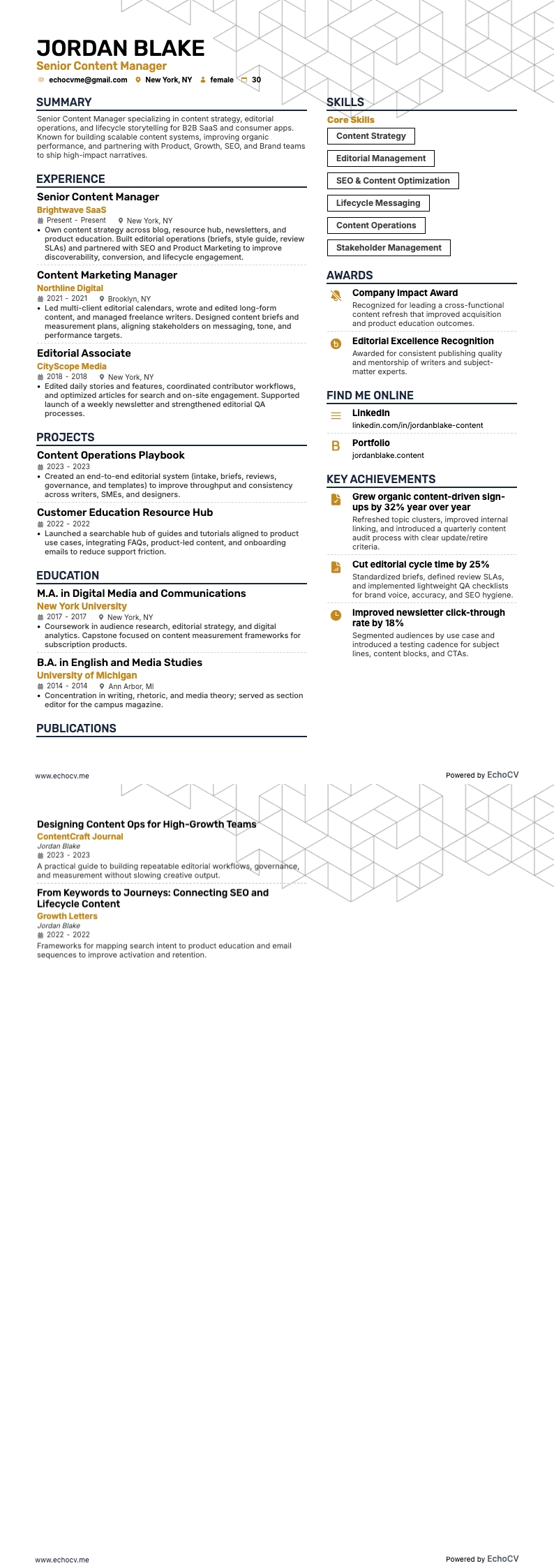
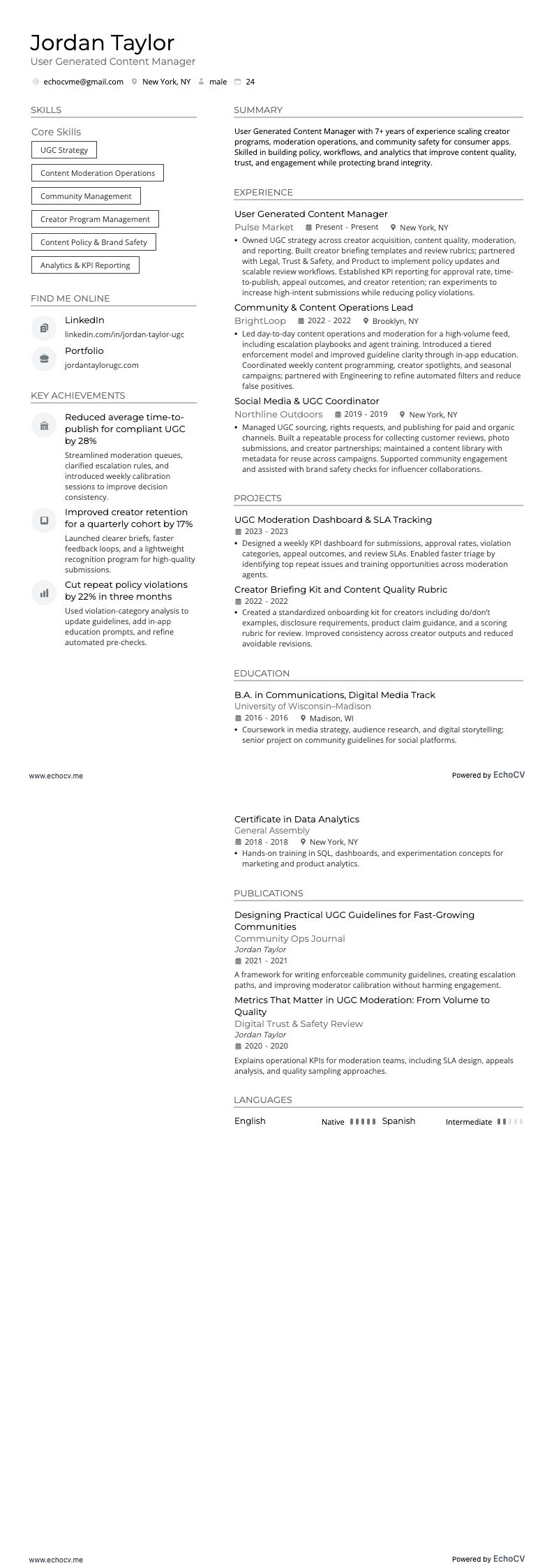
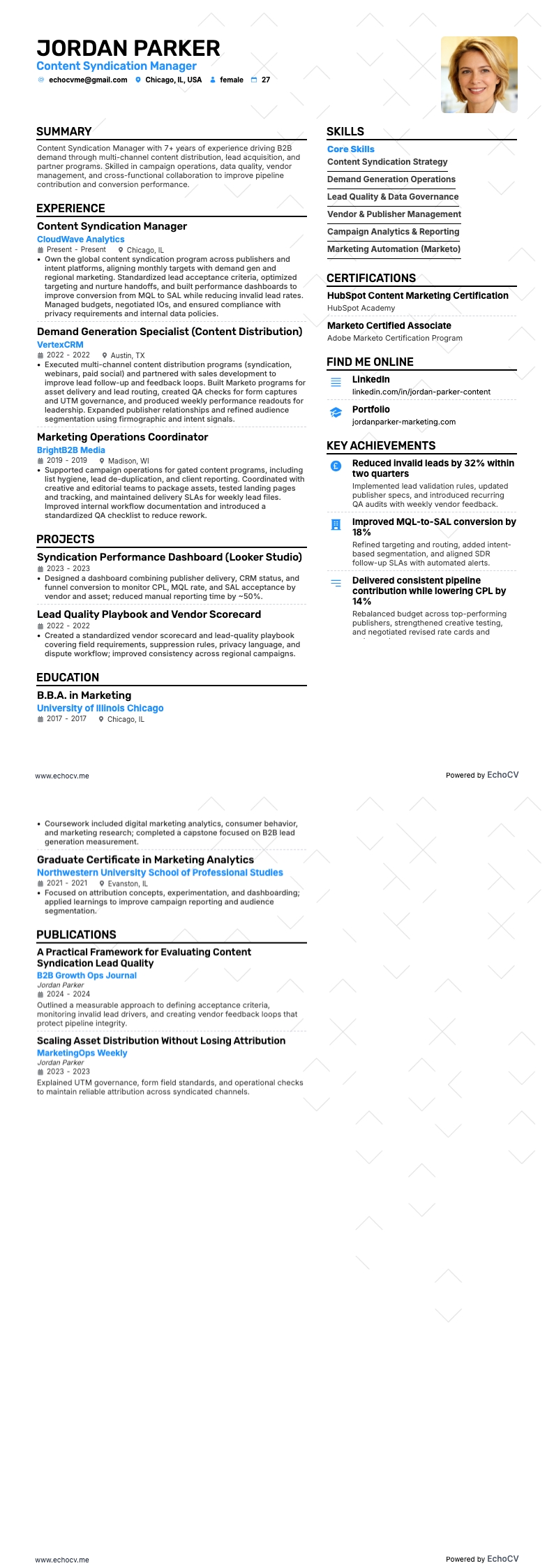
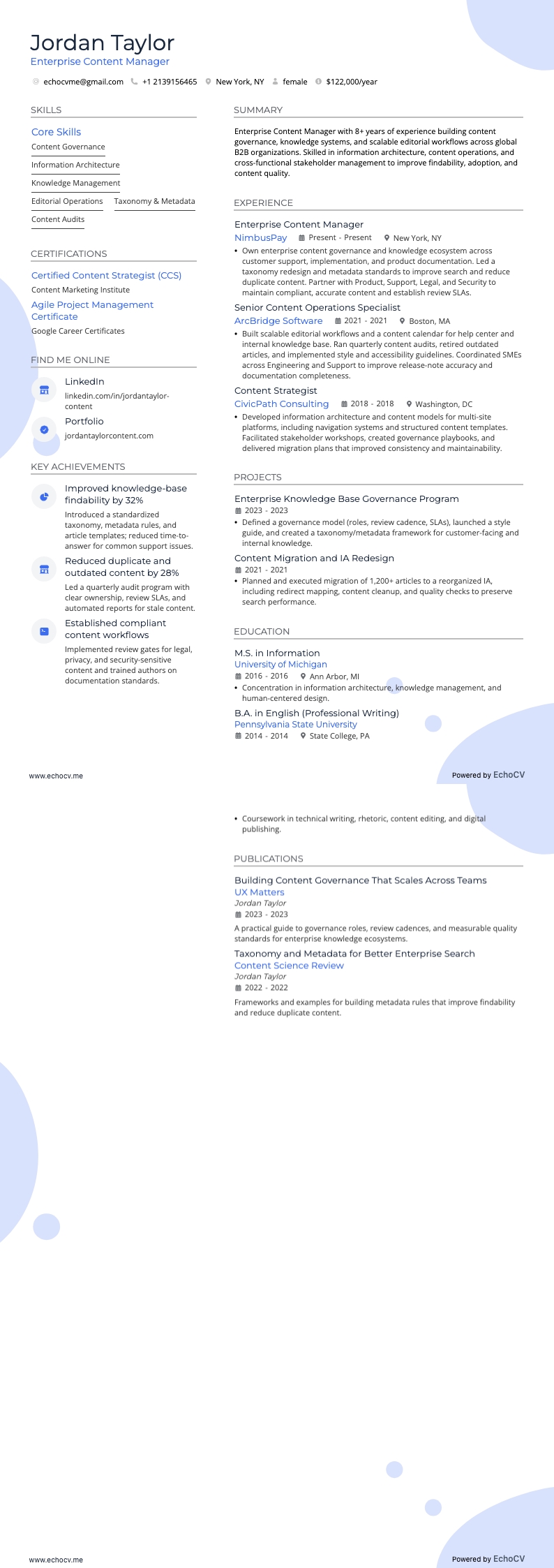
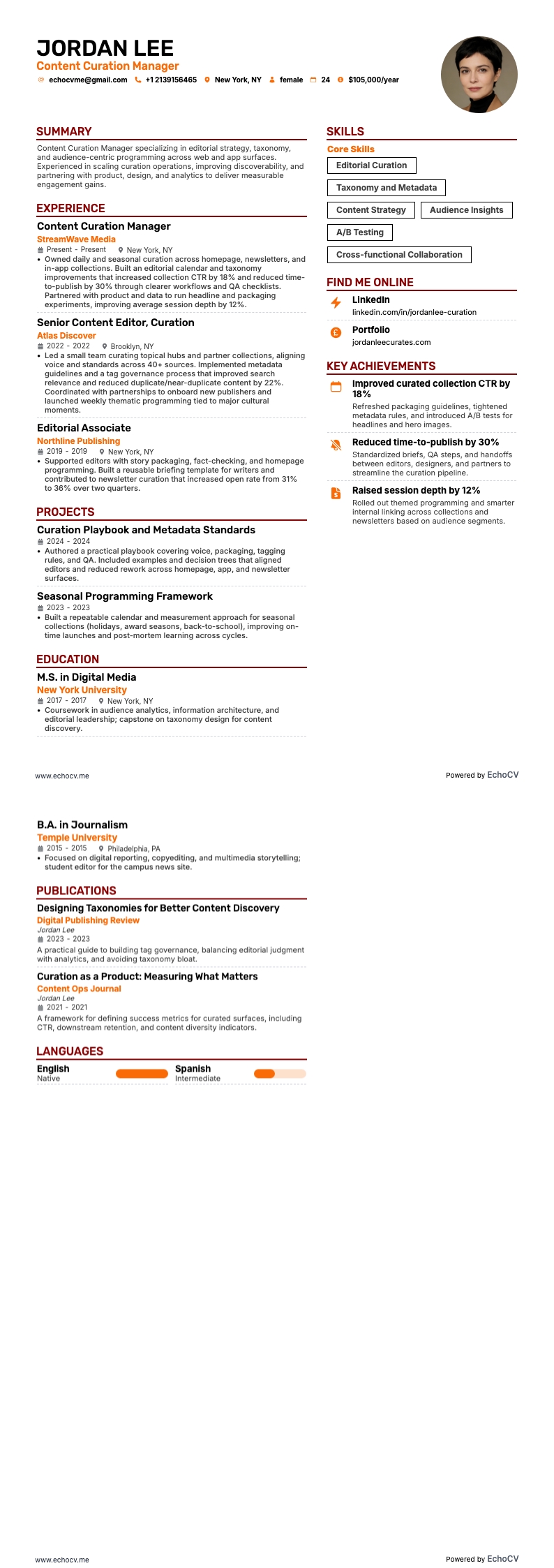
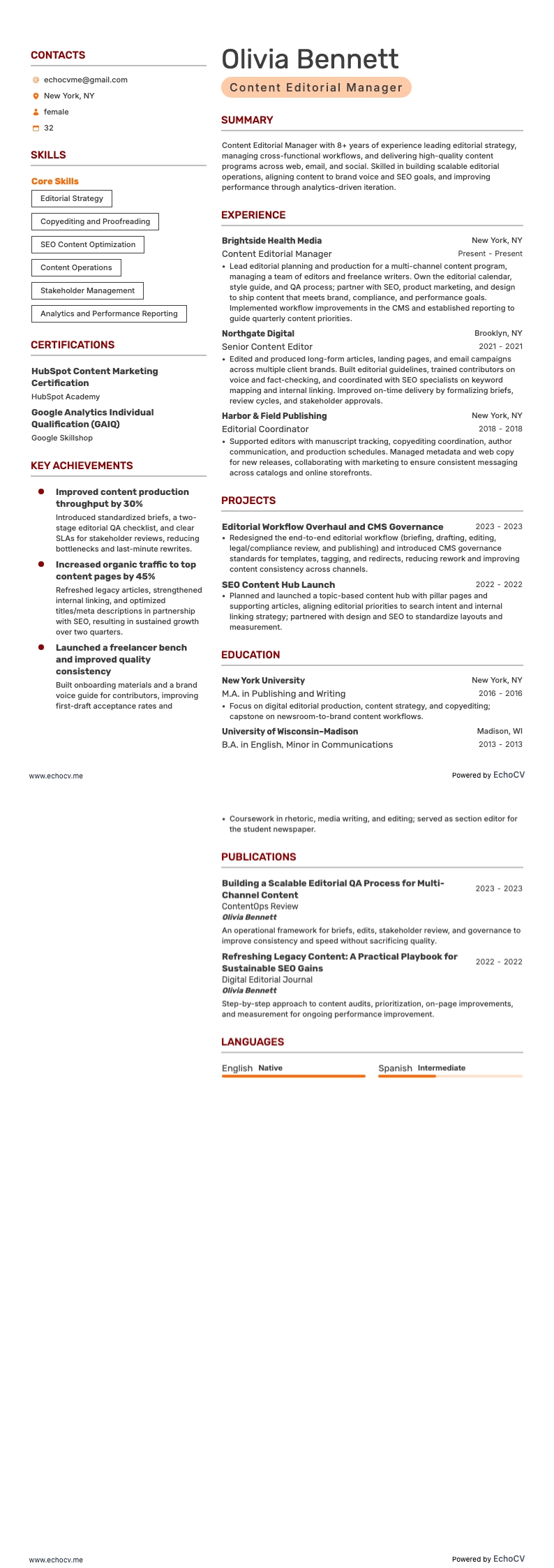
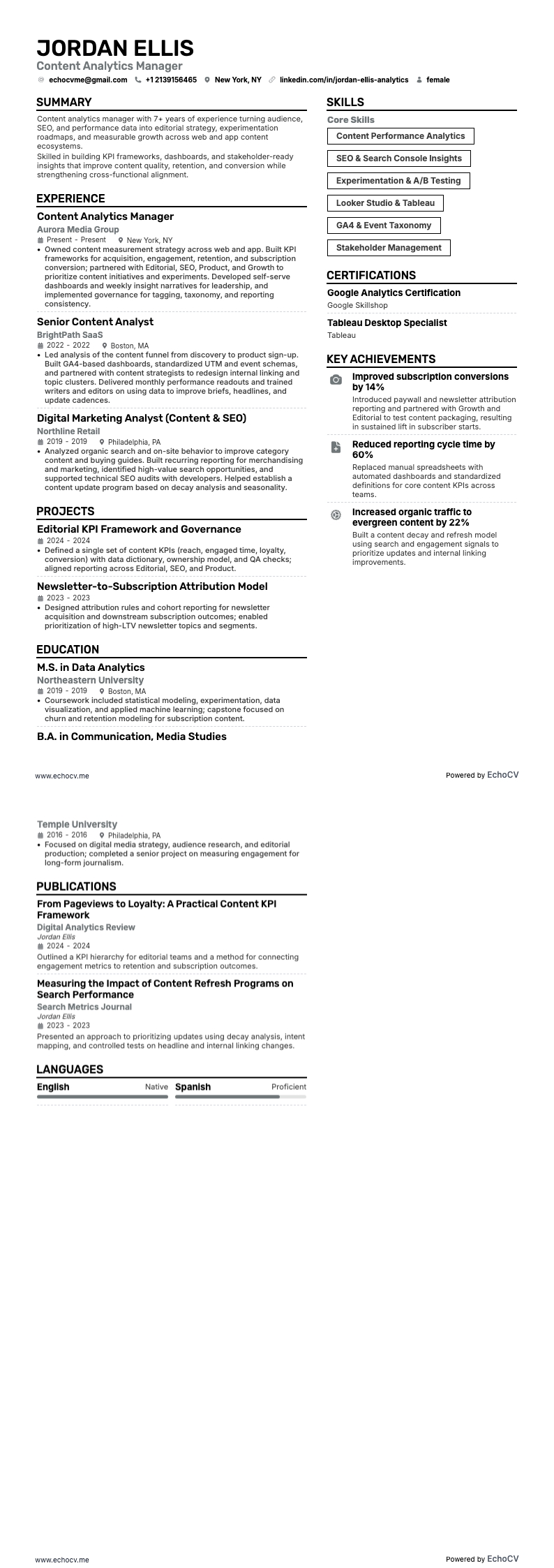
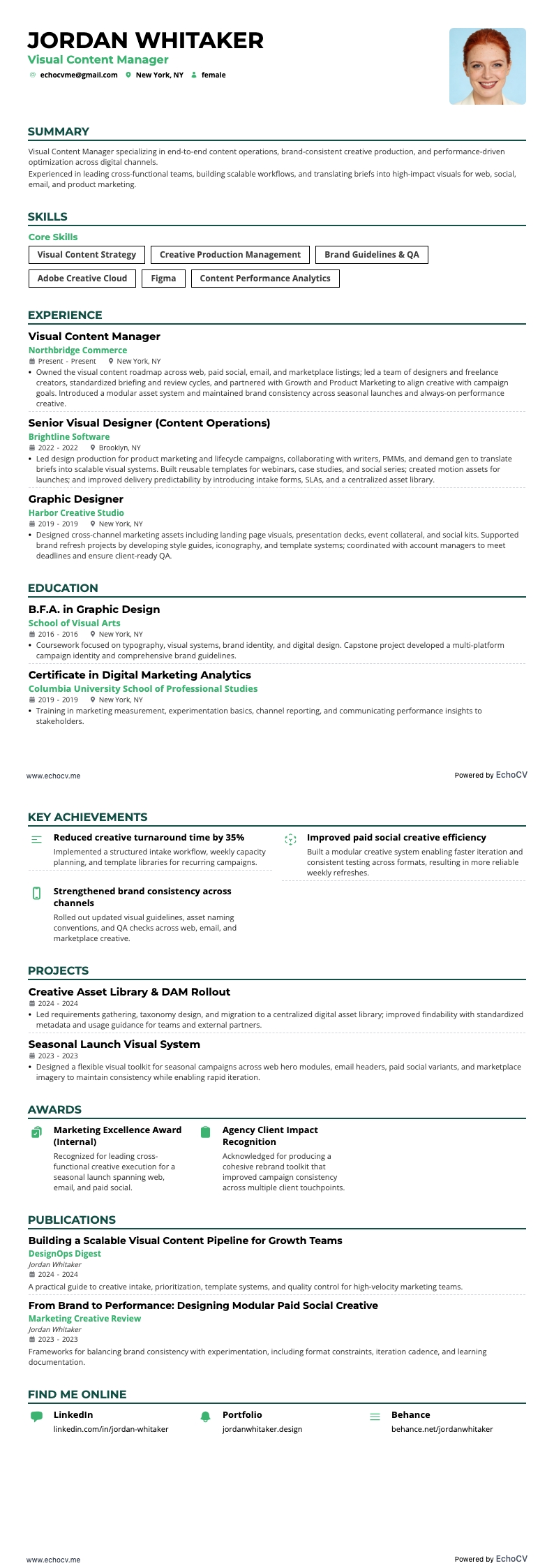
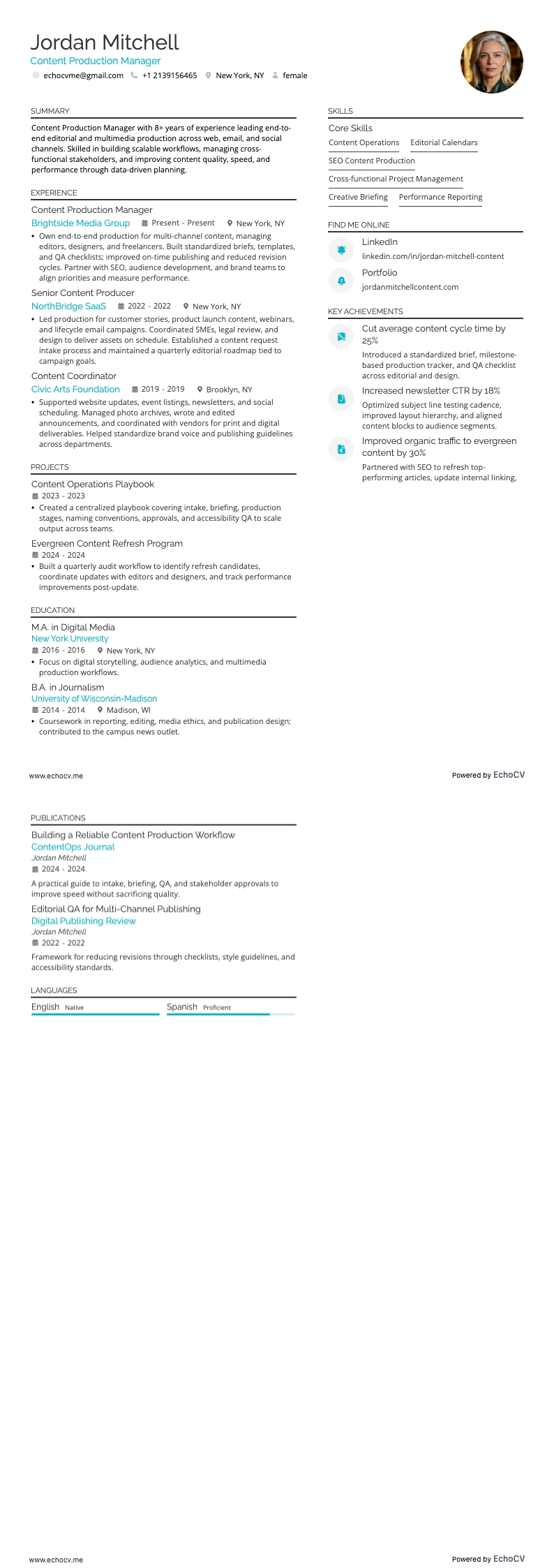
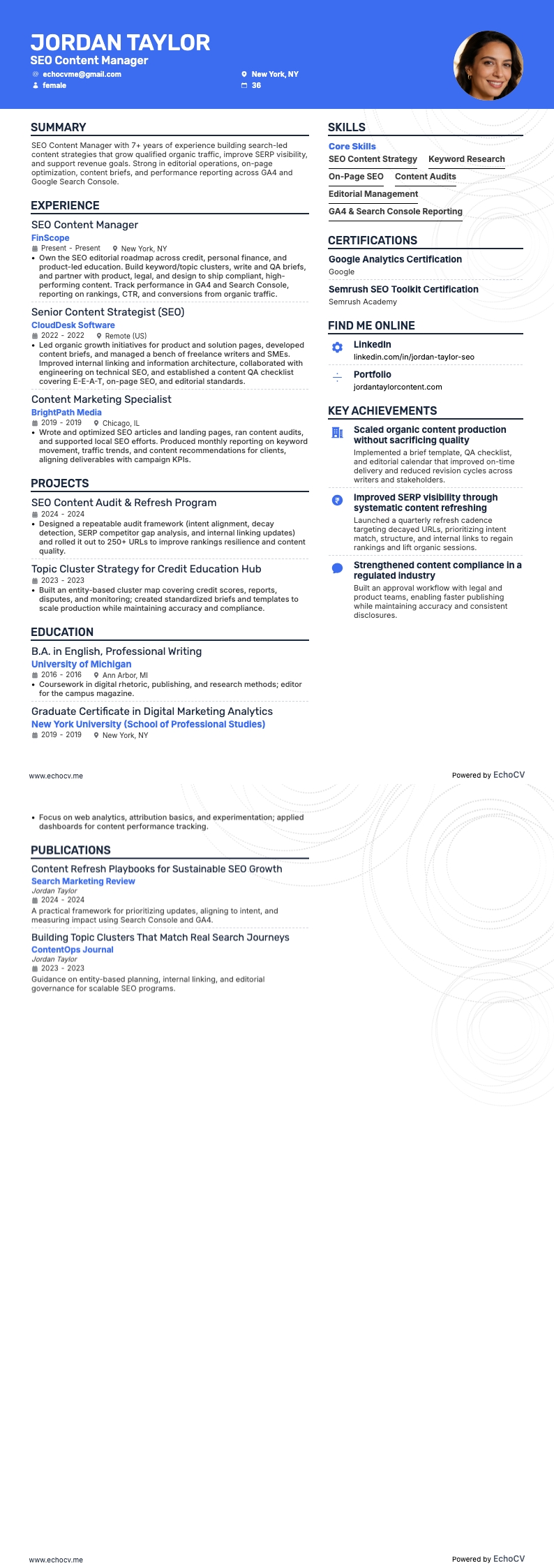
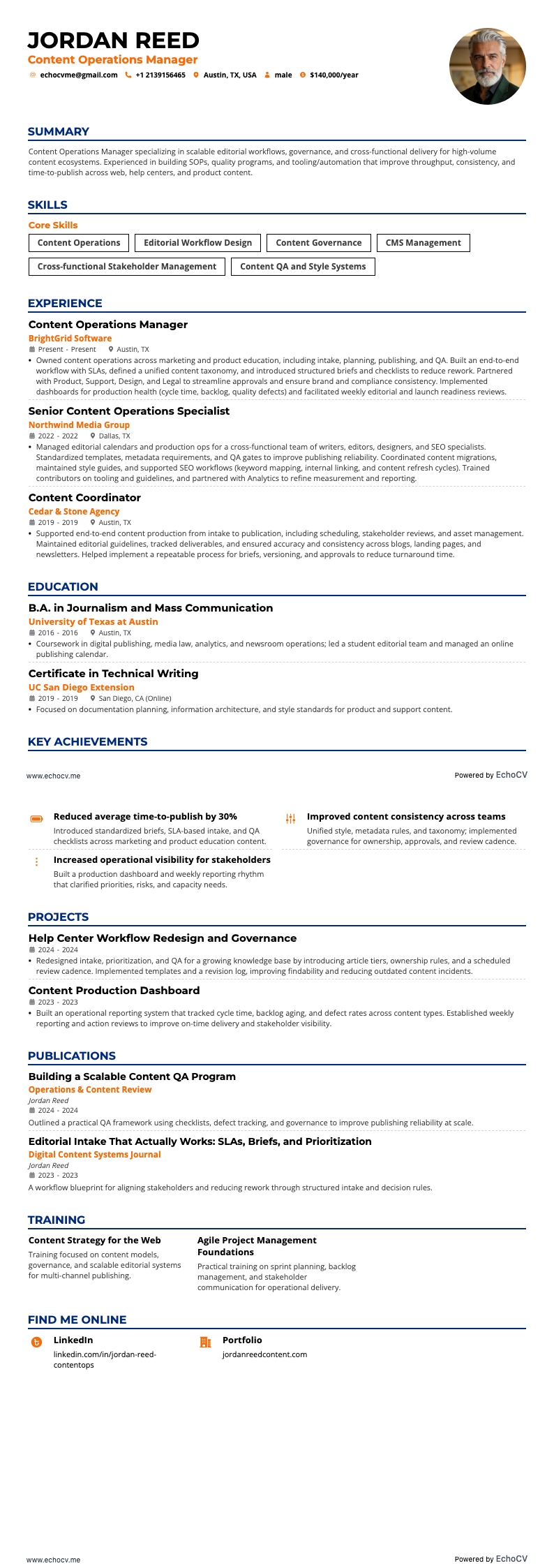
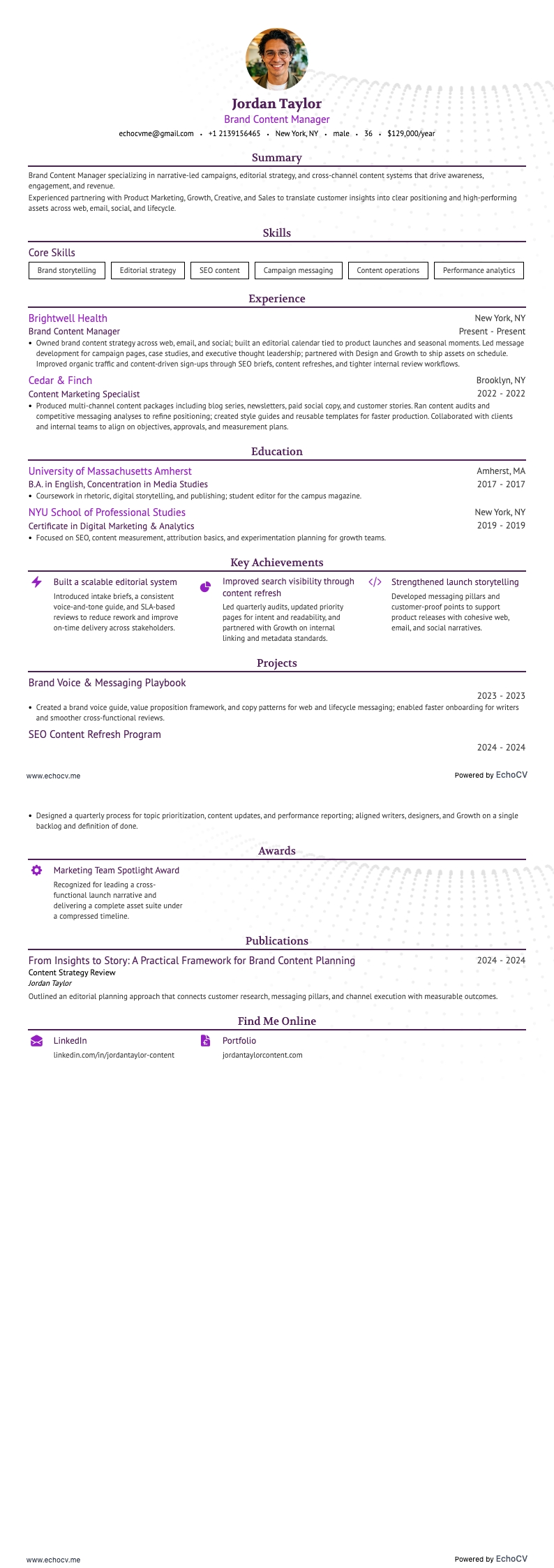
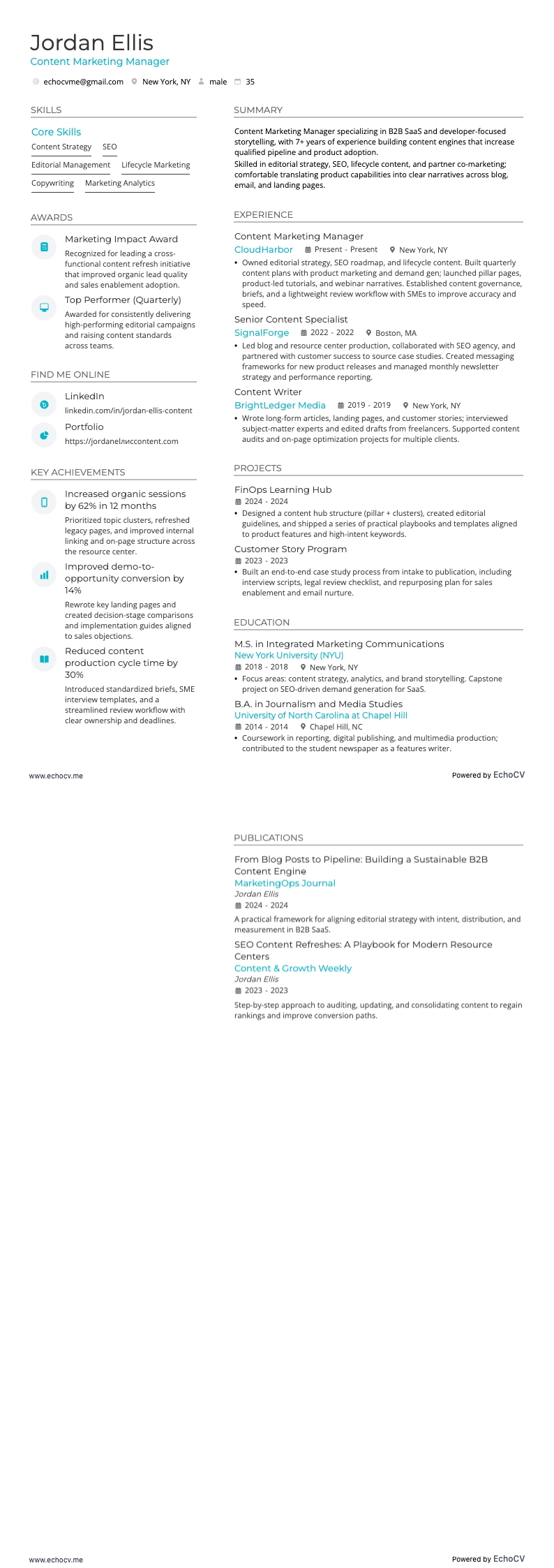
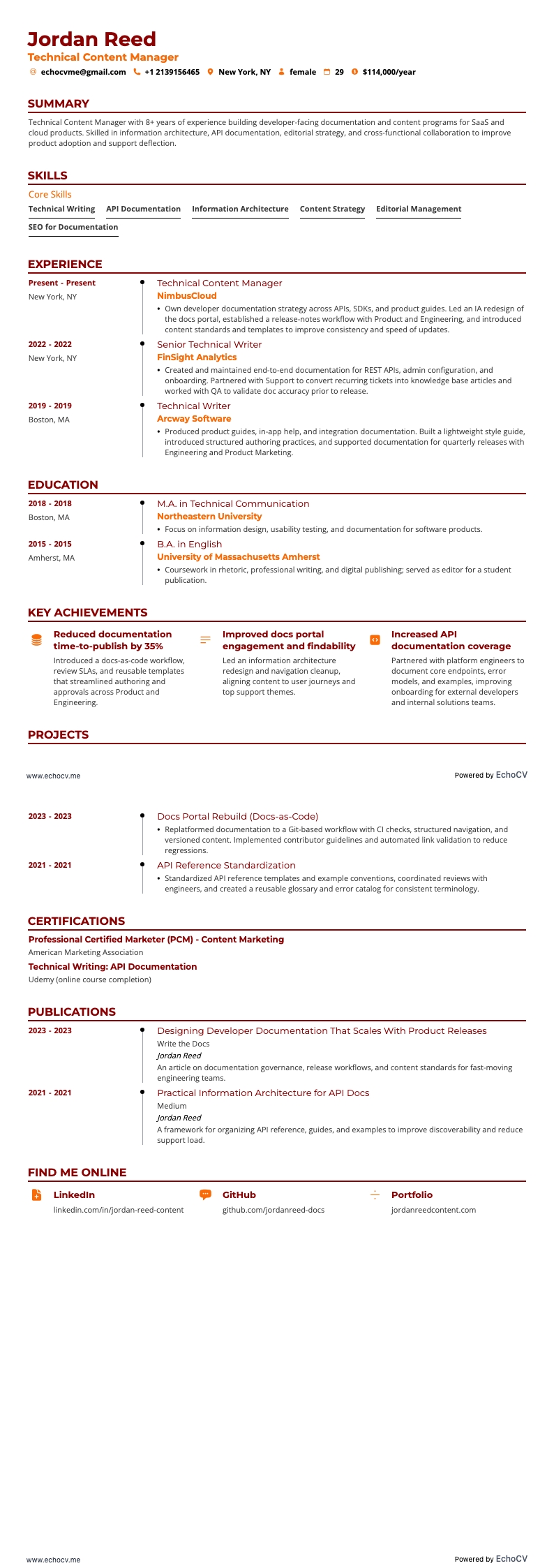
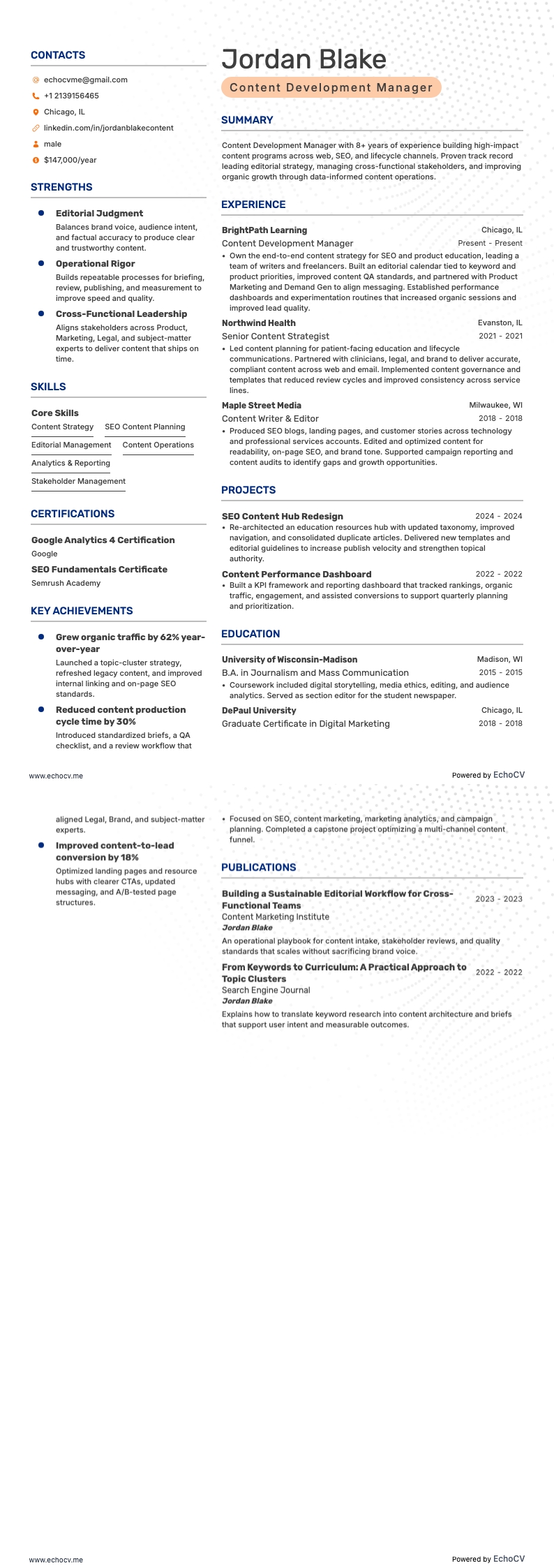
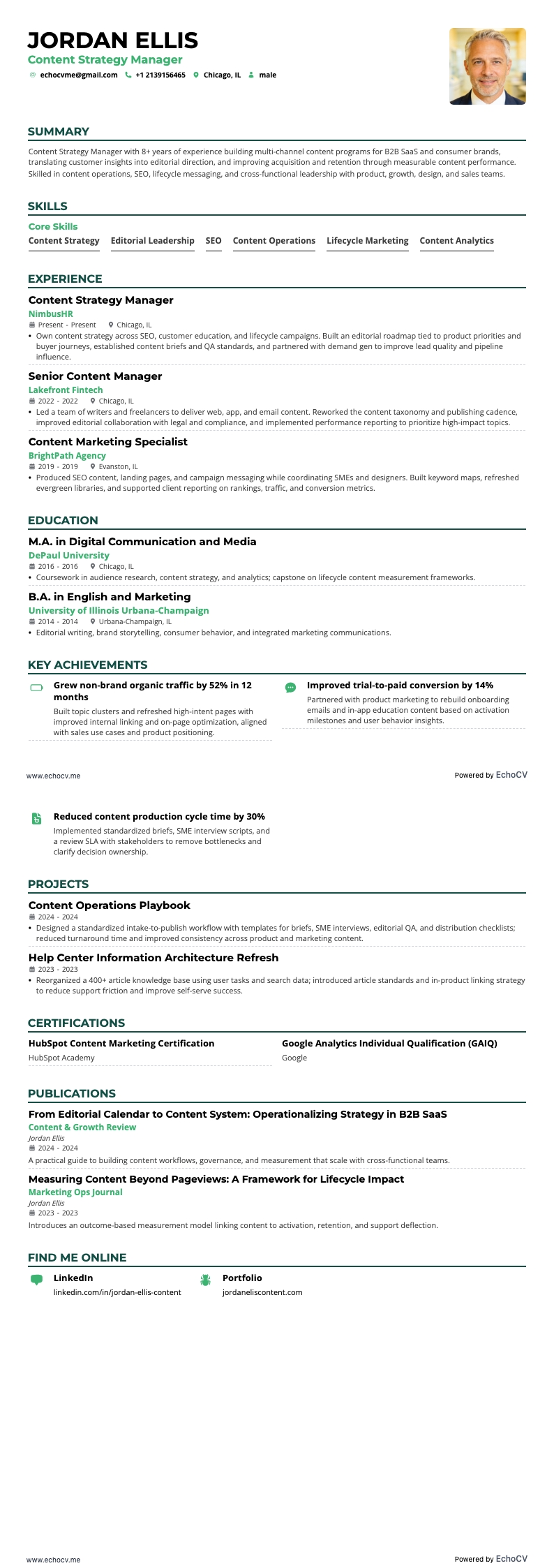
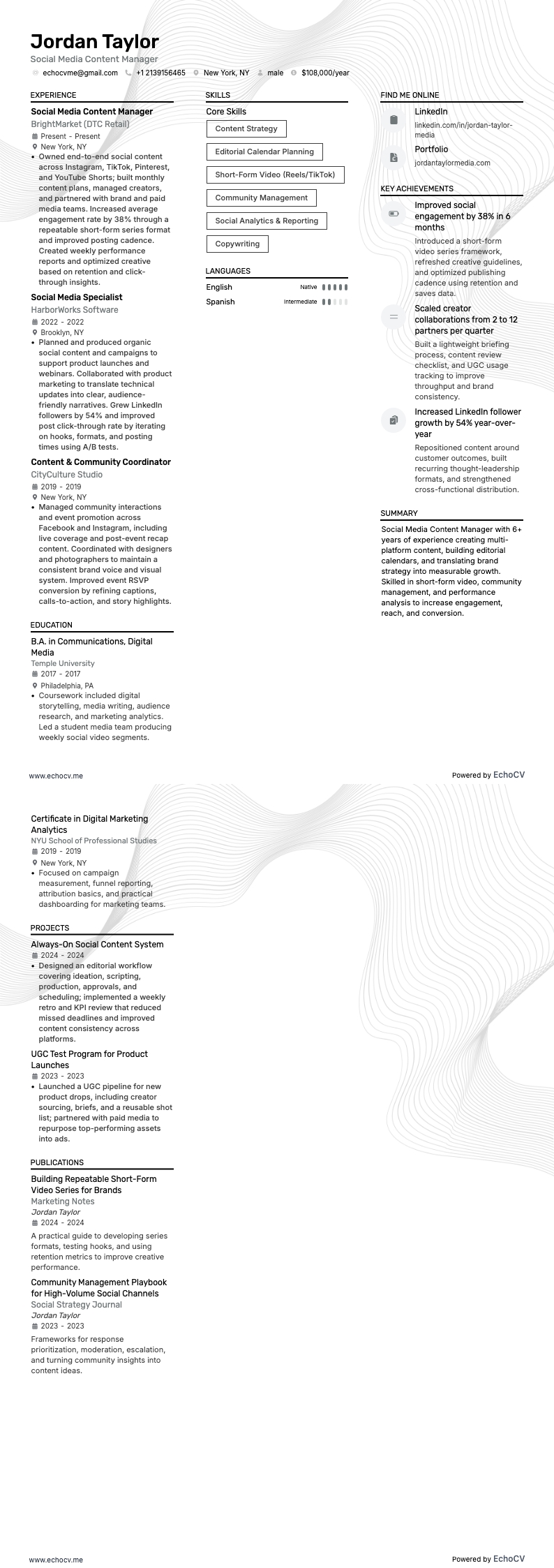
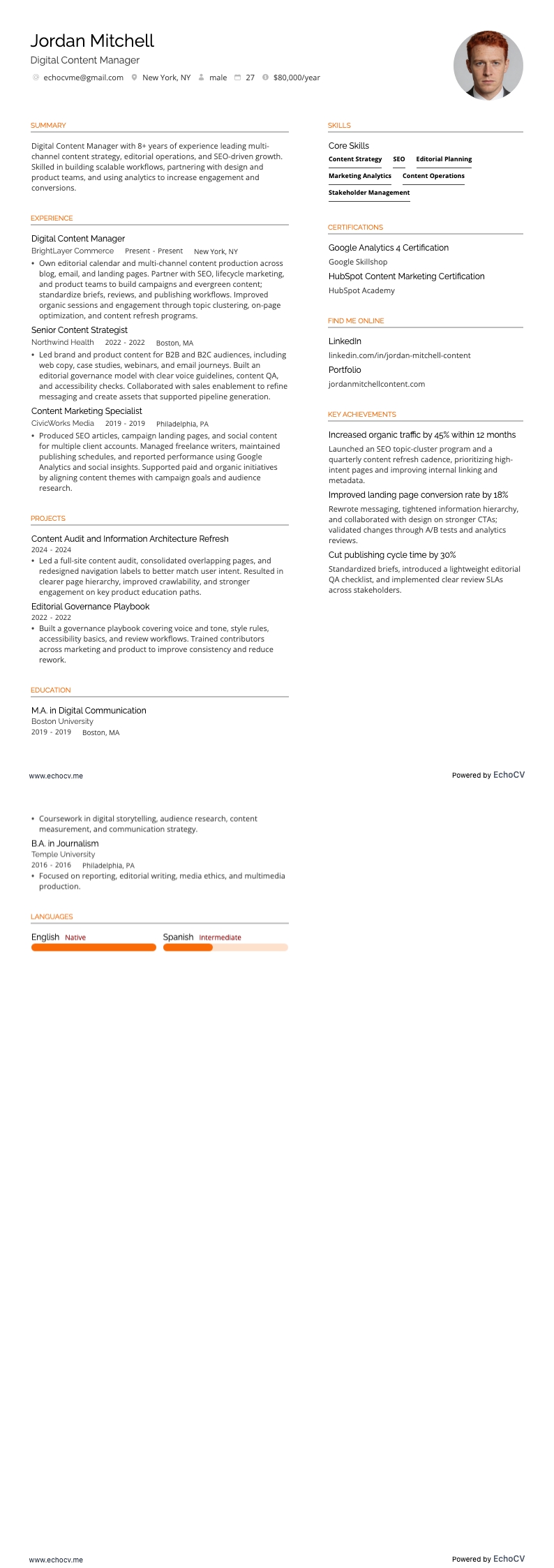
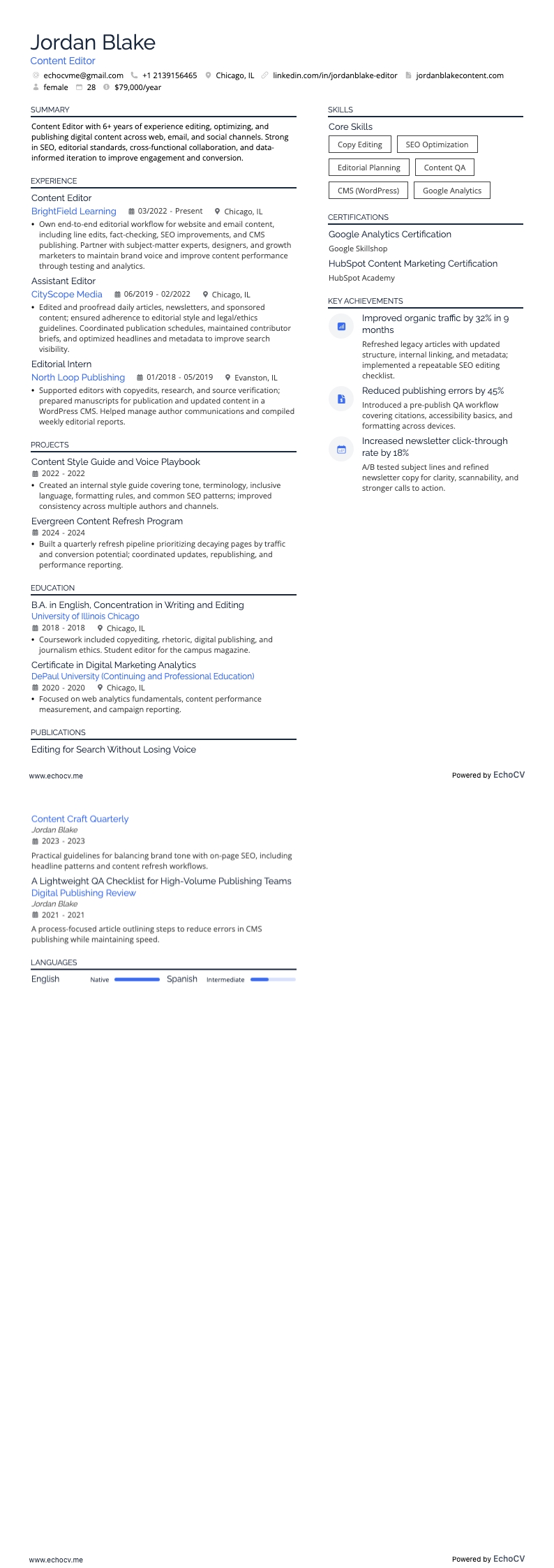
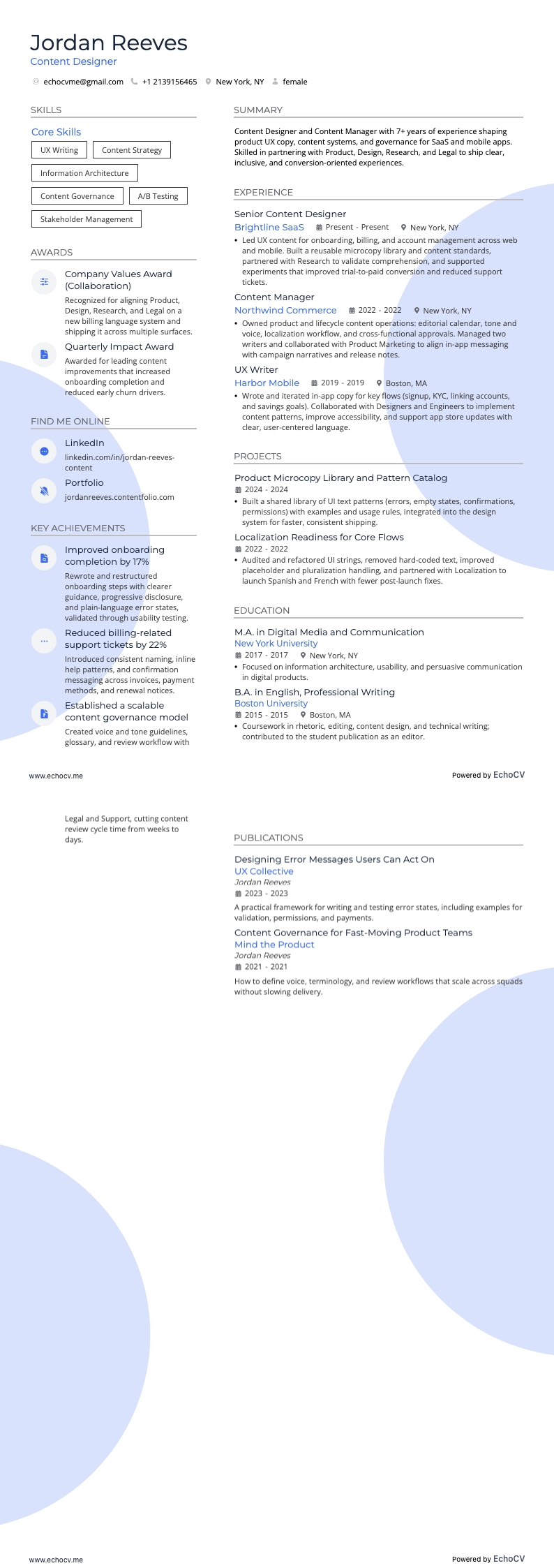
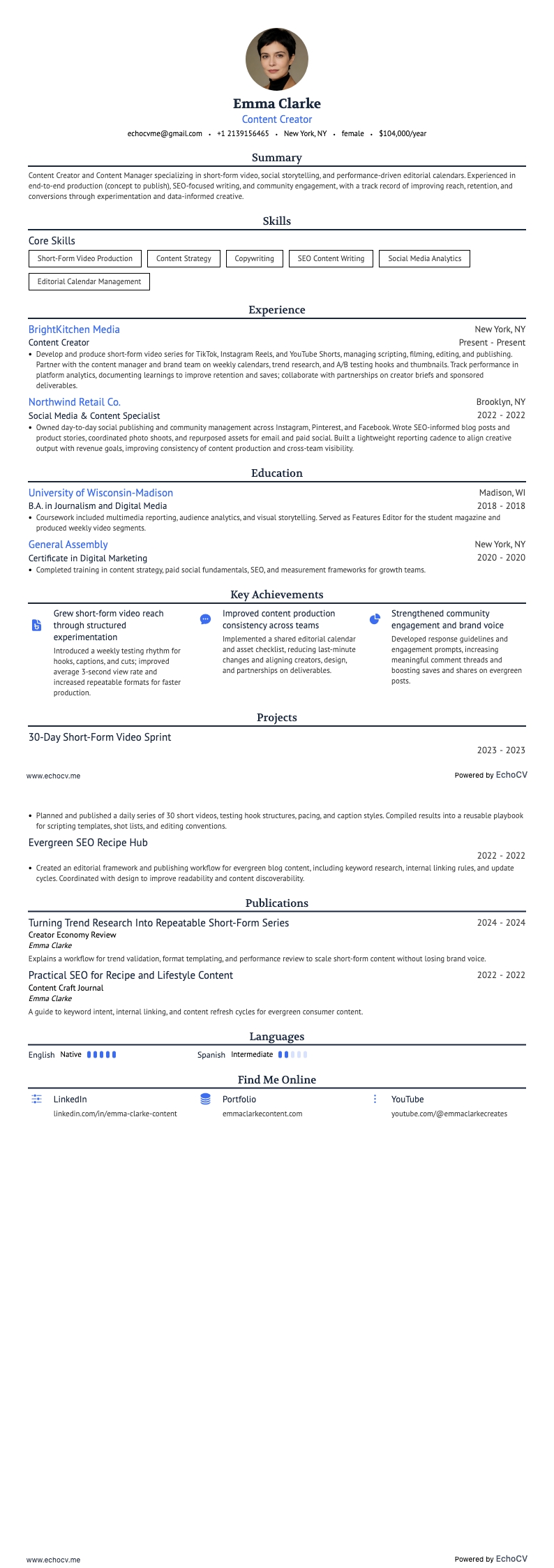
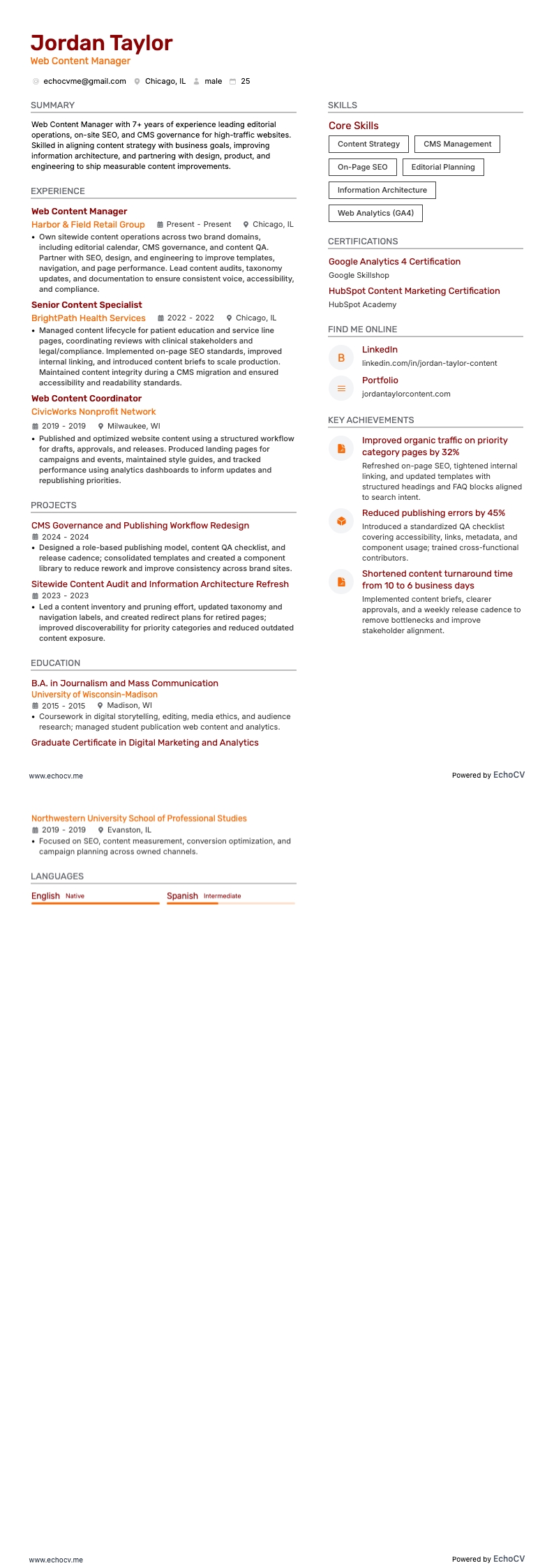
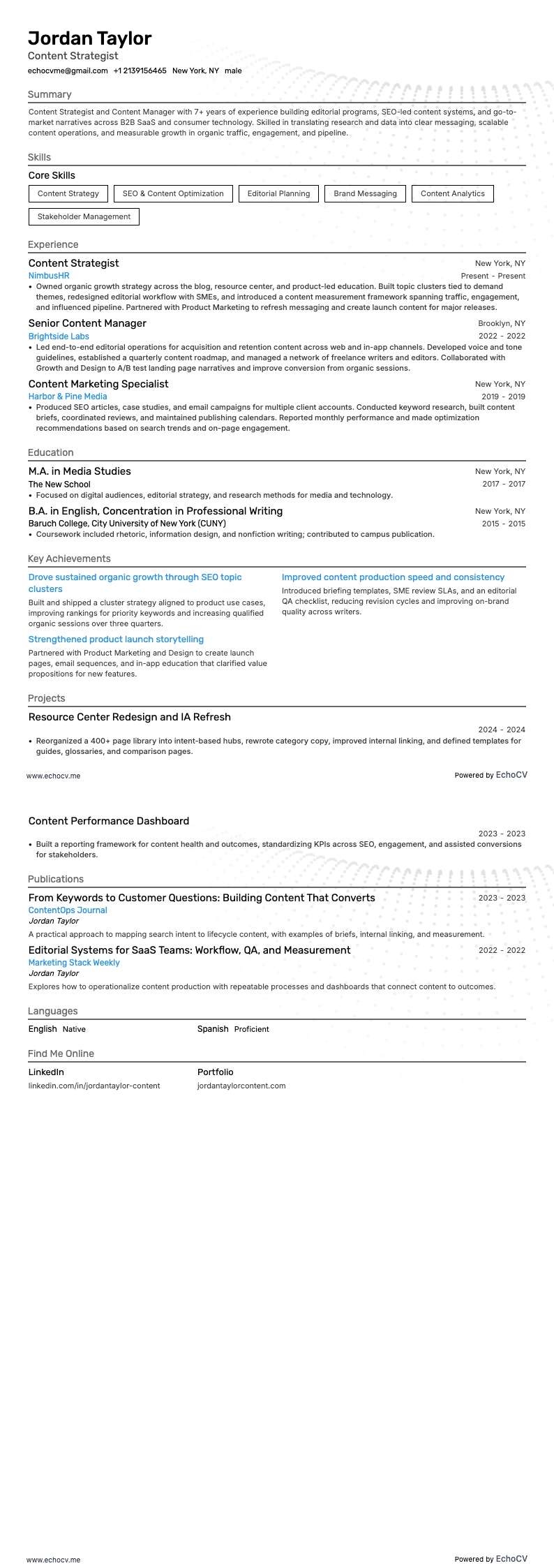
If you choose an Echocv resume template, all of the necessary sections are included as well as additional sections to highlight certain skills, strengths, and interests. They also have all of today’s popular fonts, like Rubik, Lato, Montserrat, Raleway, Exo 2, and Volkhov.
For those of you who prefer the classics, like Arial and Times New Roman, you can still use those. The more modern fonts are simply cleaner and give your resume a more polished look.
Whichever fonts you choose, go with a serif or sans serif type. Avoid those curly and artistic fonts, as that will get your resume a one-way ticket to the unacceptable folder.
Before we move on, let’s talk a little more about applicant tracking systems (ATS). They make the job of searching through hundreds of resumes for a single position a piece of cake.
Recruiters enter the job description with job-related keywords, like content strategies, search engine optimization, and brand management. The software searches through each resume for these keywords and scores them based on how many it finds.
This is why it’s important to match your skills word for word for each job you apply for. You will score higher points if the job description and your related skills match exactly.
Before sending out your resume, save a copy as a PDF type (.pdf). This ensures your resume will keep its formatting and is accessible on all computer systems.
Different markets have specific resume styles – a Canadian resume, for instance, may require a different approach.
Let’s see how your current content manager resume stacks up to today’s standards. Use our resume checker to see how well your resume does compared to real-world examples.