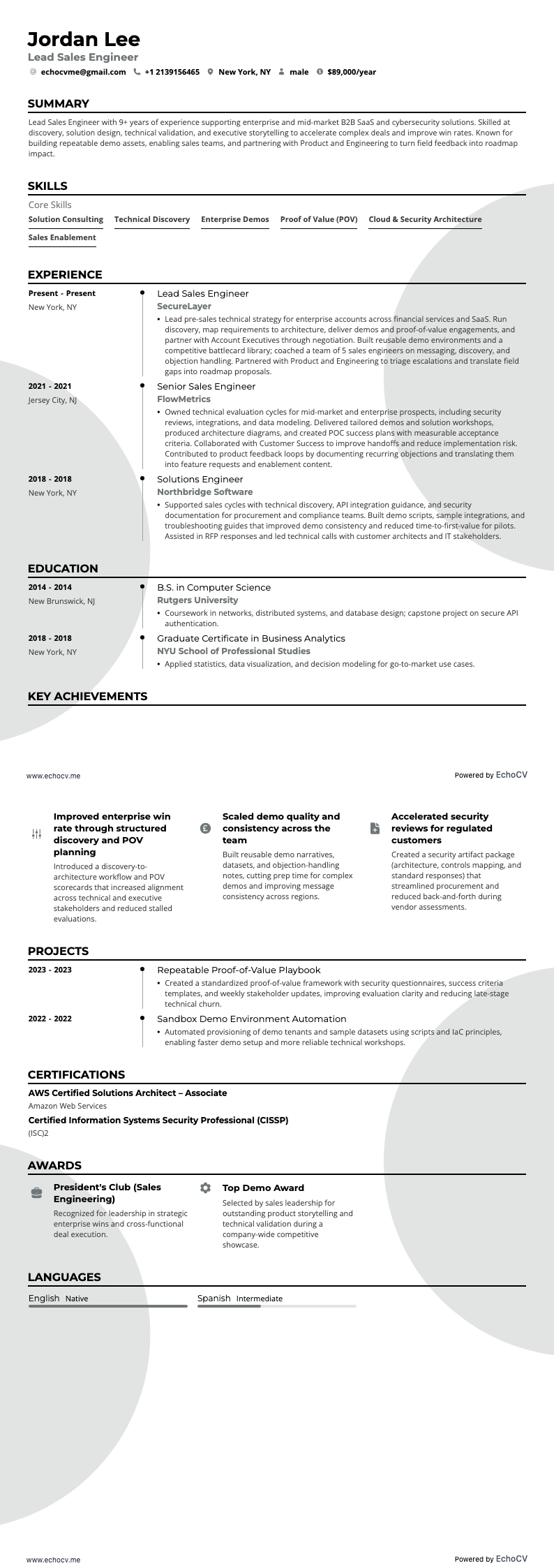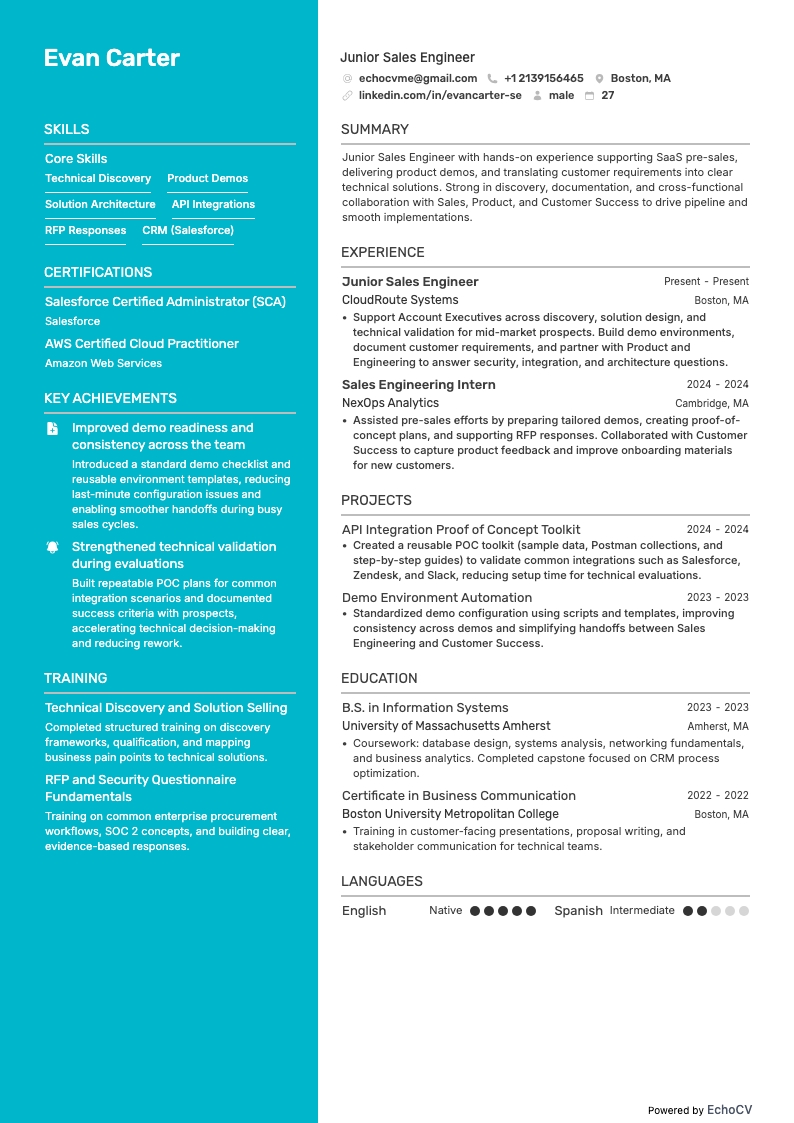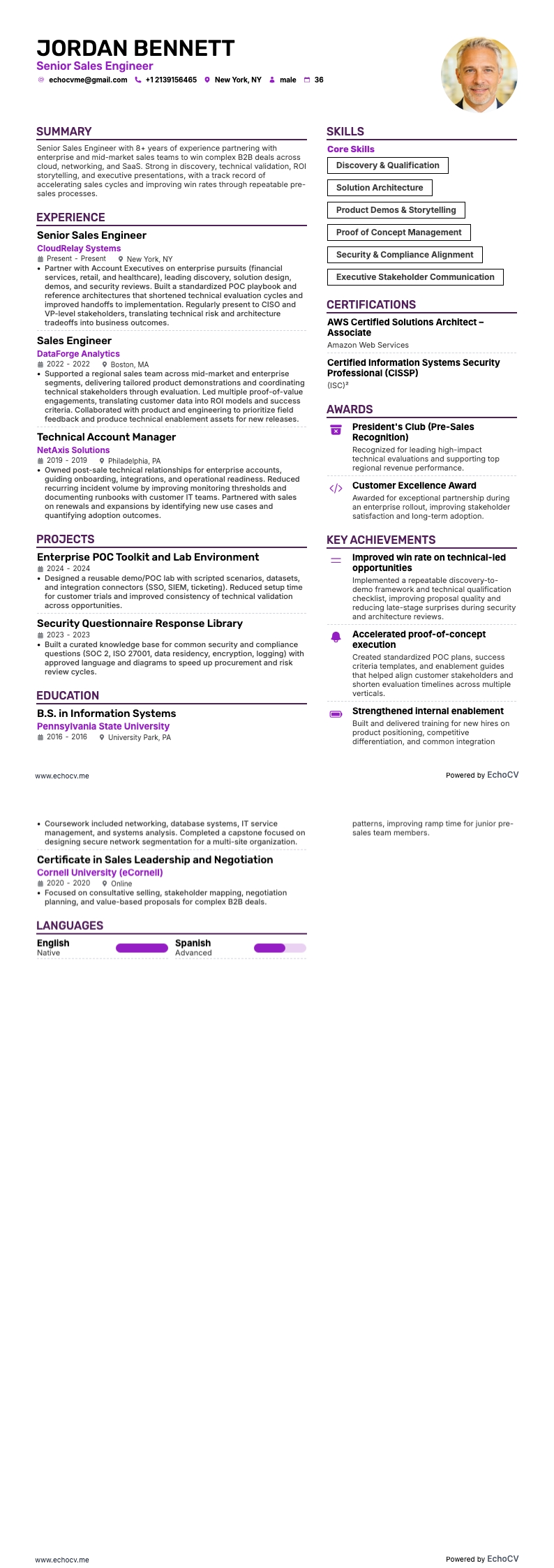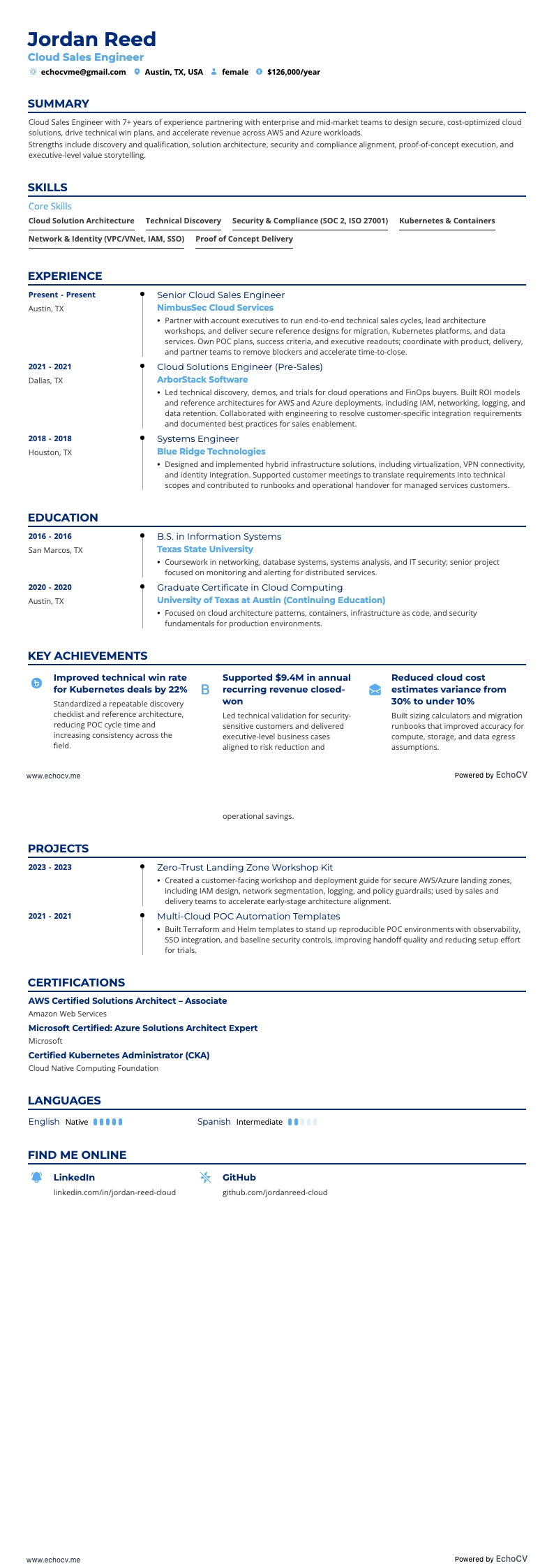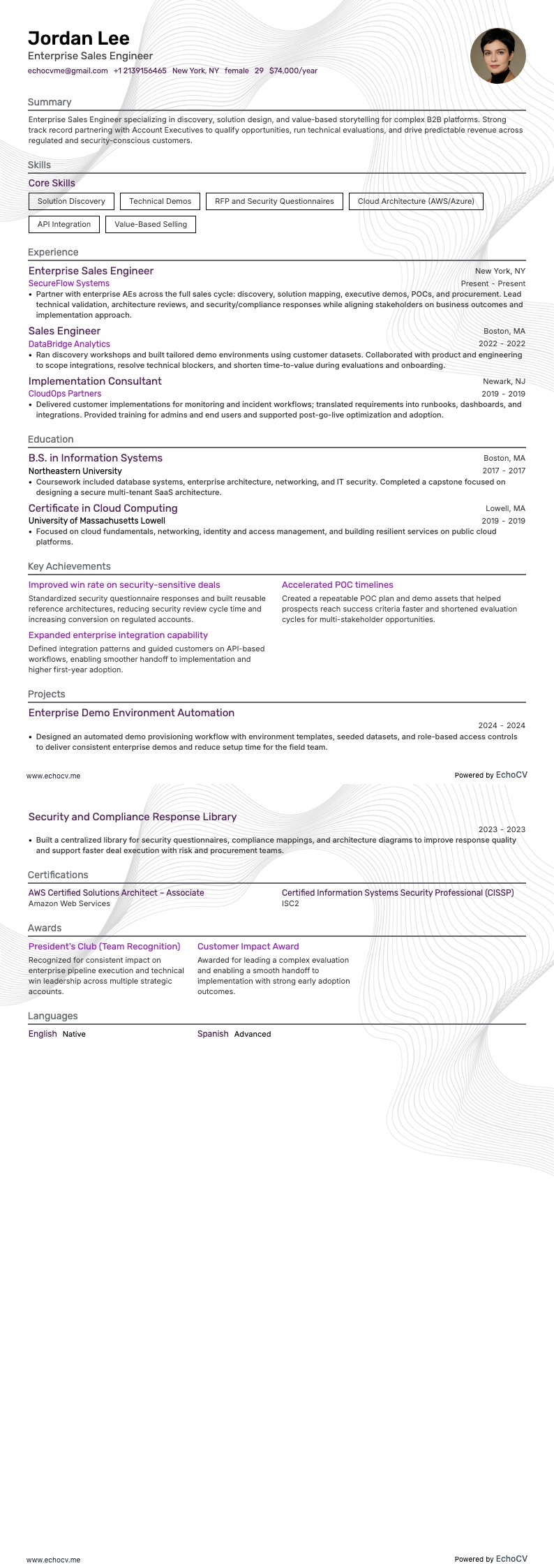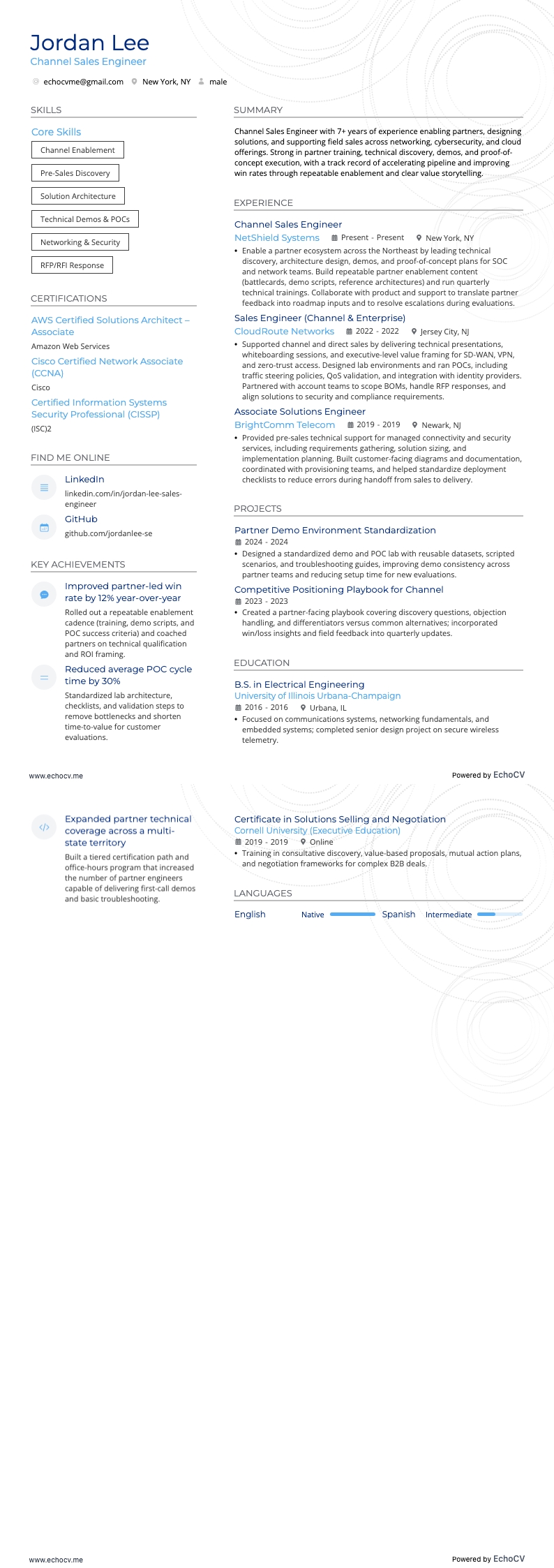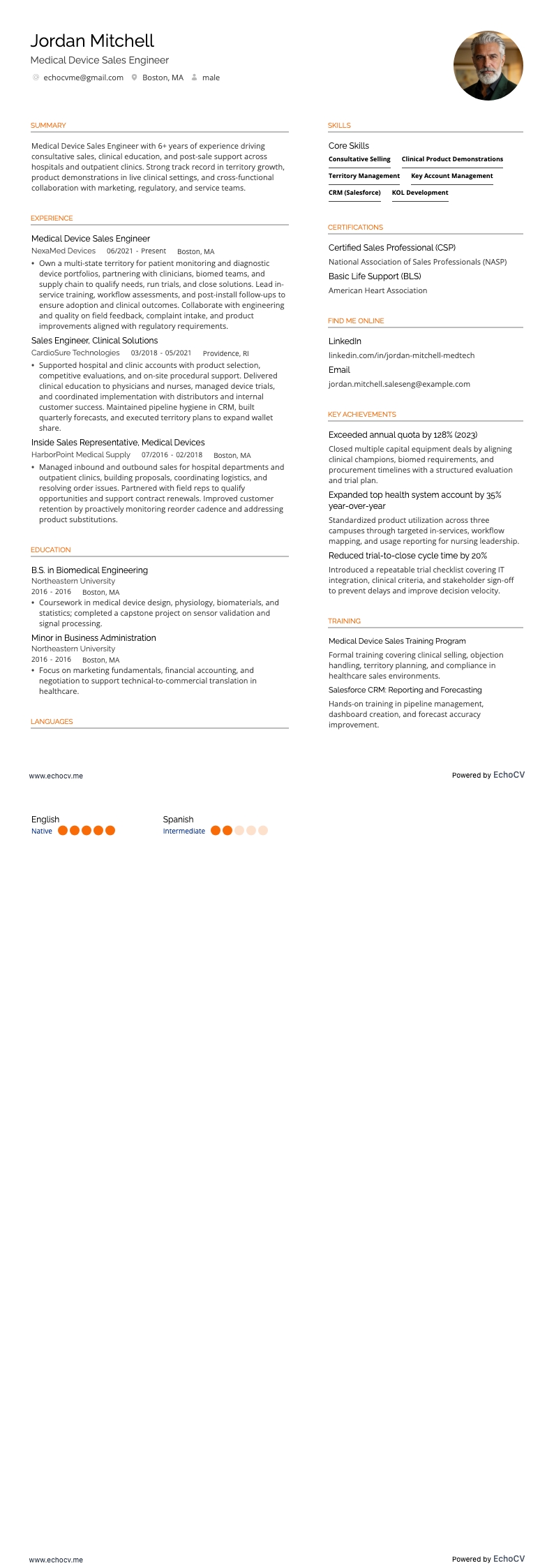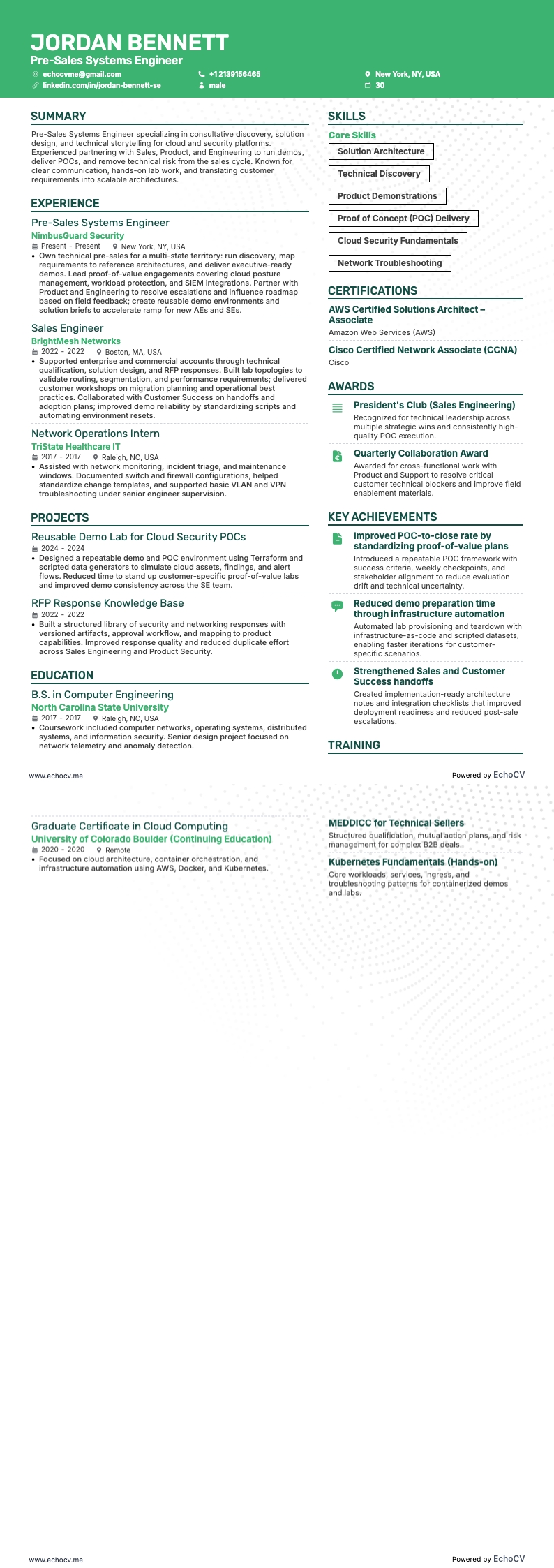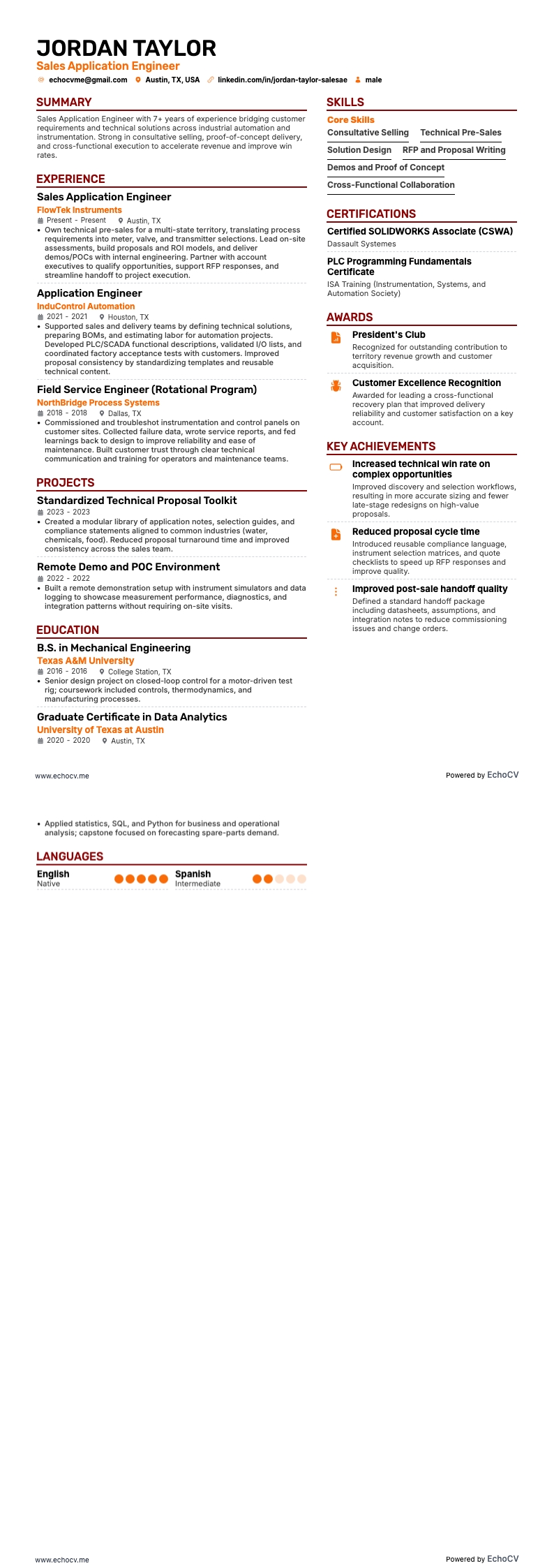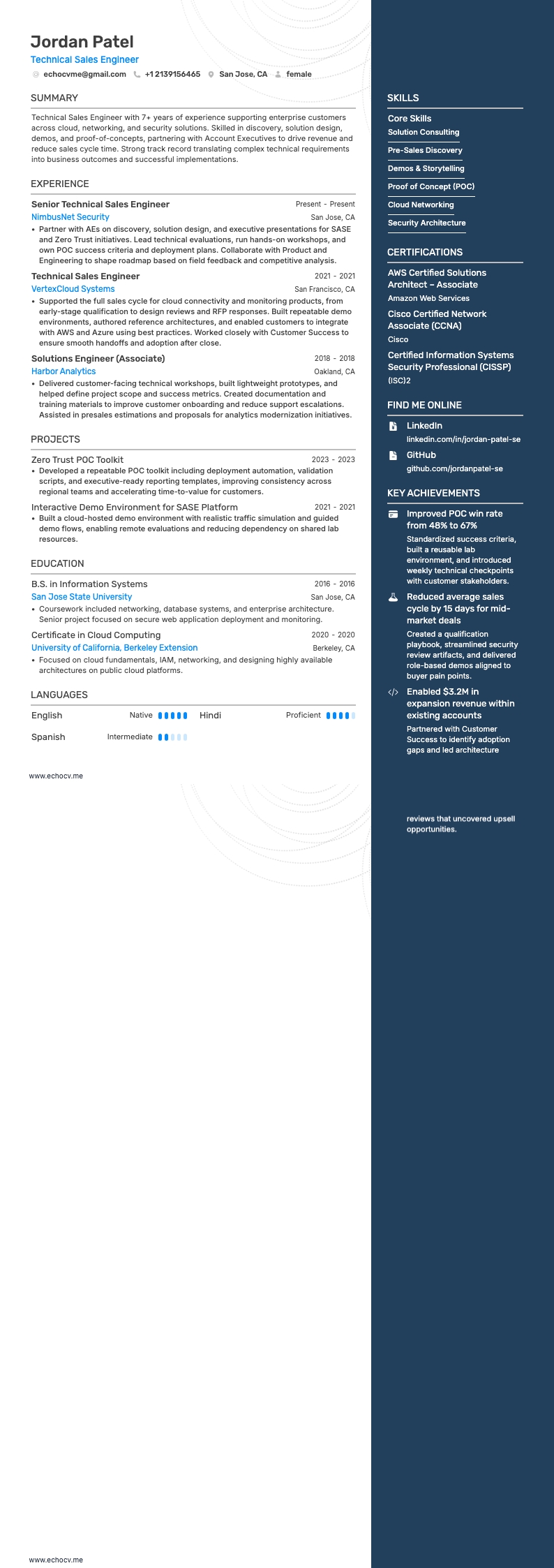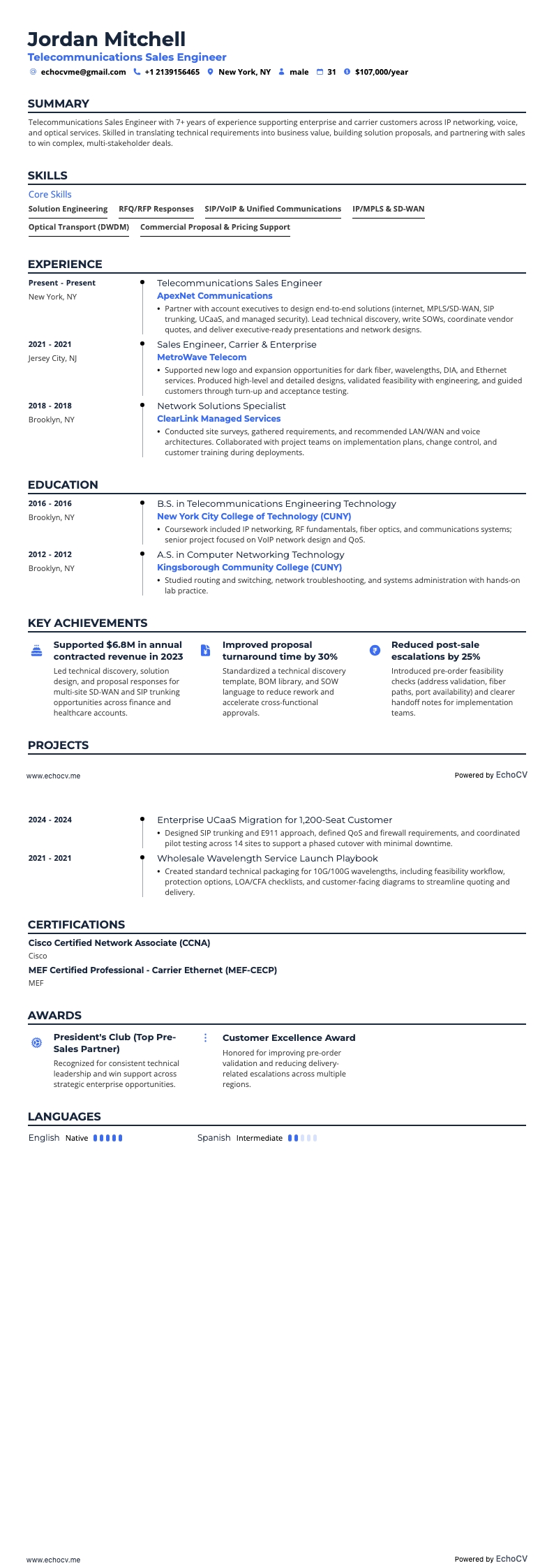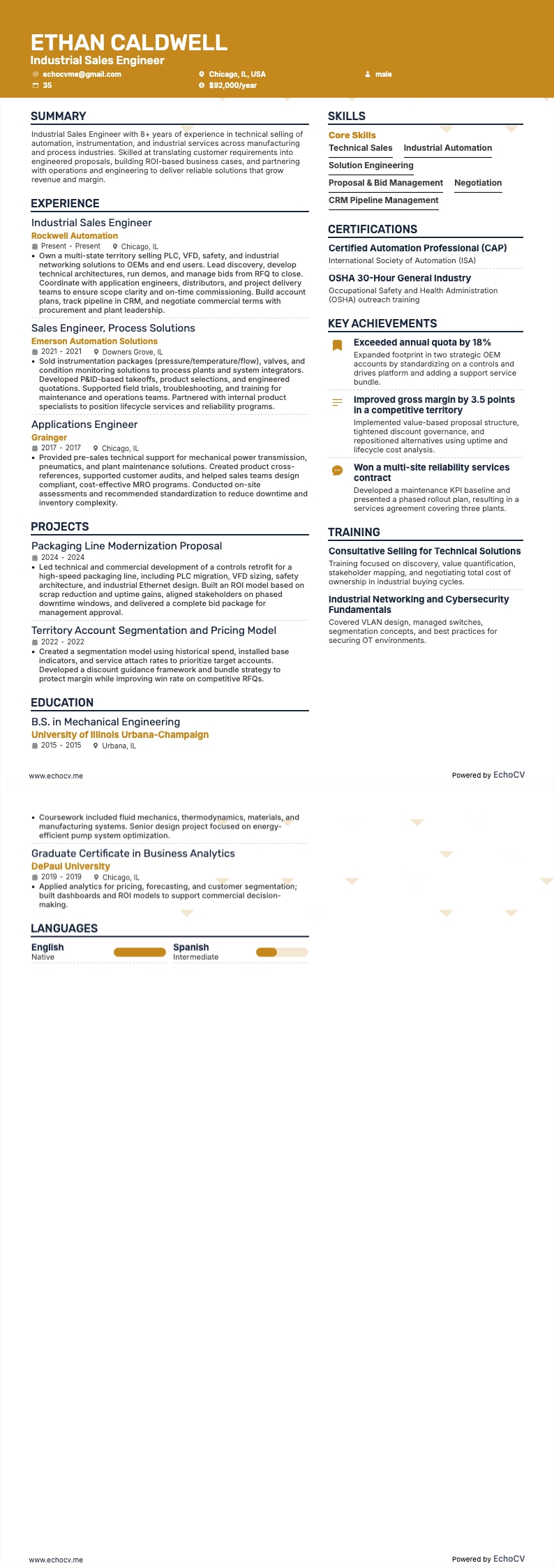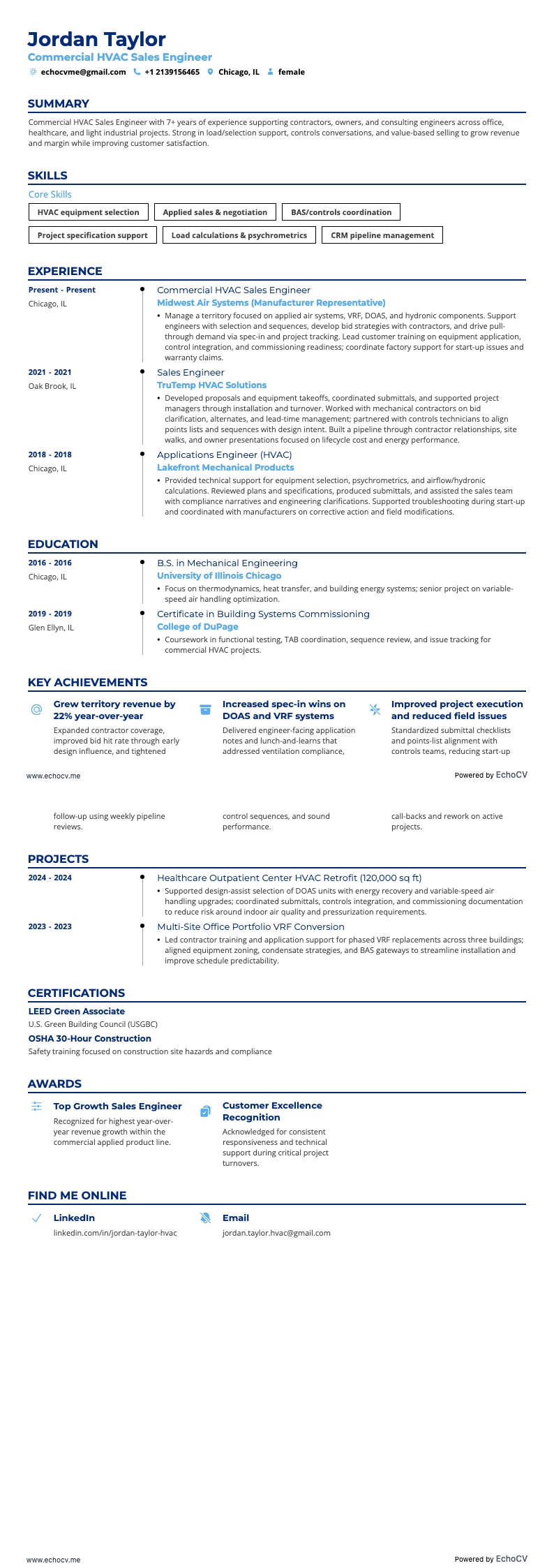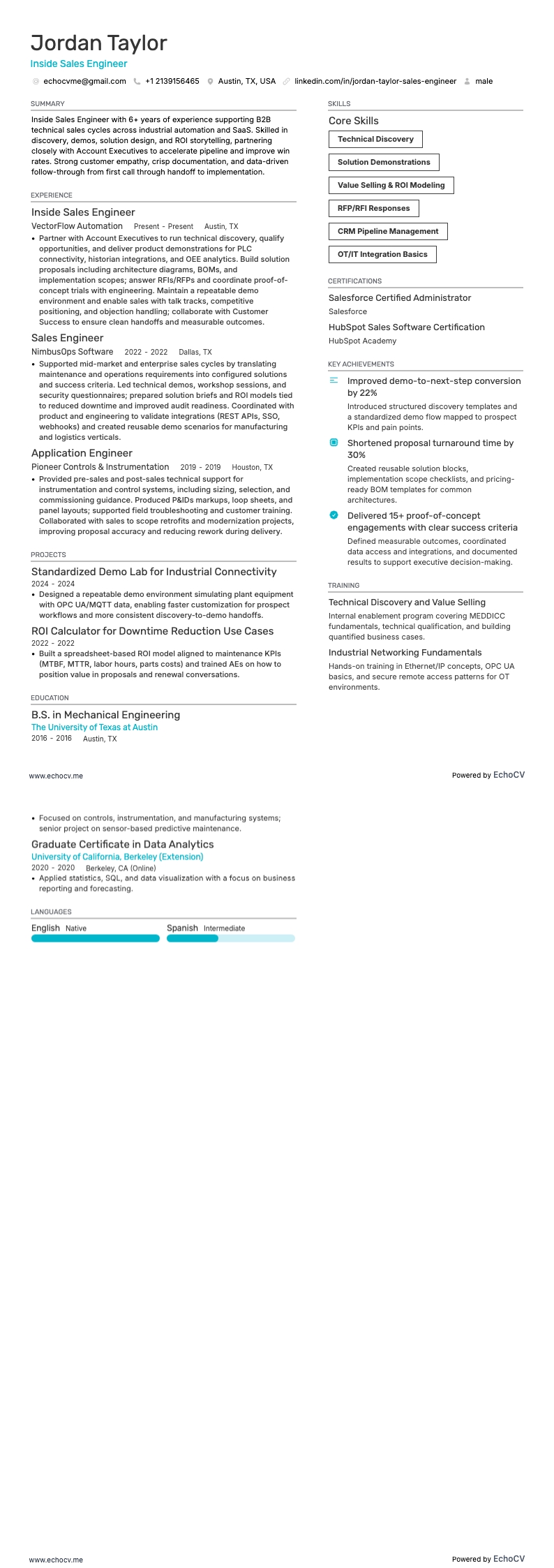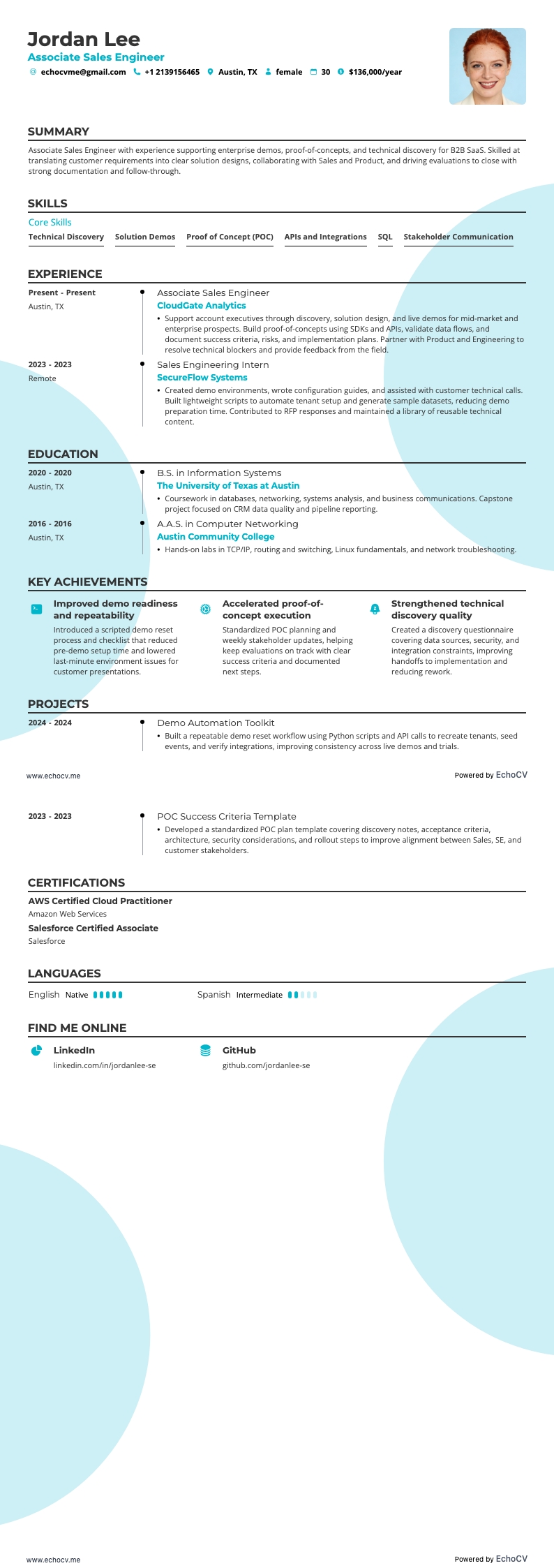
Technical background, business drive, storytelling prowess, and relationship building.
These are the “4 C’s” that make a good sales engineer, according to John Care, SE expert and co-author of Mastering Technical Sales.
In another interview, Care further mentions that SE roles are unlikely to be automated soon, as “people still want to work and talk with people”.
We can bet that demand for sales engineer positions will continue to grow. The human element remains irreplaceable, especially so in the B2B sector where sales engineers are among the few who can bridge the gap between complex technical products and potential business clients. In industries like technology, telecommunications, and healthcare technology, the four-component SE model described by Care is invaluable.
But how do you get into technical sales? The competition is fierce, and many companies prefer to develop their SE talent internally. This underscores the importance of having an impeccable sales engineer resume—one that will get you past HR filters and help you get an interview invite.
In this guide, we’ll help you showcase that unique mix of skills, technical proficiencies, and relationship management capabilities in a resume that truly stands out. Here’s what else we’ll cover:
- How to build a sales engineer resume that’s optimized for applicant tracking systems and human recruiters with well-organized and effective sections;
- What resume sections you shouldn’t miss and how to support them with measurable insights;
- How your sales engineer skills section should look so it demonstrates both your technical expertise and ability to translate complex concepts into benefits for non-technical decision-makers;
- How to select what information you’re going to include in your resume and submit applications strategically.
Before we dive in you might want to look at some other sales-related resume guides. Below’s a list of some you may find useful.
How to format a sales engineer resume that stands out
As stated above, every sales engineer job is a combination of the sales and technical skills that you use to sell complex technical products to clients. However, that’s a very generic perception of an SE job. The exact workflow and environment will largely depend on the company you’re applying for. The product, the sales process organization, the market state—all those components are different for any given job, making no two sales engineer positions the same.
That’s why it’s important to spot the unique requirements for every sales engineer job and shape your resume sections accordingly. In this part of our guide, we’ll delve into the structure of your resume and the sections you should include.
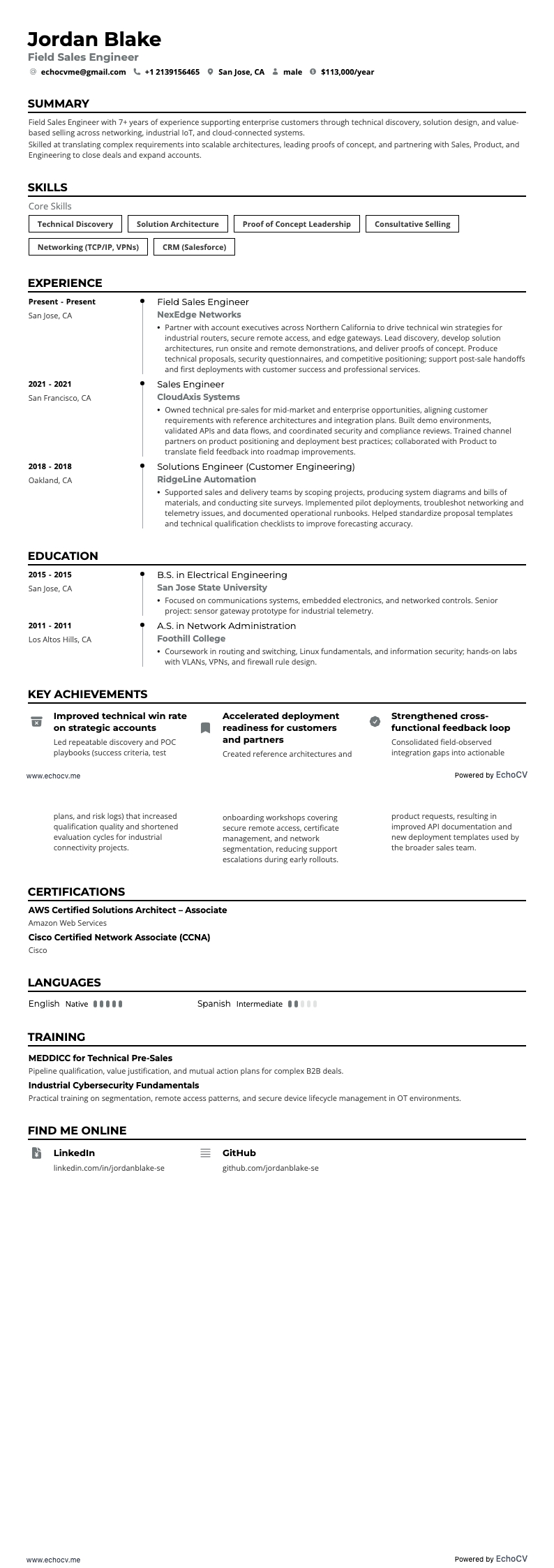
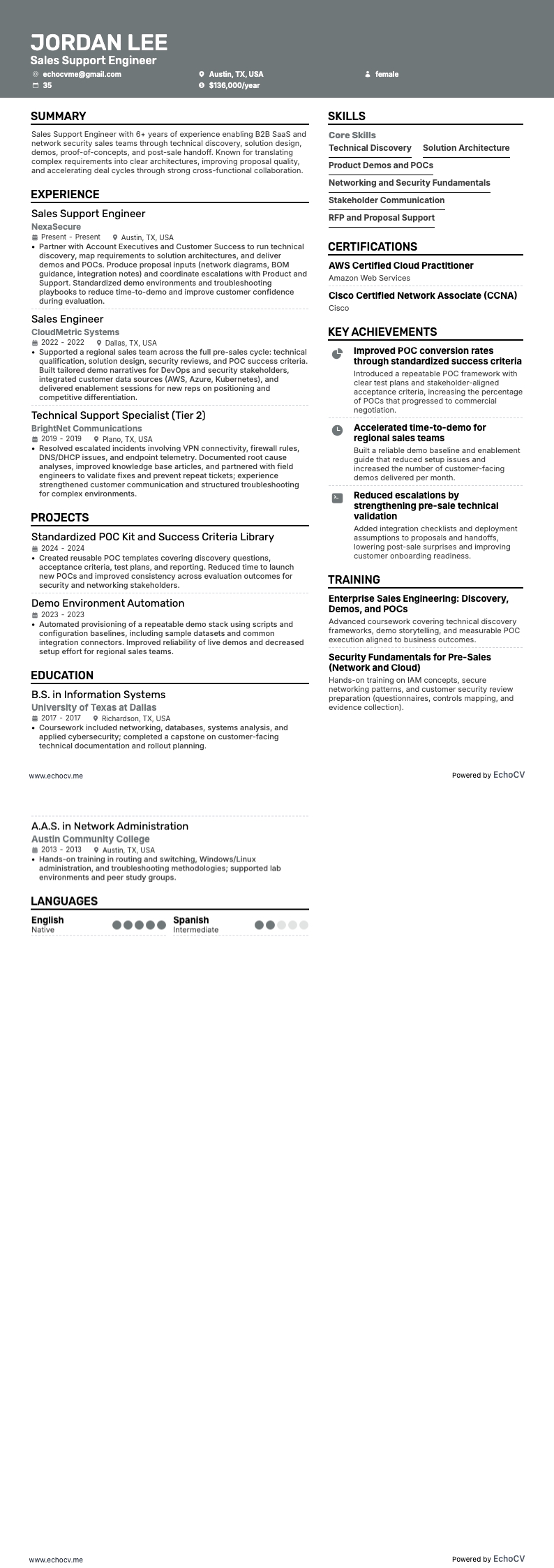
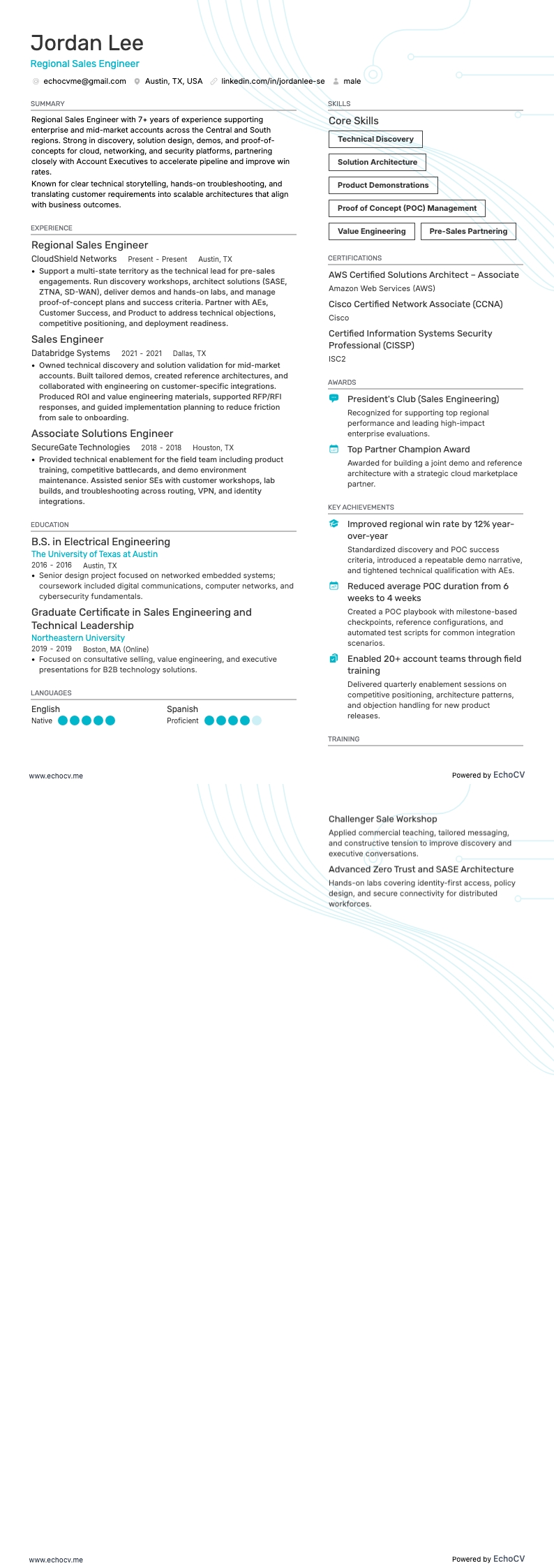
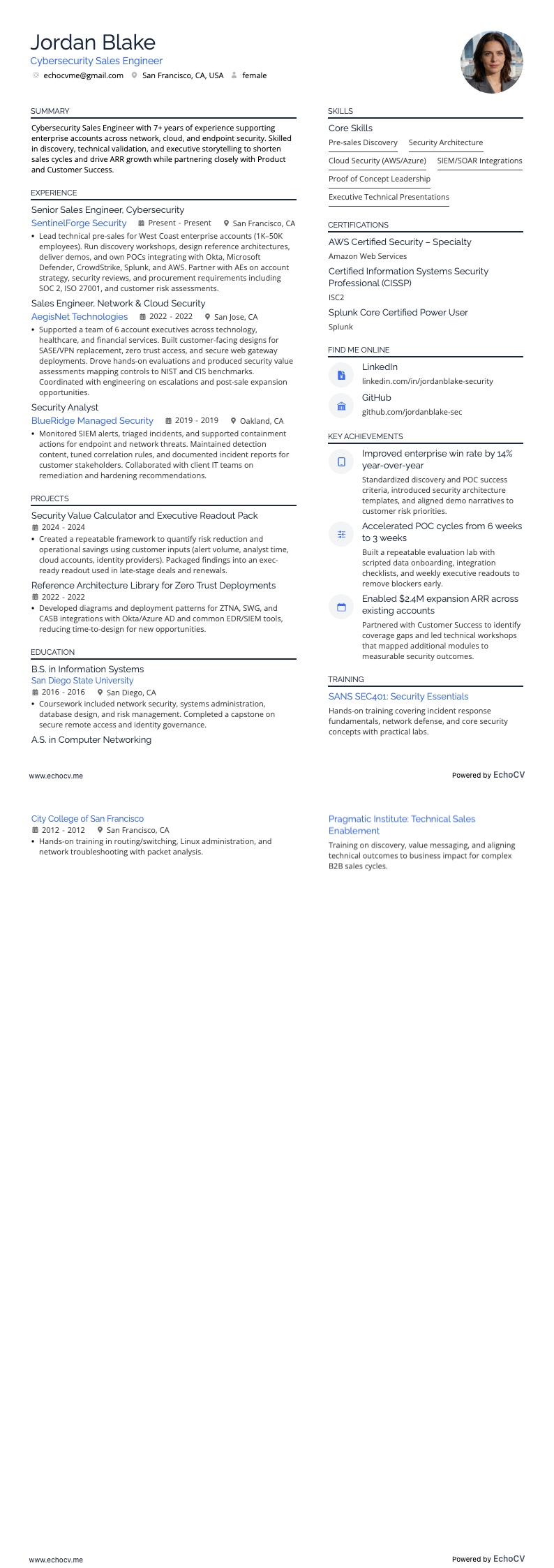
To begin with, most sales engineers are likely to choose the reverse chronological order. It allows you to showcase how you've developed your mixed skills over time and taken on increasingly challenging roles. It’s also recruiters’ favorite format as it makes it easy for them to quickly see the progression of your career and assess your suitability for the role.
However, there are two other formats you might consider depending on your circumstances:
- Functional resume: Focuses on your skills and experience, rather than your job history. Use it if you're changing industries or have gaps in your employment history.
- Combination (or hybrid) resume: Blends the reverse-chronological and functional formats. It highlights your skills and achievements up front, followed by a reverse-chronological job history. This can be a good choice for sales engineers with a strong set of specialized skills and a solid work history.
Here are some essential formatting tips to ensure your resume stands out and is ATS-friendly:
Consider the local standards – Canadian resumes, for example, may have a different format.
- Template: Choose a resume template that aligns with the industry you’re applying to. For sales engineering positions, a clean, modern template can convey a sense of innovation and technical proficiency. Avoid overly decorative or whimsical templates that may detract from the content.
- Header: This should contain your contact information and your job title. (Use the same title in your resume as the job you’re applying for). When adding a link, think about what you want to focus on. If you see a position that emphasizes sales and client relationships, link to your LinkedIn profile to showcase your people skills. However, if you will be selling a complex software product, it might be a good idea to include your Github profile. Personalize the information according to the job description.
- Font: Use professional and easy-to-read fonts. Classic choices include Arial, Calibri, or Times New Roman, but don’t limit yourself to these. Our resume builder offers a range of serif and sans-serif fonts such as Lato, Rubik, and Bitter, that are all ATS-friendly. Just keep your font size between 10 and 12 points for body text to ensure readability.
- Margins: Aim for 1-inch margins on all sides. This is the default setting in most word processors and ensures your resume looks tidy and has enough white space. If you're struggling to fit your content on one page, you can adjust margins slightly. However, don't go below 0.5 inches, as this can make your resume look overcrowded.
- Applicant tracking systems: Use keywords from the job description throughout your resume. Large organizations often rely on ATSs to scan for keywords and determine if your resume matches the job criteria. So, keep things simple and avoid complex elements like tables, graphics, and custom headings which can confuse ATS software.
- Save file format: Save your resume as a PDF to preserve the formatting across different devices and operating systems. Most ATS systems can read PDFs, but read the application instructions carefully—some employers specify a preferred format.
- Proofreading: Double-check for spelling and grammar mistakes. Errors can make a bad impression and might affect your resume's ATS scoring. If you need some help with this, run your resume through our free AI resume checker which can spot mistakes within seconds.