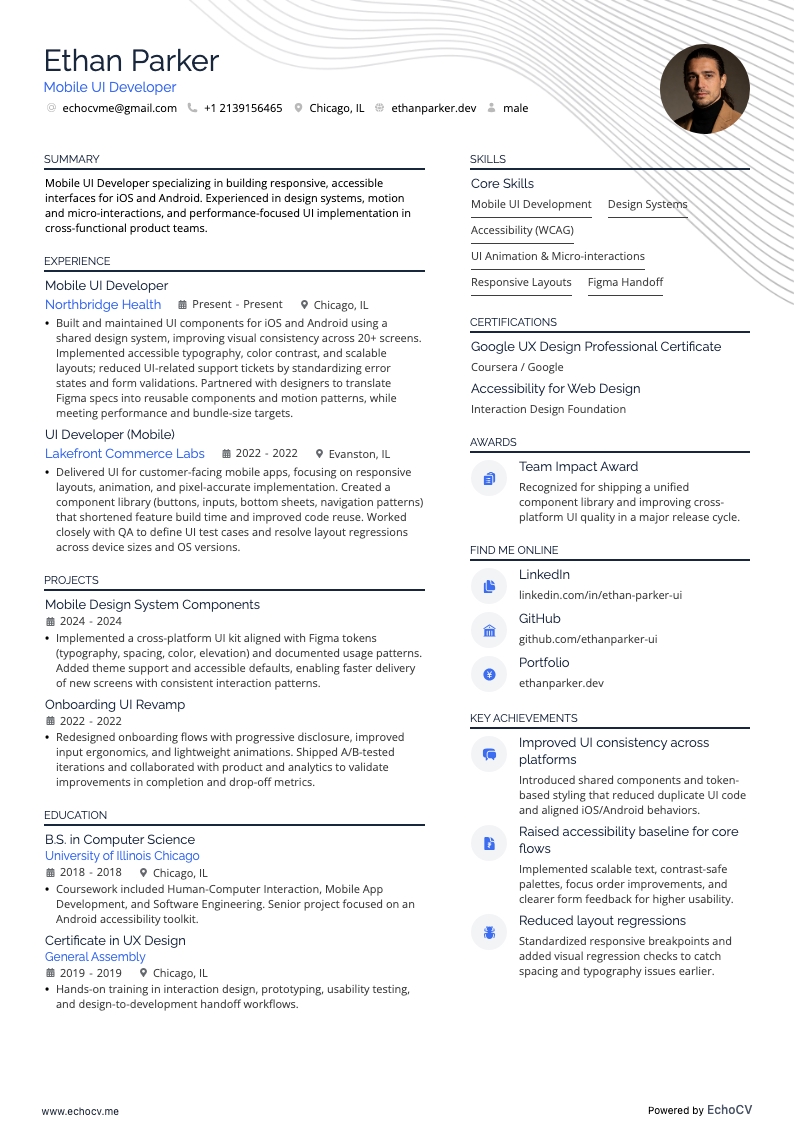
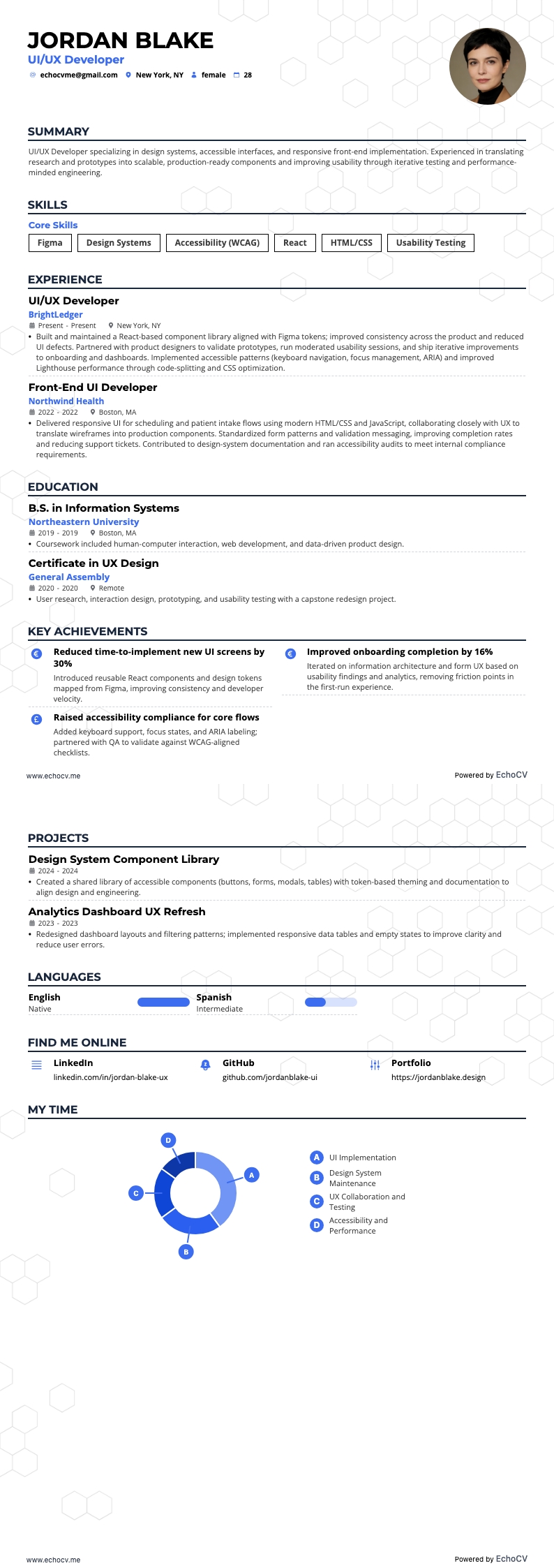
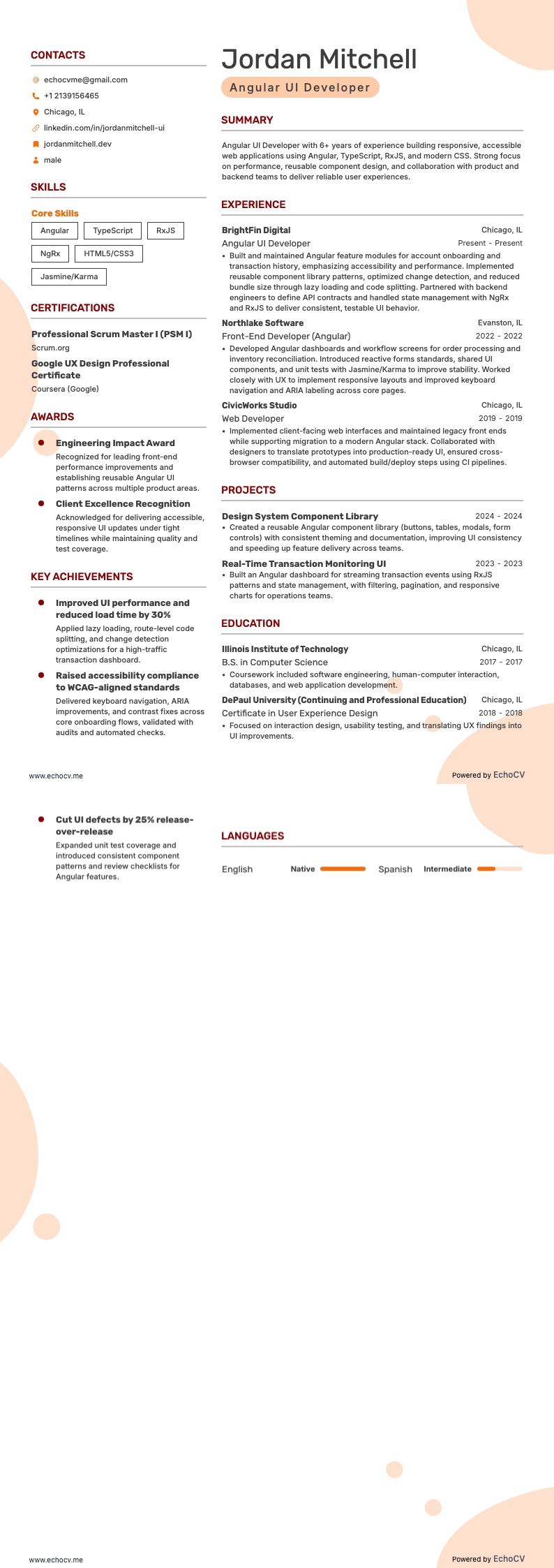
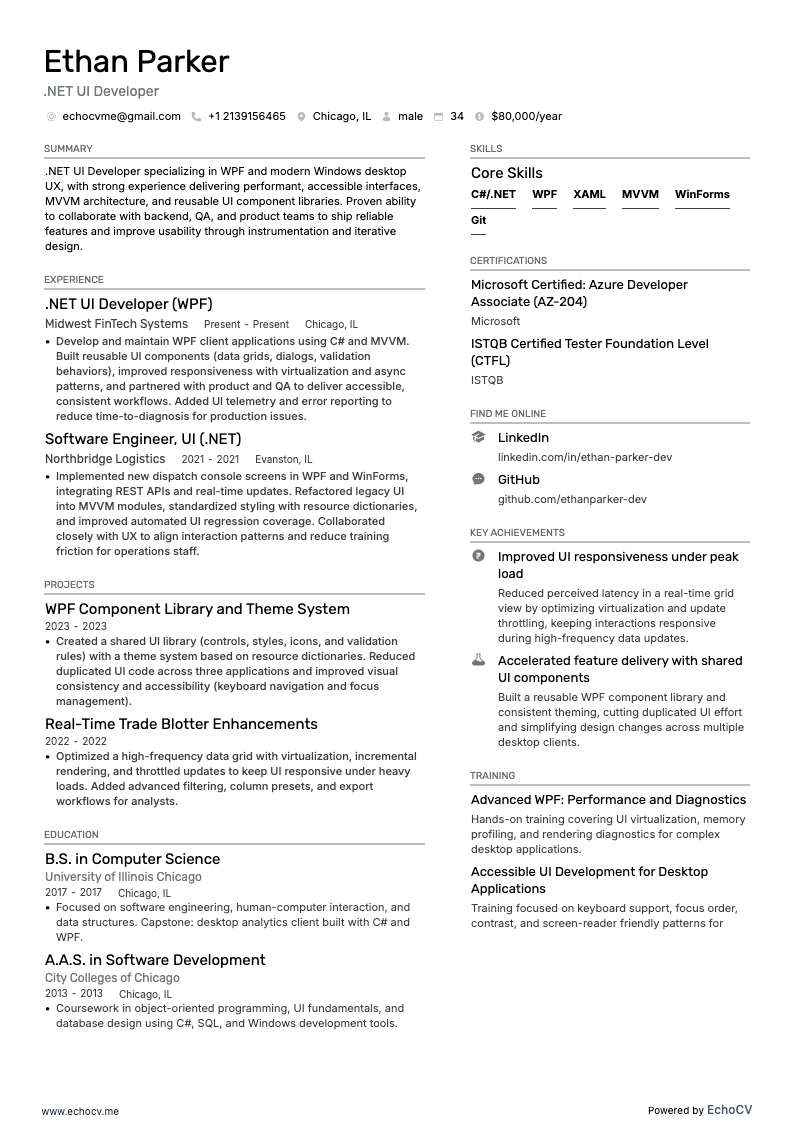
User Interface is where art and technology meet. It requires a unique blend of technical skills for front-end development as well as creative skills needed for design.
For many UI developers, this fusion ofskills is one of the most appealing aspects of the career. You can apply many of the same principles that balance creativity and function when developing a user interface to make writing your UI developer resume less tricky. In particular, UI developers struggle with the following:
- Striking a balance between technical and creative abilities.
- Determining your most valuable skills to emphasize.
- Demonstrating ability without prior UI development employment.
- Reinforcing stated skills by showcasing tangible work samples and using quantitative evidence.
This resume guide, including examples and pro tips, addresses all of these challenges and more, enabling you to create an appealing UI developer resume that gets noticed by employers seeking talented and knowledgeable UI developers.
For additional related resume examples, be sure to check out the following:
- UX Researcher resume
- UX/UI Designer resume
- Front-End Developer resume
- Interactive Designer resume
- UI developer cover letter
How to format a UI developer resume
“Know your audience” is the UI design principle you will want to consider when formatting your resume. Knowing your audience allows you to communicate more effectively which is why a targeted resume is always more effective than a generic one.
To target your UI developer resume you will need to tailor it to the target audience, the employer, for each application. Consider what would be most appealing to the particular field or company based on your own research and information provided in the job post.
When targeting your resume’s formatting remember to utilize these formatting best practices:
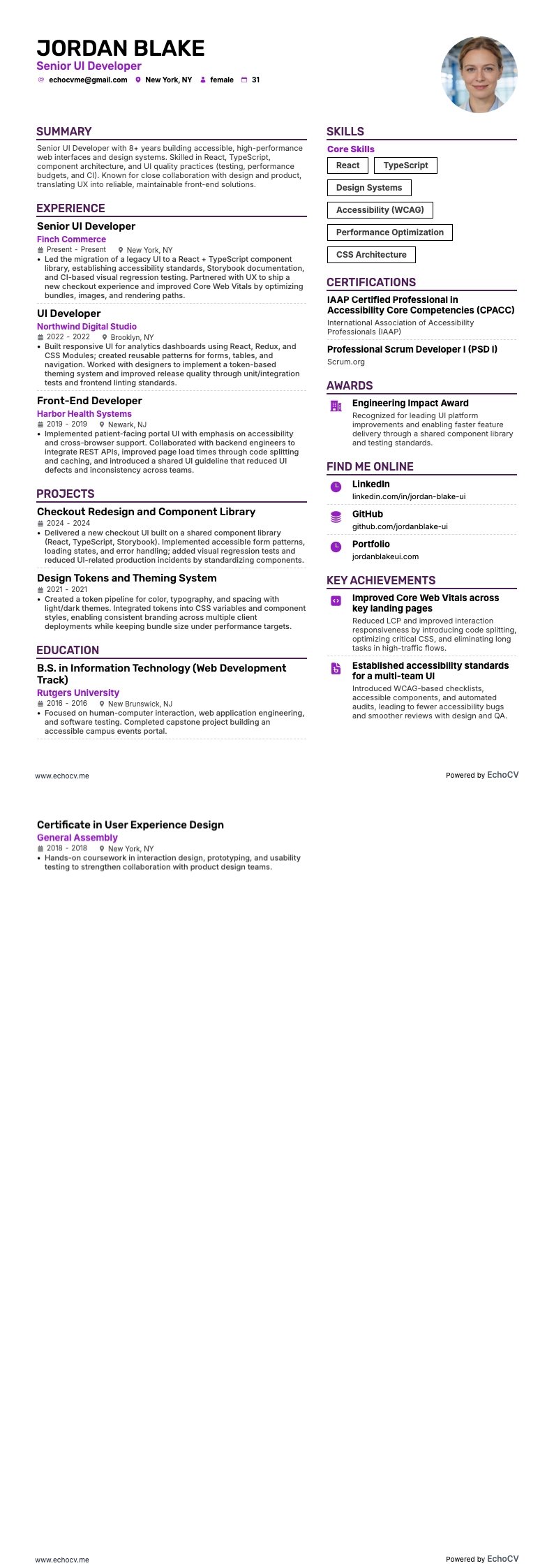
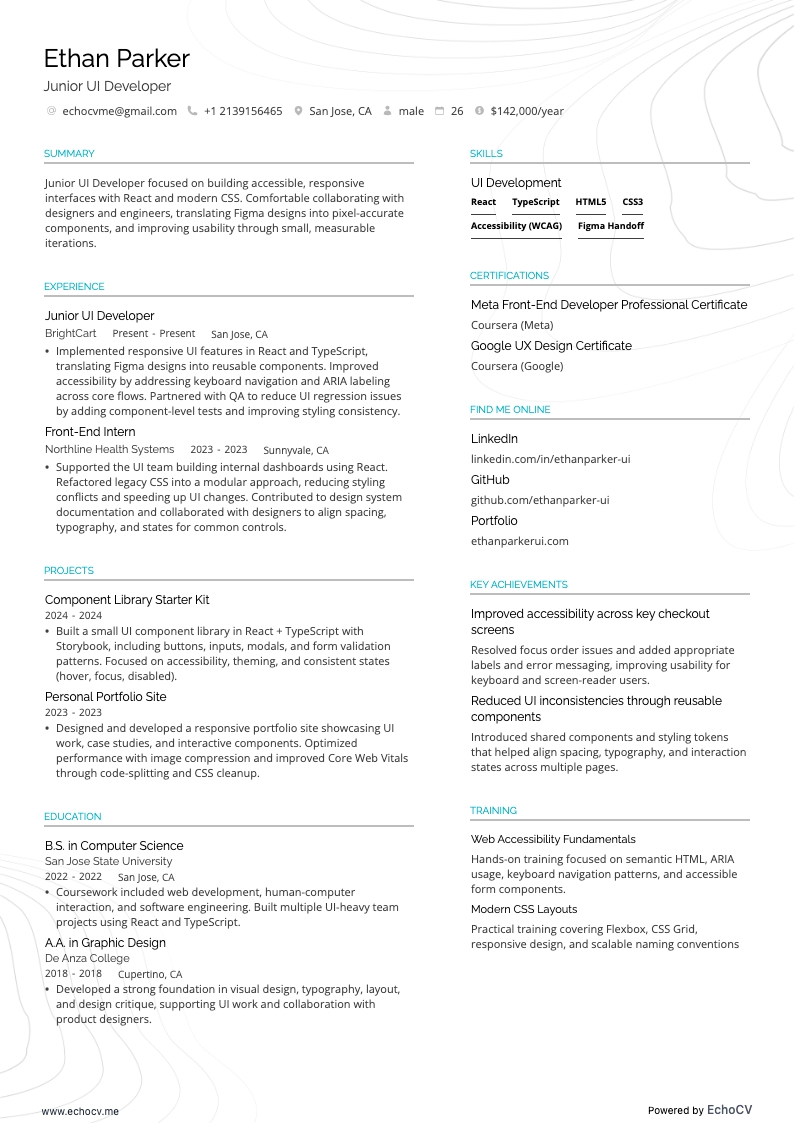
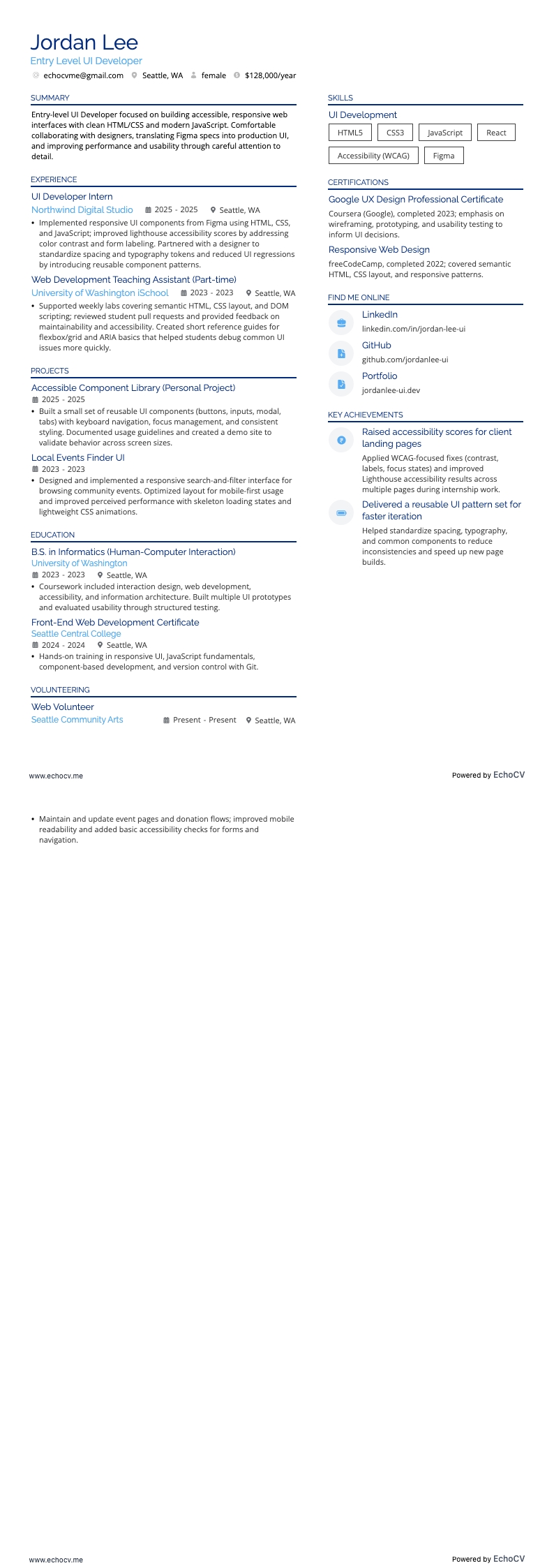
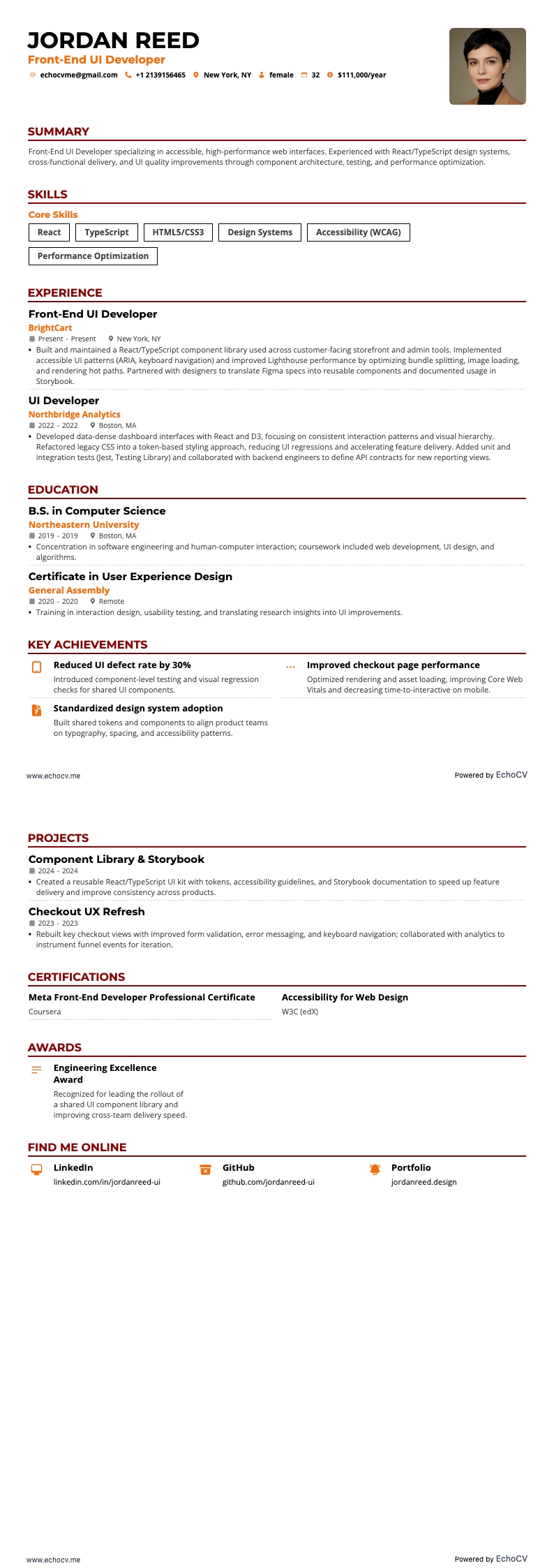
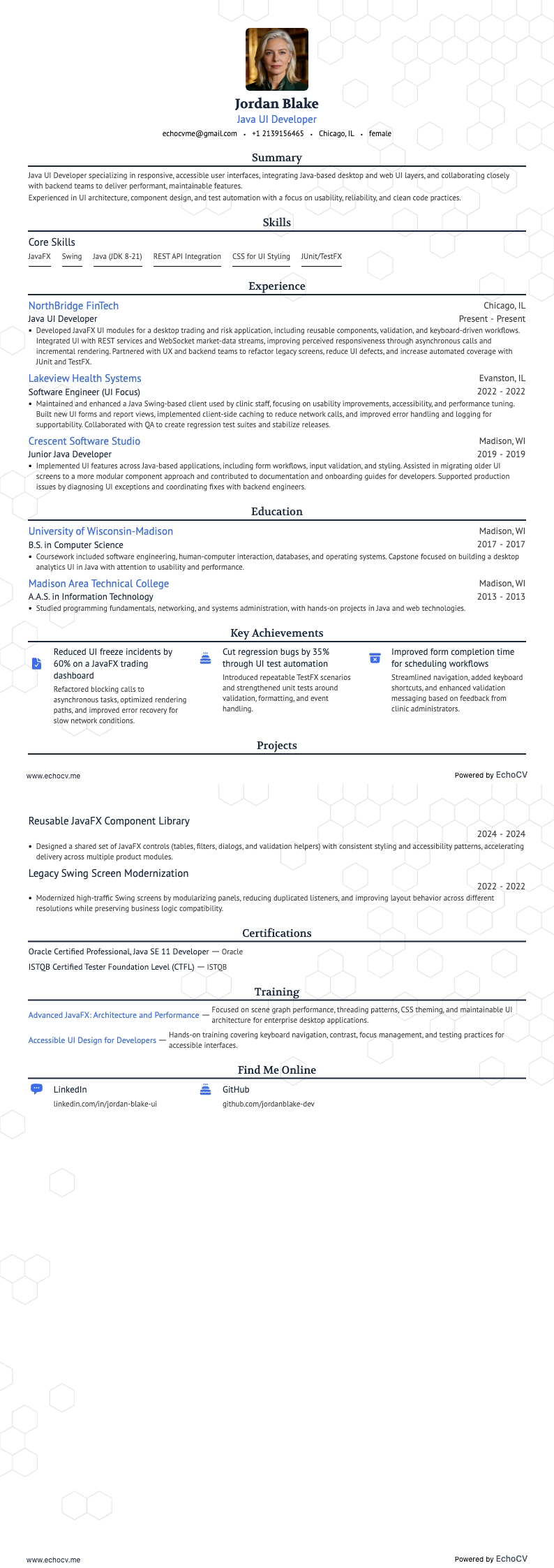
- Creative elements: Make your resume unique and memorable by including creative elements, such as colors, patterns, or a header photo. However, avoid creative elements within the text, such as emojis and non-standard date formats. These can impede an ATS' ability to recognize the text. Therefore, standard formatting is vital within the text sections of your resume.
- Font selection: Font Selection: Select ATS-friendly fonts that match the overall theme of your resume. Examples of ATS-friendly fonts are Serif and Sans-serif, Aria, and Times New Roman. However, these can also be overused. For more creative options available on the Echocv Resume Builder, try Rubik, Lato, Montserrat, Raleway, Exo 2, and Volkhov.
- Header content: Include a prominent header featuring your name, desired job title, and contact information (phone number and email address) to ensure the information is easily readable.
- Section headings and subheadings: Ensure all resume sections are logically organized and include clear, accurate headings.
- Ordering: When listing any items, always use reverse chronological order, putting your most recent and relevant examples at the top.
- Document type: PDF files are standard for resumes since they maintain formatting across software and are easily analyzed by ATS.
The layout of a resume can differ by region – Canadian resumes may use a distinct format.