24 Lebenslauf-Beispiele für Immobilienverwalter
EchoCV
Verfasst vom EchoCV-Team
Aktualisiert: 8/2/2025•8 min read
Sehen Sie alle Lebenslauf-Beispiele in diesem Leitfaden oder erstellen Sie mit Ihrem persönlichen Prompt Ihr eigenes Beispiel.
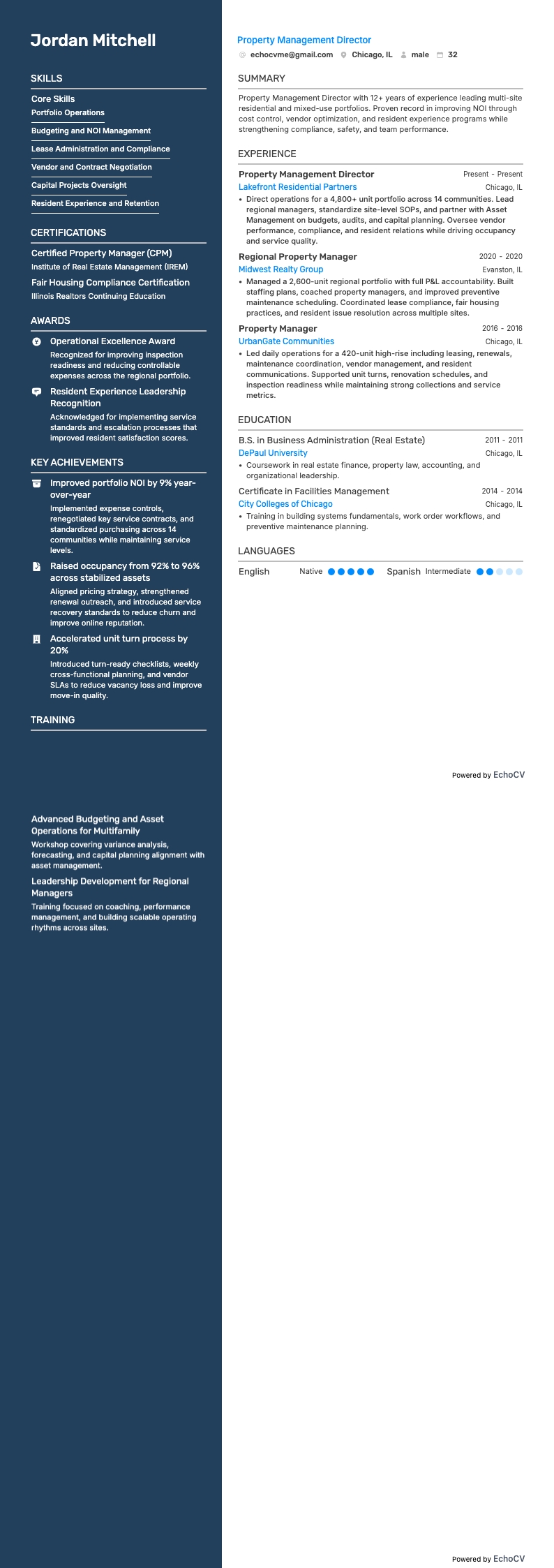
Direktor Immobilienverwaltung
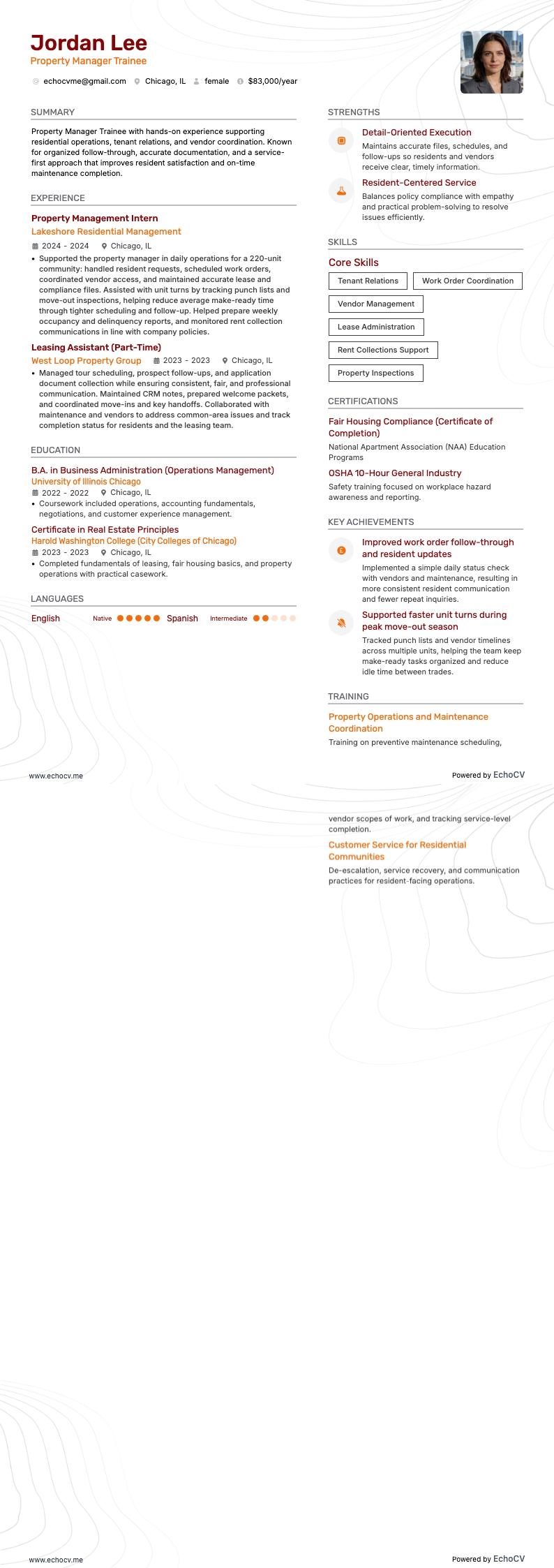
Auszubildender zum Immobilienverwalter
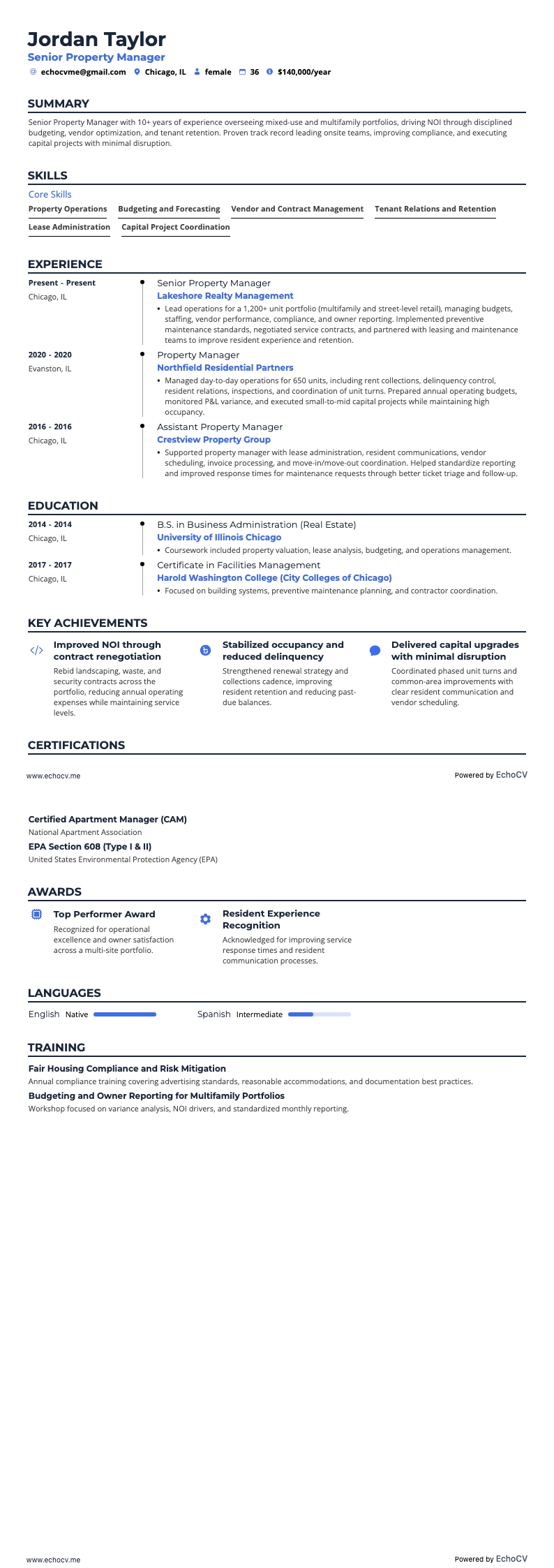
Leitender Immobilienverwalter
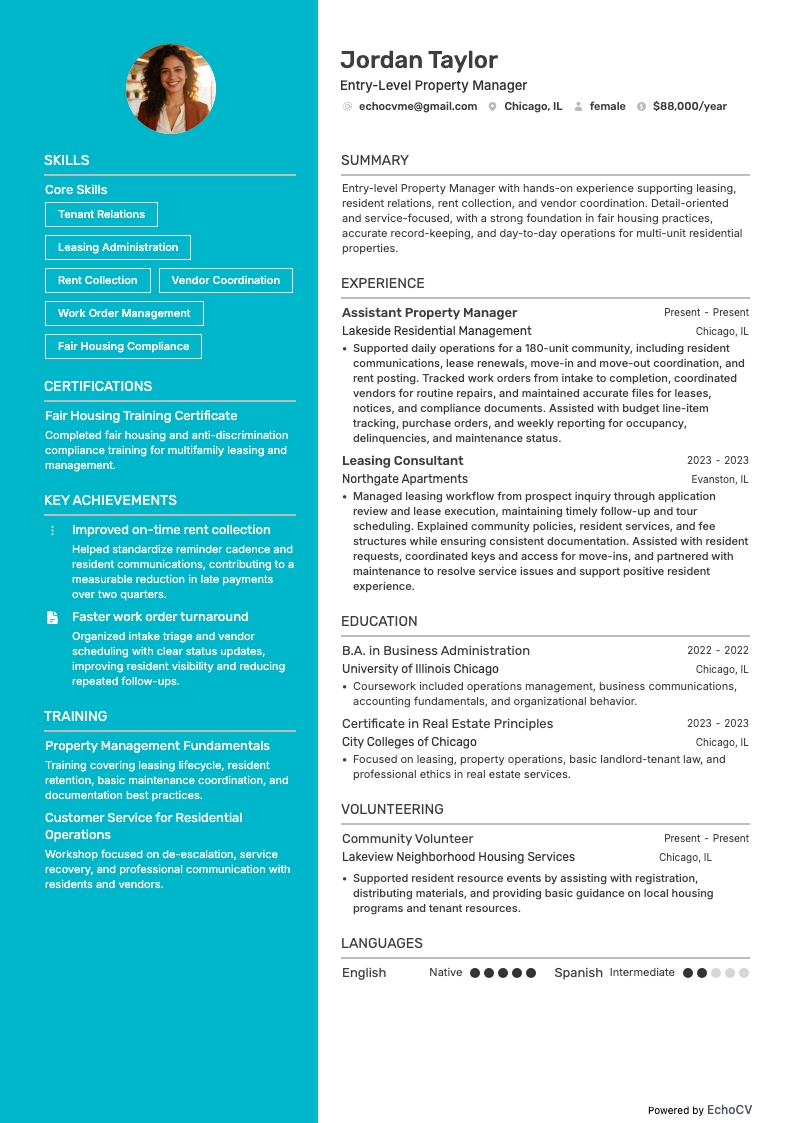
Immobilienverwalter/in (Einstiegsposition)
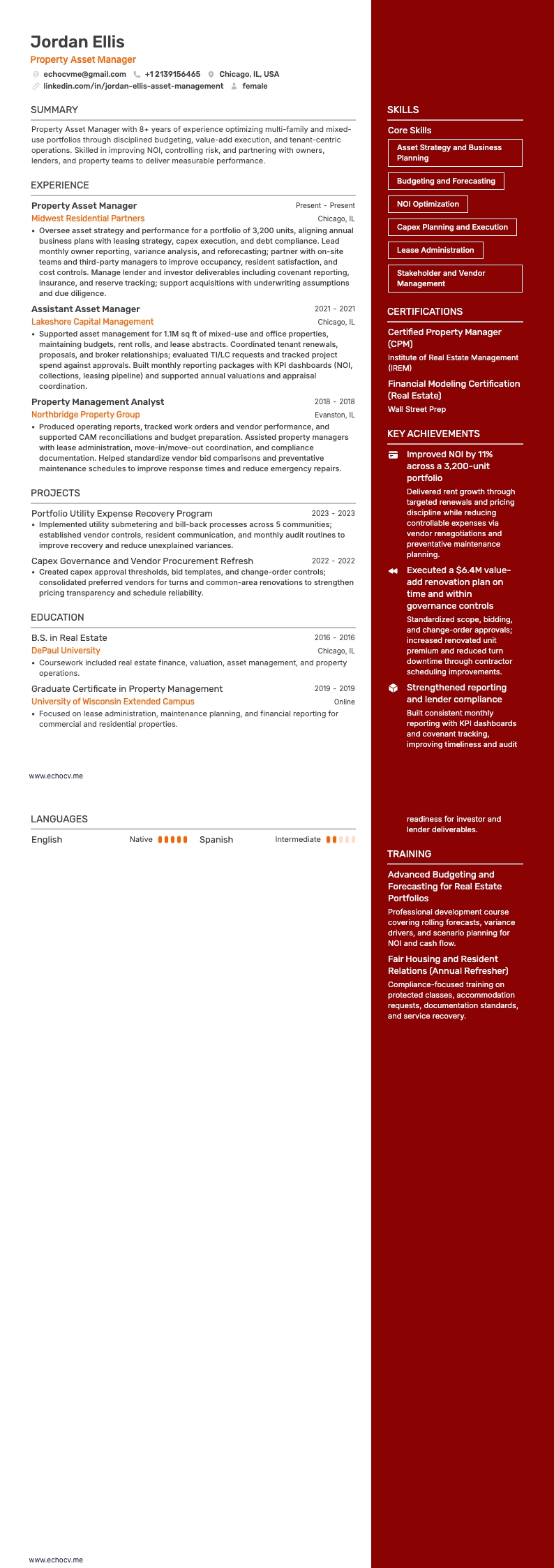
Immobilien Asset Manager
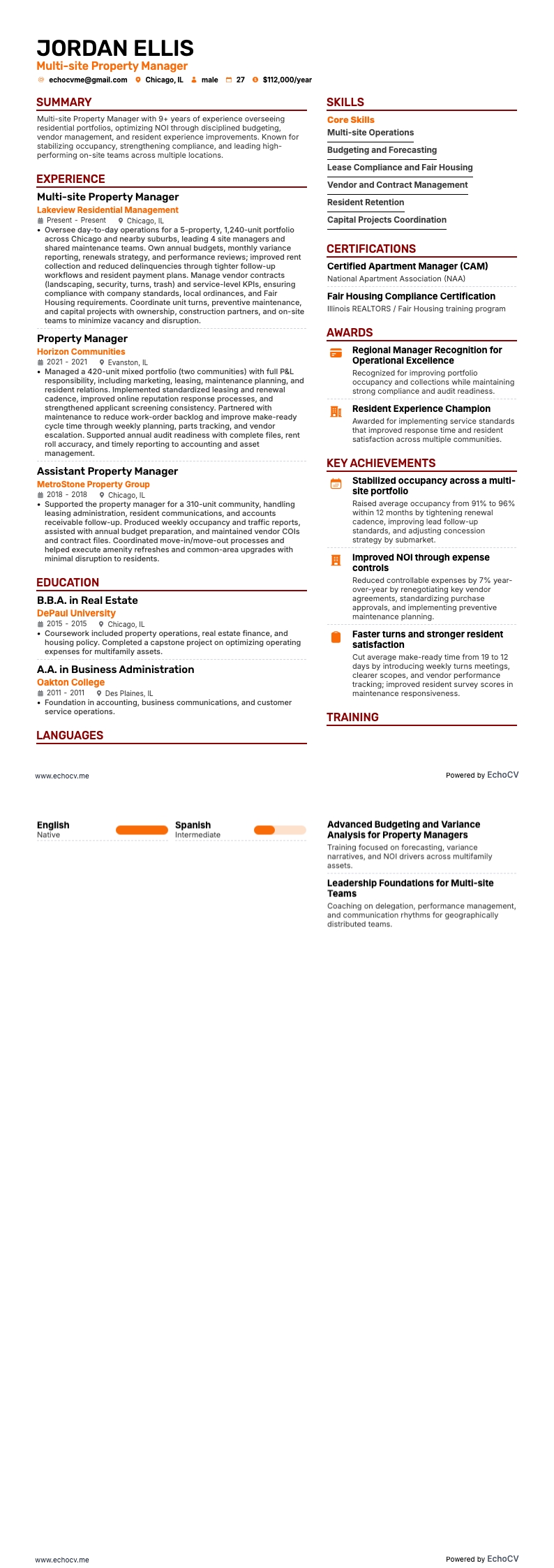
Immobilienmanager für mehrere Standorte
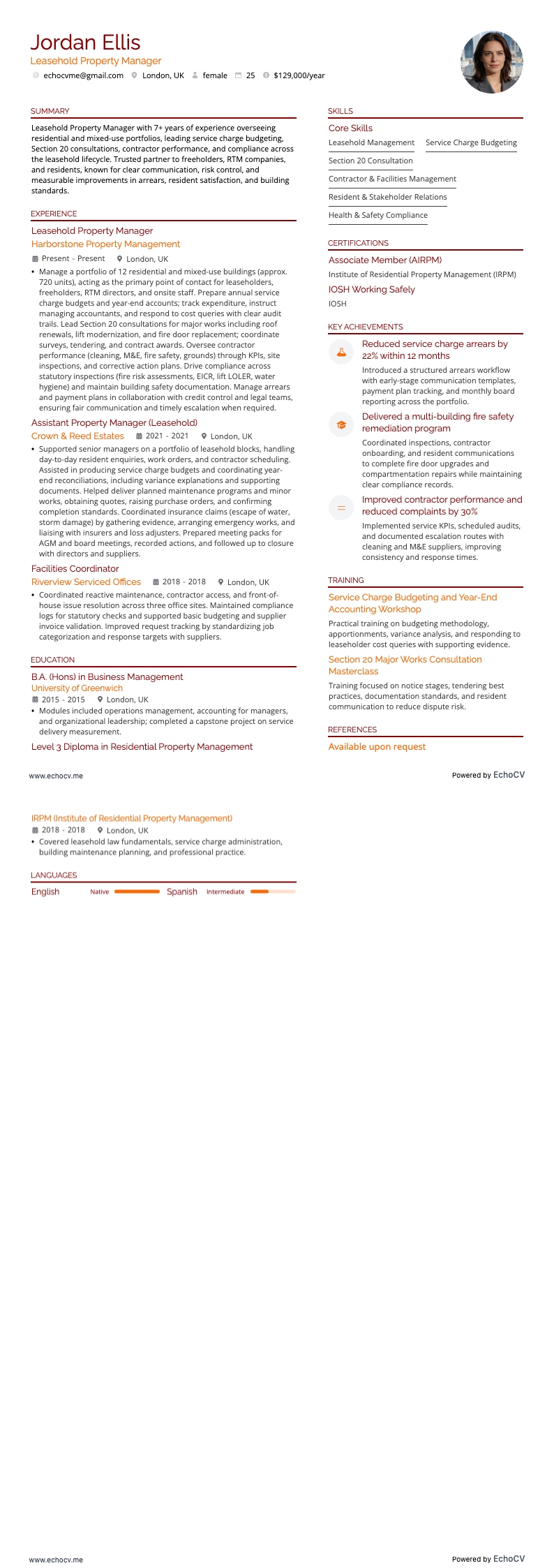
Immobilienverwalter für Erbbaurechte
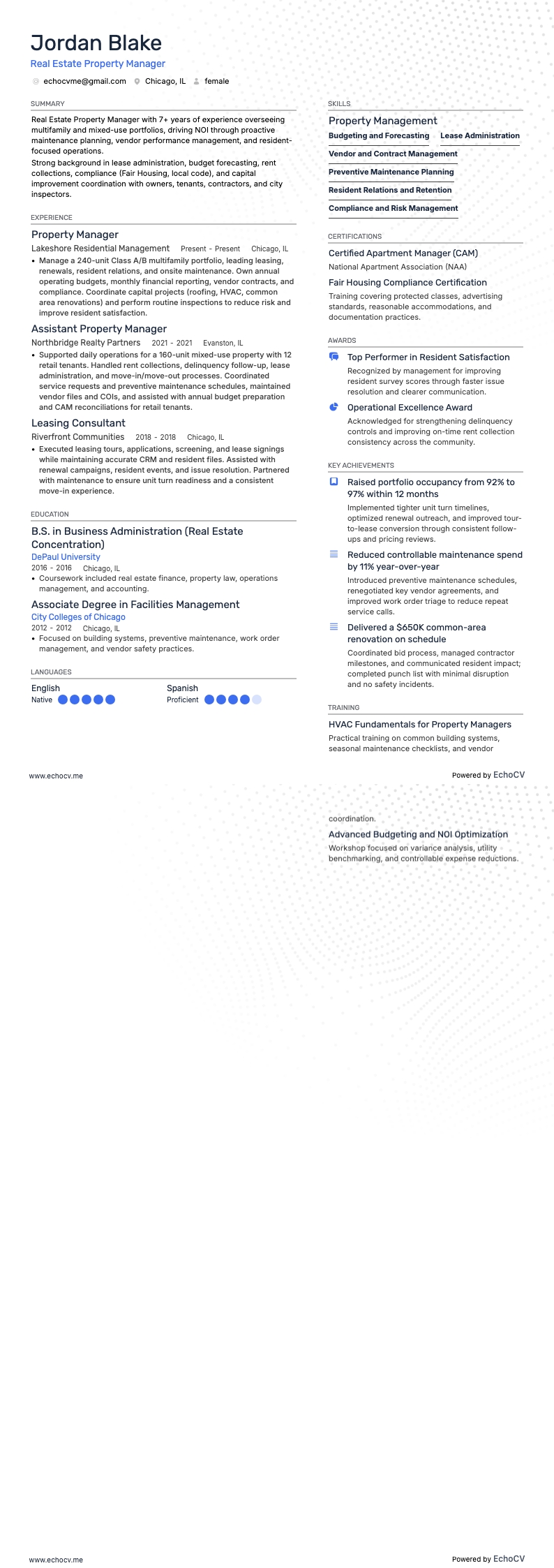
Immobilienverwalter

Projektmanager Immobilien

Manager für Immobilienentwicklung
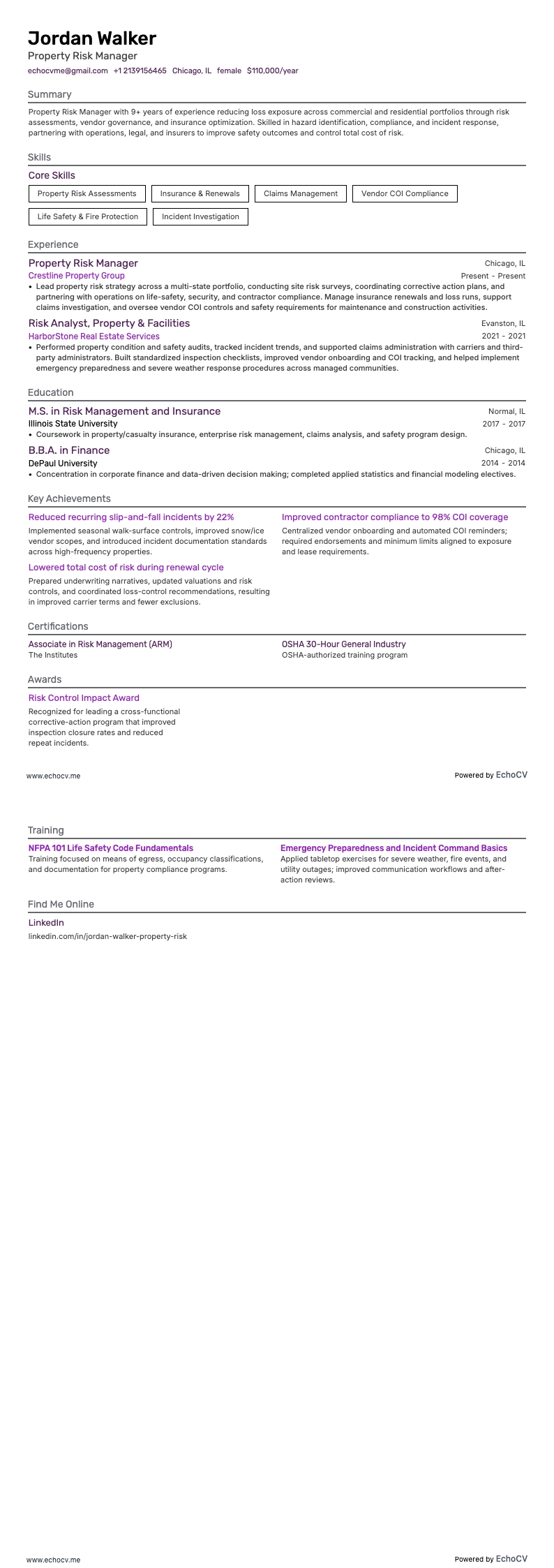
Immobilien-Risikomanager

Leiter der Immobilieninstandhaltung
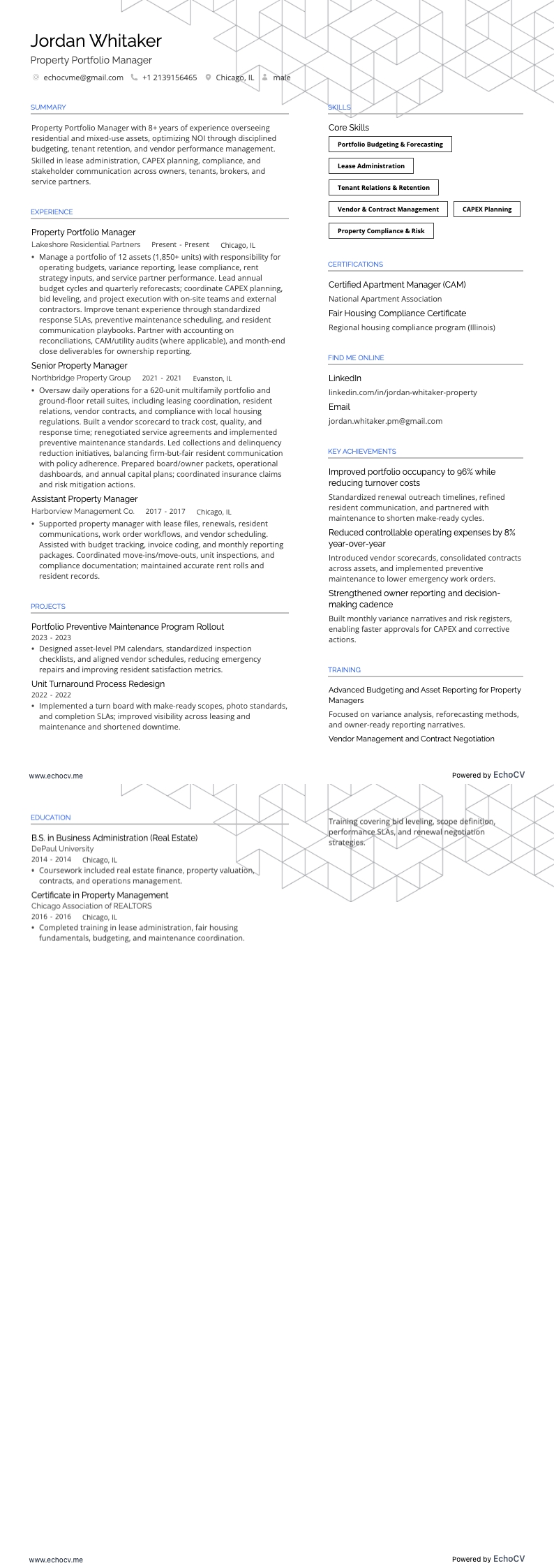
Immobilien-Portfoliomanager
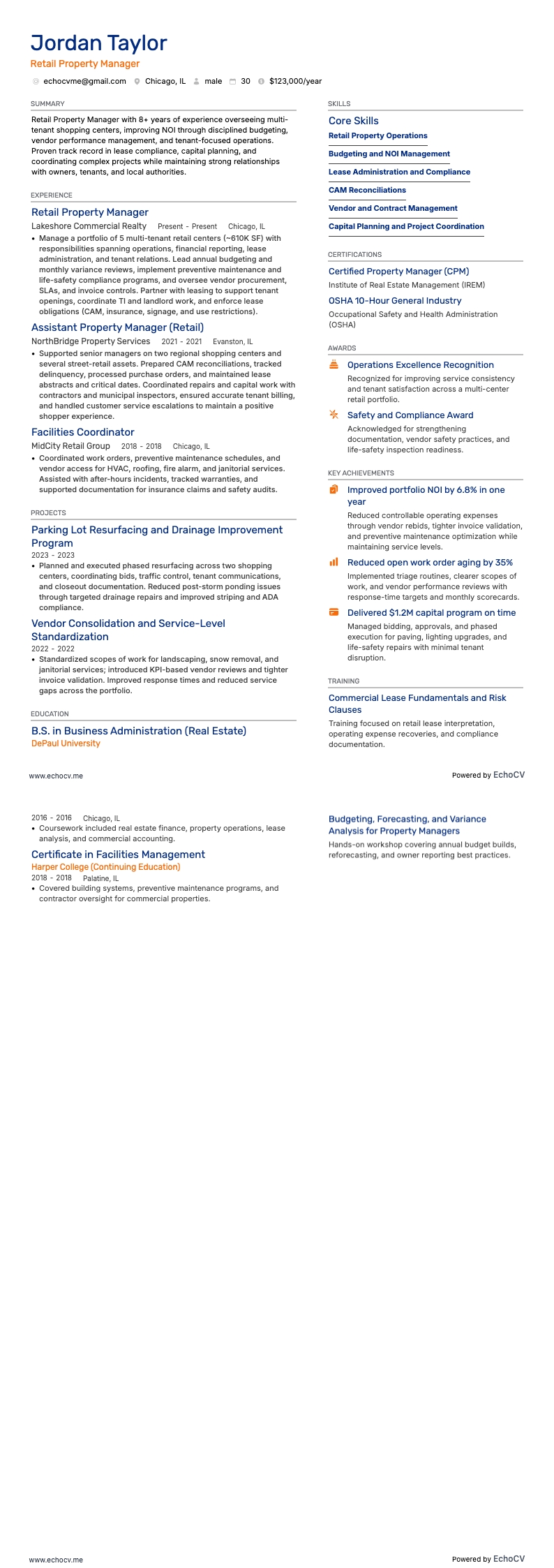
Einzelhandels-Immobilienmanager
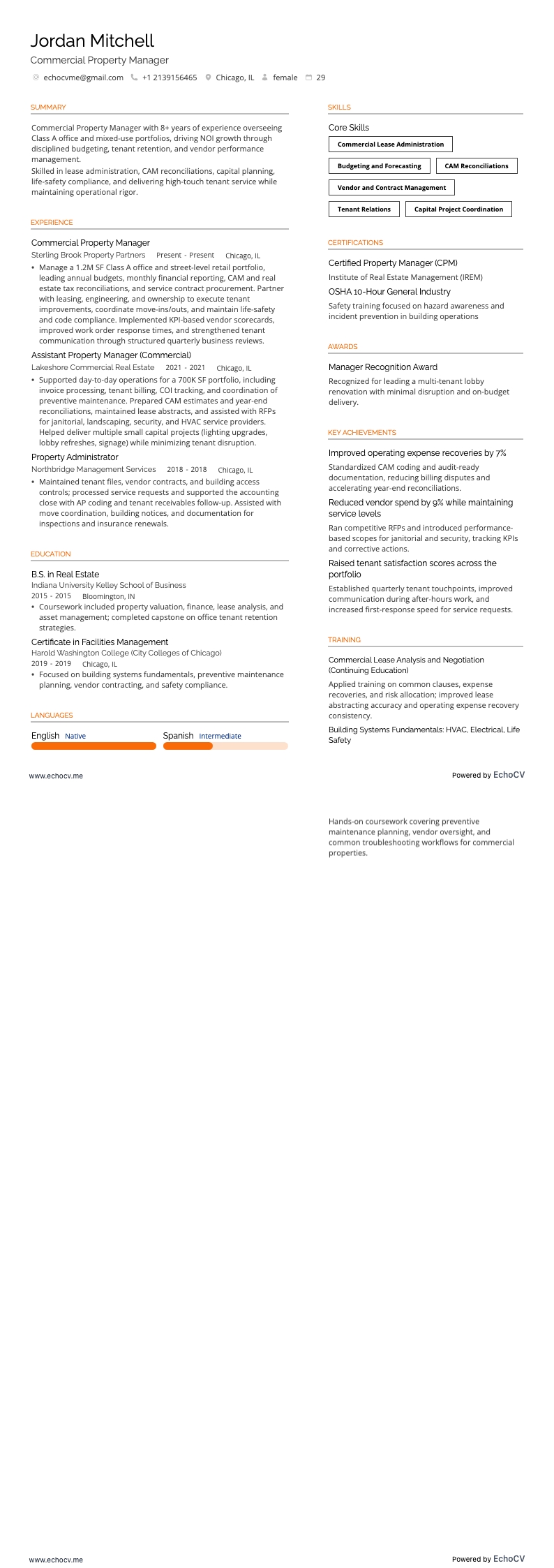
Manager für Gewerbeimmobilien
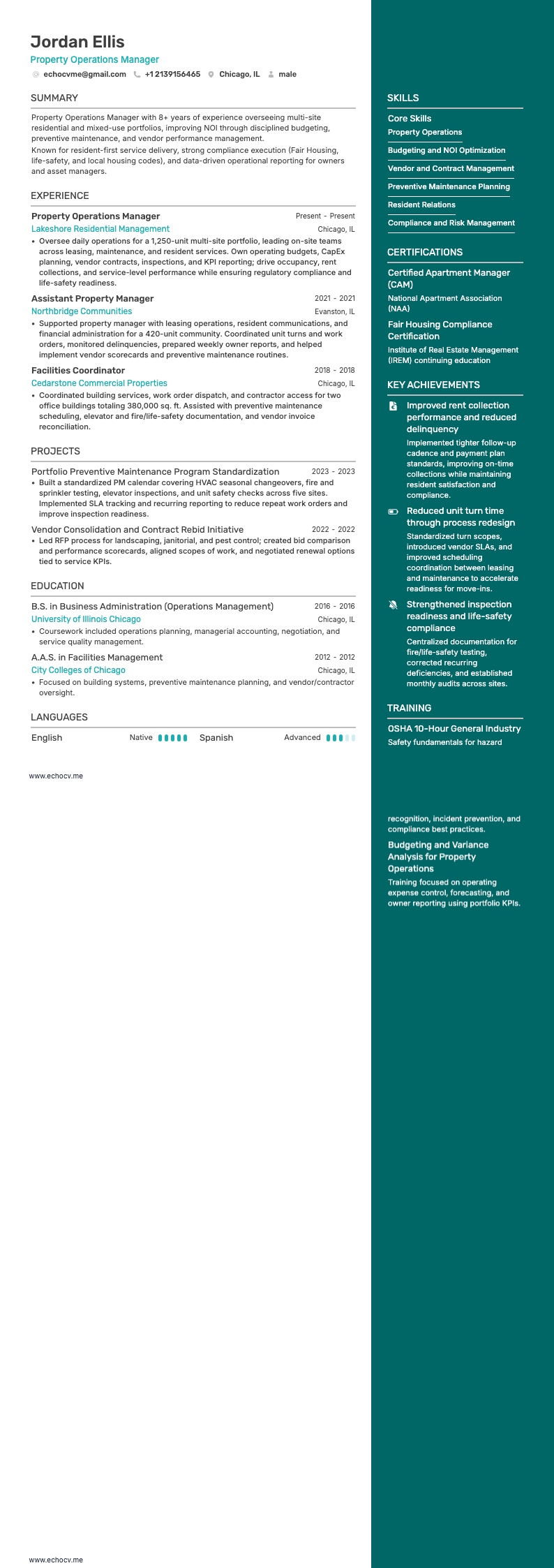
Manager für Immobilienbetrieb
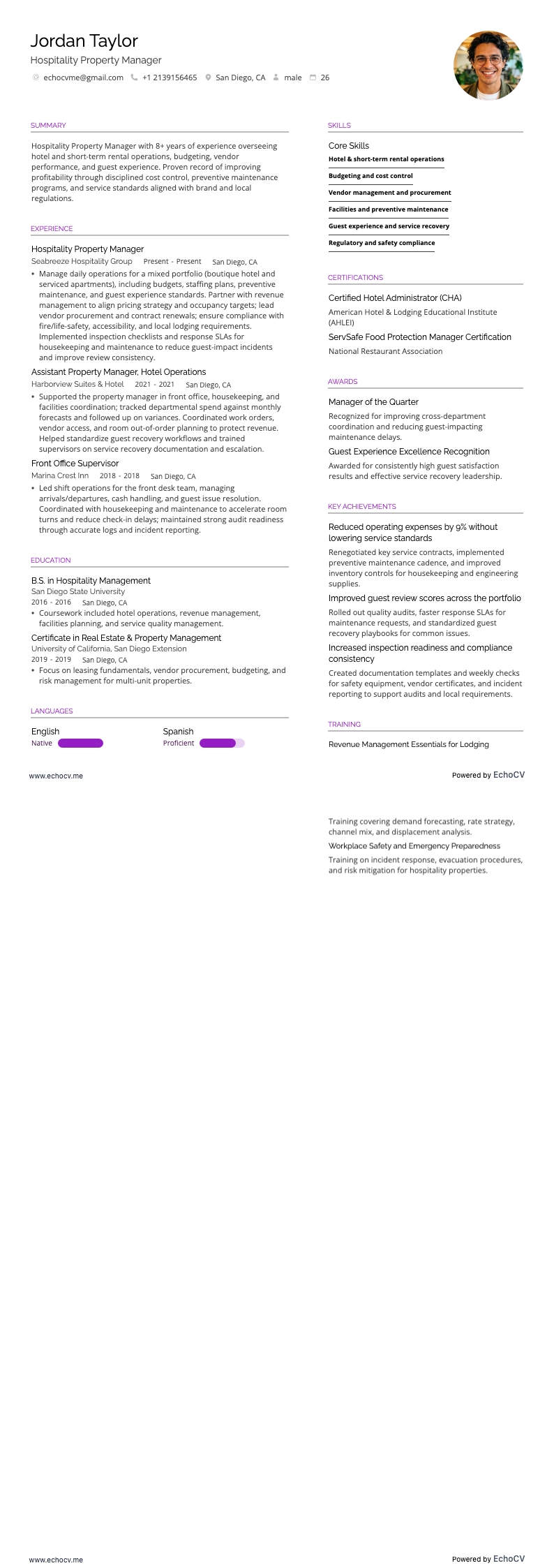
Immobilienmanager im Gastgewerbe
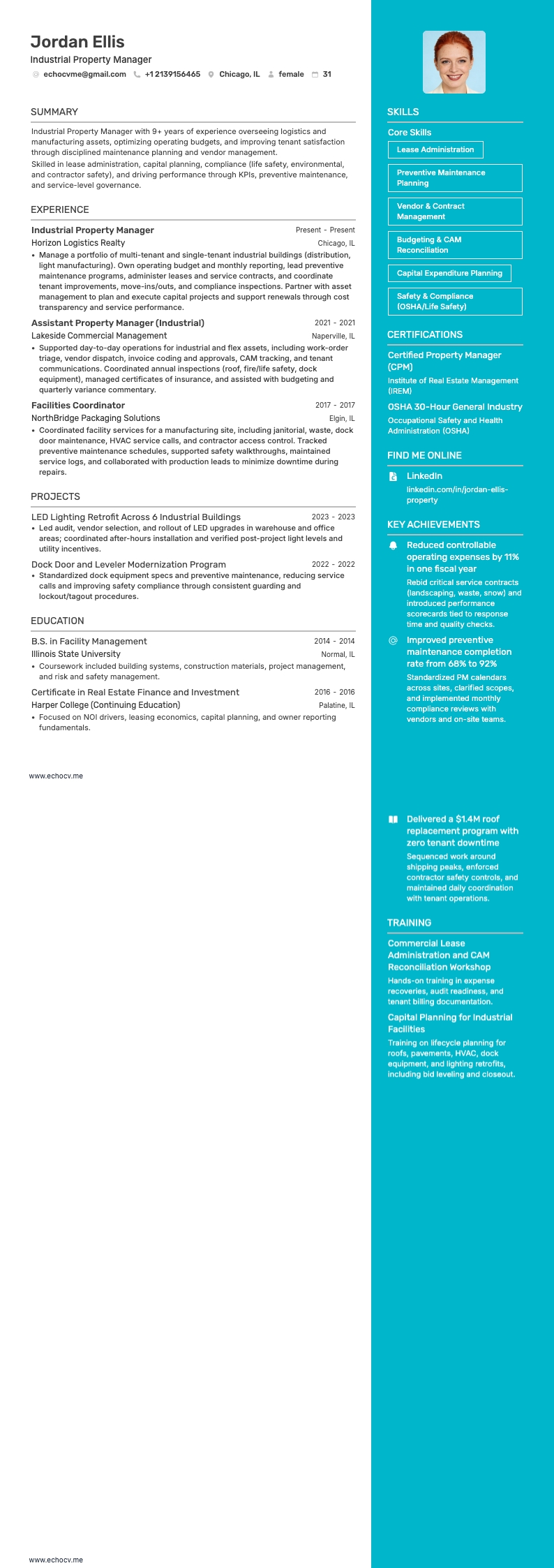
Manager für gewerbliches Eigentum
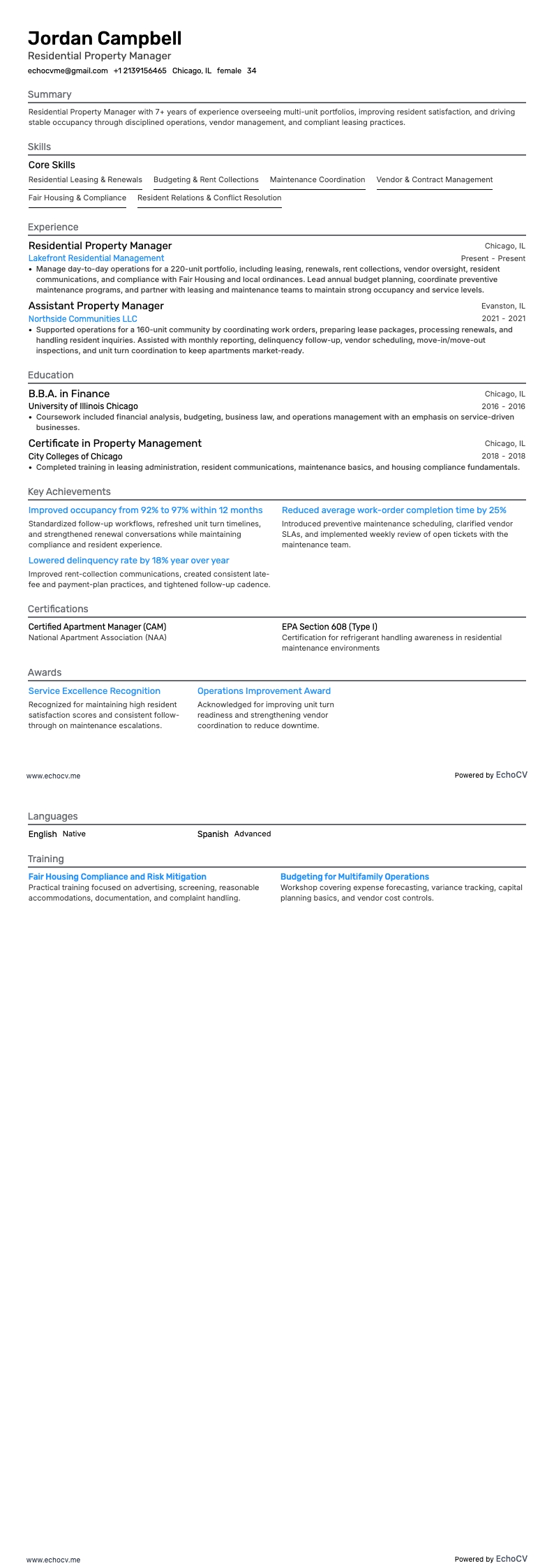
Wohnimmobilienverwalter
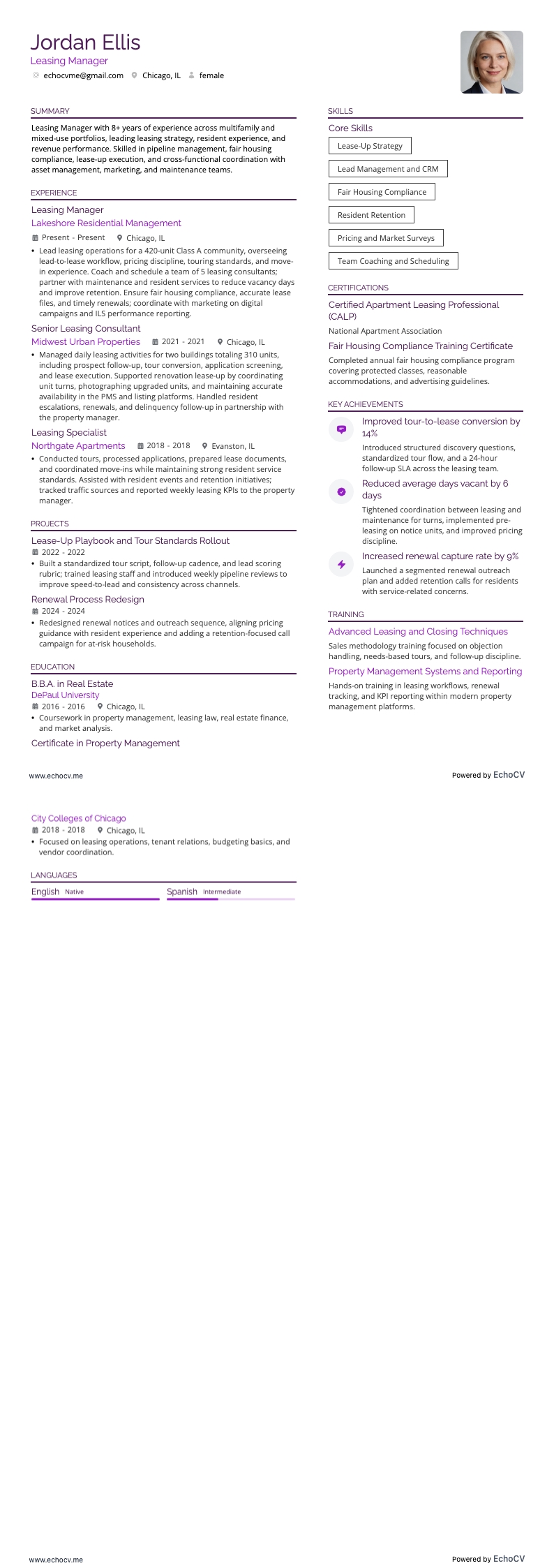
Leasing-Manager
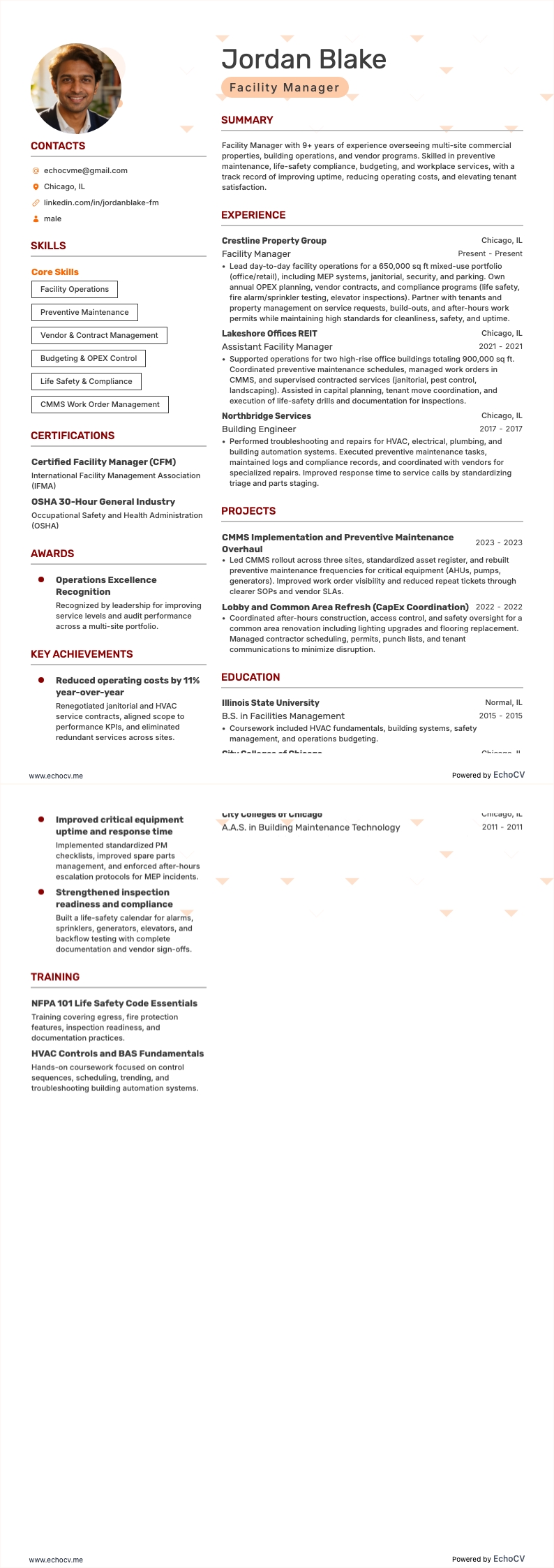
Facility Manager
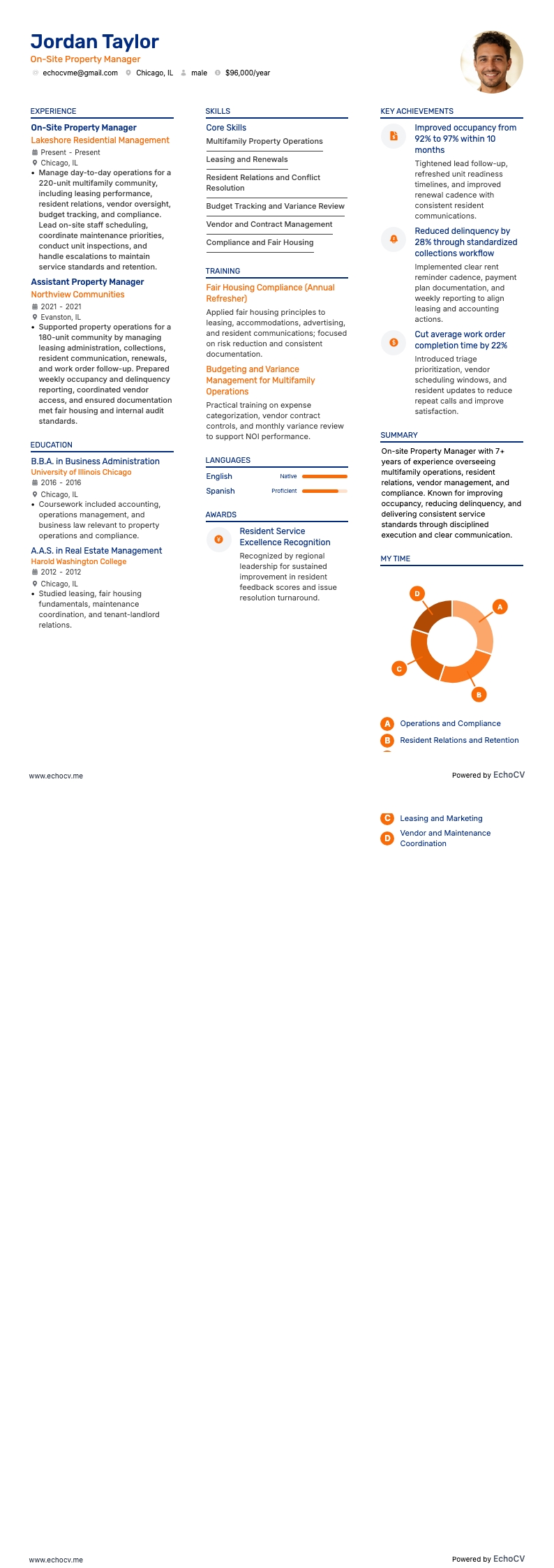
Immobilienverwalter vor Ort
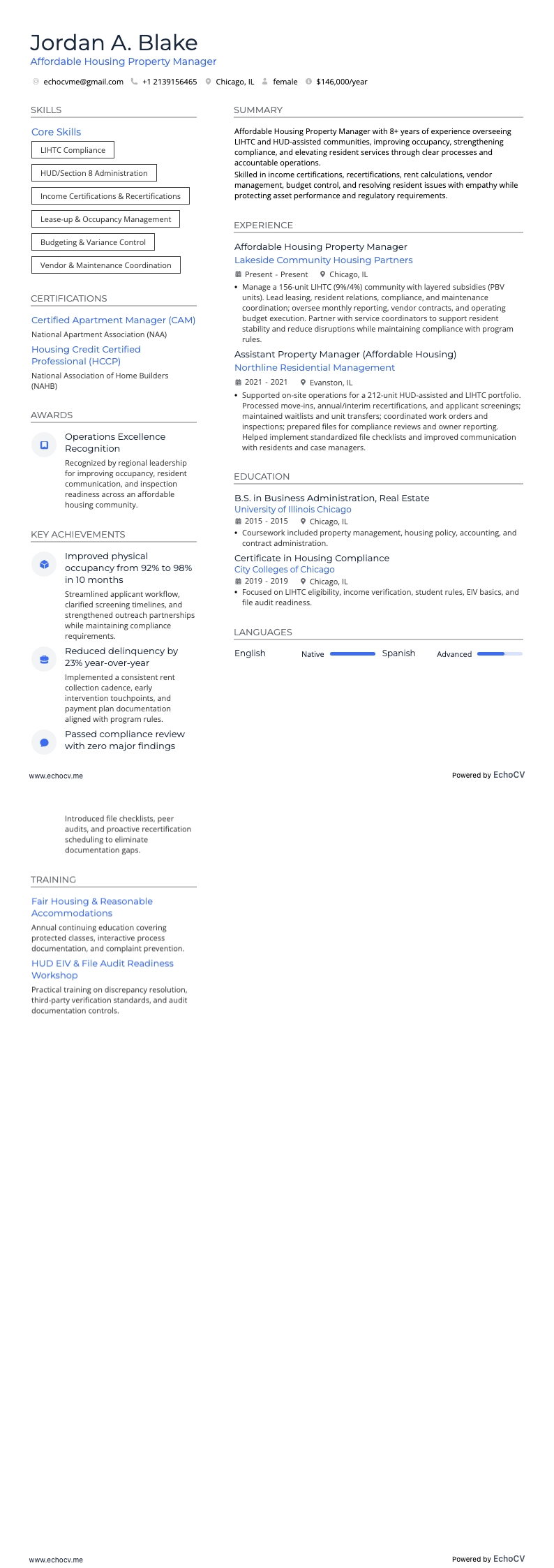
Immobilienverwalter für bezahlbaren Wohnraum
Immobilienverwalter Lebenslauf-Beispiele
Entdecken Sie weitere Immobilienverwalter-Lebenslauf-Beispiele und Leitfäden und sehen Sie, was für Ihr Erfahrungsniveau oder Ihre Rolle am besten funktioniert.
Nach Erfahrung
Direktor Immobilienverwaltung
Auszubildender zum Immobilienverwalter
Leitender Immobilienverwalter
Immobilienverwalter/in (Einstiegsposition)
Immobilienverwalter Lebenslauf-Beispiele
Entdecken Sie weitere Immobilienverwalter-Lebenslauf-Beispiele und Leitfäden und sehen Sie, was für Ihr Erfahrungsniveau oder Ihre Rolle am besten funktioniert.
Nach Rolle
Immobilien Asset Manager
Immobilienmanager für mehrere Standorte
Immobilienverwalter für Erbbaurechte
Immobilienverwalter
Projektmanager Immobilien
Manager für Immobilienentwicklung
Immobilien-Risikomanager
Leiter der Immobilieninstandhaltung
Immobilien-Portfoliomanager
Einzelhandels-Immobilienmanager
Manager für Gewerbeimmobilien
Manager für Immobilienbetrieb
Immobilienmanager im Gastgewerbe
Manager für gewerbliches Eigentum
Wohnimmobilienverwalter
Leasing-Manager
Facility Manager
Immobilienverwalter vor Ort
Immobilienverwalter für bezahlbaren Wohnraum