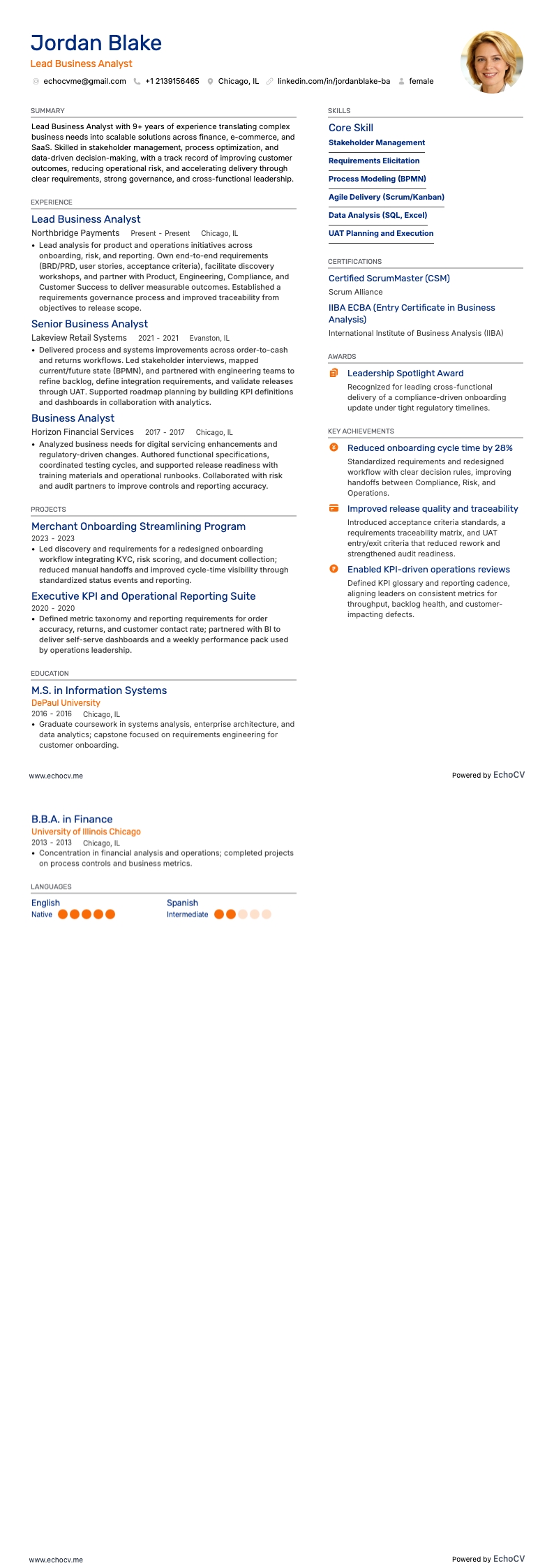
As a senior business analyst, you may struggle with condensing a wealth of experience into a two-page resume that stands out. Our guide is specifically designed to help you highlight your key achievements and tailor your extensive skill set to the job at hand, ensuring your resume makes a lasting impression.
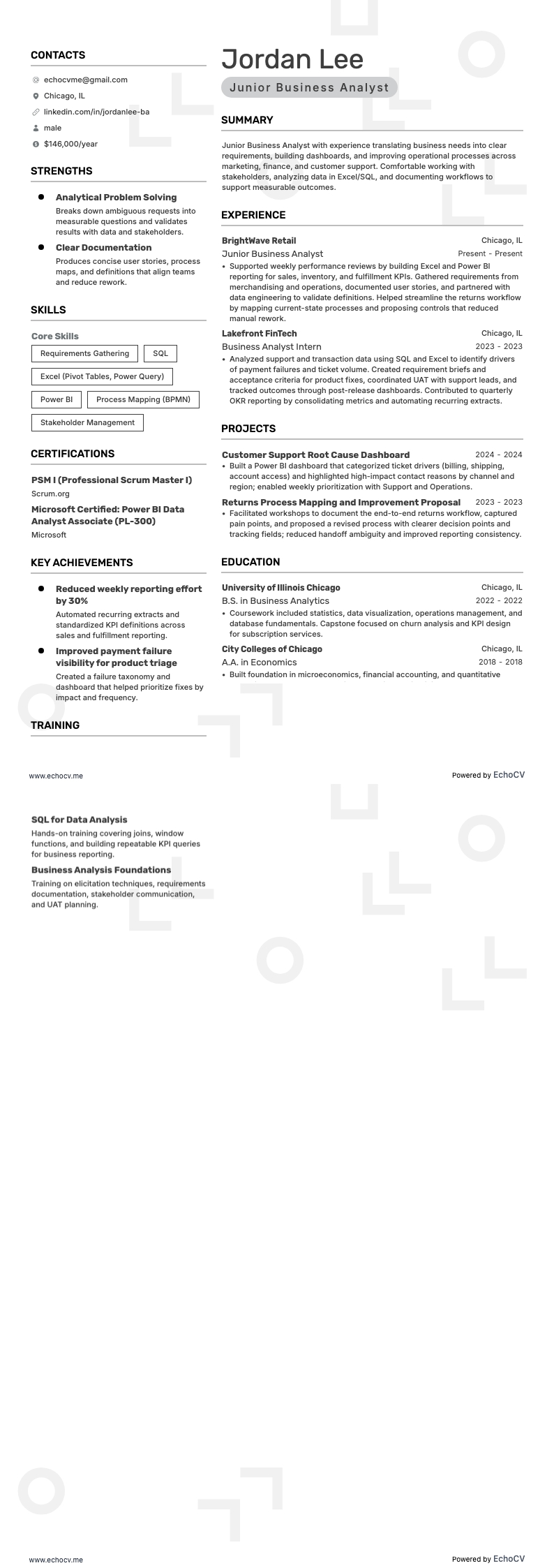
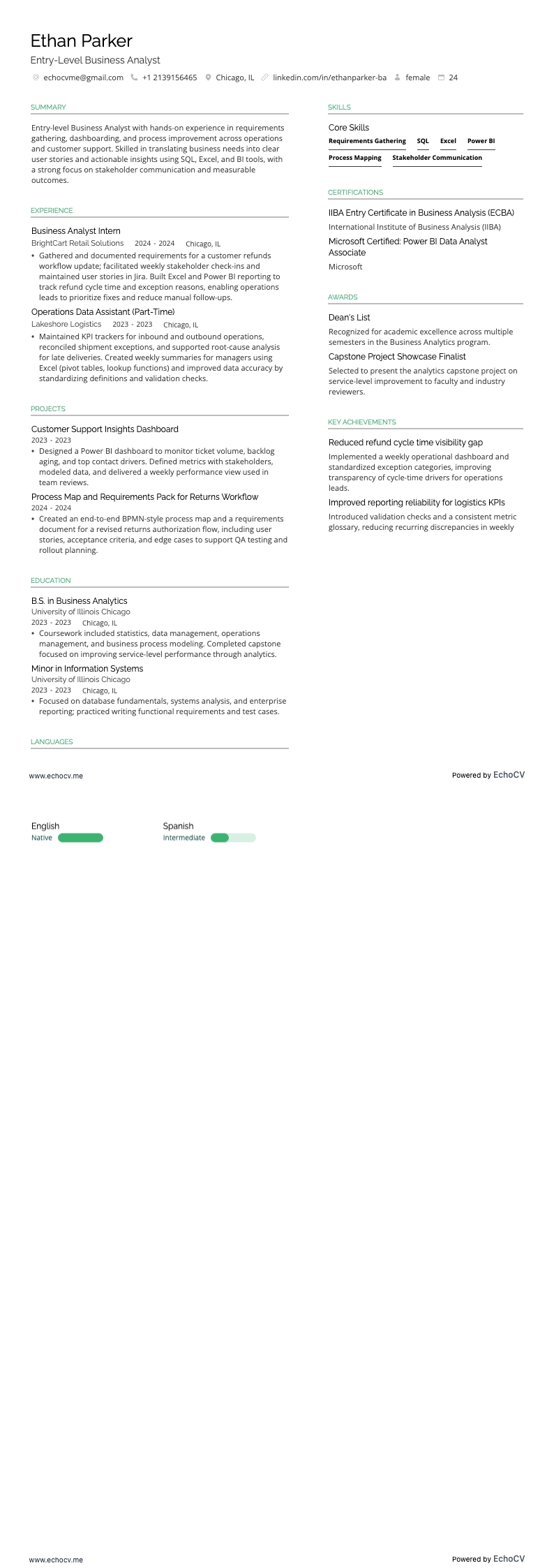
- Format your senior business analyst resume to ensure that it balances professionalism with creativity, and follows the best practices.
- Match the senior business analyst job requirements by including industry keywords on your resume.
- Use various resume sections to showcase your skills and achievements to answer why you're the best candidate for the senior business analyst role.
Take inspiration from leading senior business analyst resume examples to learn how to tailor your experience.
Enhancing your senior business analyst resume: format and layout tips
"Less is more" - this principle is key for your senior business analyst resume design. It emphasizes the importance of focusing on why you're the ideal candidate. Simultaneously, it's crucial to select a resume design that is both clear and simple, ensuring your qualifications are easily readable.
Four popular formatting rules (and an additional tip) are here to optimize your senior business analyst resume:
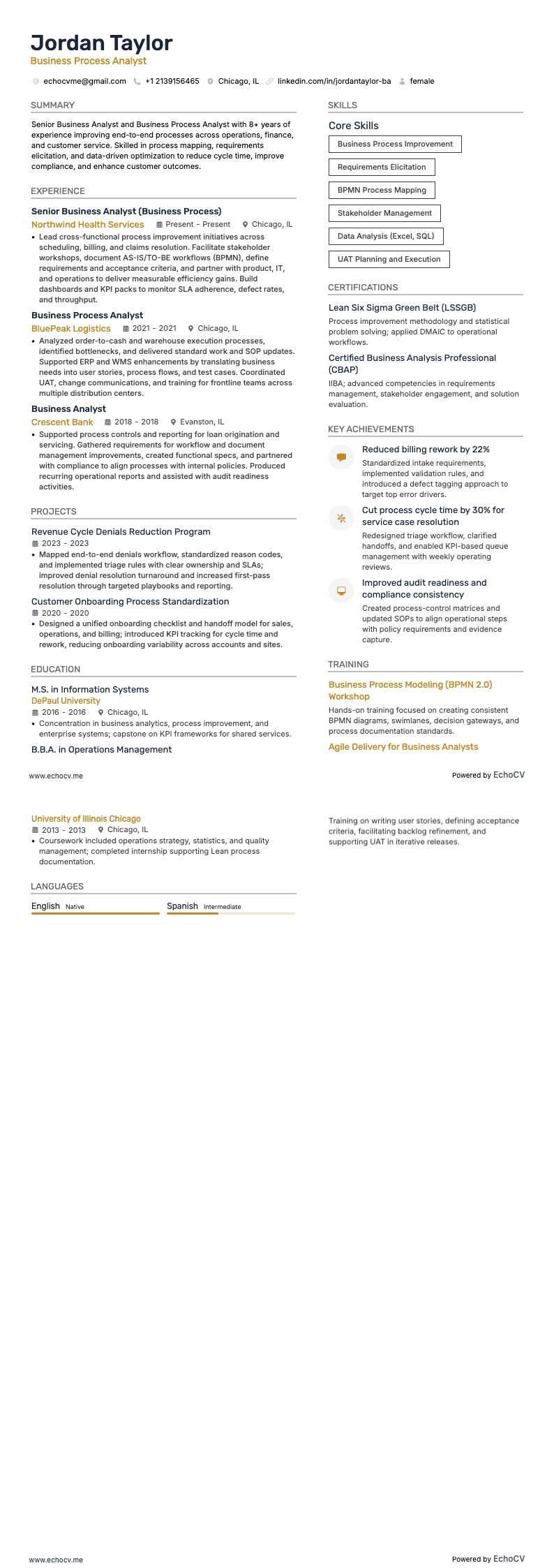
- Listing experience in reverse chronological order - start with your most recent job experiences. This layout helps recruiters see your career progression and emphasizes your most relevant roles.
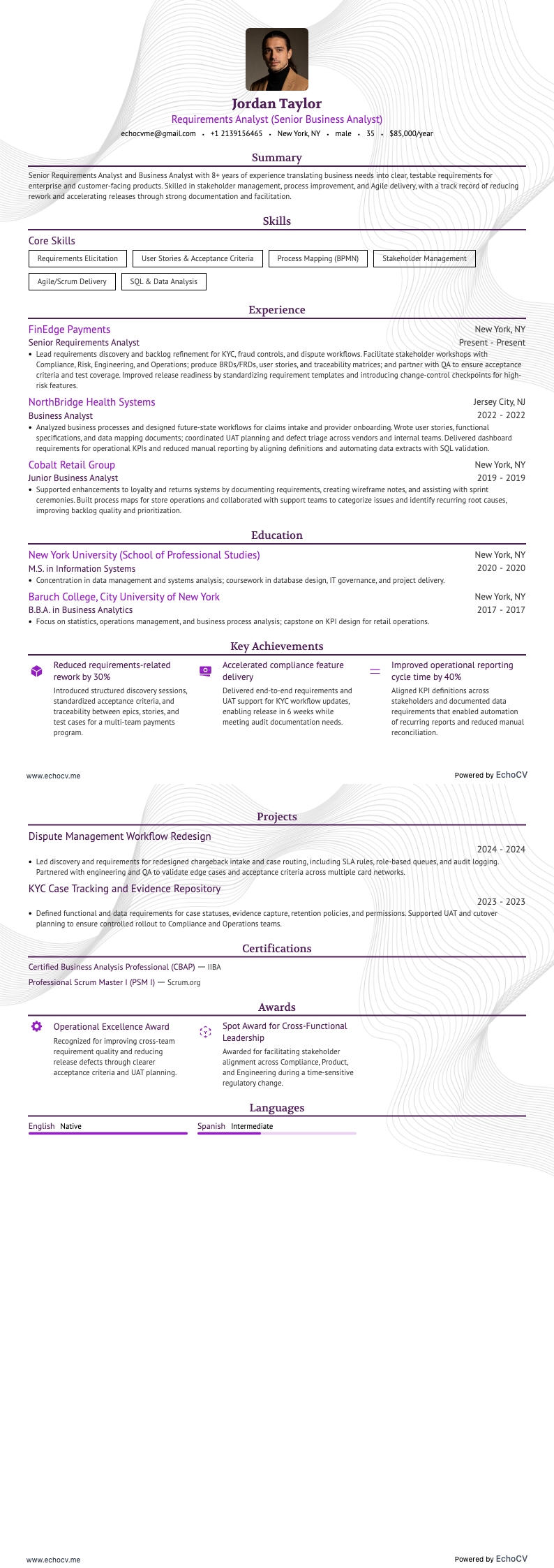
- Including contact details in the header - make sure your contact information is easily accessible at the top of your resume. In the header, you might also include a professional photo.
- Aligning your expertise with the job requirements - this involves adding essential sections such as experience, skills, and education that match the job you're applying for.
- Curating your expertise on a single page - if your experience spans over a decade, a two-page resume is also acceptable.
Bonus tip: Ensure your senior business analyst resume is in PDF format when submitting. This format maintains the integrity of images, icons, and layout, making your resume easier to share.
Finally, concerning your resume format and the Applicant Tracker System (ATS):
- Use simple yet modern fonts like Rubik, Lato, Montserrat, etc.
- All serif and sans-serif fonts are friendly to ATS systems. Avoid script fonts that look like handwriting, however.
- Fonts such as Ariel and Times New Roman are suitable, though commonly used.
- Both single and double-column resumes can perform well with the ATS.
Different markets have specific resume formats – a Canadian resume could vary in layout.