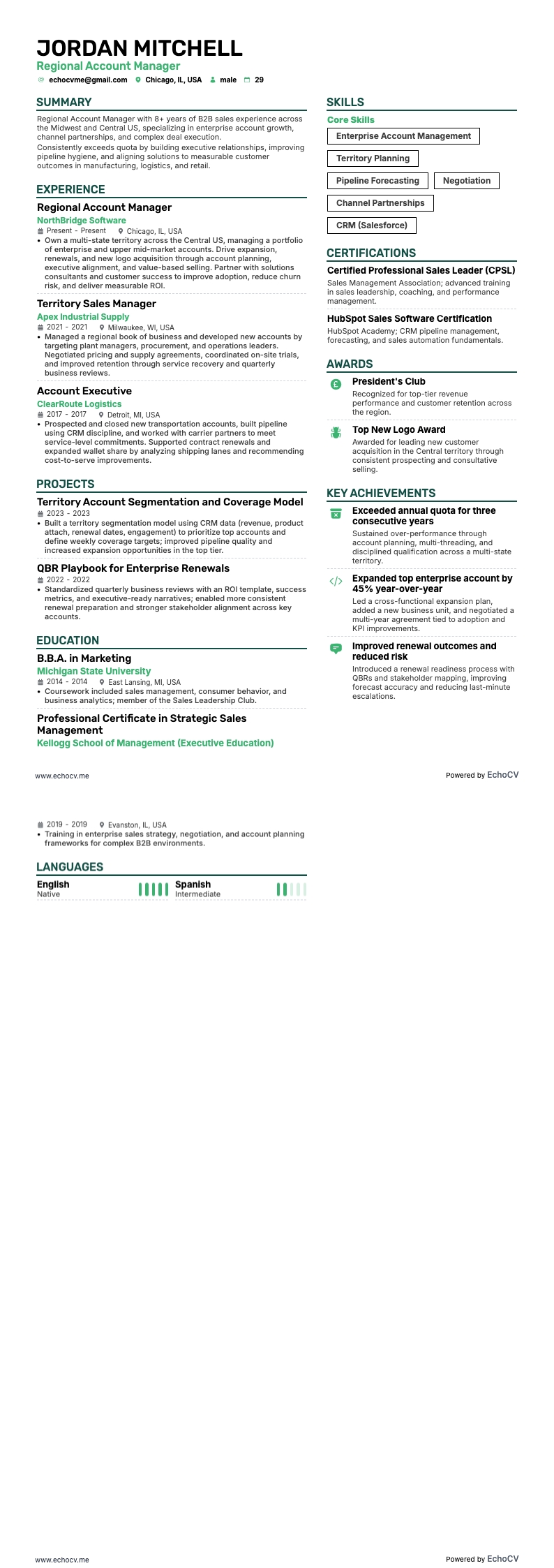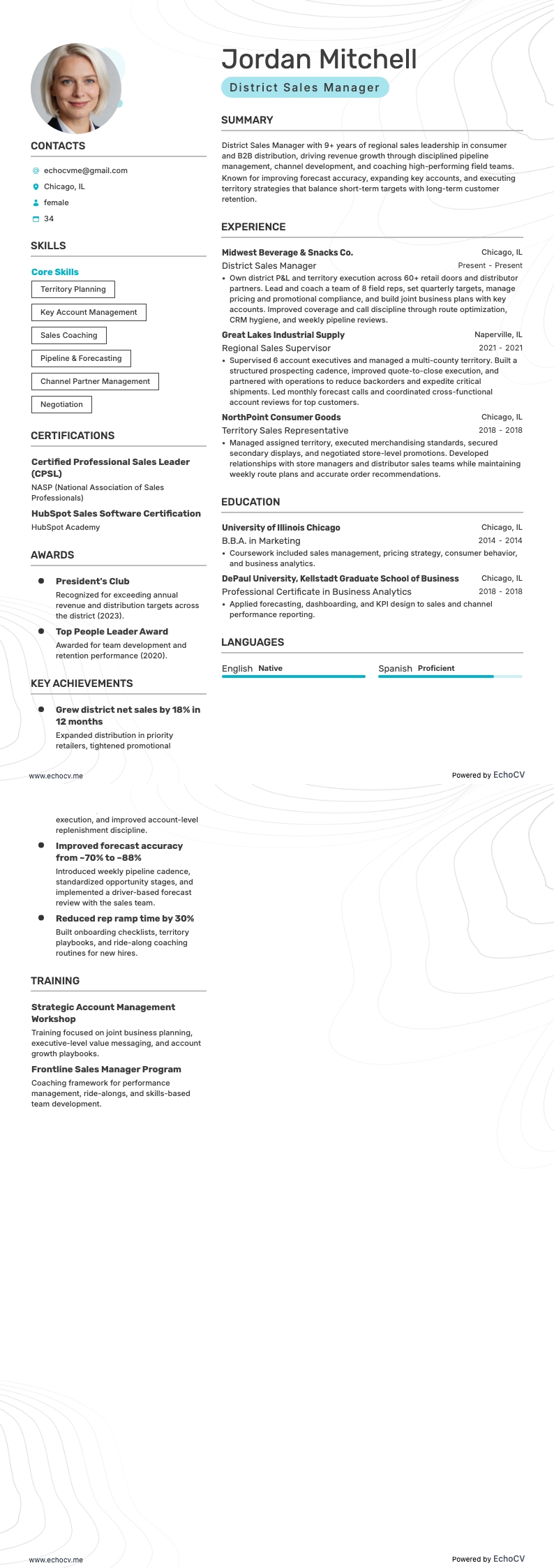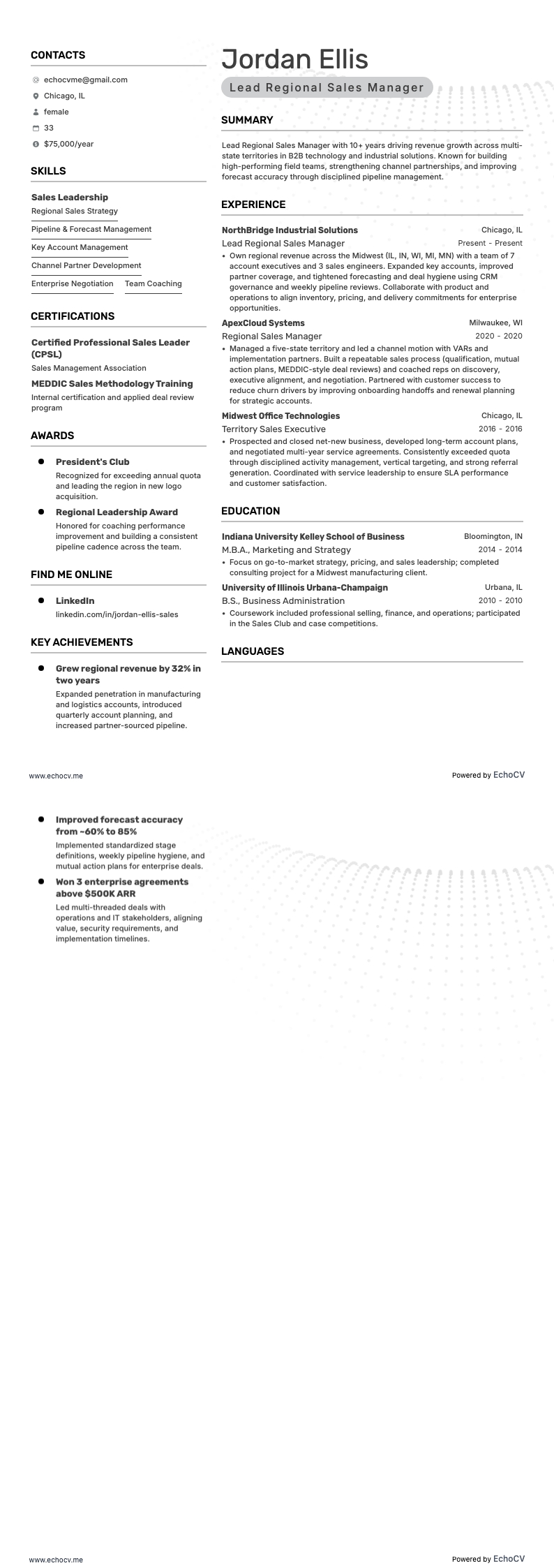
As a regional sales manager looking for a new job, there are several things that you need to consider when updating your resume. Not all sales jobs are the same and neither should your resume for each regional sales management position you apply for.
During our journey toward building a stand-out regional sales manager resume, we will cover some of the common issues that sales managers face when crafting each section. We will use real-world resume examples to show you how to:
- Emphasize your skills as a territorial manager, capturing marketing trends, and forecasting sales through quantifying specific metrics.
- Demonstrate familiarity and proficiency with customer relationship management (CRM) software, lead generation, and other sales tools.
- Showcase leadership abilities and interpersonal skills through team collaboration, mentoring new sales agents, and working with upper management.
- Tailor your resume to the specific job post to increase your chances of getting an interview.
By the time we are done, you will have a solid template that you can use and easily update with the kind of information recruiters and hiring teams prefer to see from new regional sales managers.
If this guide for a regional sales manager resume does not quite fit with your career plans, here are some similar resume guides you can check out:
The first step in building an attention-grabbing regional sales manager resume is to use the correct format. If you don’t, it would be like trying to sell a flamethrower to an Eskimo. Sure, you can do it, but I don’t think you will like the results.
How to format a regional sales manager resume
HR staff, headhunters, and job placement companies expect each resume they receive to follow a specific format, no matter what type of job. Formatting is more important now than ever with the rise in popularity of applicant tracking systems. We’ll touch on this a little bit later on.
The standard resume format has the same default settings for most word-processing apps like Microsoft Word and Google Docs. These settings are:
- One-inch margins on all sides
- Single line spacing
- Font size between 10-12 points
When choosing a font, stick with a serif or sans-serif type. Aerial and Times New Roman are classic examples of this type, as are more modern fonts, like Volkhov, Raleway, Rubix, Montserrat, and Exo 2.
These and other modern fonts, along with the correct settings and standard resume sections, are included in Echocv resume templates. You can select from a wide range of styles, including single and two-column layouts.
Why should you go with a two-column layout? It allows you to display more information on a single page and prevents over-scrolling. Anyone with more than 5-10 years of experience within the same sales field should go with this layout.
Ultimately, the choice is yours. Try out the different styles and go with the one you like the most.
Your completed resume should be no more than two pages long and list all dated information in reverse chronological order. This only applies to the work experience and education and certification sections.
The very top section of your resume is the header. In this section, you will include your full name, job title, and contact information including phone and email. Make sure you use a professional email address. According to a LinkedIn article, 76% of resumes are discarded due to unprofessional email addresses.
A professional resume header will look something like this:
Different markets have specific resume formats – a Canadian resume could vary in layout.