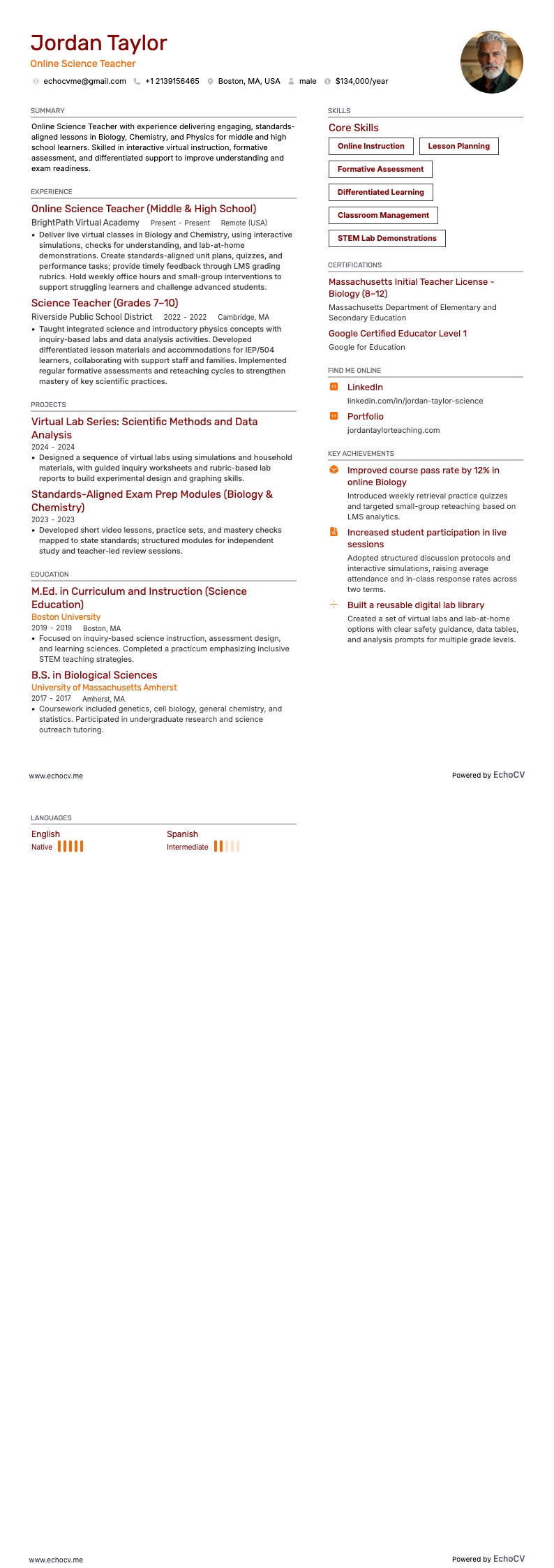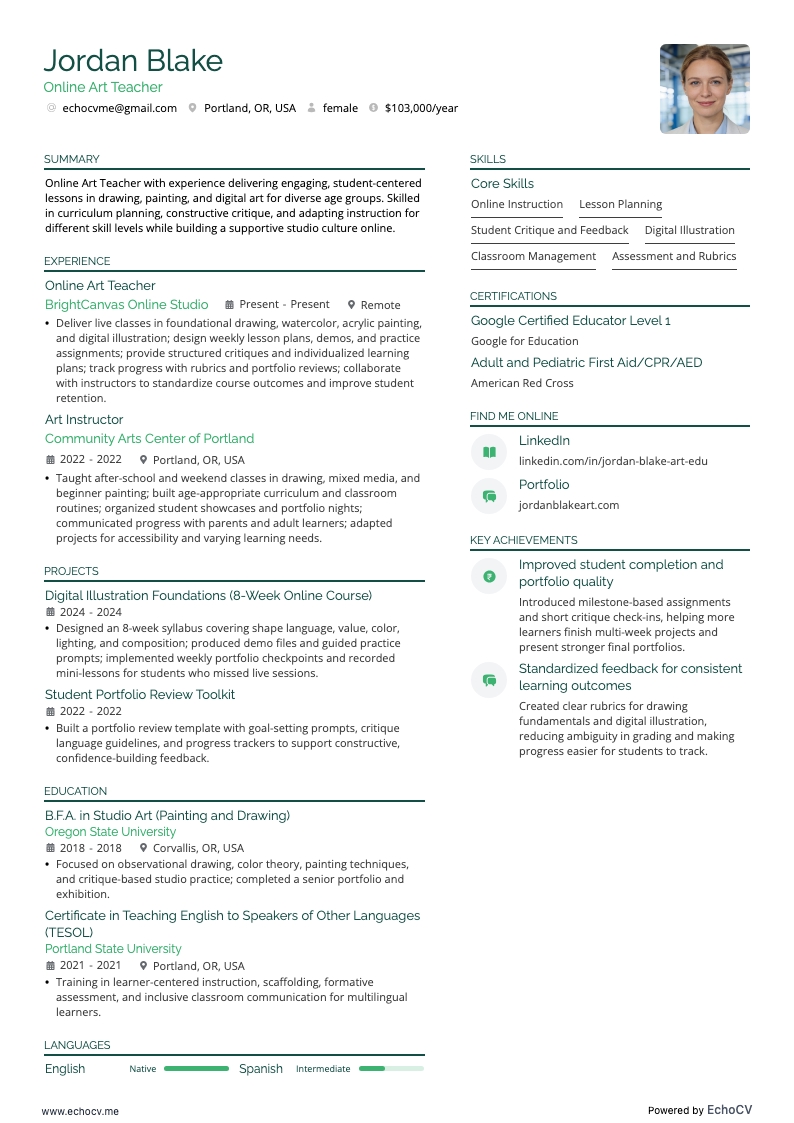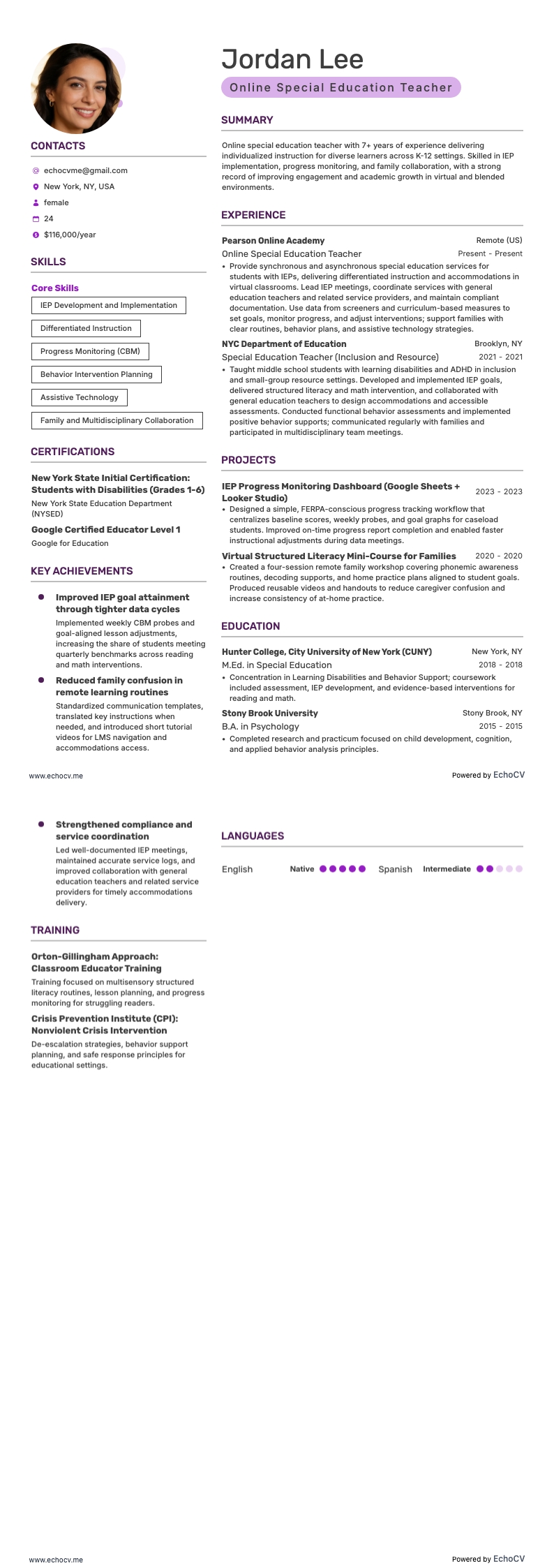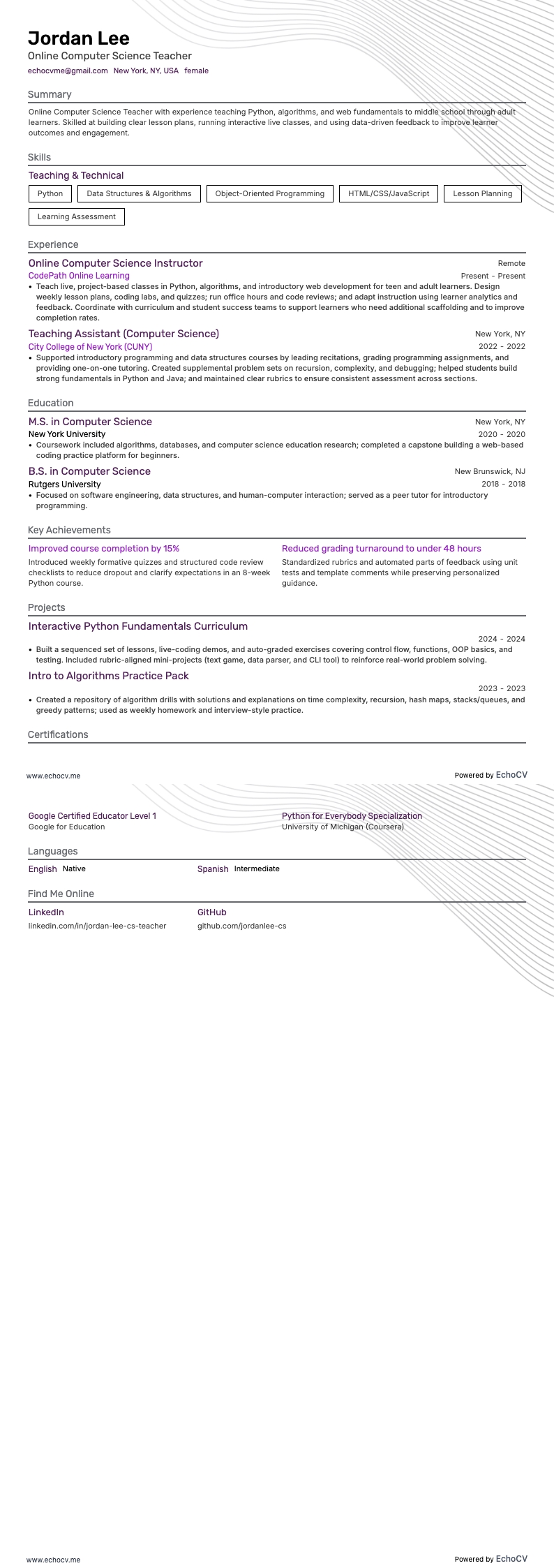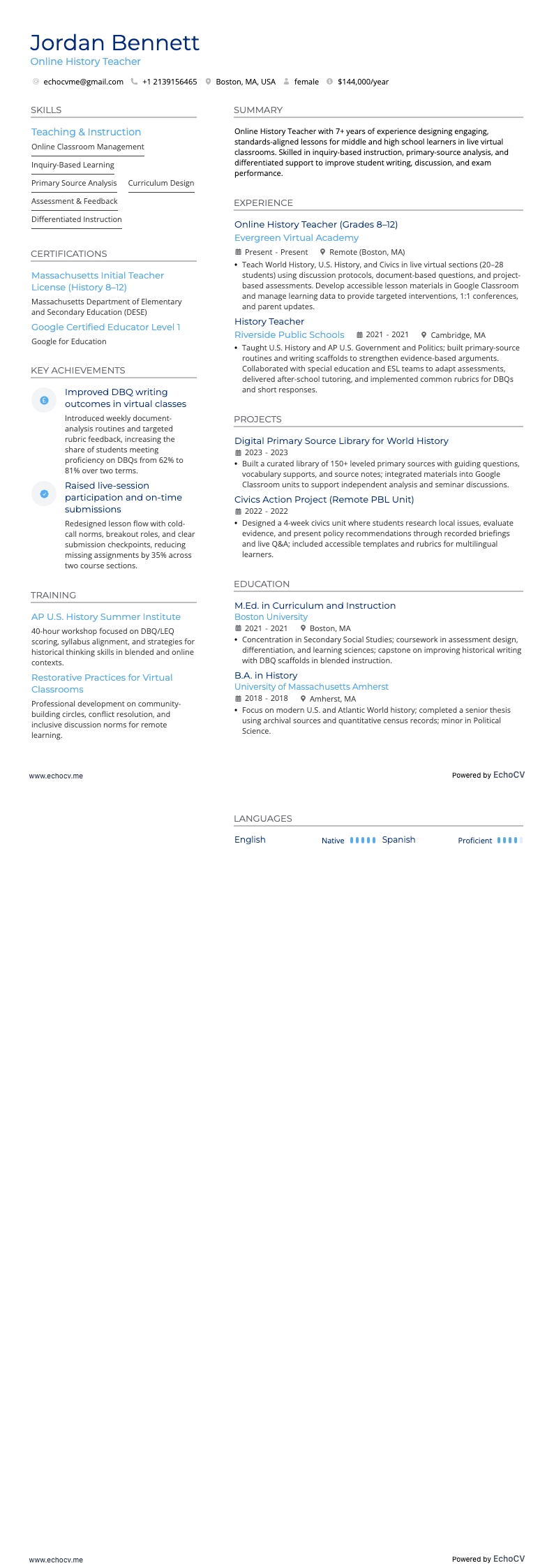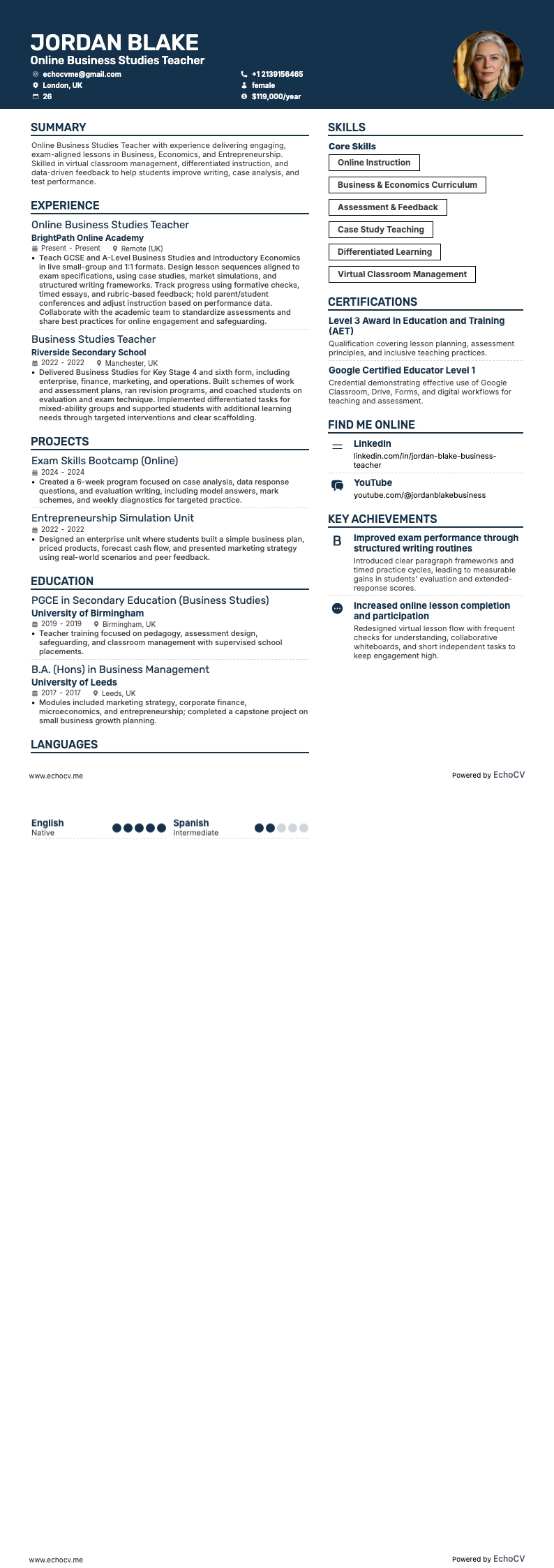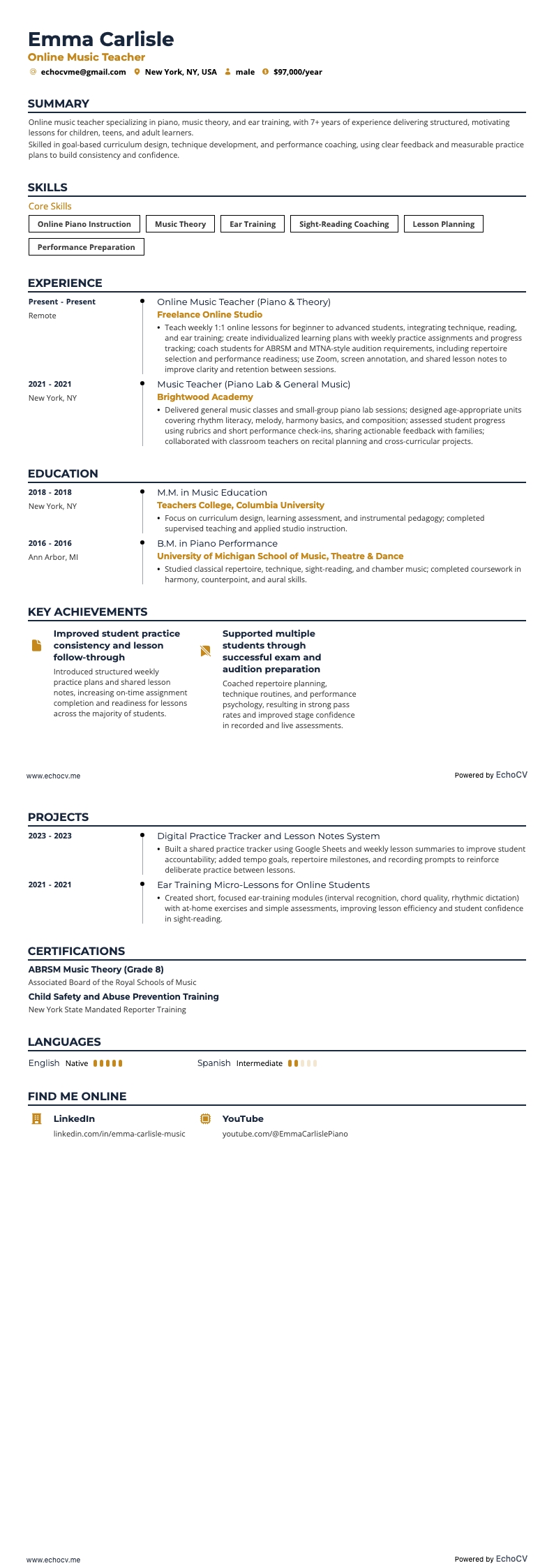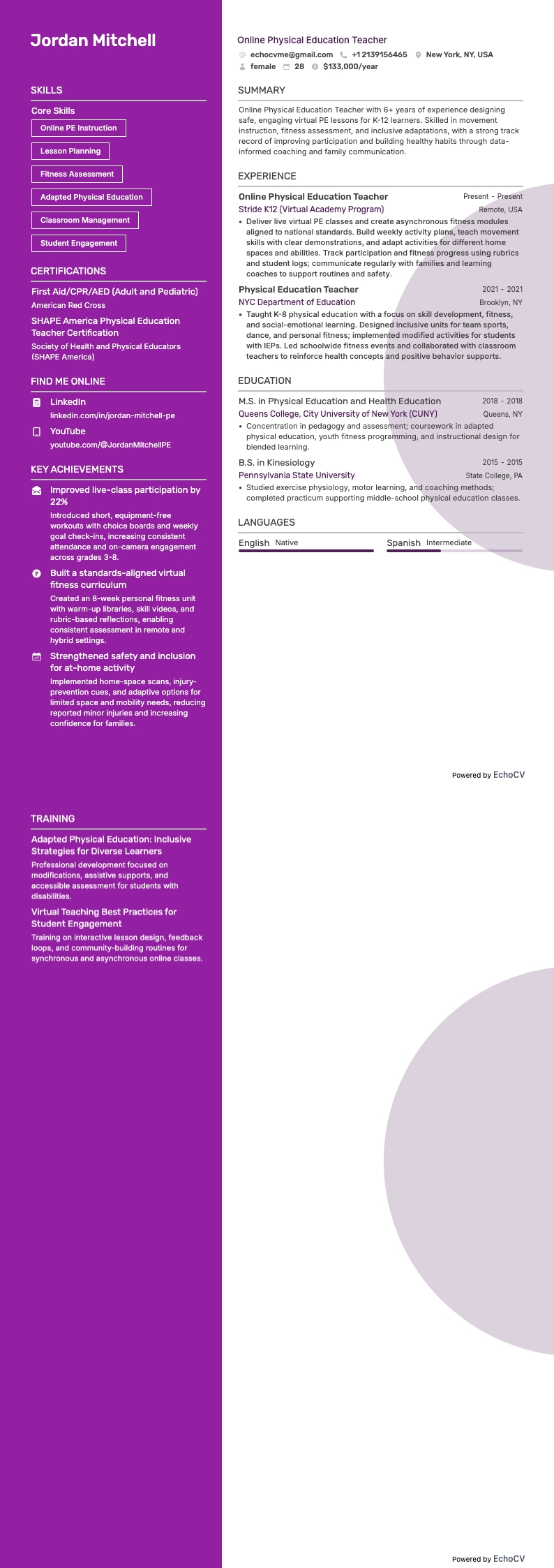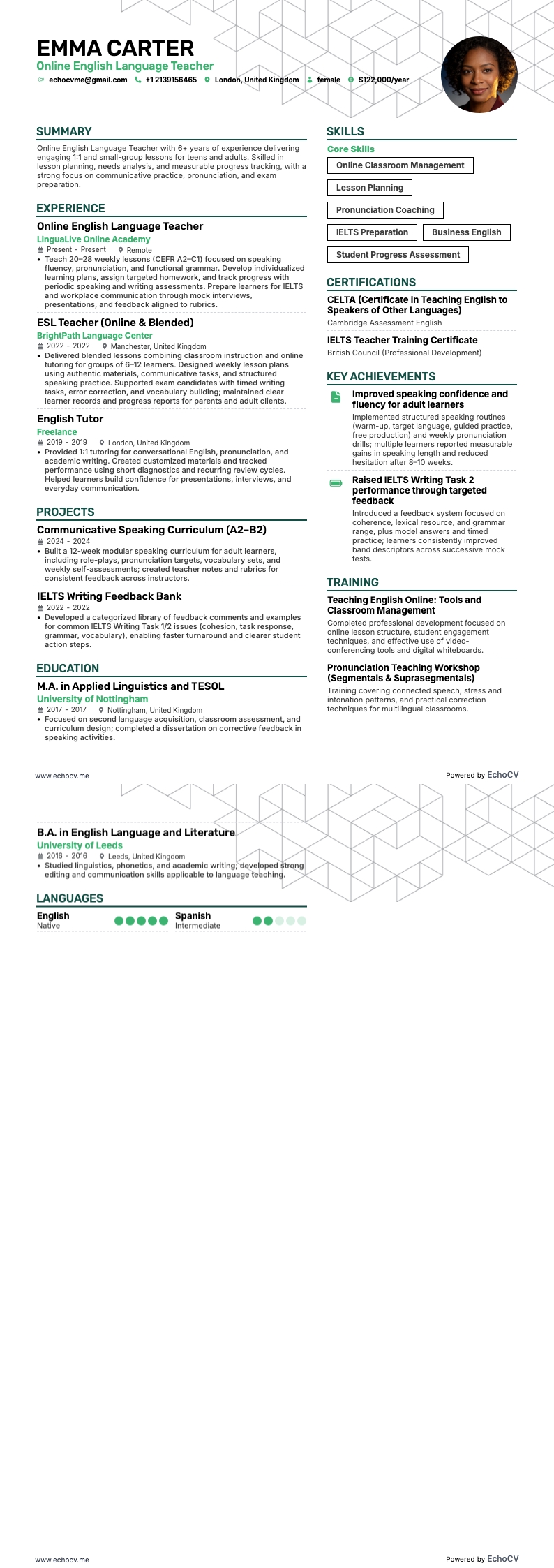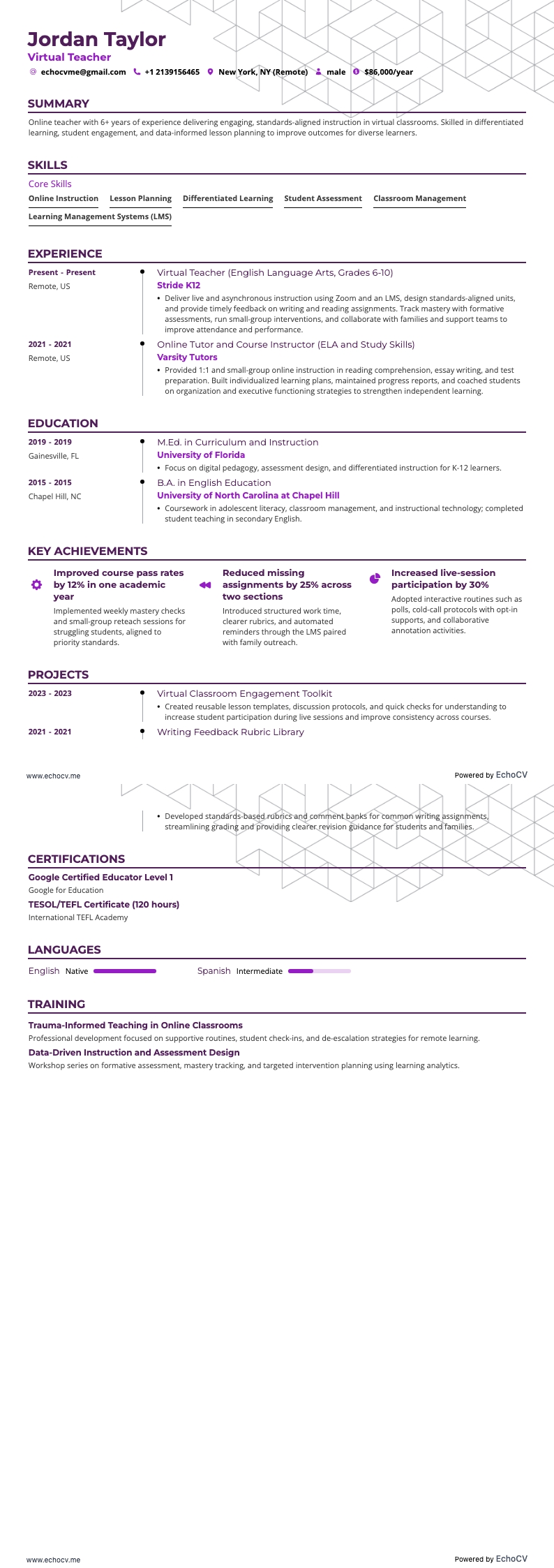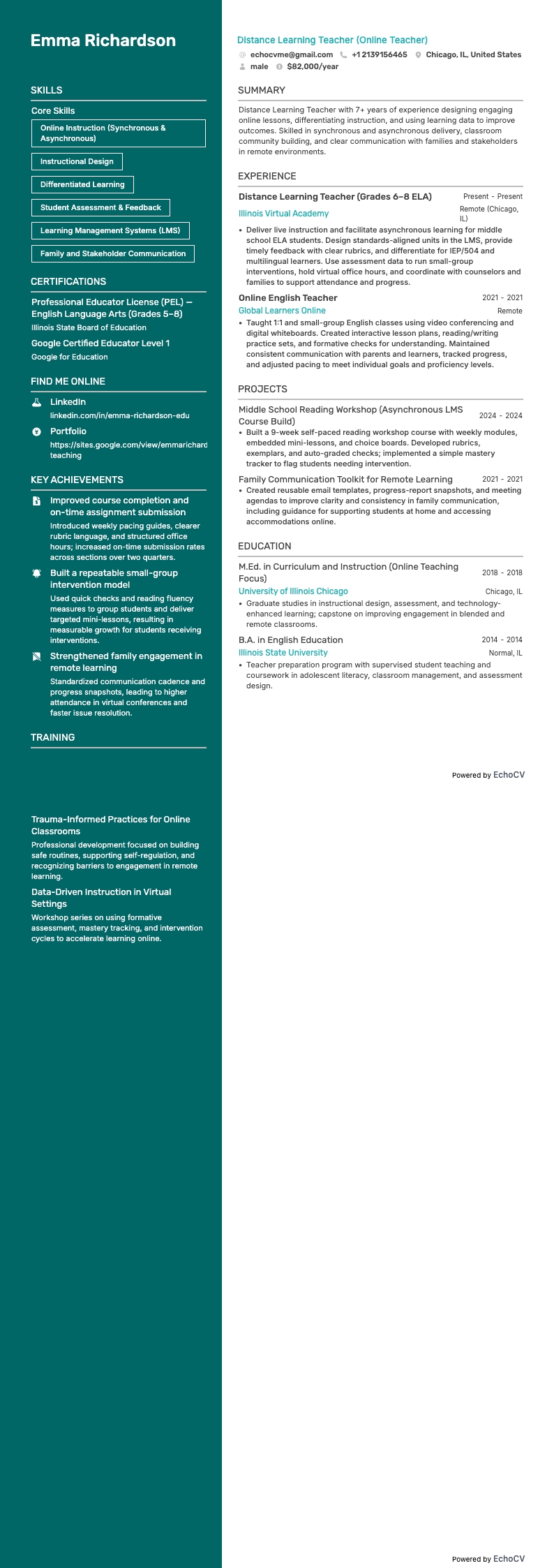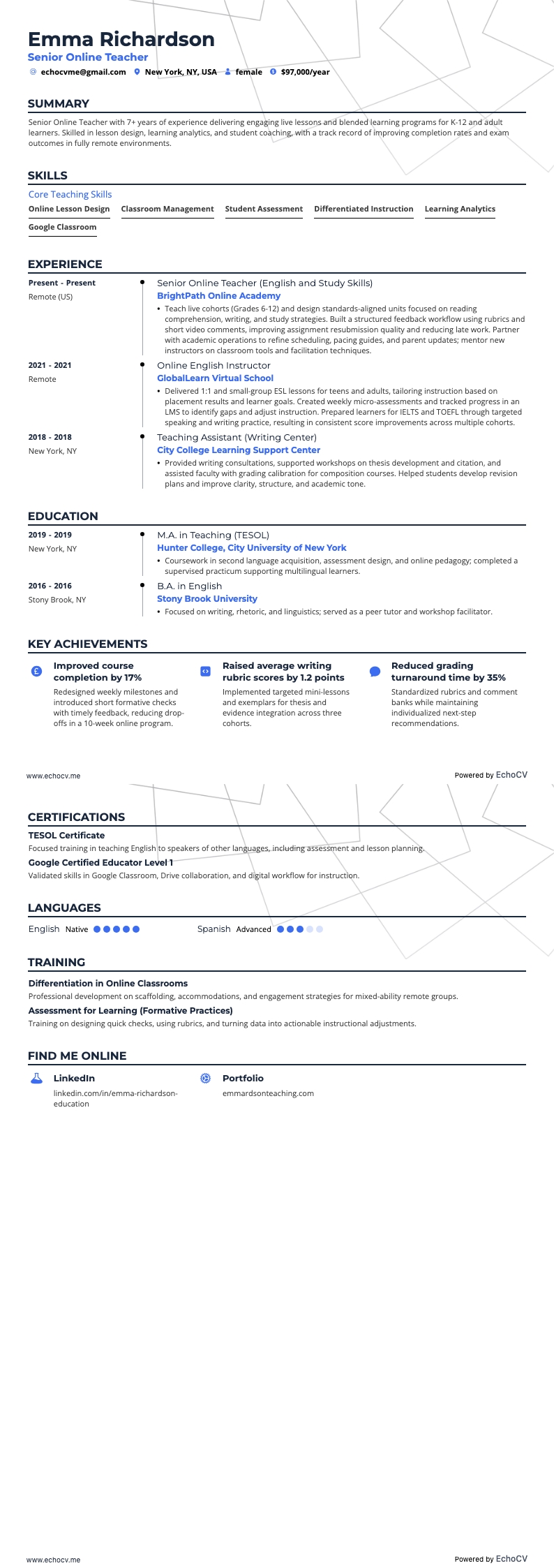
One significant resume challenge you might face as an online teacher is effectively showcasing your digital teaching skills and virtual classroom management techniques. Our comprehensive guide is tailored to help you articulate these unique qualifications and craft a resume that stands out in the rapidly evolving field of online education.
- Utilize real-life examples to refine your online teacher resume;
- Effectively write the experience section of your online teacher resume, even if you have minimal or no professional experience;
- Incorporate the industry's top 10 essential skills throughout your resume;
- Include your education and certifications to highlight your specific expertise.
If the online teacher resume isn't the right one for you, take a look at other related guides we have:
The importance of format and layout in your online teacher resume
Consider you're an HR professional at company X, evaluating two online teacher candidate resumes. John Smith presents a simple, traditional, and easy-to-read resume. Edward Price, however, uses a non-conventional, often illegible format. Whose resume would you spend more time on to understand their experience? This scenario underscores the importance of your online teacher resume’s design. It should be simply formatted and clearly communicate why you are the ideal candidate for the role.
Achieve this balance by:
- Listing your experience, beginning with the most recent and relevant, in reverse chronological order;
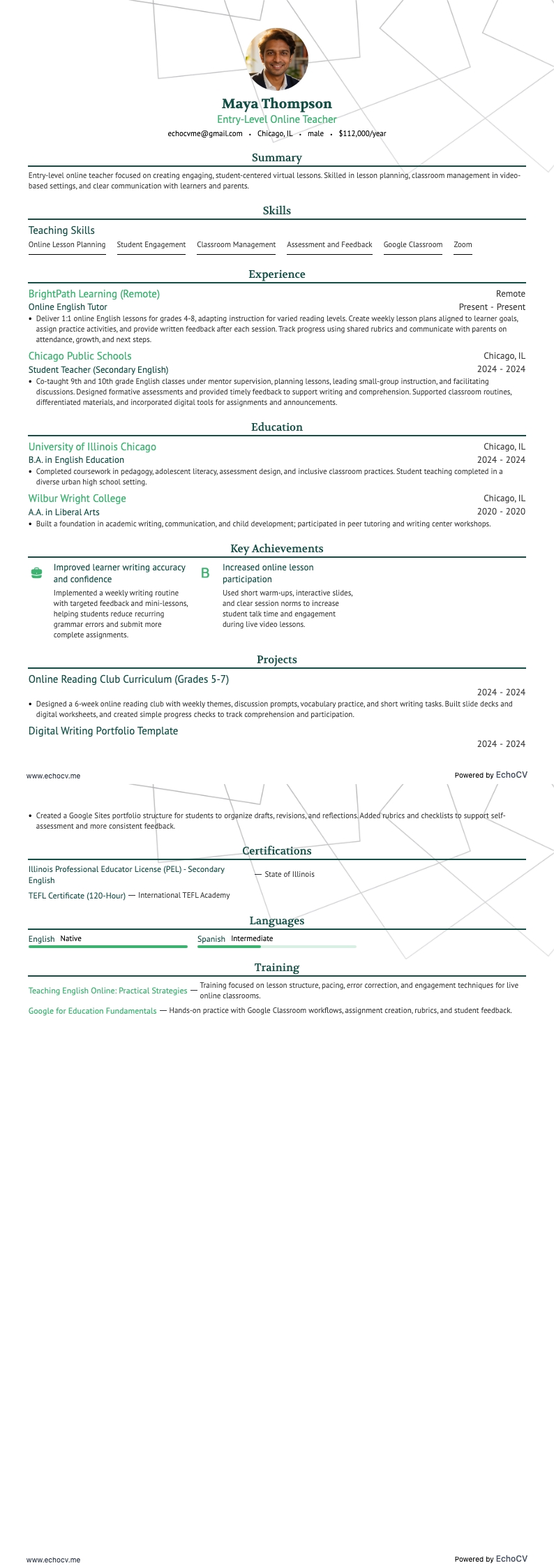
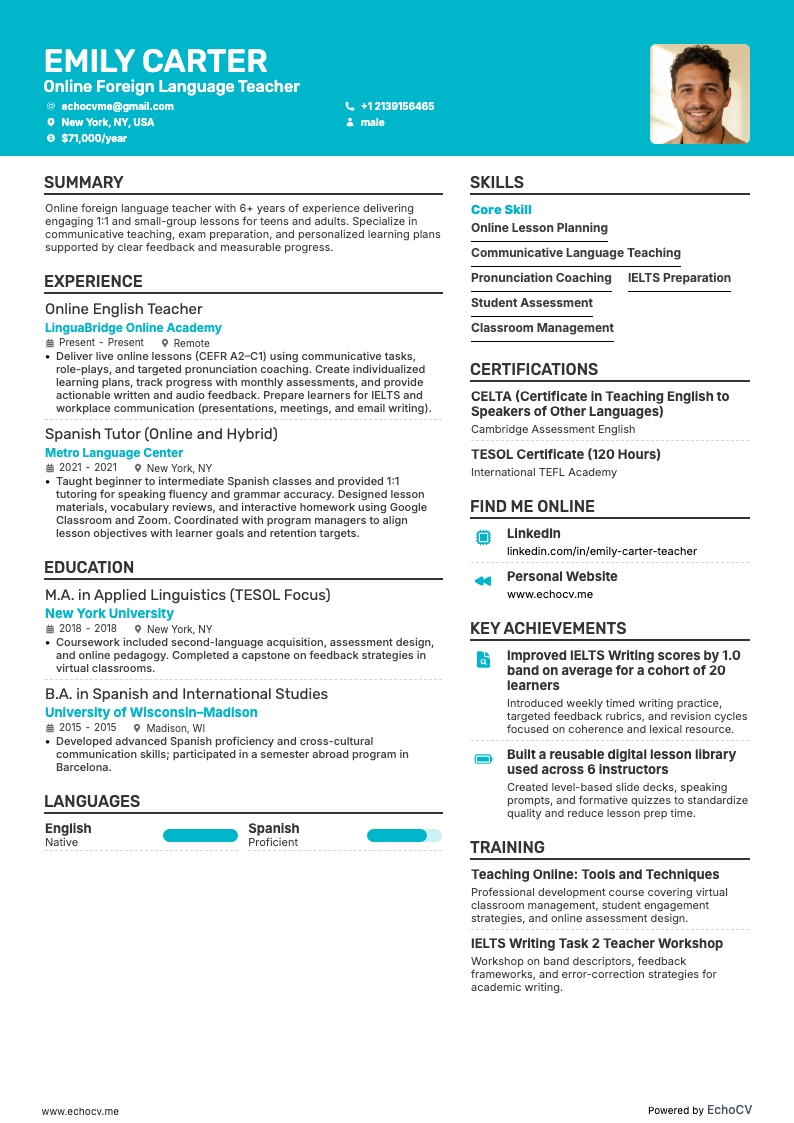
- Ensuring your header contains essential information, such as contact details, a headline, and a portfolio link. Include a professional photo in the online teacher resume header if you have one;
- Including only the most important and relevant resume sections to showcase your expertise and stand out from other candidates;
- Editing your online teacher resume to be no longer than two pages if you have extensive relevant experience. Use your limited resume space judiciously.
Also, remember that your online teacher resume might initially be scanned by an Applicant Tracker System (ATS).
When it comes to ATS:
- Opt for simple and legible fonts like Raleway, Rubik, Lato, etc., making your experience easy for the ATS to scan;
- Use serif and sans-serif fonts, both of which are ATS-friendly;
- Avoid overused options like Arial and Times New Roman, which, while suitable, may lack personality.
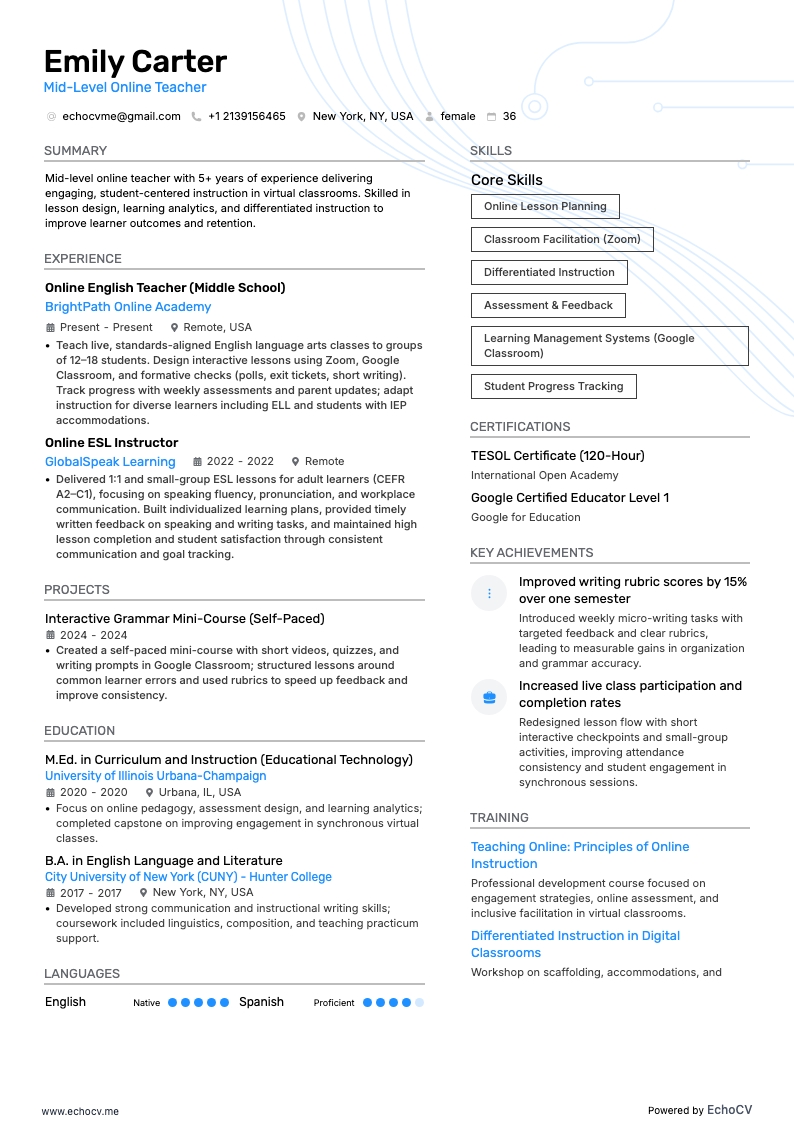
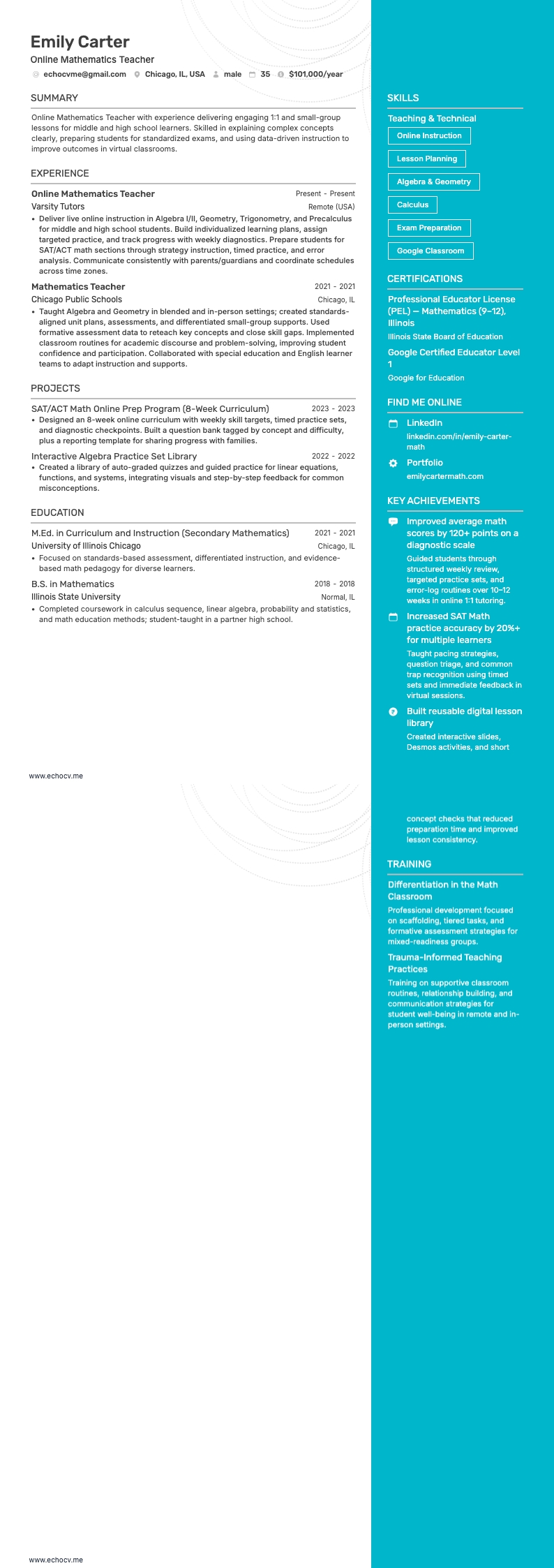
Contrary to a common myth, our recent study shows that the ATS can effectively process both one-column and two-column resumes. Learn more about this in the ATS myths guide.
Finally, when submitting your online teacher resume, always export it as a PDF to ensure all information remains intact, making the document easier to print, read, and scan.
Adjust your resume layout based on the market – Canadian resumes, for example, may follow a unique format.