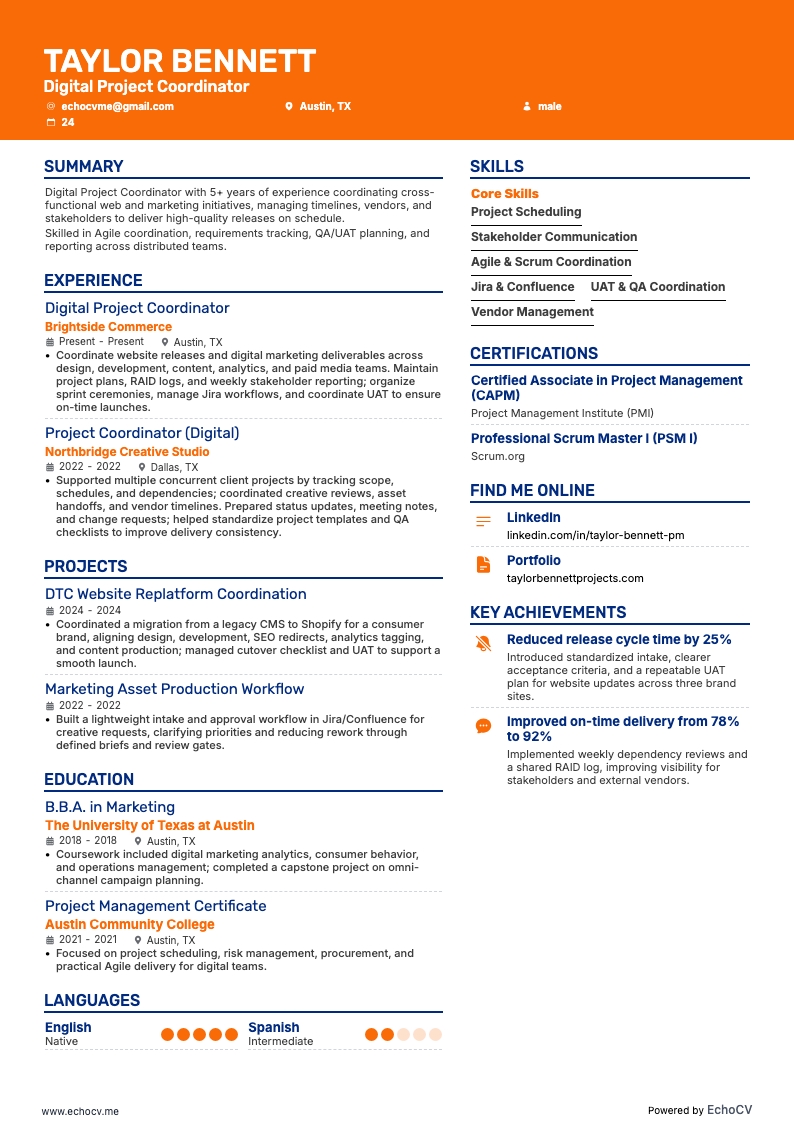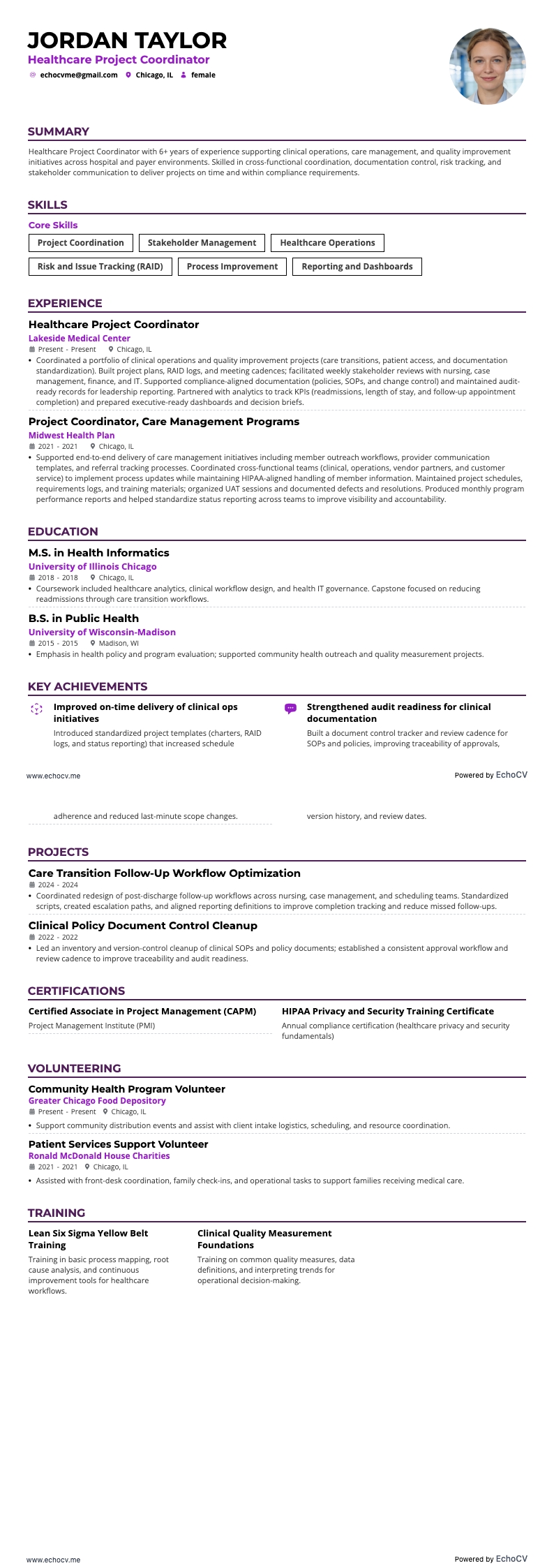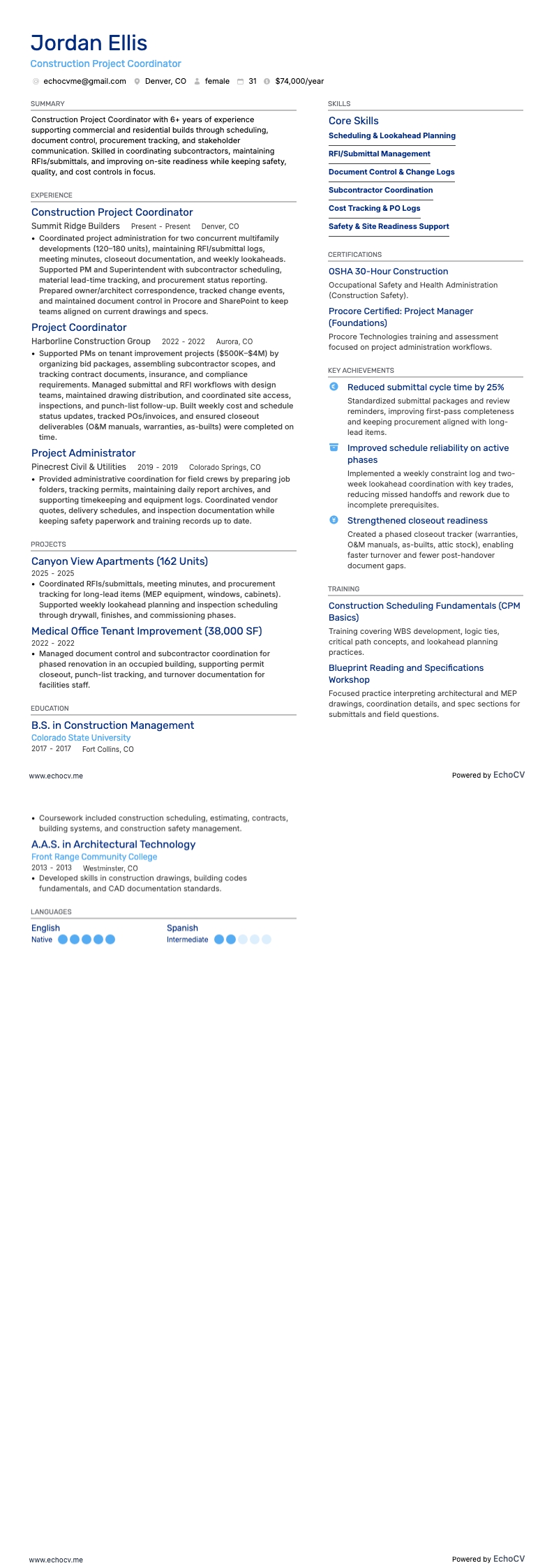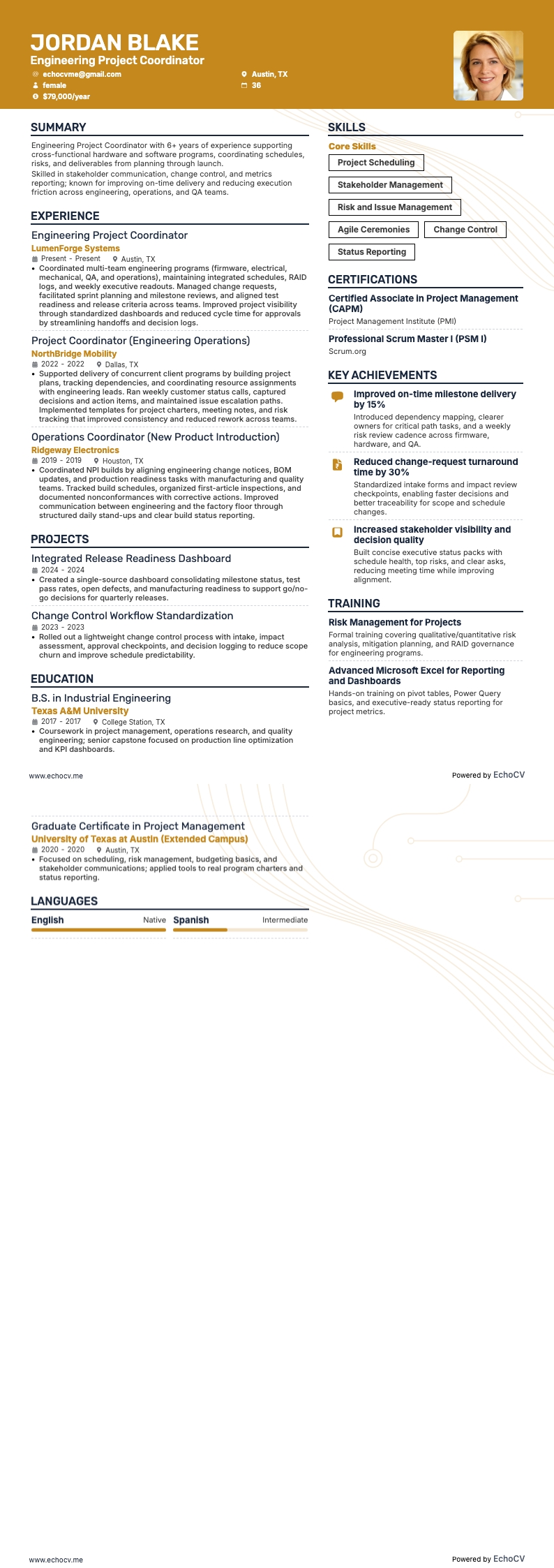
Like the conductor of an orchestra, a project coordinator is a leader. They are the singular point each team and individual looks to for direction. A project coordinator must know what is happening, provide actionable feedback, and keep everyone informed about what comes next.
Translating these artful skills into your project coordinator resume requires an understanding of resume writing best practices and what employers value in project coordinator resumes. Examples include your ability to juggle multiple tasks and communicate effectively, proficiency with project management software, and skills in budget management and team coordination.
Whether you're an experienced coordinator aiming to elevate your career or a newcomer eager to showcase your organizational prowess, your resume is your first and best chance to impress potential employers. It's not just a document. It's a stepping stone to your professional growth and success.
This guide, including pro tips and examples, will help you craft a resume that not only captures attention but also opens doors to exciting opportunities in the project management field, transforming your professional experiences into a compelling narrative.
For further resume-writing guidance, check out the following industry-specific project management guides:
- Project coordinator cover letter
- Project director resume
- Senior project manager resume
- Technical project manager resume
- Project engineer resume
- Agile project manager resume
- Project manager resume
- IT project manager resume
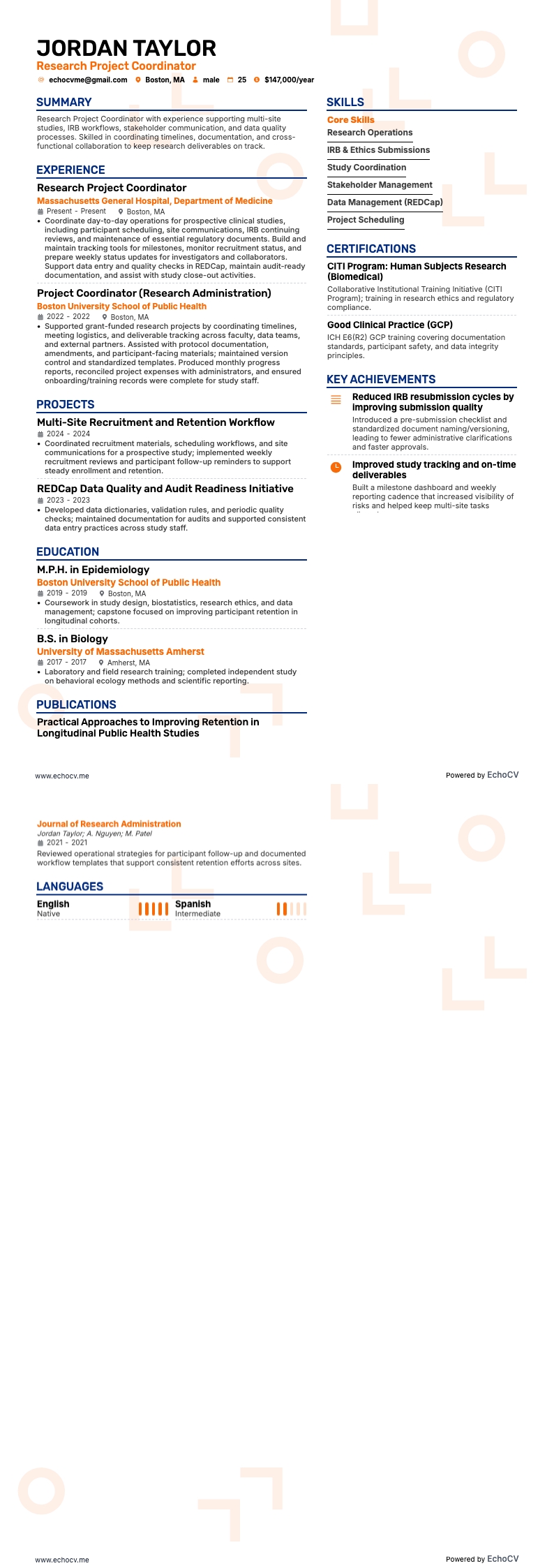
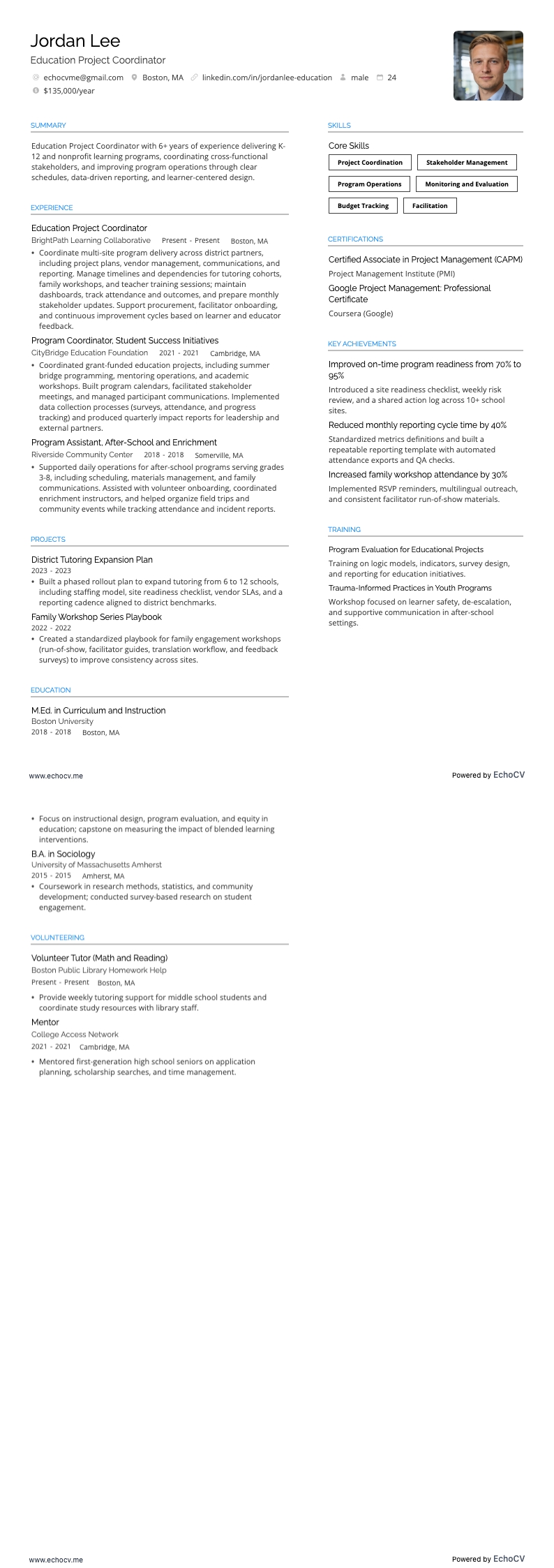
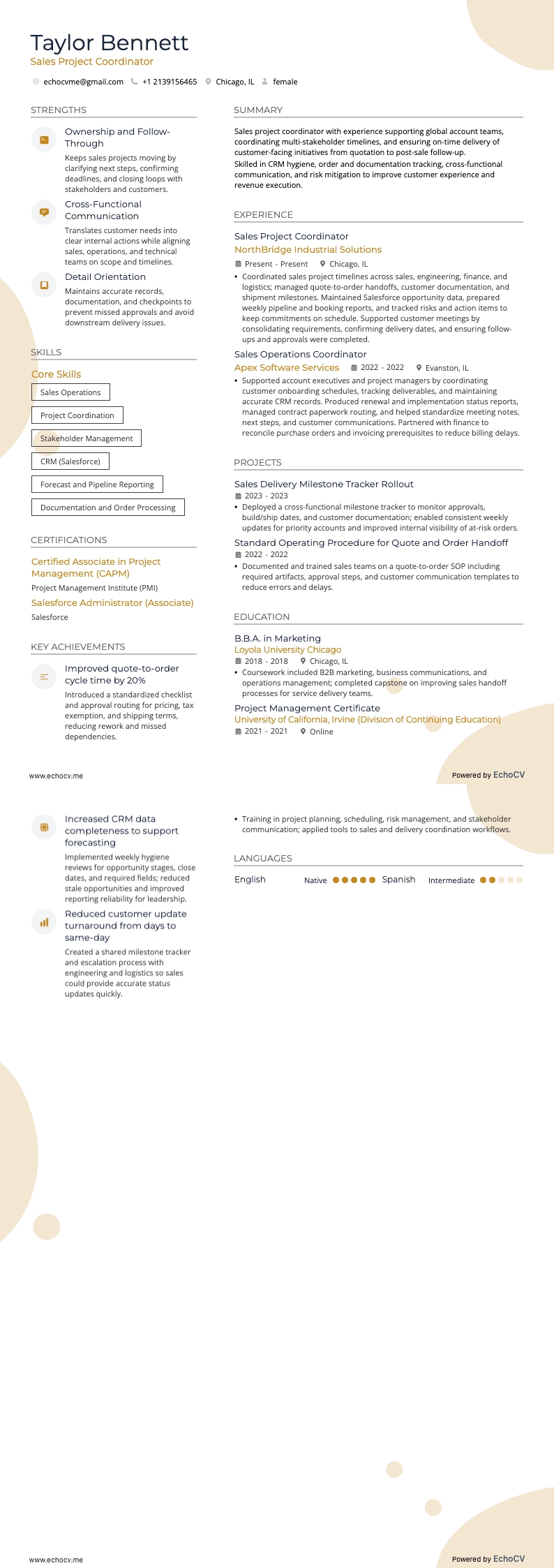
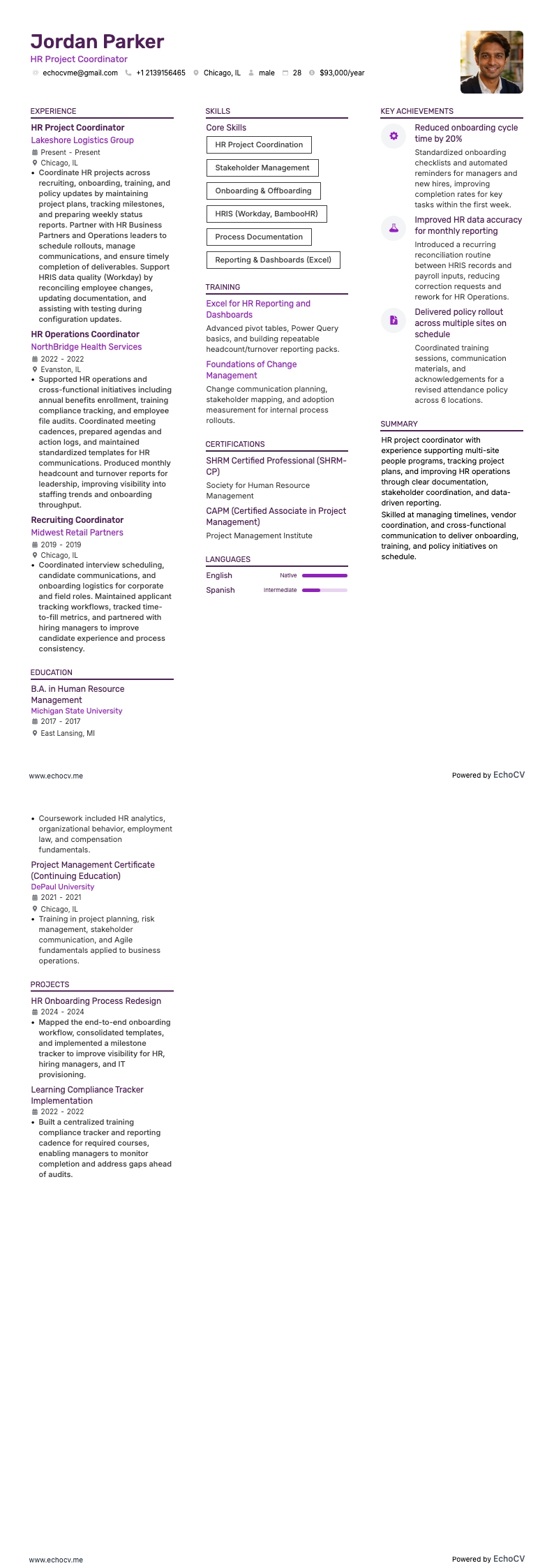
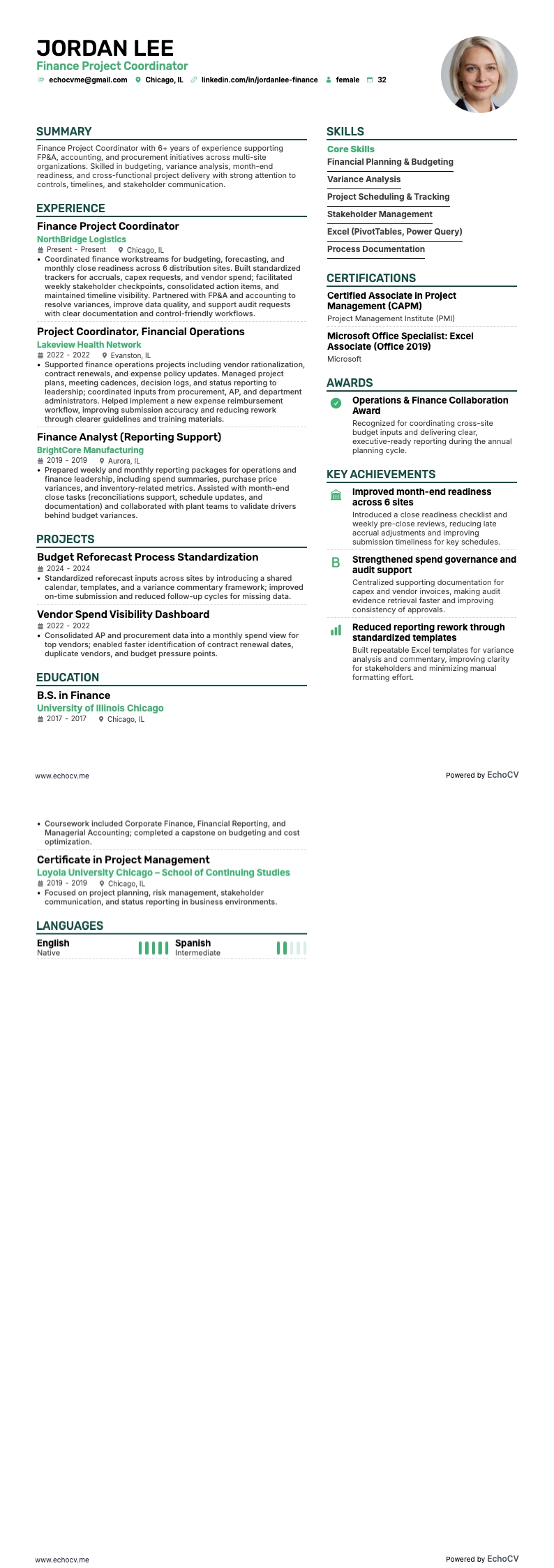
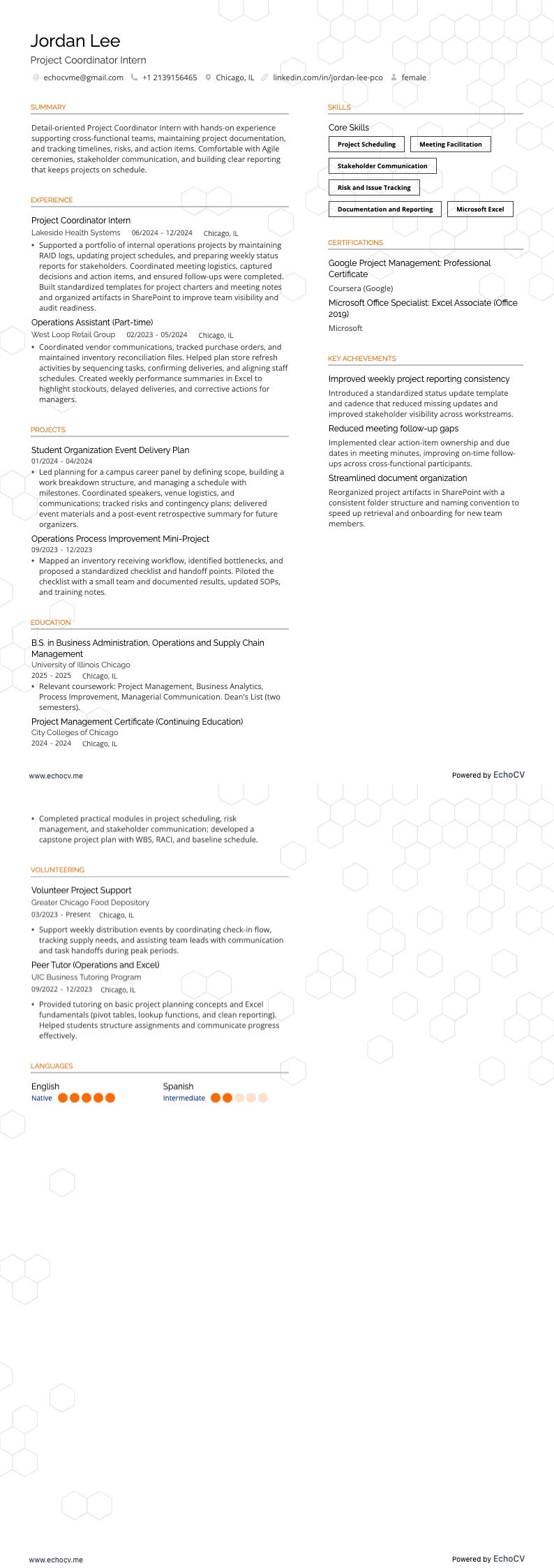
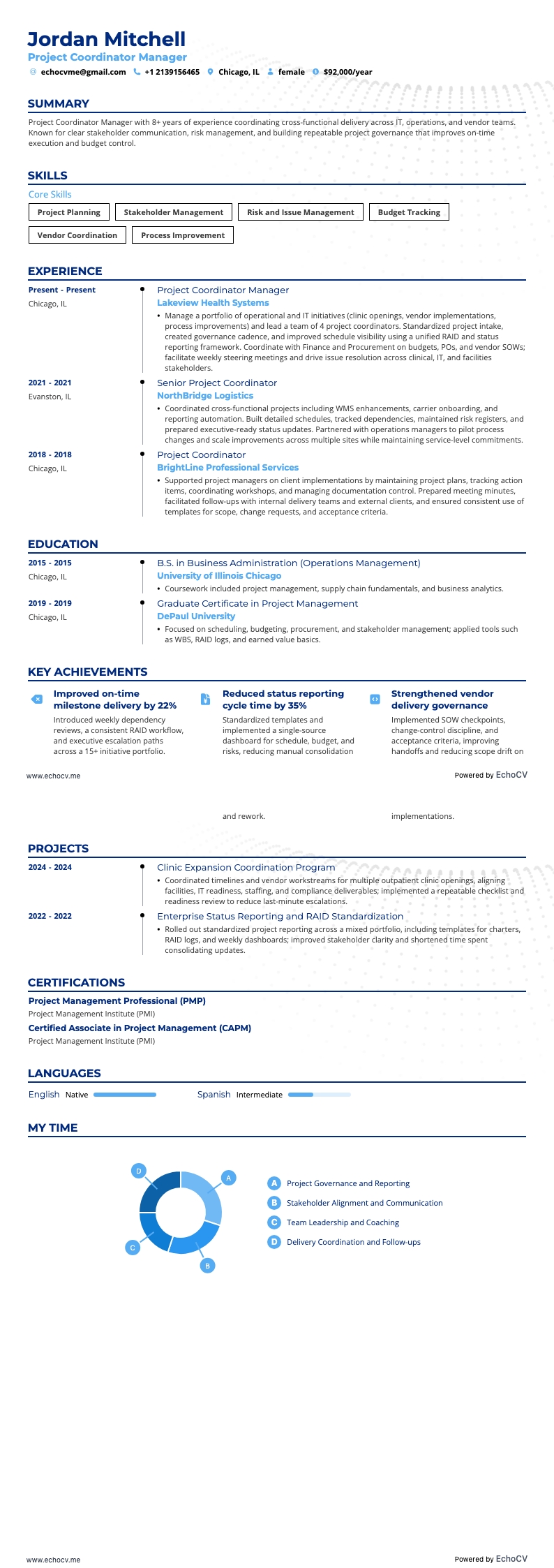
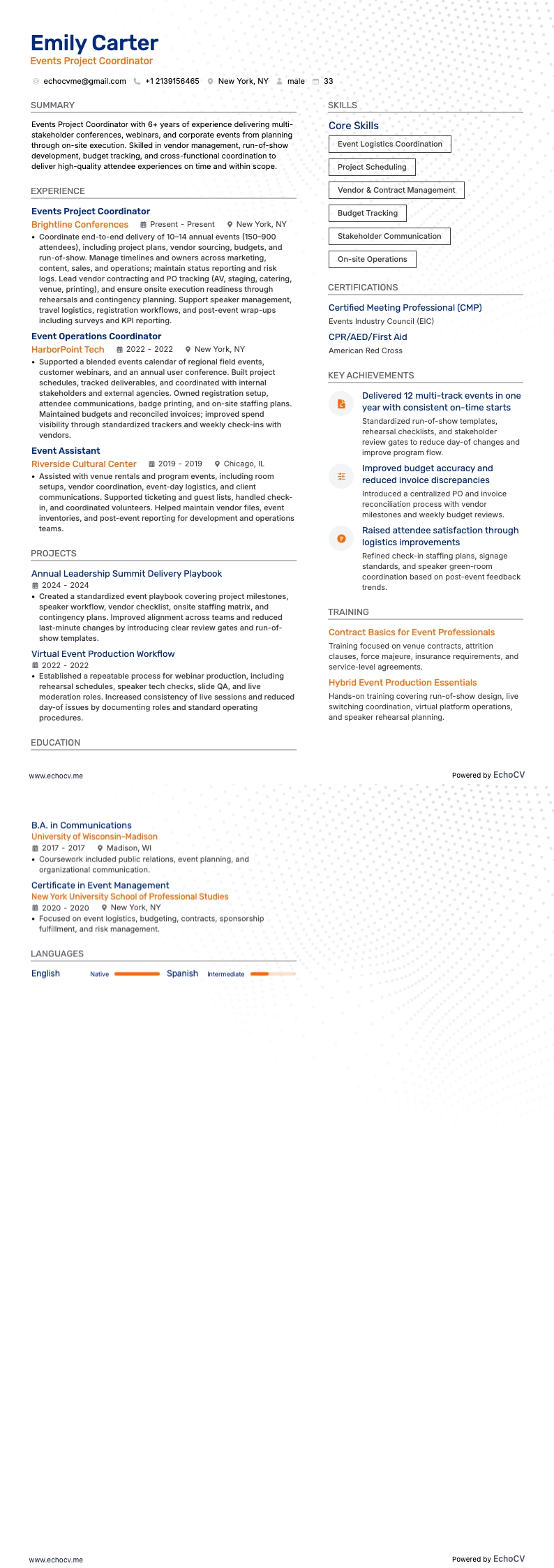
How to format a project coordinator resume
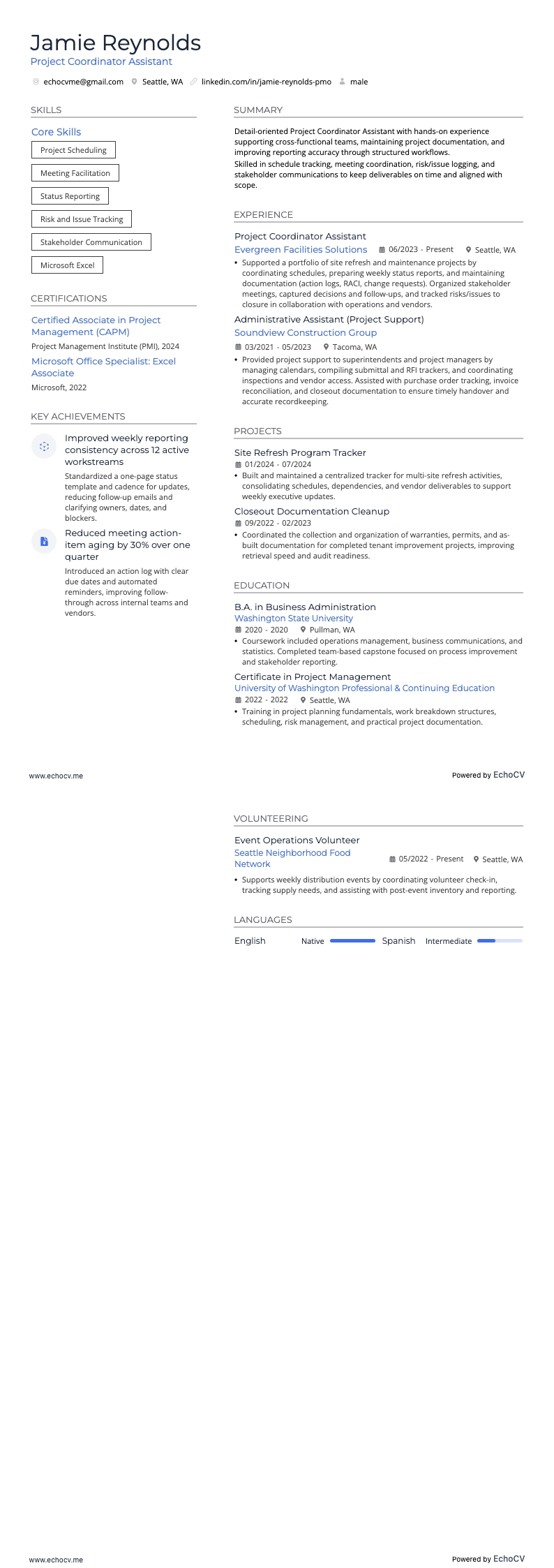
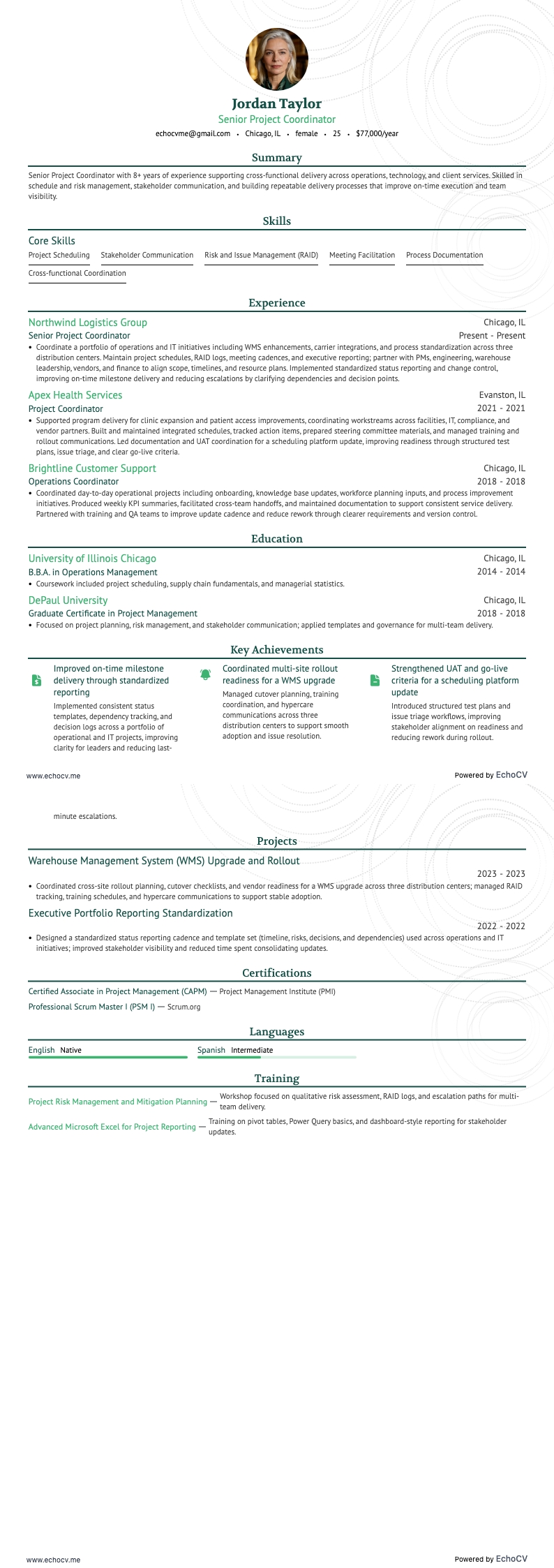
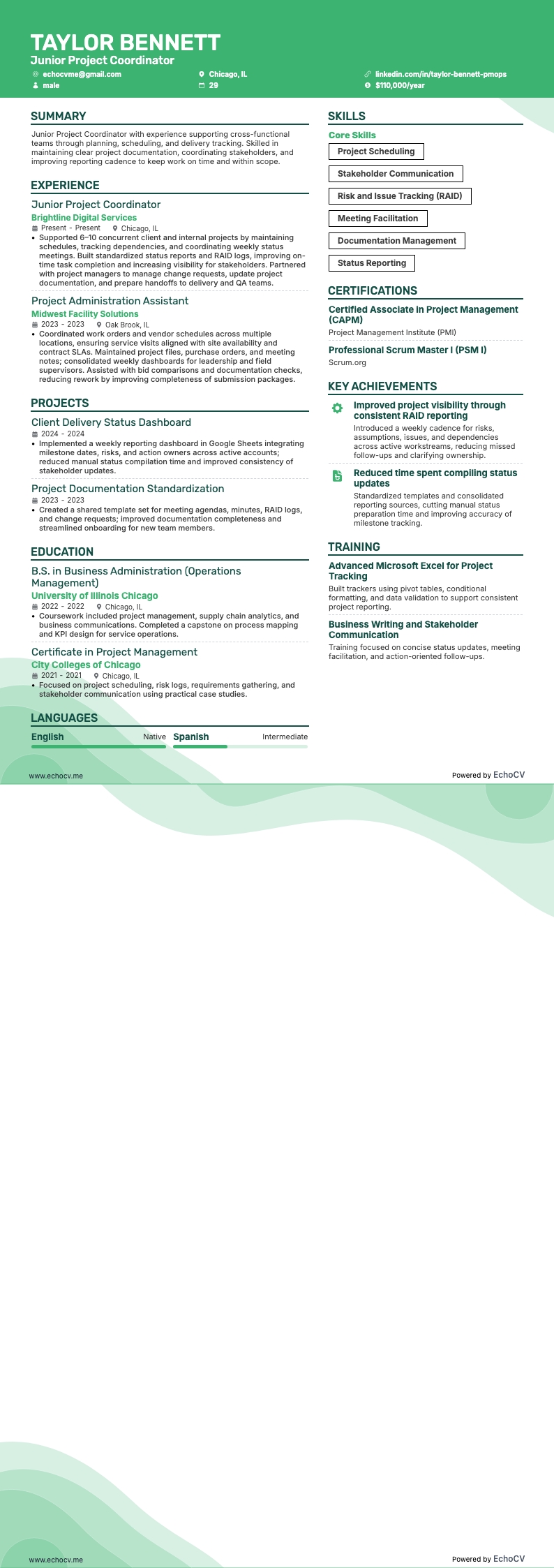
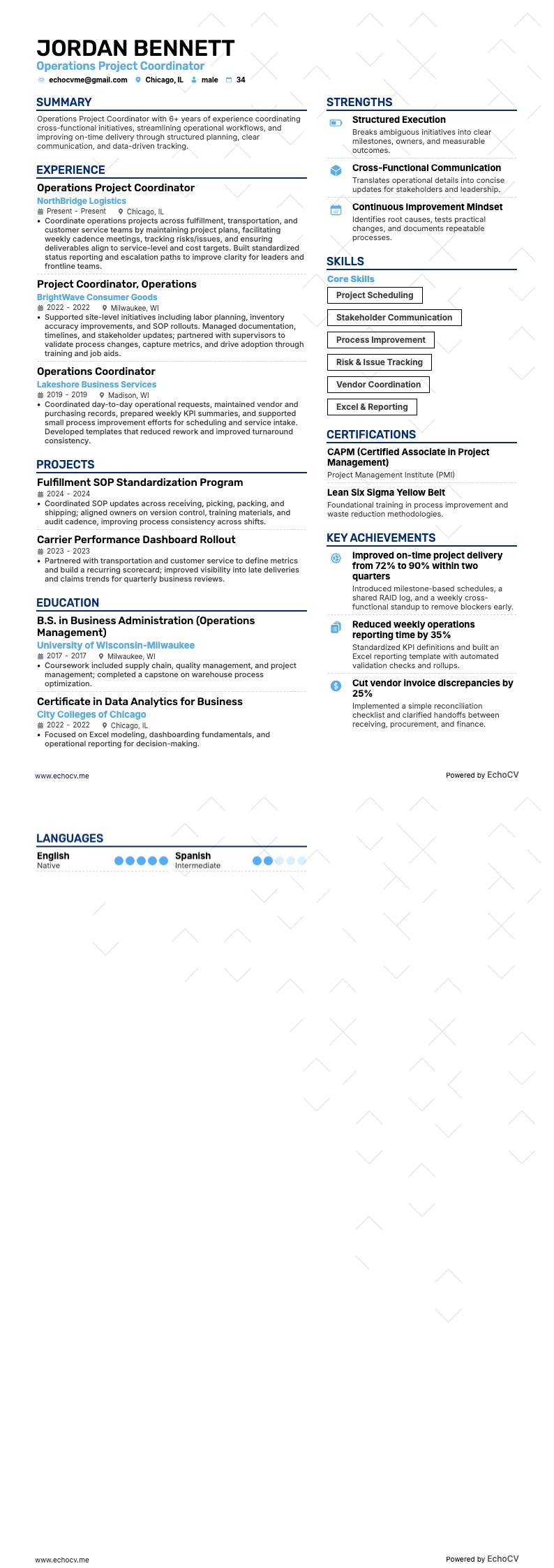
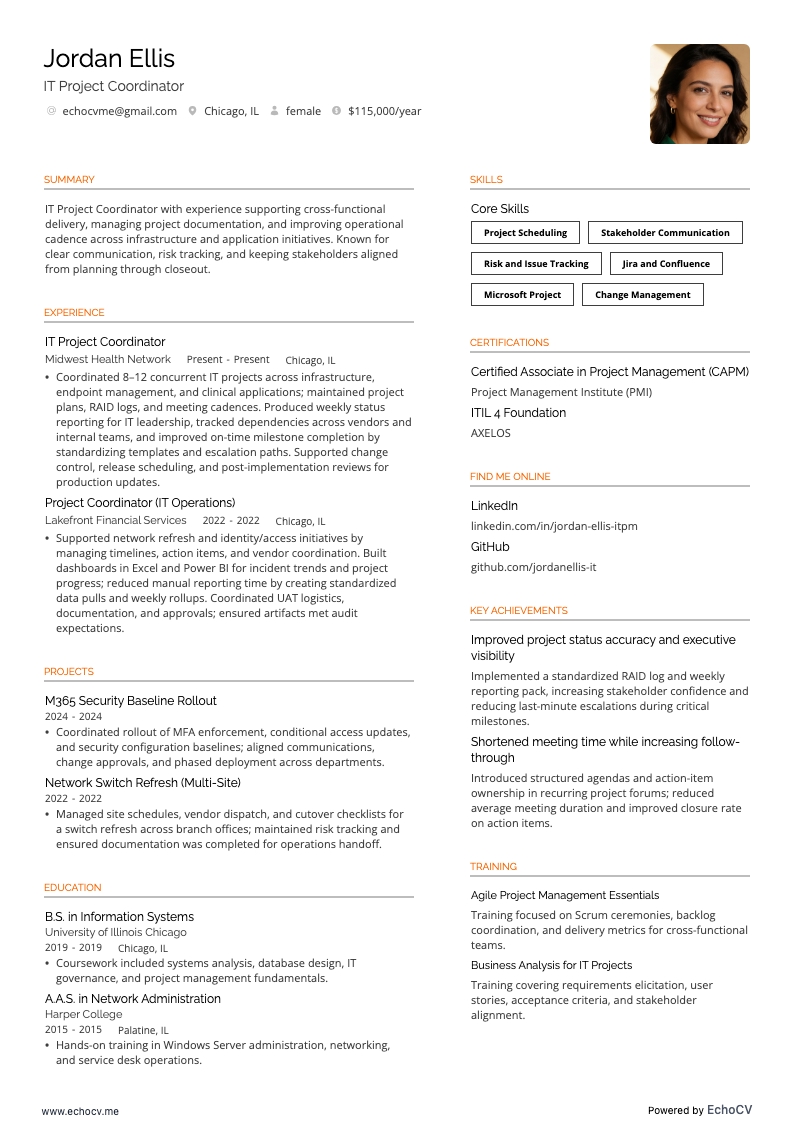
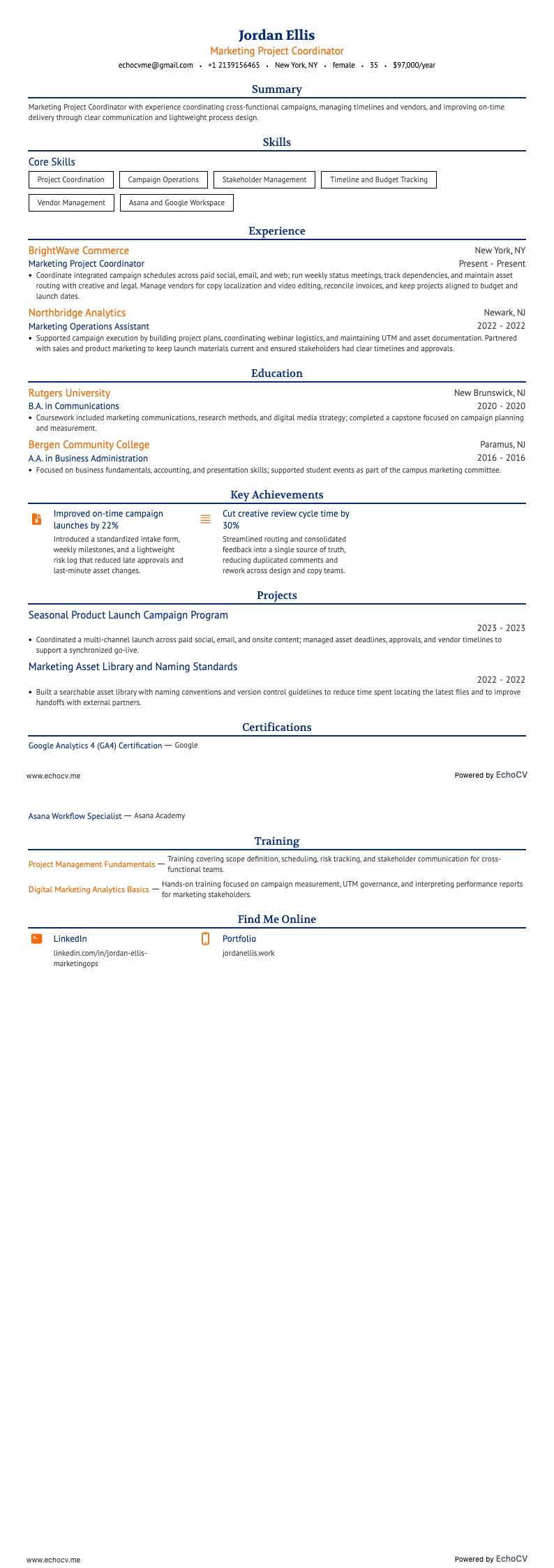
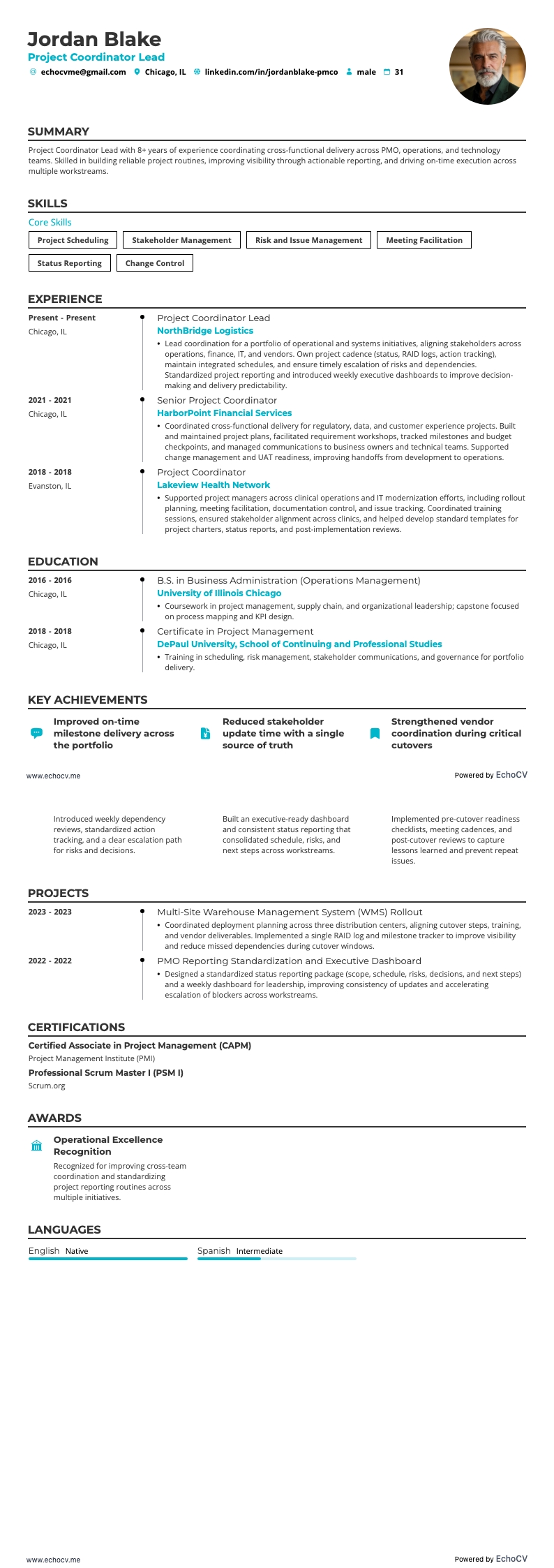
No matter the industry—IT, construction, marketing, or healthcare—hiring managers are looking for organized, capable project coordinators. A well-formatted resume demonstrating professionalism and other highly valued skills for project coordinators, such as attention to detail, organizational skills, high standards, and effective communication, will stand out to employers.
A professionally formatted resume conveys a sense of credibility and seriousness about your job application. It shows that you understand and respect the norms of the professional world.
Follow these tips to ensure your resume impresses hiring managers and leaves them wanting to know more:
- Keep it simple. To maintain a sleek, professional appearance, avoid using unnecessary creative elements that may distract from your qualifications.
- Be concise. Aim for a one-page resume and use bullet points rather than paragraphs when possible to describe experiences and achievements, making it easier to skim.
- Use clear headings. Ensure your resume sections are organized logically and differentiated using simple, precise headings. Bold headings to help organize information and guide the reader's eye.
- Include contact information. A prominent header featuring your name, desired job title, and contact information lets employers view them at a glance.
- Proofread: Finally, proofread your resume multiple times for spelling, grammar, or formatting errors. Consider having someone else review it as well to catch anything you might have missed.
- Maintain proper ordering: List all entries in reverse chronological order to ensure your most recent and relevant appear first.
An essential formatting element you may or may not be aware of is ATS (applicant tracking systems). ATS analyzes resume text for keywords and phrases corresponding to desired skills and qualifications for a specific job. Employers use these systems to quickly sort resumes and prioritize candidates with qualifications closely aligned to the available position.
Here are a few tips to ensure your formatting is ATS-optimized:
- Fonts: Select ATS-friendly fonts matching the overall style of your resume. Some ATS-friendly fonts are Calibri, Arial, and Times New Roman. However, these commonly used fonts can be dull or generic. For more creative font options, try Rubik, Lato, Montserrat, Raleway, Exo 2, and Volkhov, which are all available on the Echocv Resume Builder.
- Document type: Doc or PDF files are typical for resumes and most easily analyzed by ATS. We prefer PDFs, as they maintain your formatting across different operation systems.
- Headings and subheadings: Ensure resume sections are logically organized and include simple, precise headings. Standard section titles ensure ATS accurately recognizes and extracts information from these sections.
Be aware of location-based layout differences – Canadian resumes, for instance, might differ in format.