The Android app market is a bit like a bustling city that's rapidly expanding—everyone wants a piece of the action because it covers more than 80% of the global market. This growth sparks tons of opportunities, particularly with the big names in app development that are scooping up much of the spotlight and resources.
What this landscape means for Android developers is that there's a stronger pull towards hiring seasoned pros. Newer devs might feel like they're in a holding pattern, waiting for their turn to shine as they navigate through a competitive field.
The key is staying resilient and continuously leveling up your resume. Think of it as upgrading your app to work flawlessly on every new version of Android that hits the market.
This guide will help you do just that. It’ll help you create a stellar Android developer resume by showing you how to:
- Choose a resume format that passes both automatic filters and human assessment.
- Structure your experience in a way that aligns with what employers want.
- Showcase your technical and interpersonal skills by providing concrete examples.
- Build a strong resume summary that shows your character and leaves recruiters willing to learn more.
- Decide what to include in your resume and what you can leave off.
- Craft a resume that's as elegantly coded in prose as it is in programming languages.
Before we dive in, you might want to explore our other development resume examples:
- Software QA Engineer Resume
- Software Support Engineer Resume
- SAP ABAP Developer Resume
- Embedded Software Engineer Resume
- Software Test Engineer Resume
- Senior PHP Developer Resume
- Software Programmer Resume
- Senior Oracle Developer Resume
- Software Development Engineer Resume
- Mobile Application Developer Resume
- Android developer Cover Letter
How to format an Android developer resume
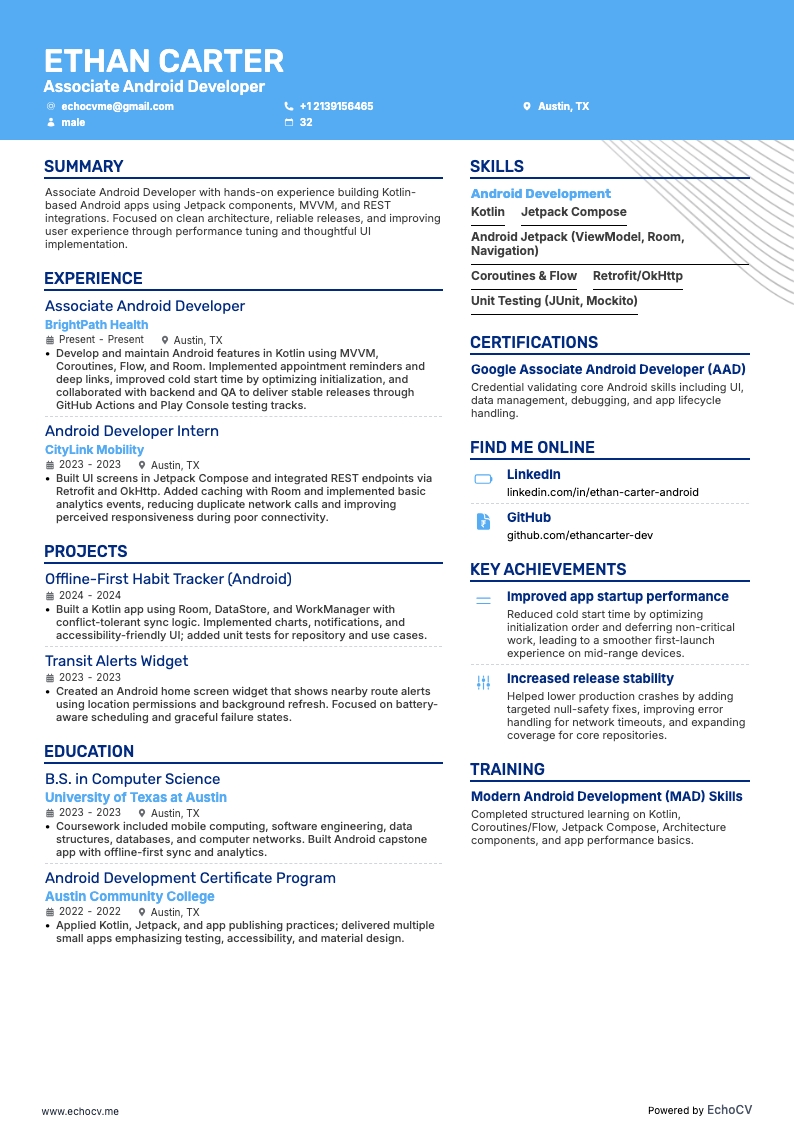
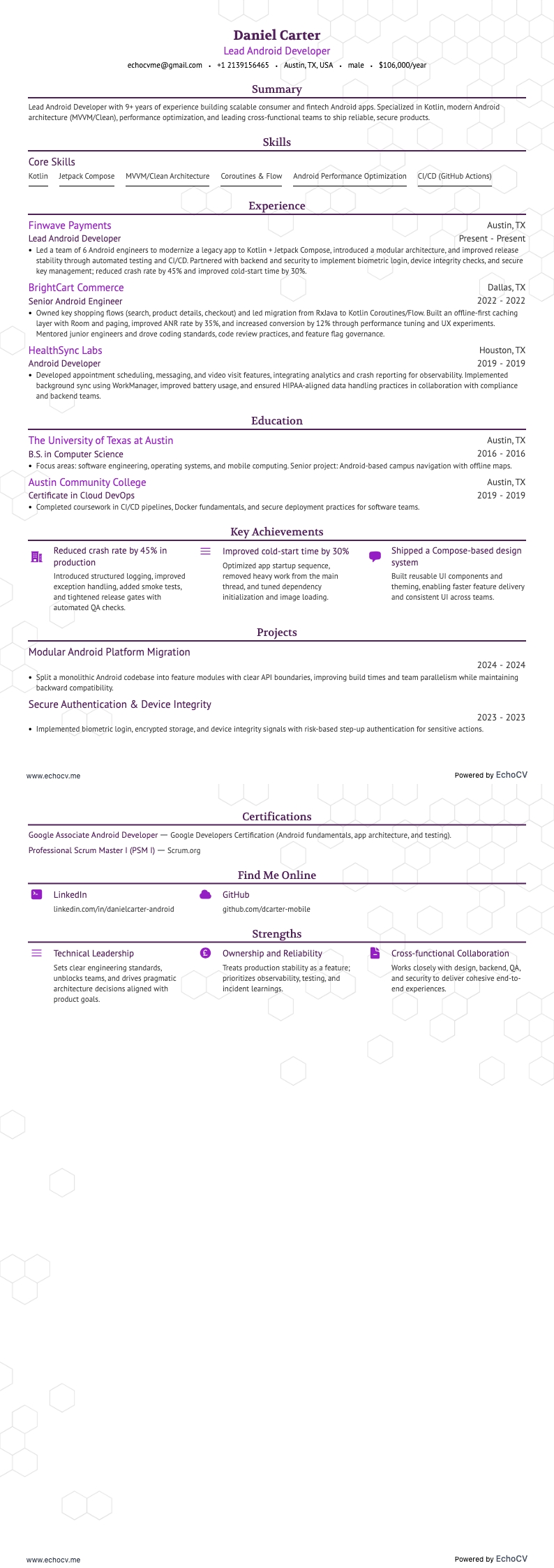
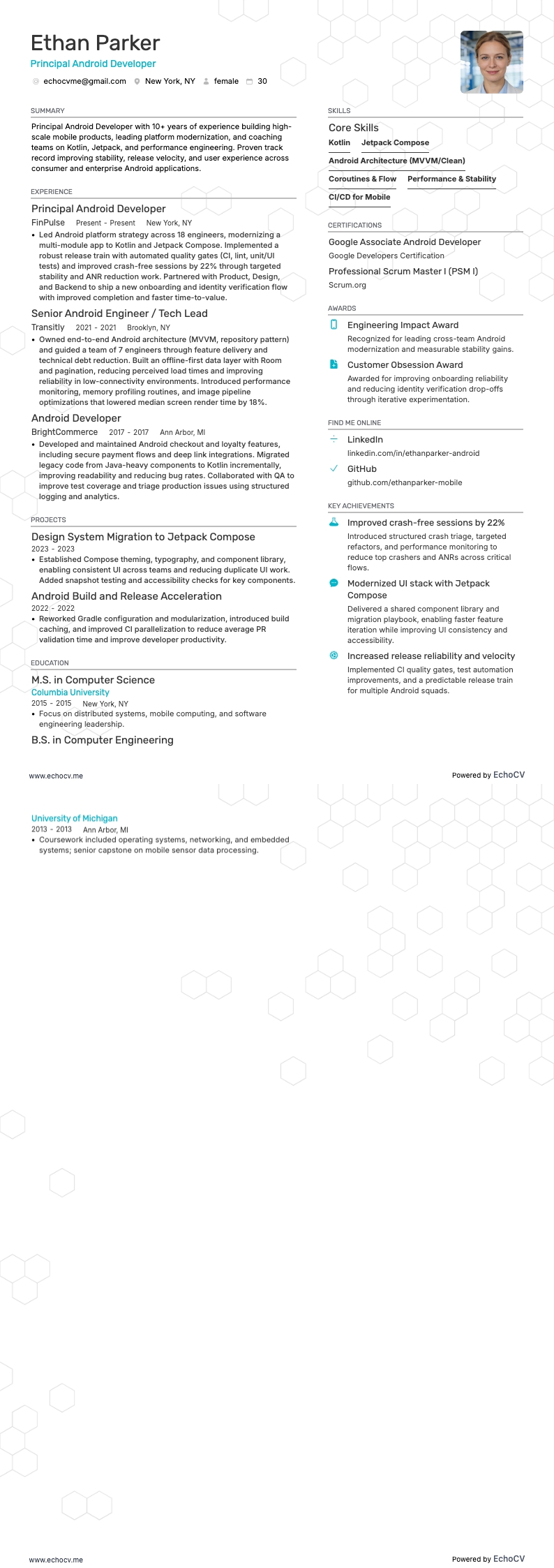
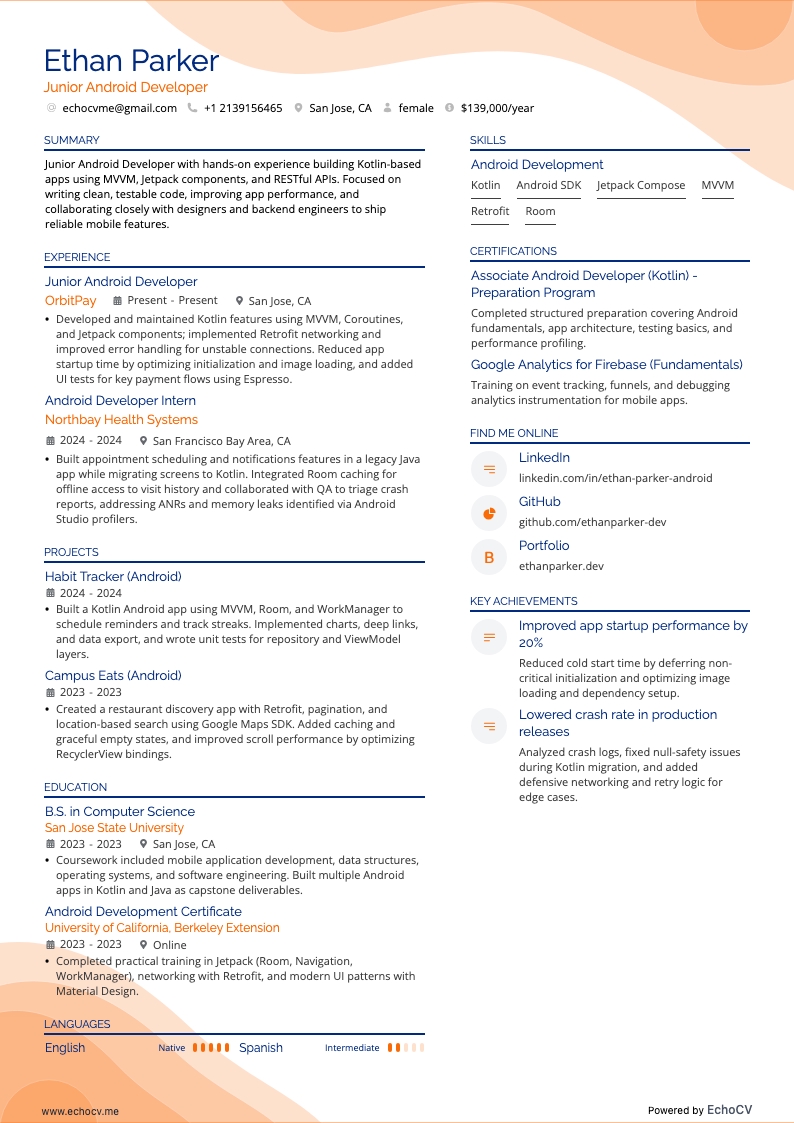
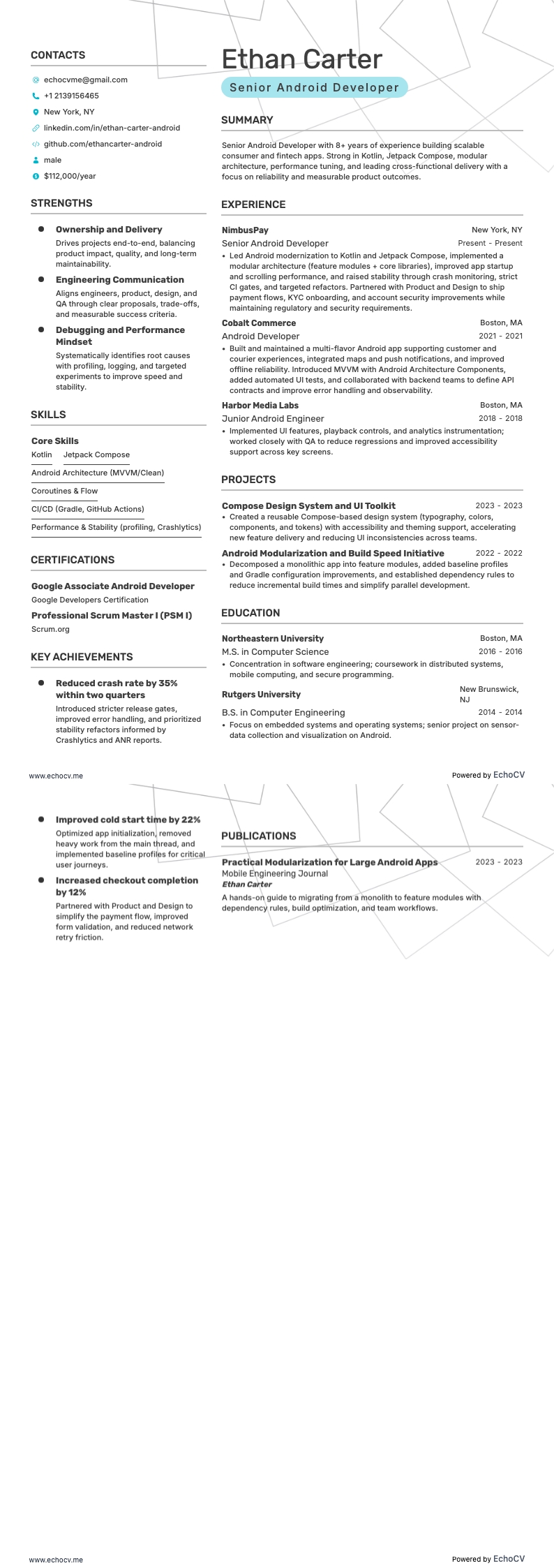
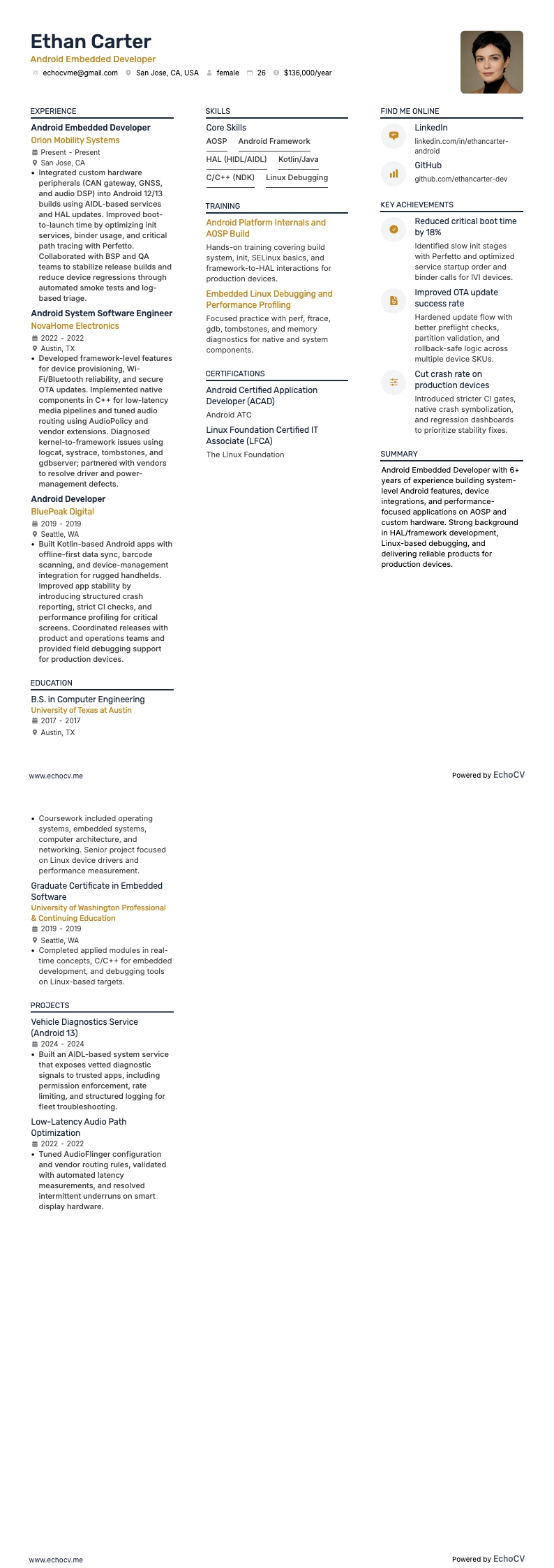
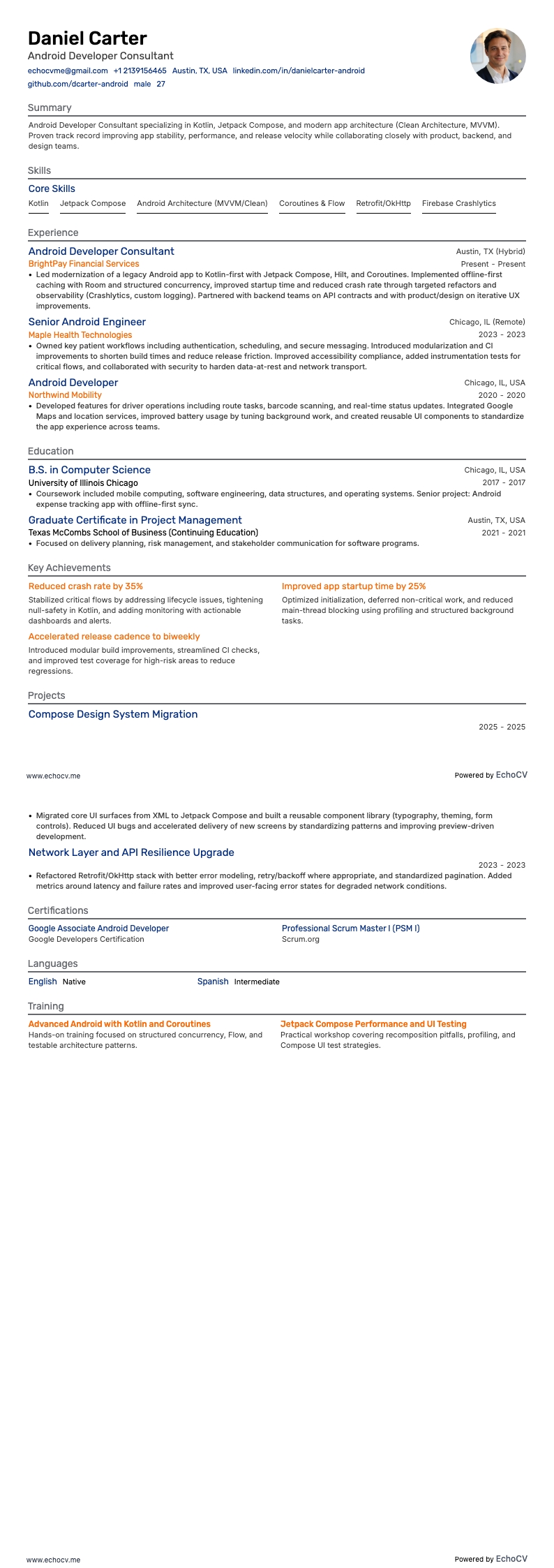
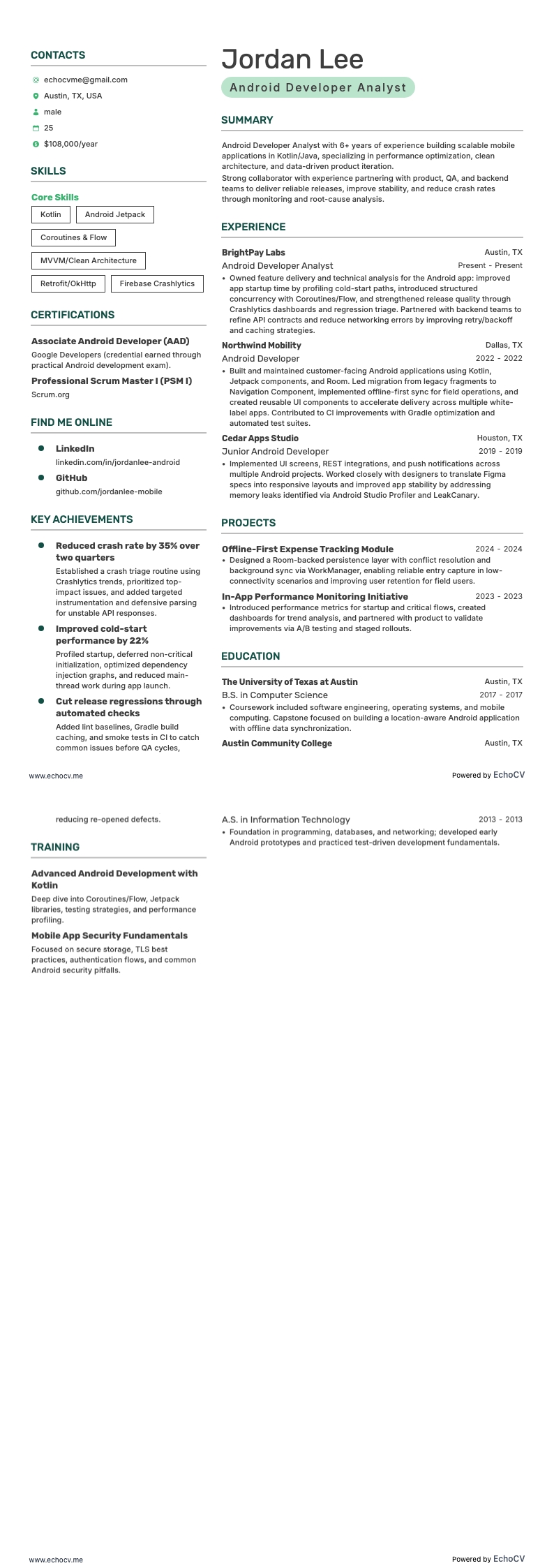
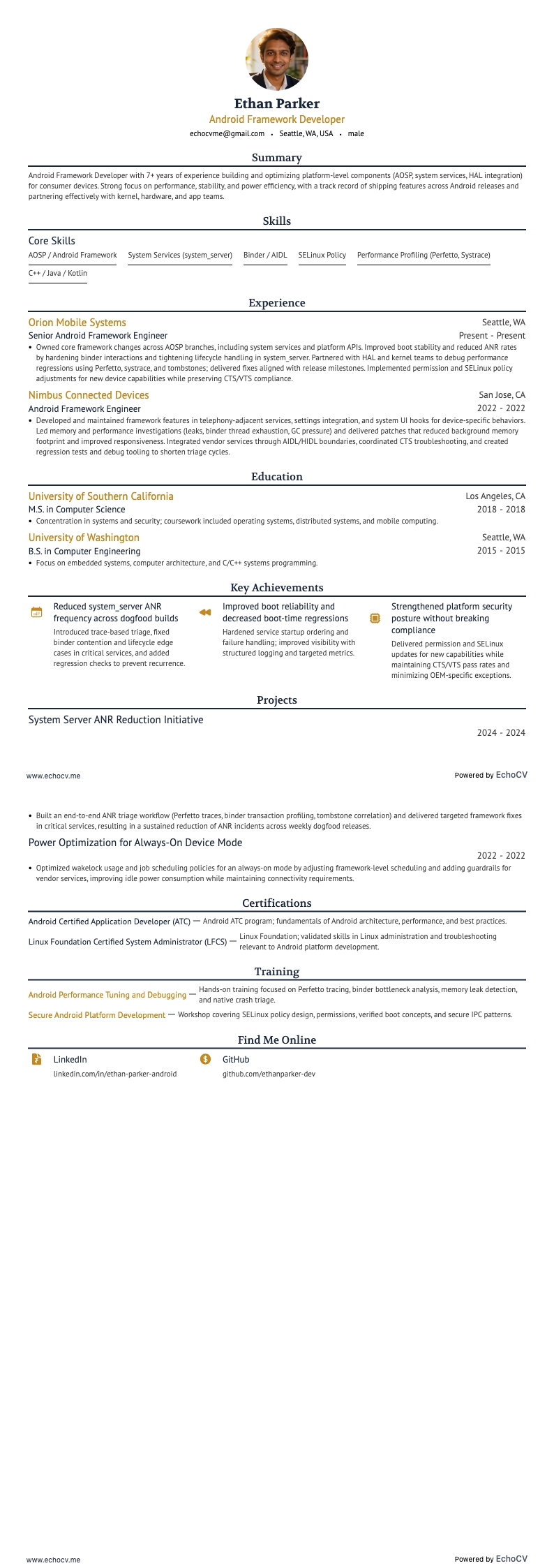
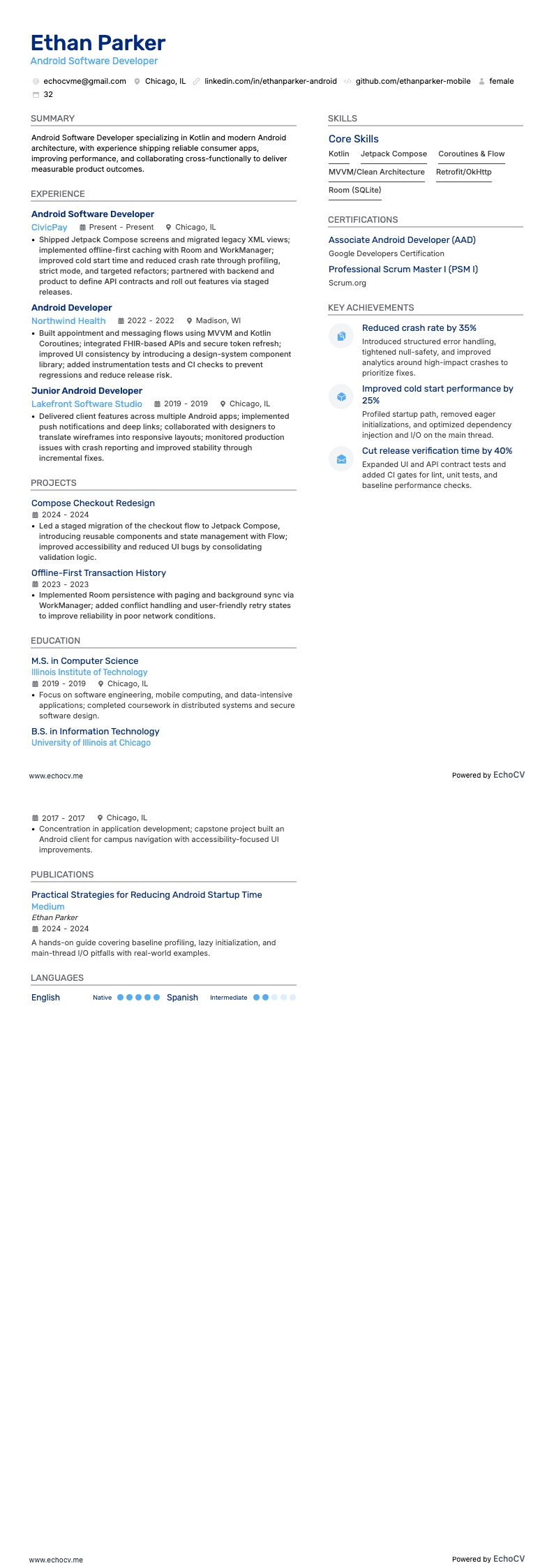
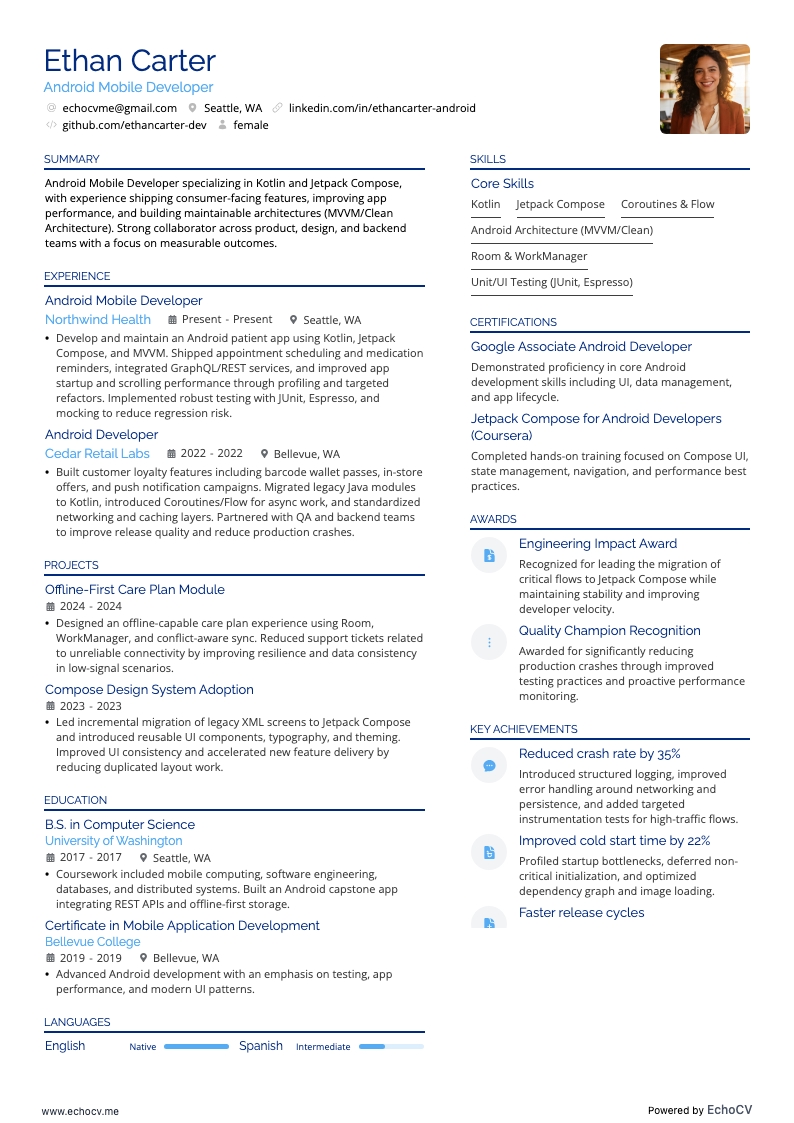
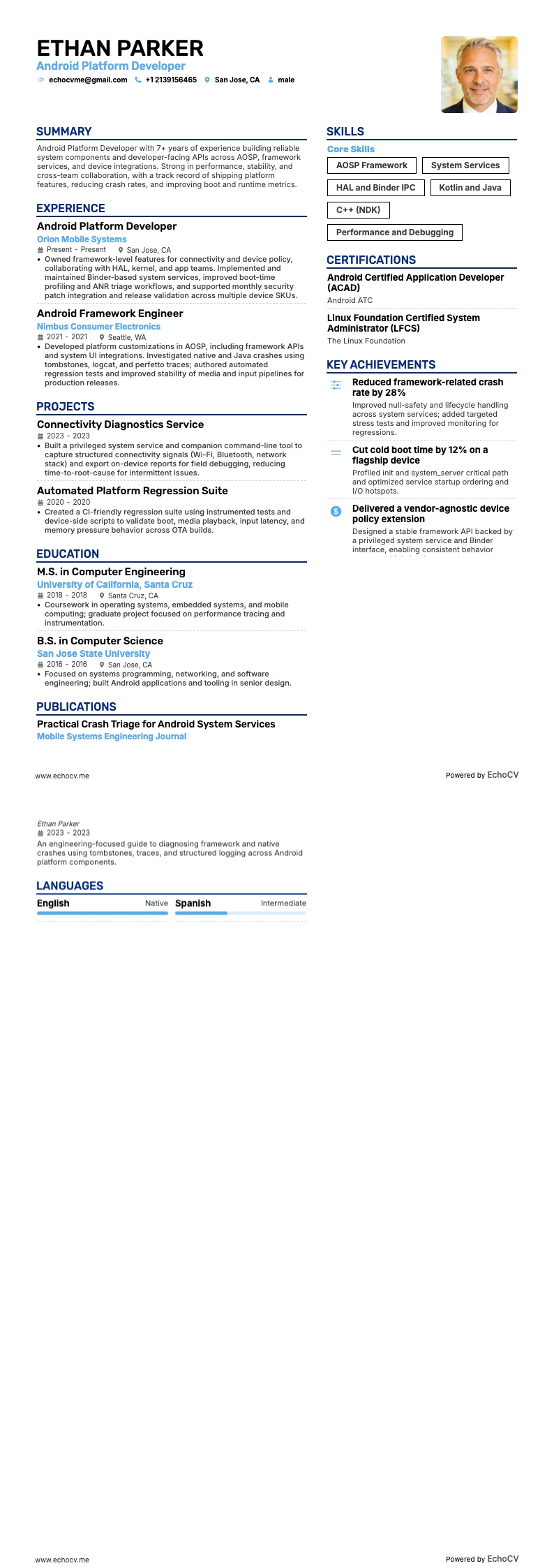
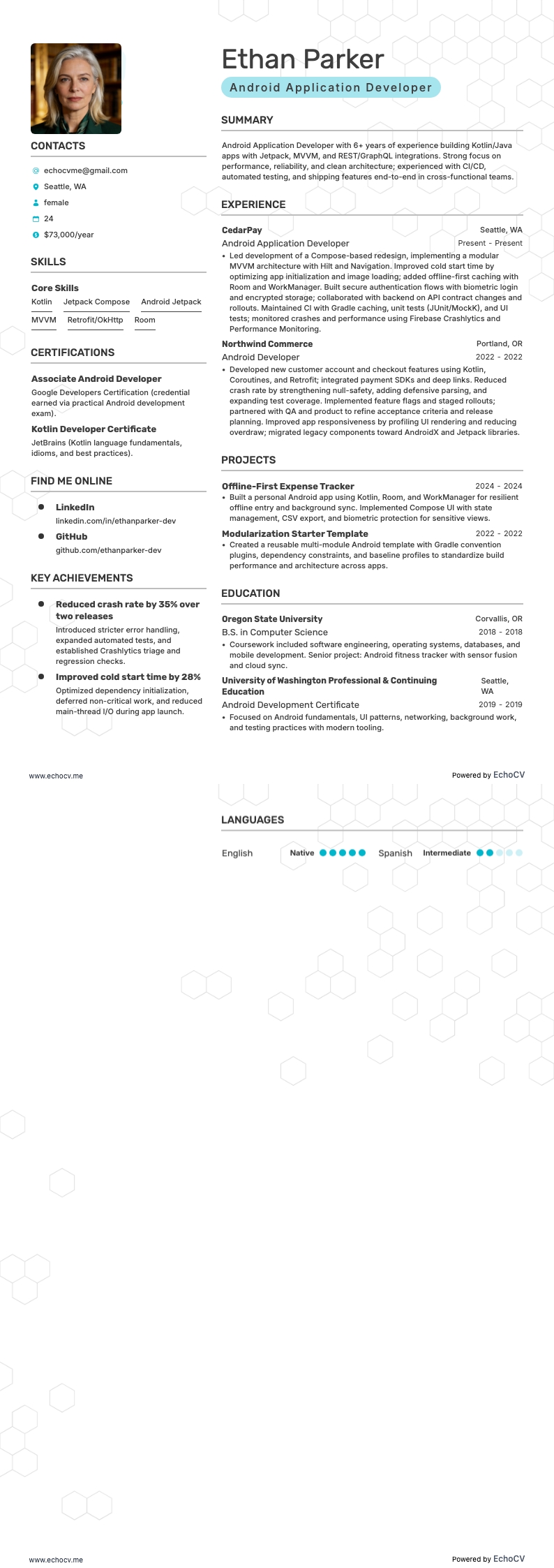
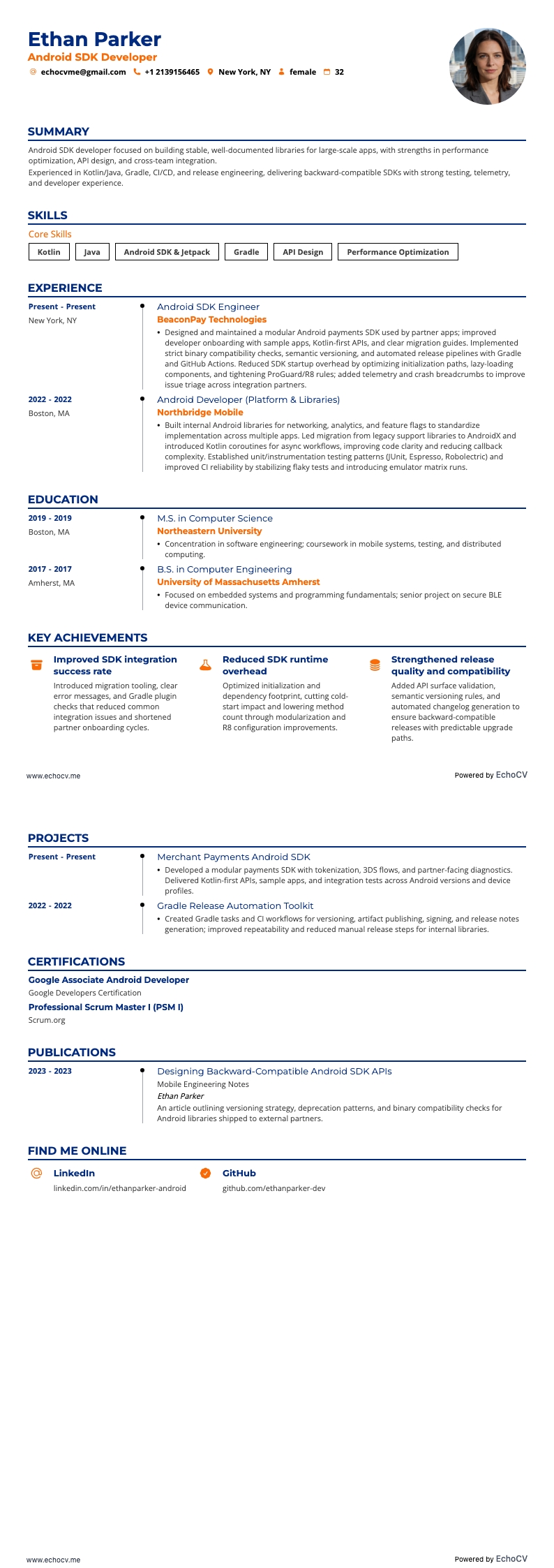
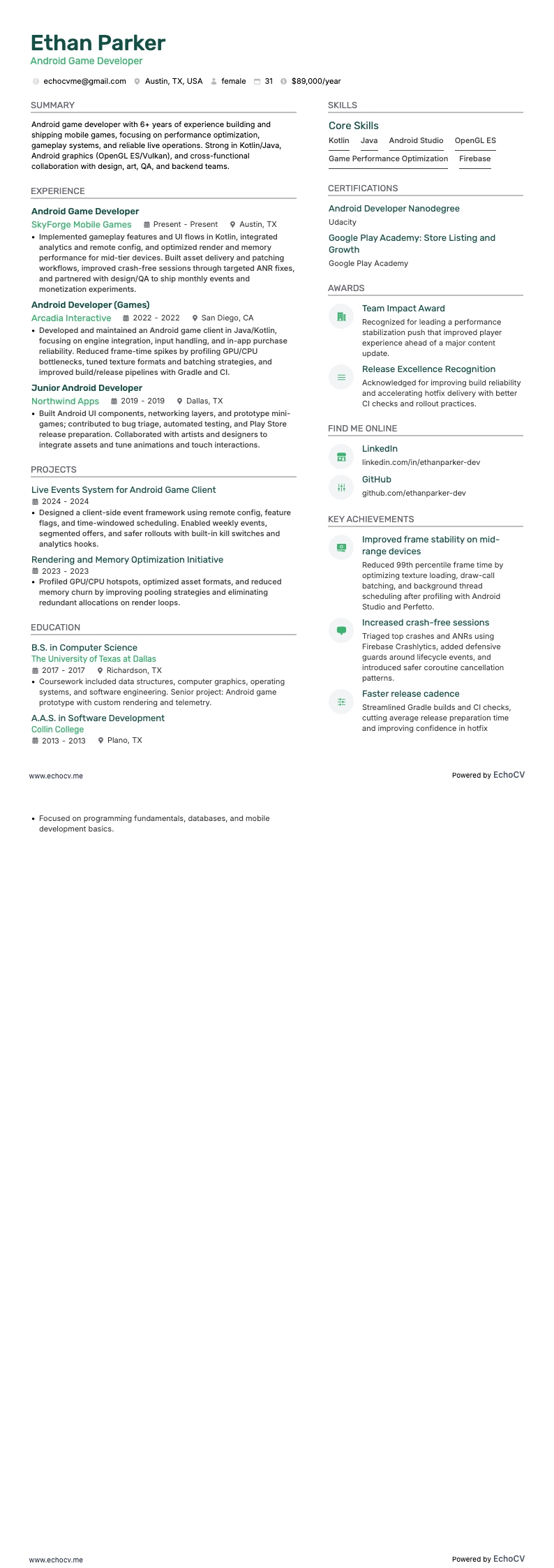
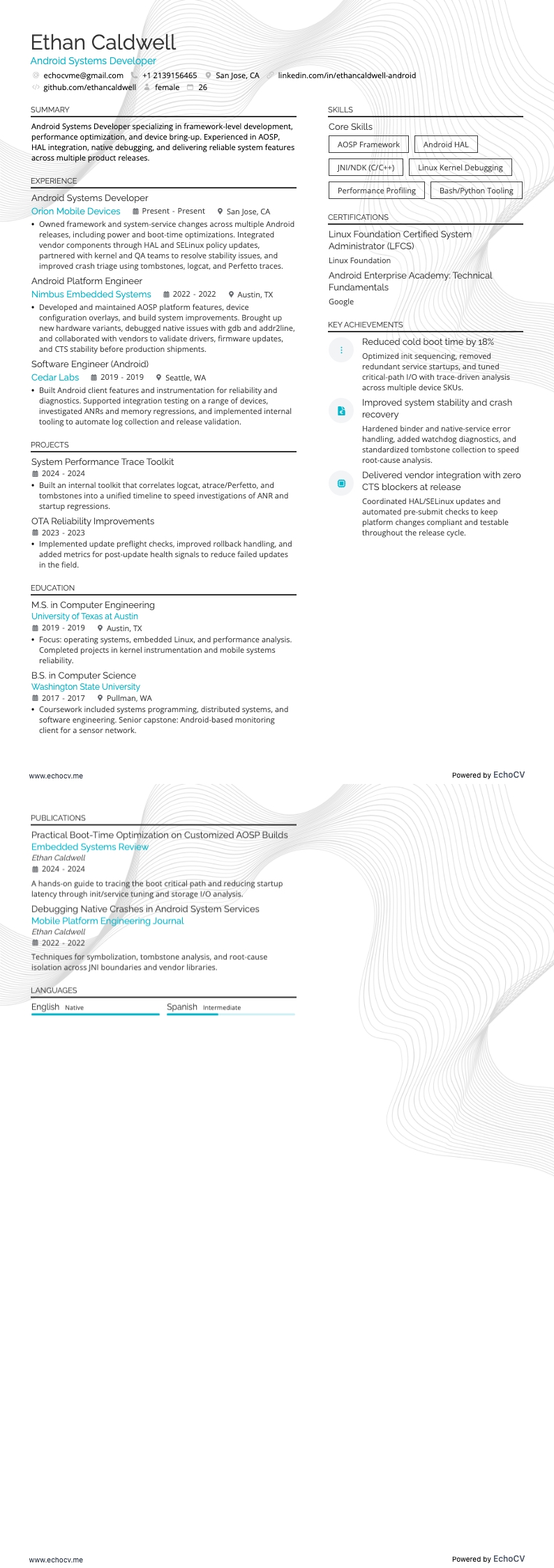
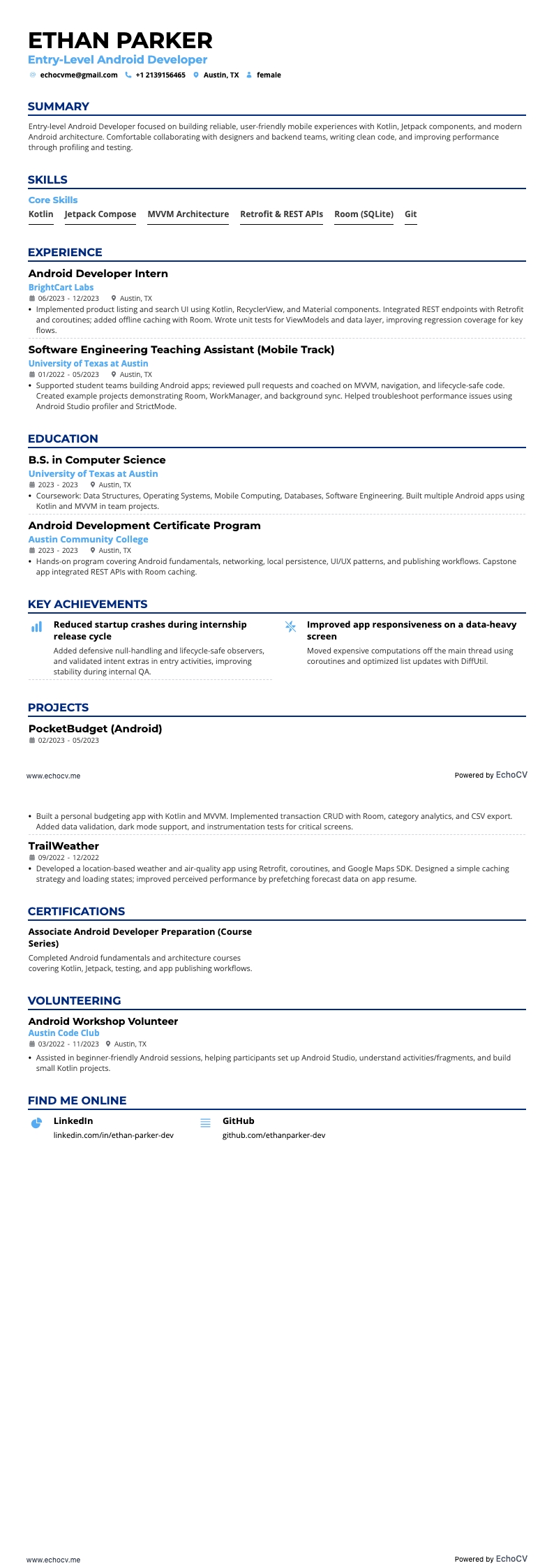
If you’re wondering how to write an Android developer resume, focus on showcasing your tech stack and project experience. The best format generally depends on your specific background and experiences, but let’s talk about a couple of common approaches that work well for folks in Android development.
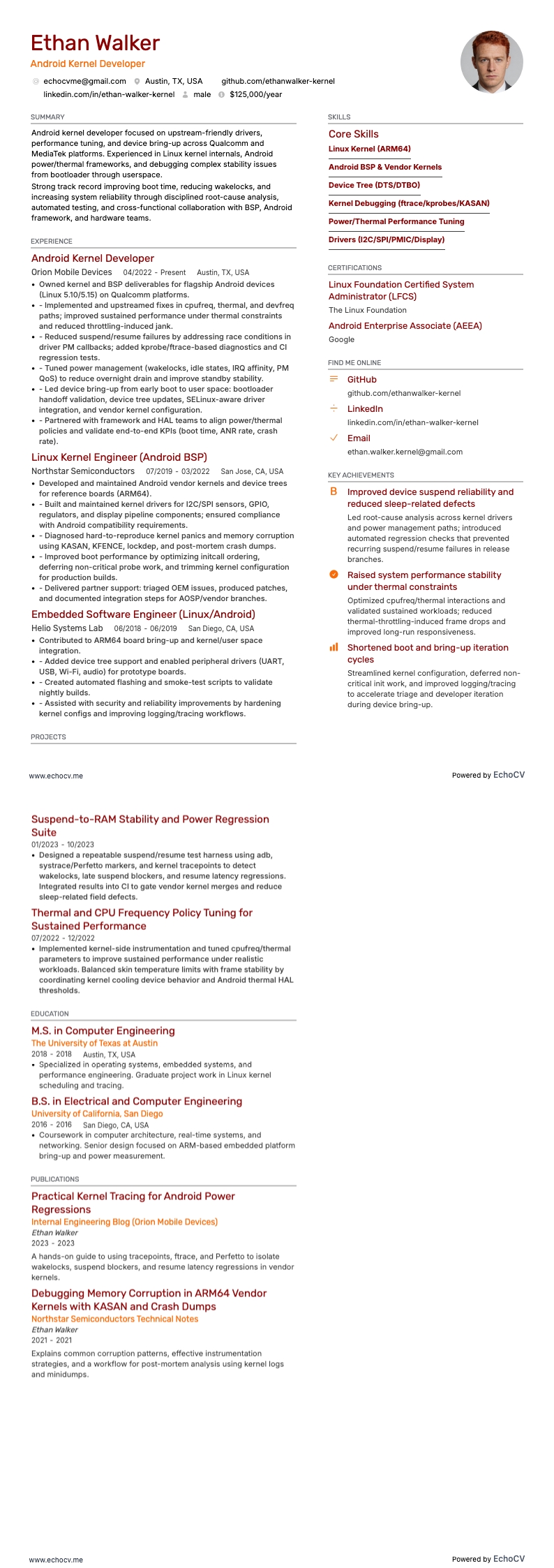
- Reverse-chronological format: This is the traditional resume format where you list your experience from most recent to oldest. It's straightforward and preferred by many hiring managers because it easily outlines your career progression. For each position, highlight your responsibilities and, more importantly, your achievements. For an Android developer, this might include apps you've developed, technologies you’ve mastered (like Kotlin or Java), and any impact your work had (like user ratings, downloads, or functionalities improved).
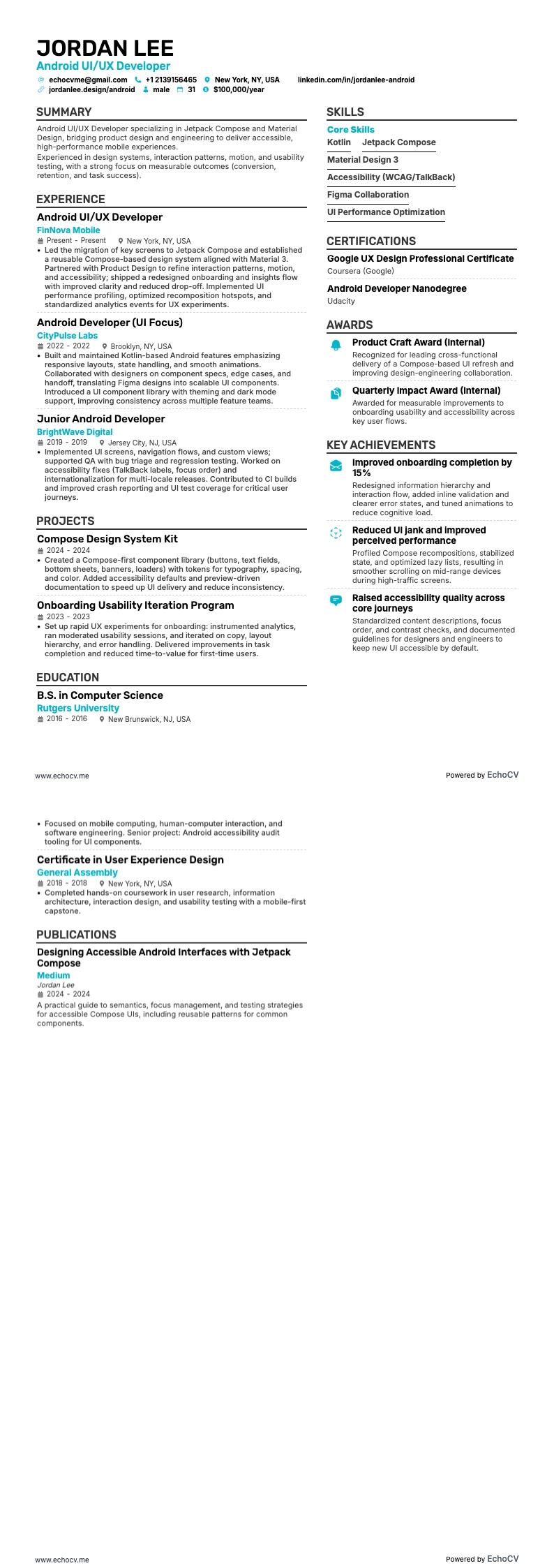
- Functional format: This one focuses more on your skills and specialties rather than the timeline of your employment. It’s especially useful if you have gaps in your employment or are early in your career without much work history. You can group your skills into categories like "Mobile App Development," "UI/UX Design," and "Project Management," detailing your competencies and achievements in each area. Include specific projects and the technologies used to give more context.
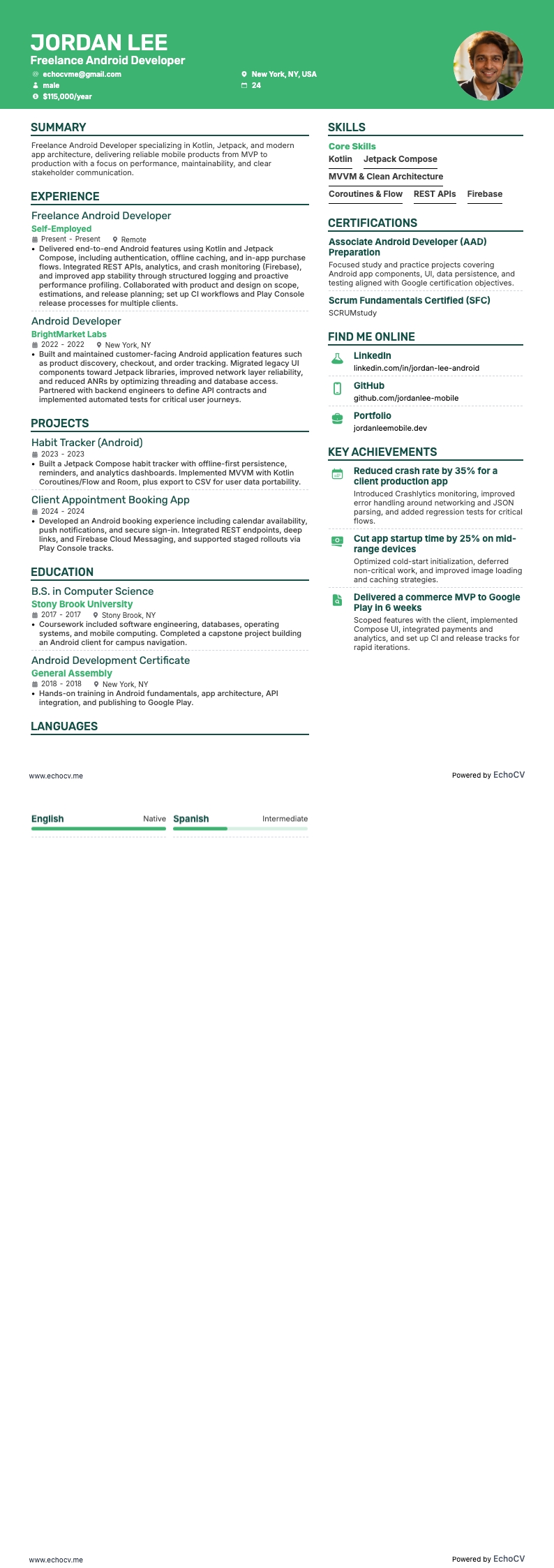
- Combination (hybrid) format: As the name suggests, this format combines elements of both reverse-chronological and functional resumes. It’s great for Android developers with a solid set of skills and a strong work history. You start with a powerful summary of your key skills and top achievements, then follow with your work history. This format lets you highlight your expertise right off the bat but also details your professional journey.
Targeting Canada? – Keep in mind their resume layout may differ from others.