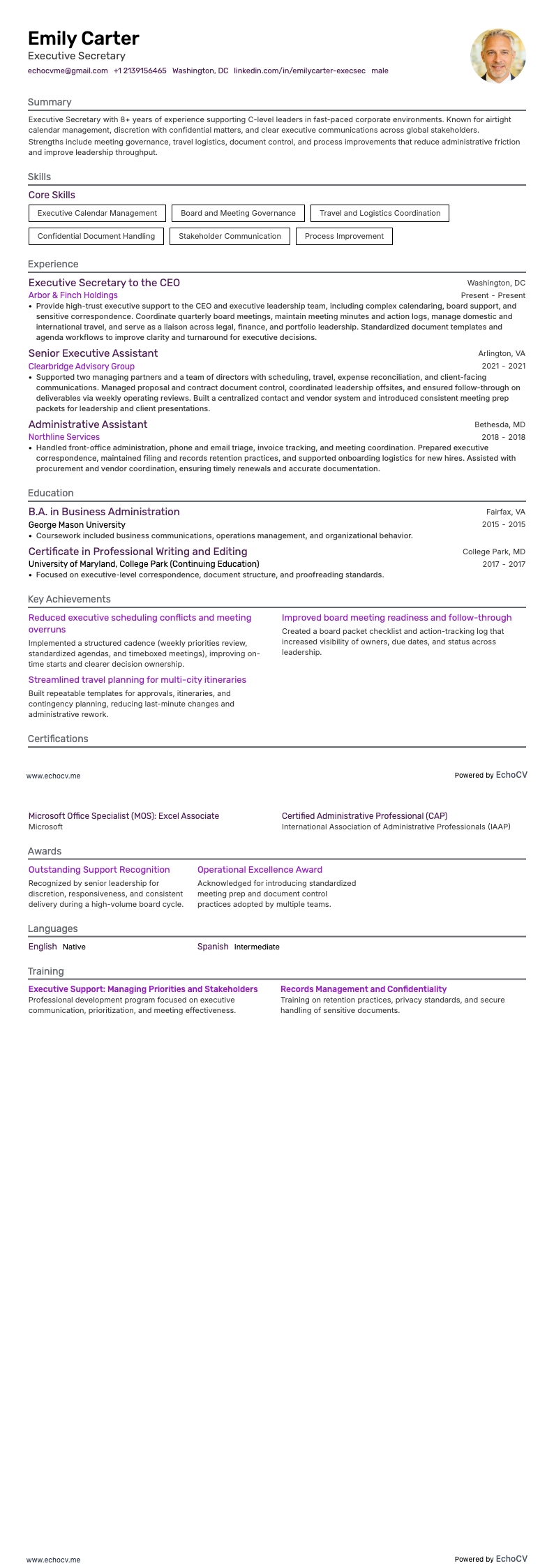
Being a secretary, especially as the sole employee, has its challenges. Some struggle with the thought that they have limited career growth opportunities, but others enjoy having all these projects around the office and tasks to keep them occupied. Yes, the role mainly involves clerical work, and the compensation might not always reflect the scope of duties performed.
Despite these hurdles, the job teaches valuable skills like organization, multitasking, and effective communication, laying a strong foundation for any future career path including in HR, Marketing, Project management, Law, etc. Every experience contributes to your professional growth.
For those looking to enter or transition into the secretarial field, having a compelling resume is important. This guide will teach you how to present your skills and experiences on your resume and more.
You'll also discover:
- How to choose a resume format that shows off your secretarial experience and passes ATS checks;
- How to highlight your top achievements in the work experience section;
- How to list key secretarial skills that match the job ad's keywords;
- How to open with a concise summary or objective that will impress employers.
Interested in exploring other roles within the administrative field? Browse through our related guides for more insights.
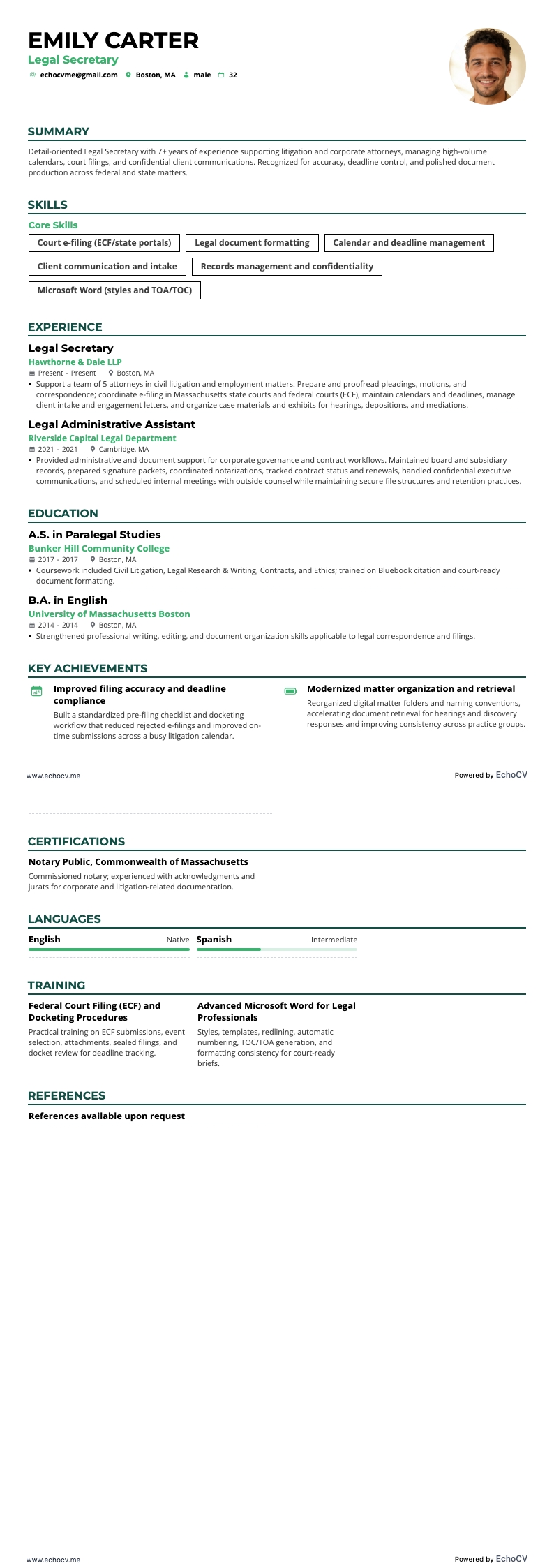
- Legal secretary Resume
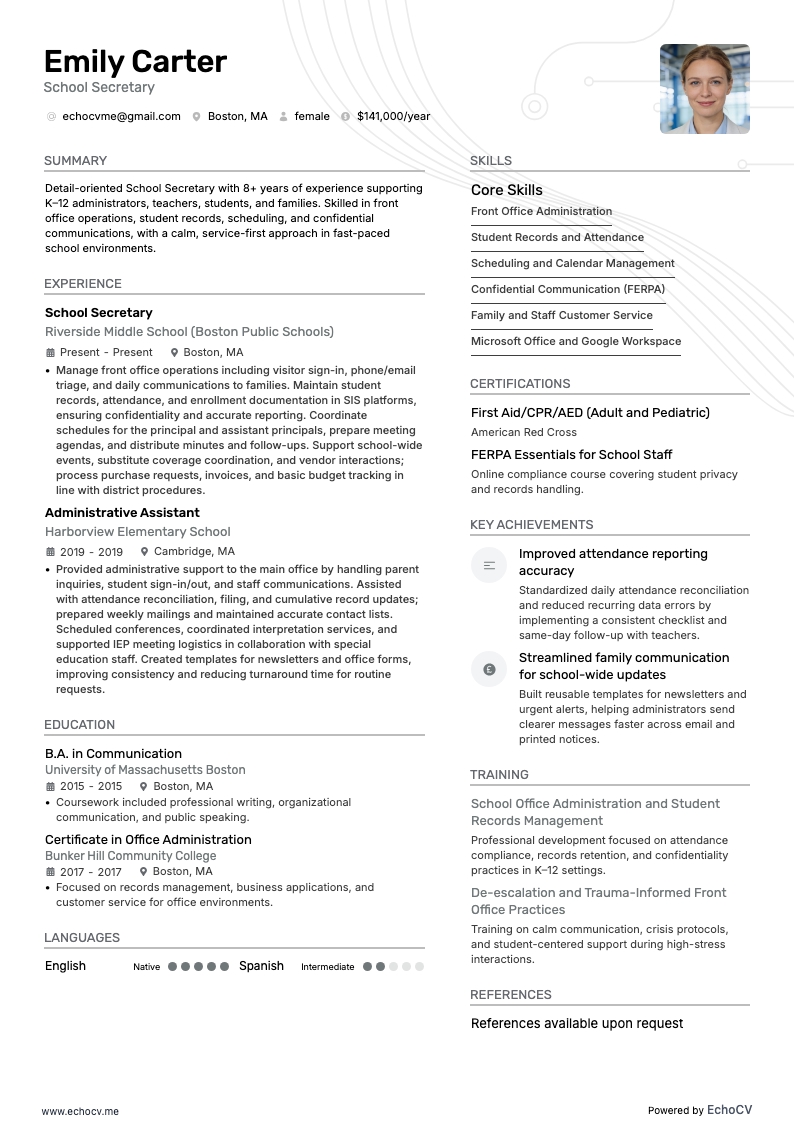
- School secretary Resume
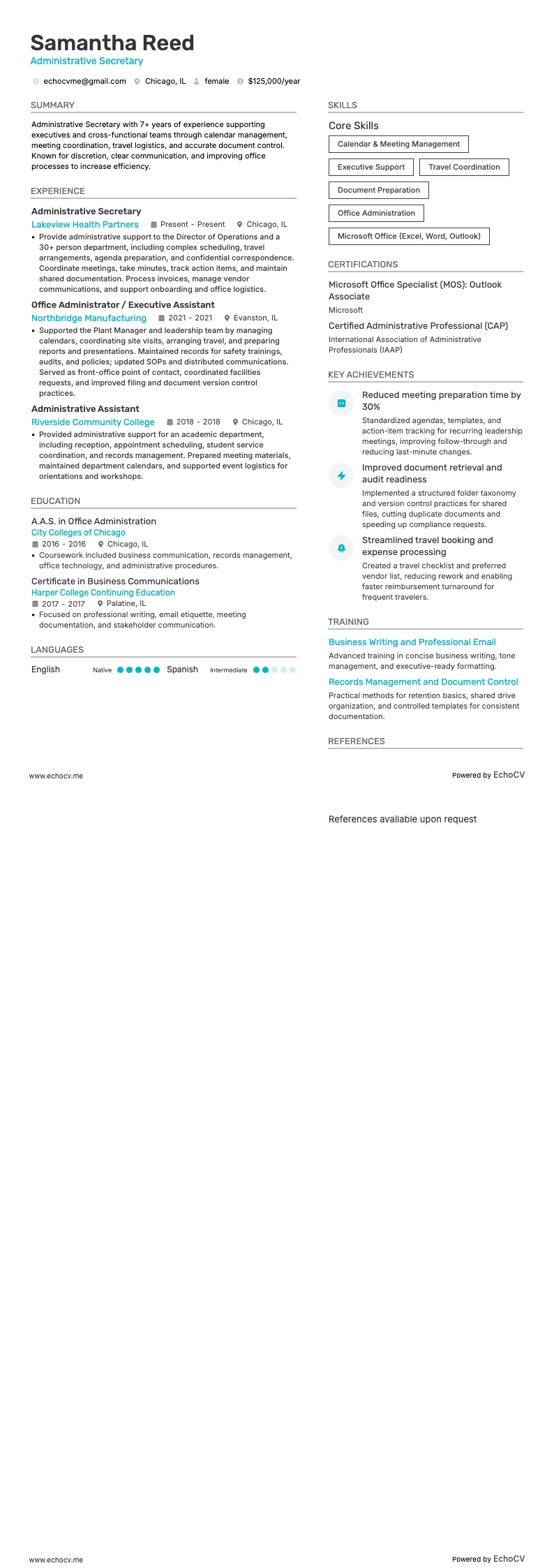
- Administrative secretary Resume
- Office Assistant Resume
- Office Administrator Resume
- Secretary Cover Letter Example
How to format a secretary resume
If you're an experienced secretary, using a reverse chronological resume can effectively show your successes across different offices or organizations.
In case you're new to the secretarial profession and thinking about the best way to present your resume, there are a couple of options worth considering. A hybrid resume could be the perfect solution if you’re switching fields or have accumulated skills from multiple jobs. It helps you illustrate a combination of your abilities along with your professional experiences.
Another case is if you've had some gaps in employment. In a situation like this, a functional resume might be the way to go. It's not the usual pick for secretary jobs, but it focuses more on your skills and what you can do, rather than just listing jobs in order, so it could really help you stand out.
Explore these formatting hacks to grab attention:
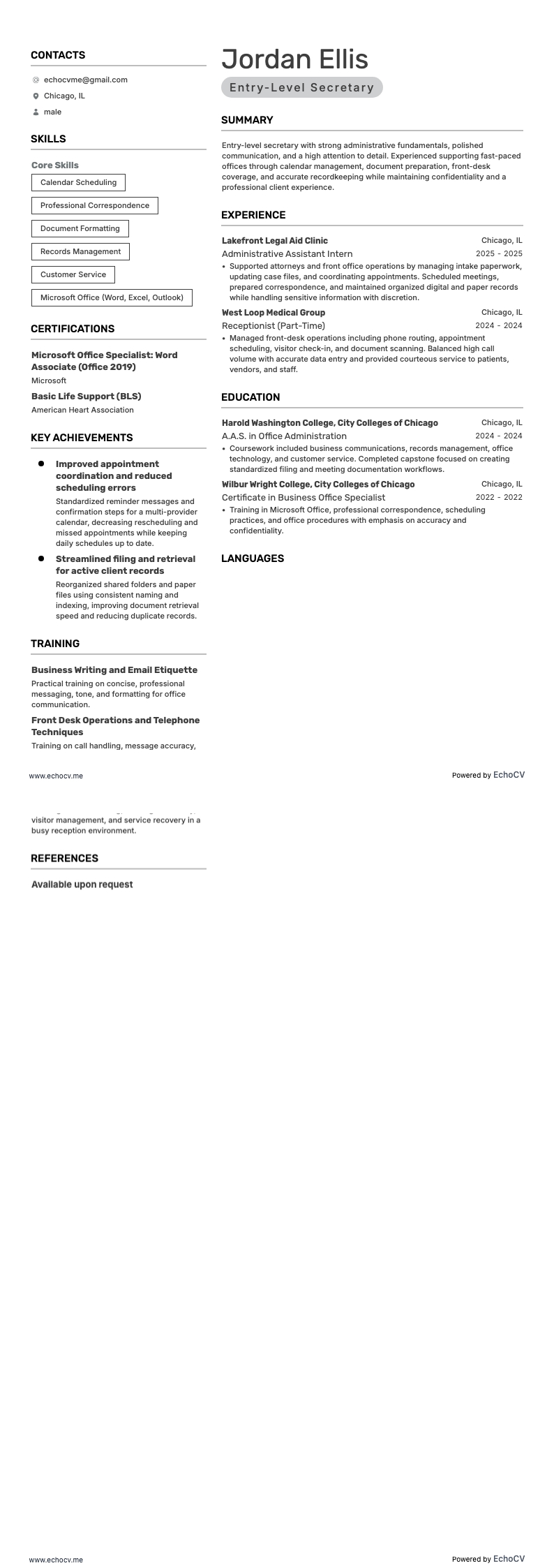
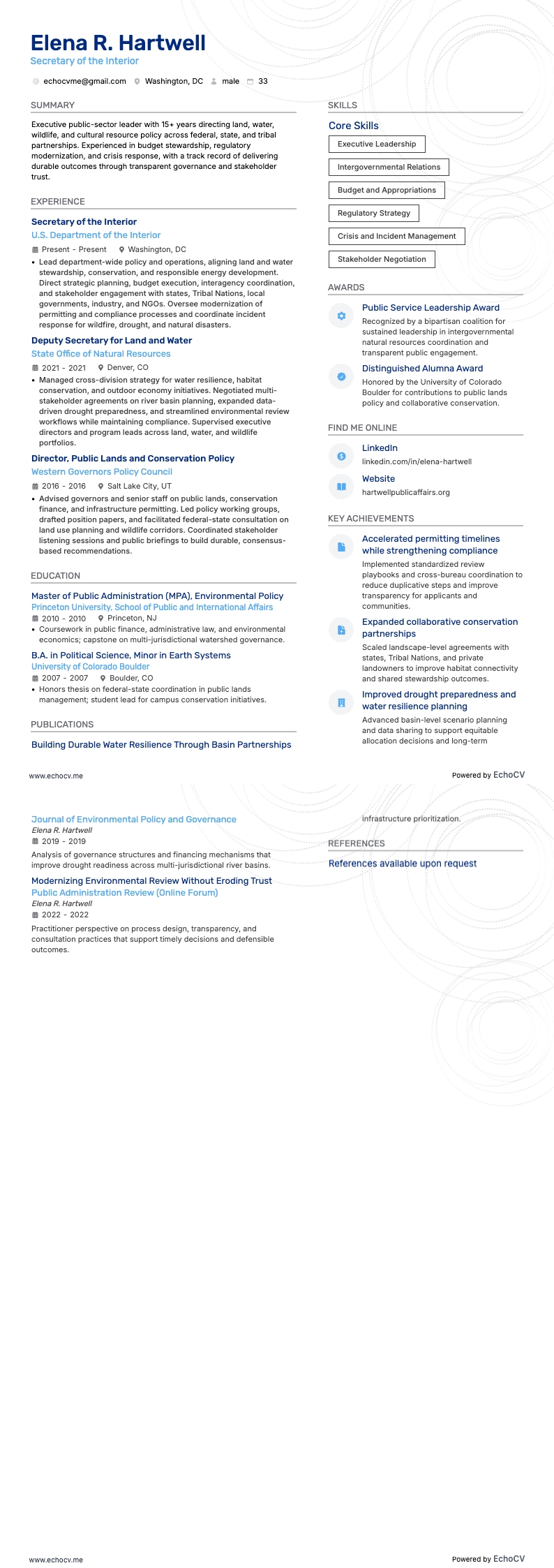
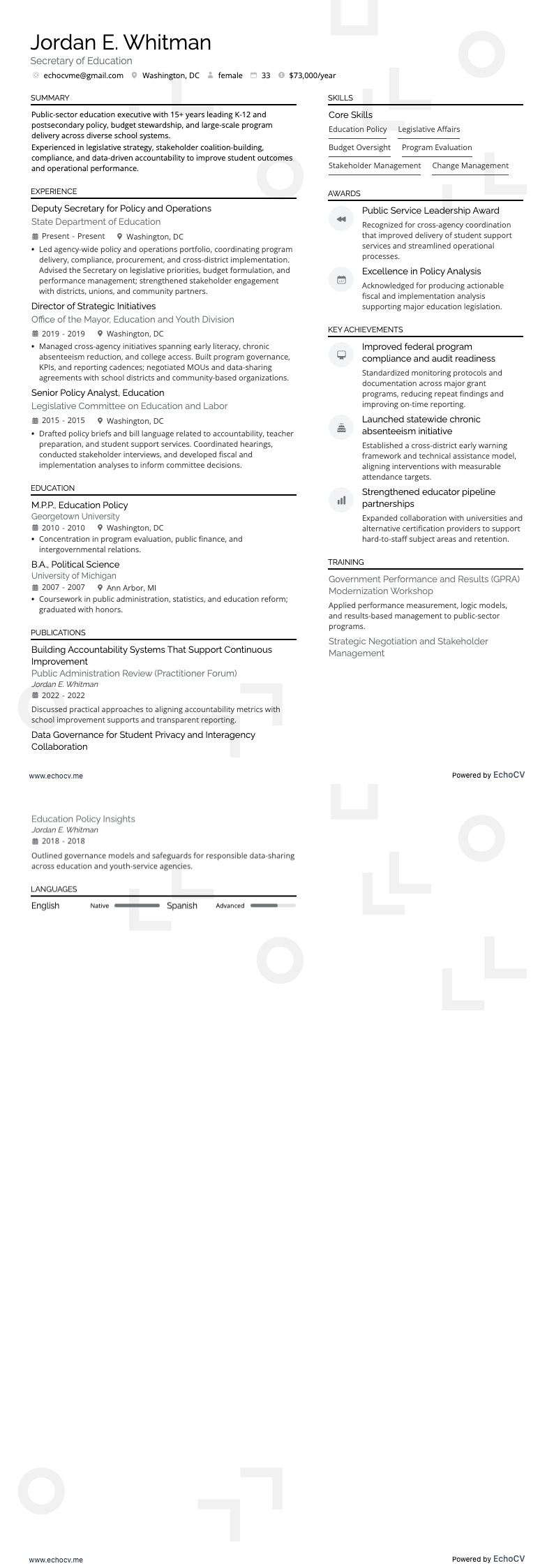
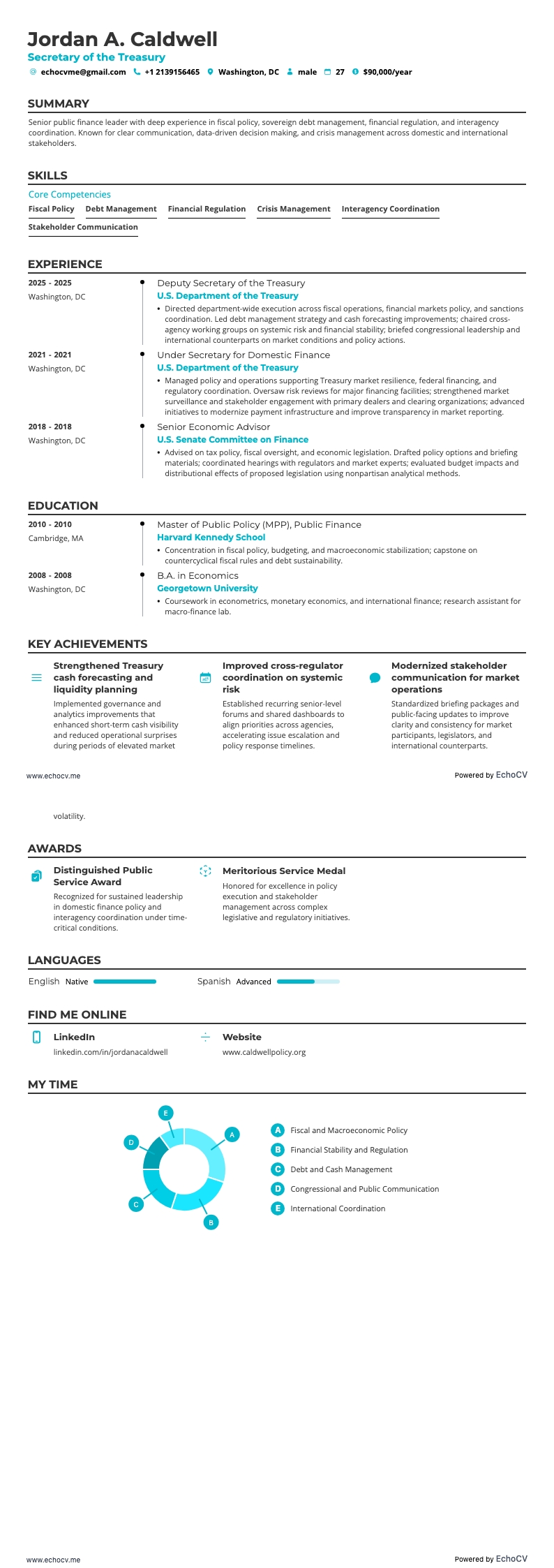
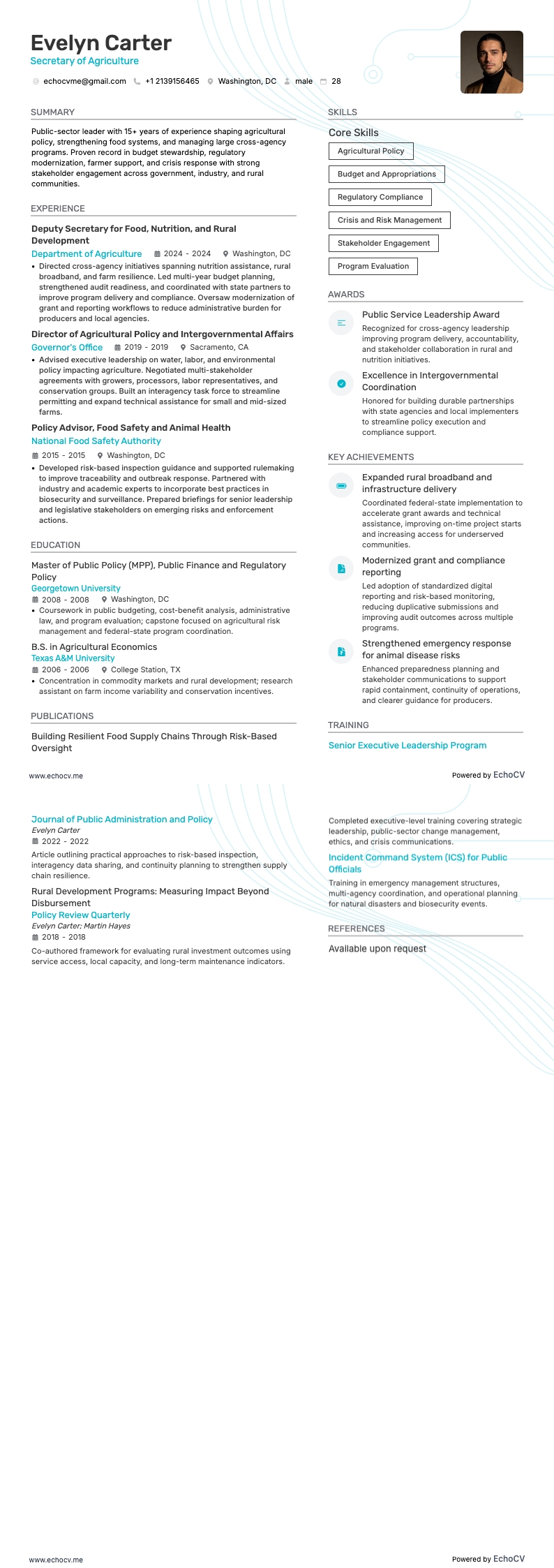
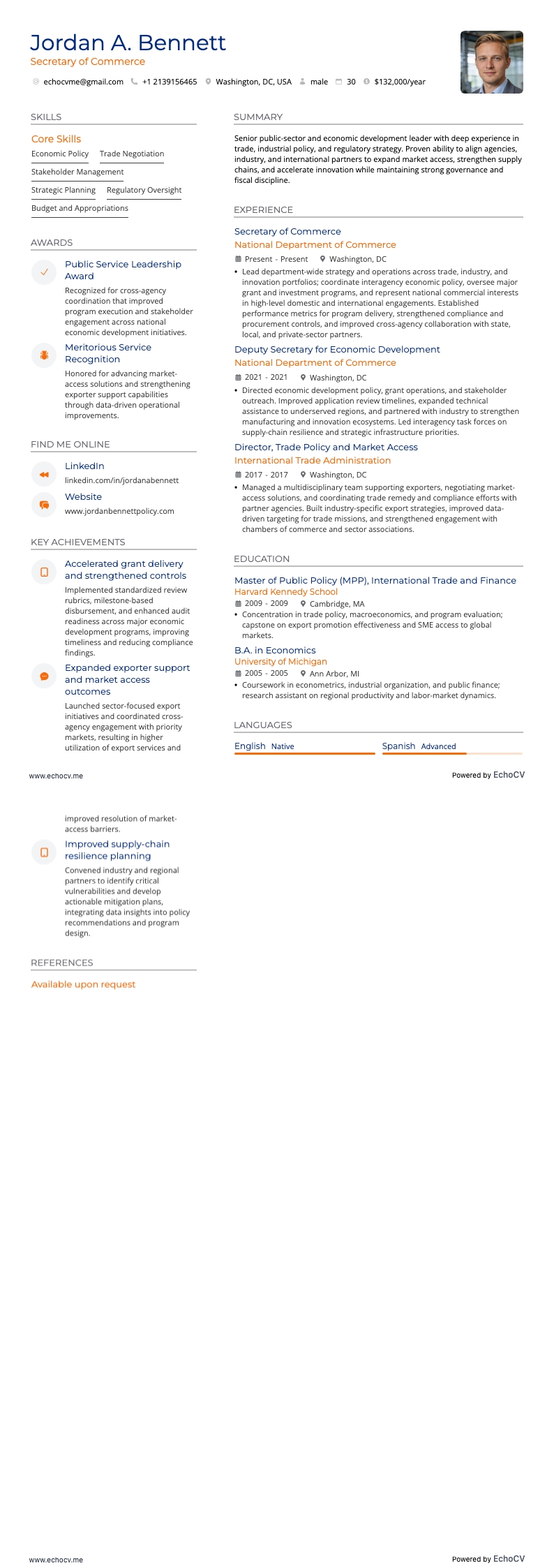
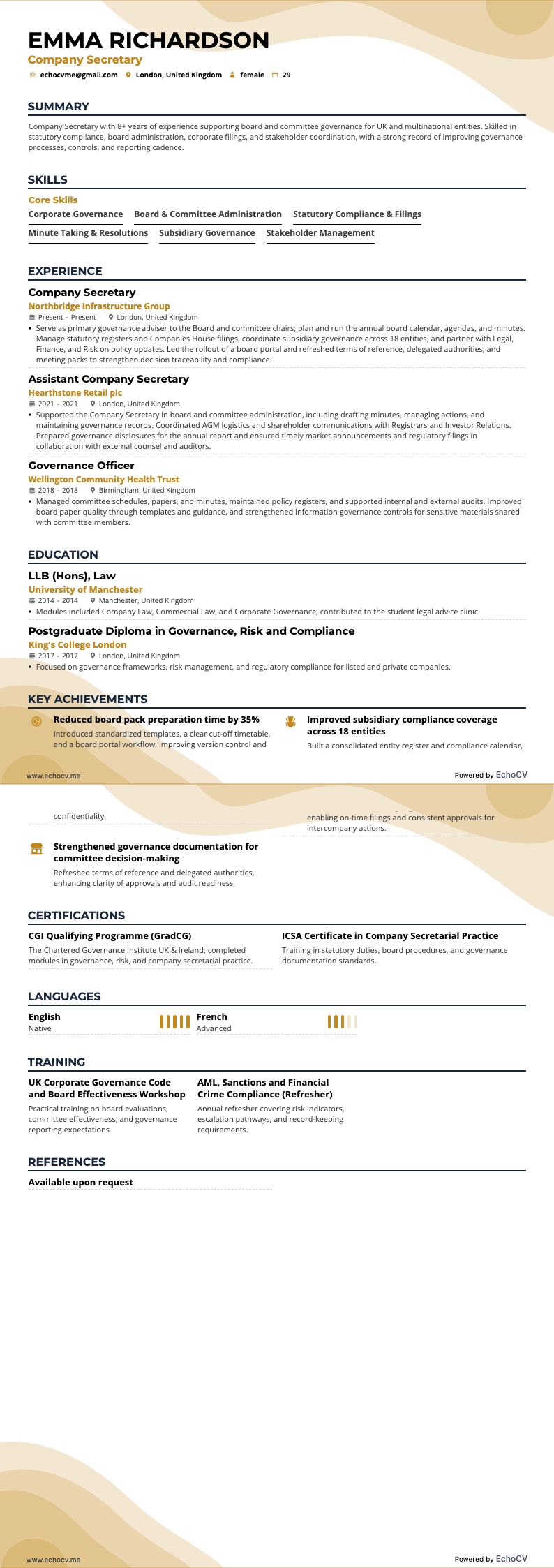
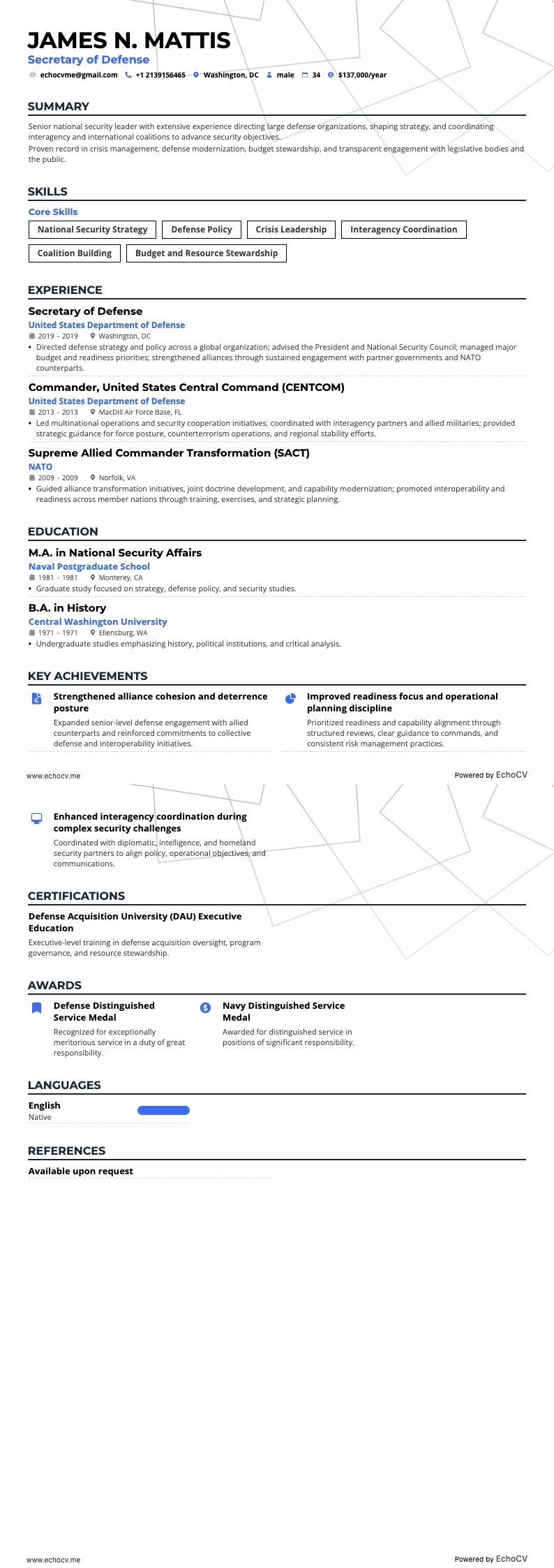
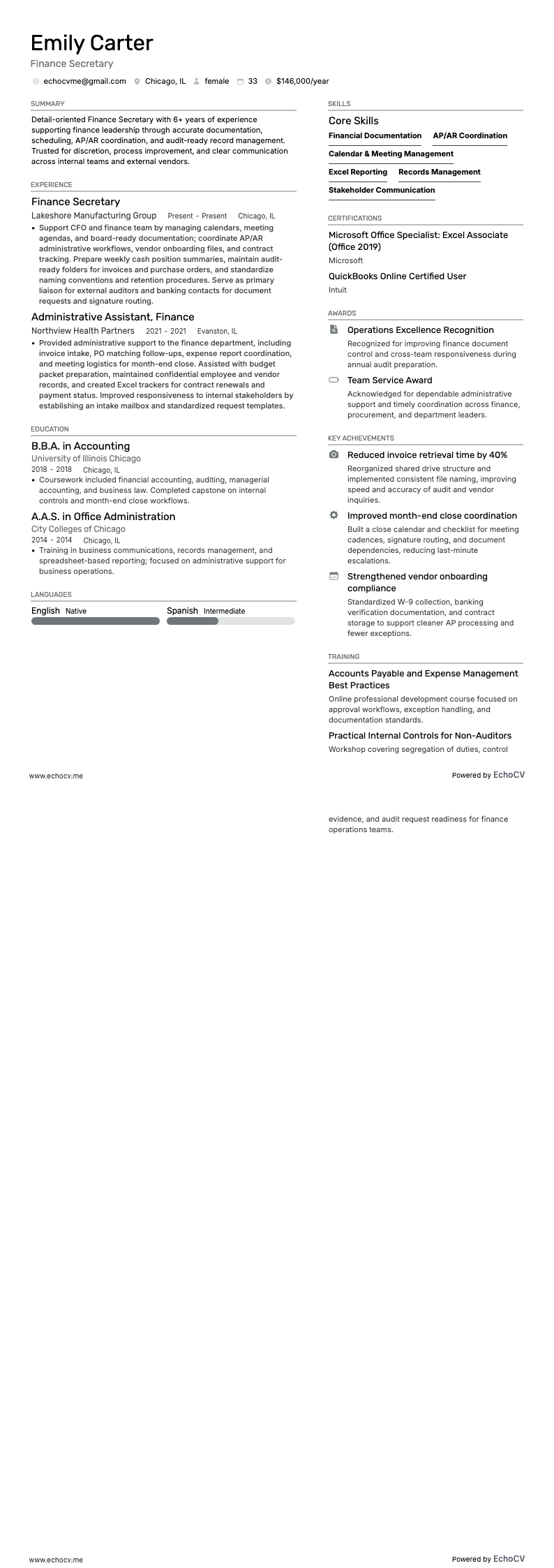
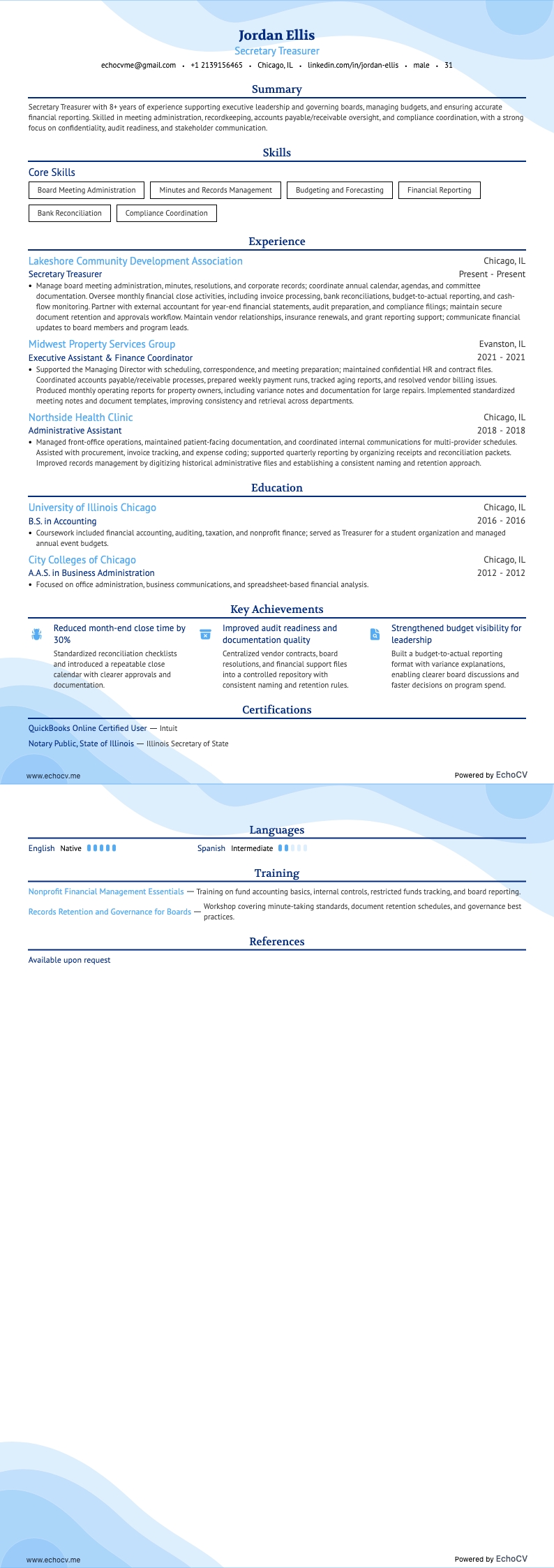
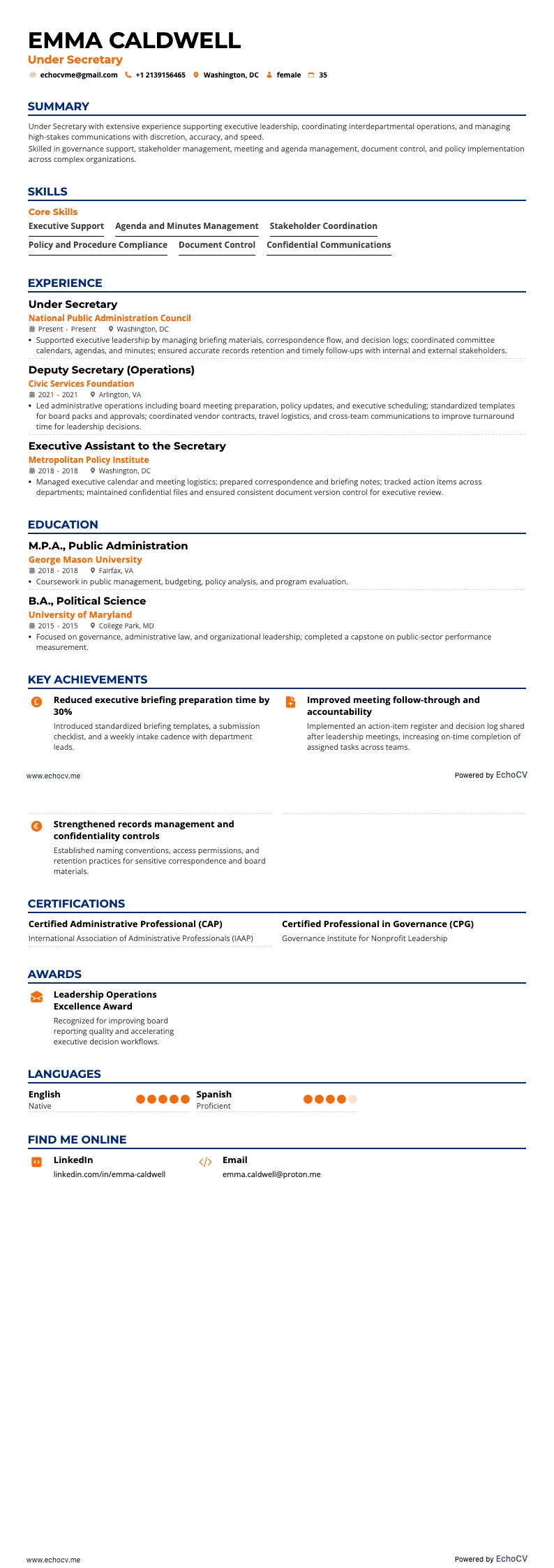
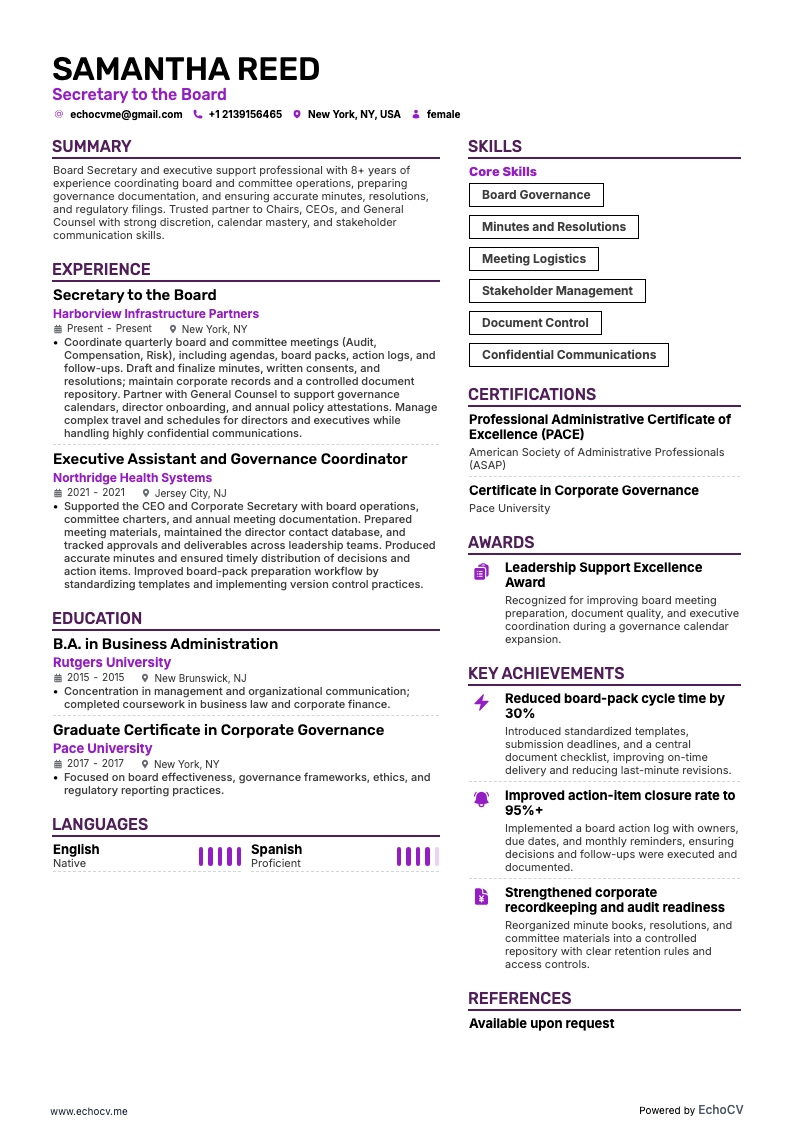
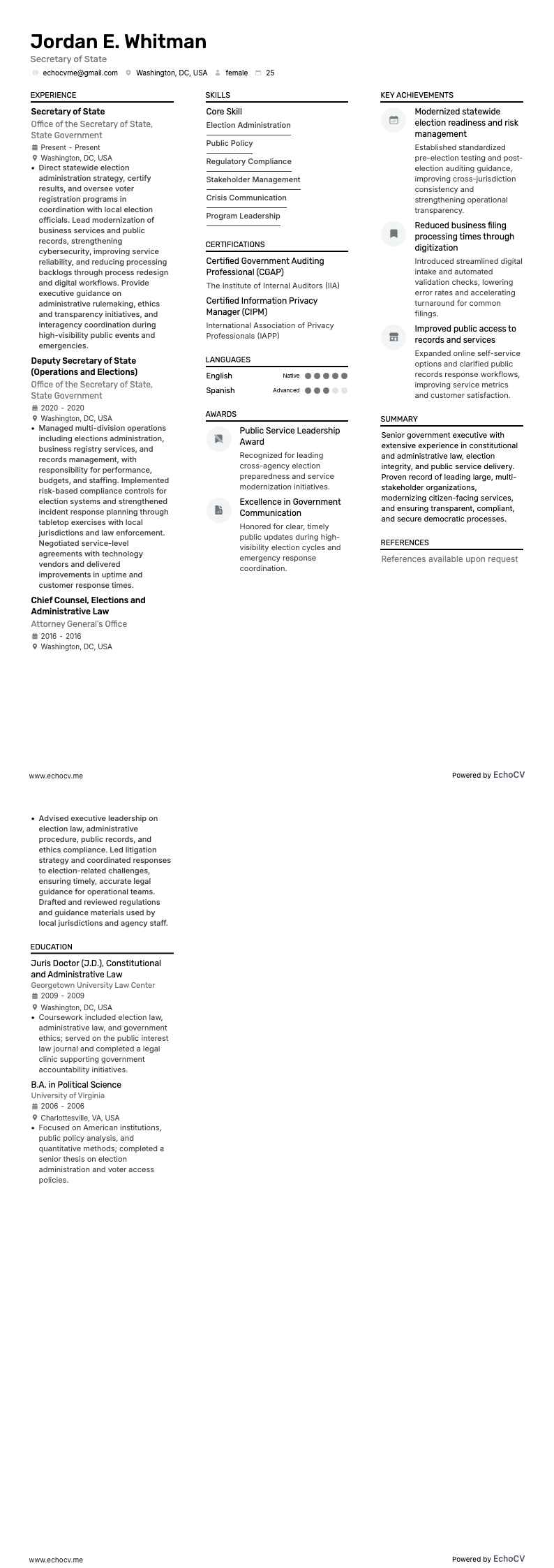
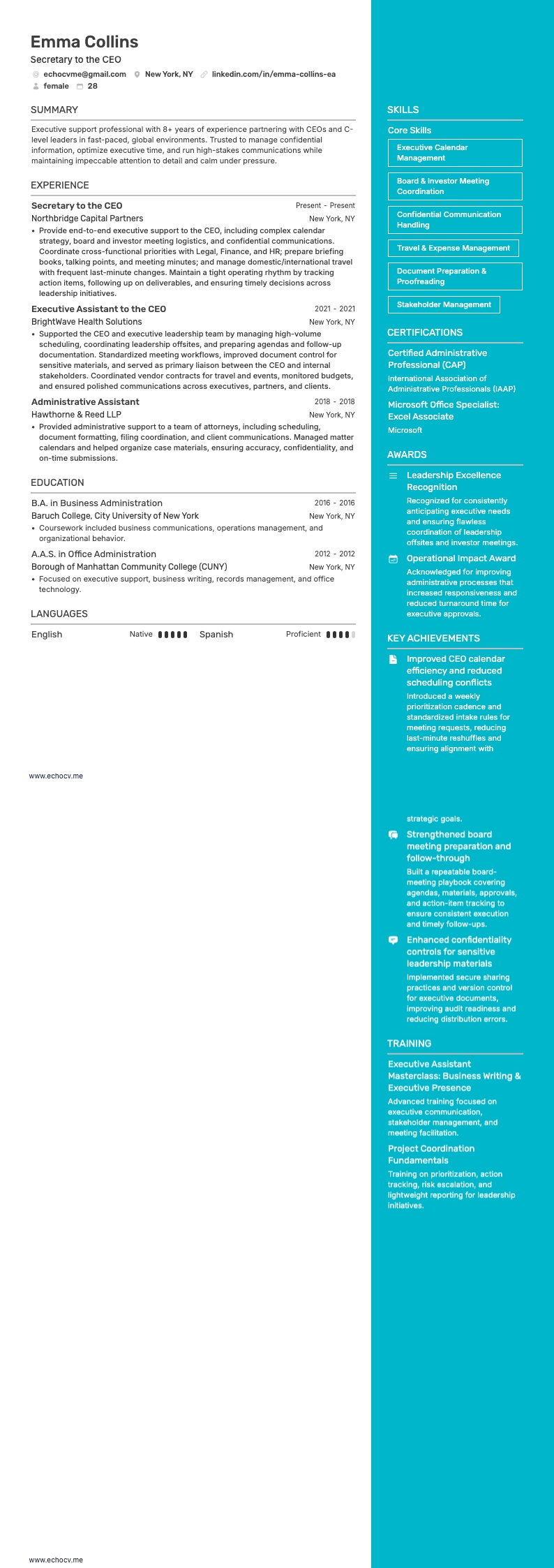
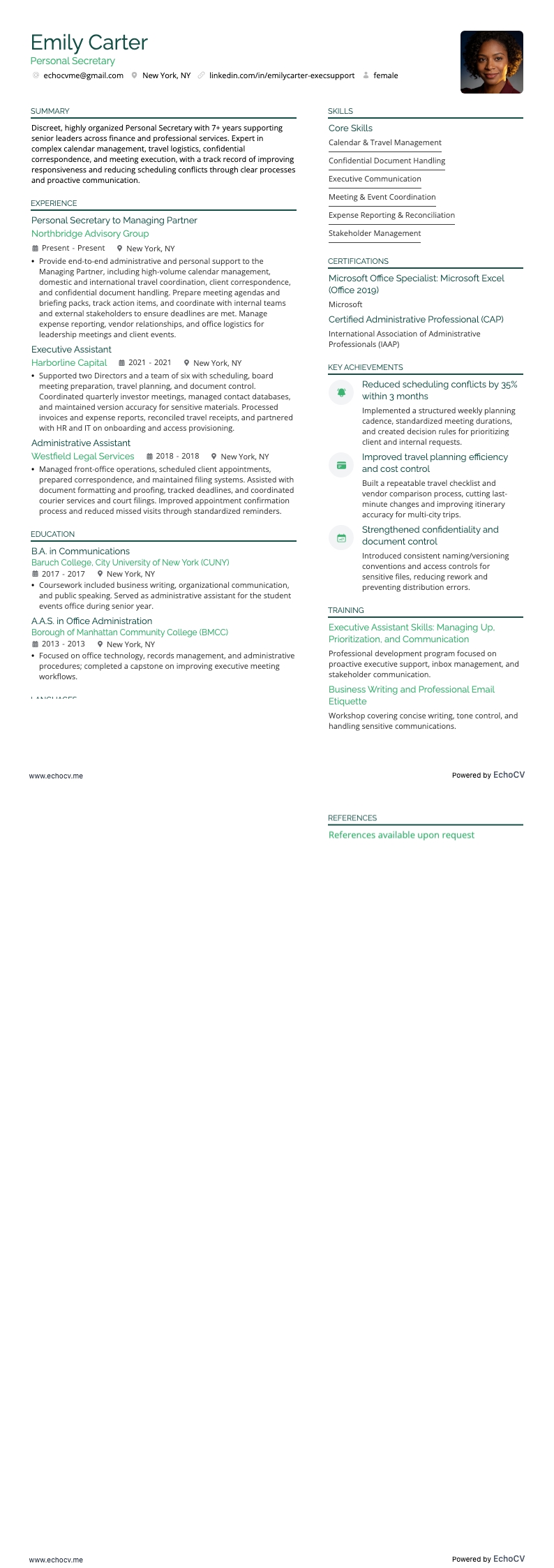
- Pick a resume template that suits your professional style. A two-column layout is great for holding plenty of information and makes it easy to read quickly.
- Use professional fonts. In addition to Arial, Calibri, and Times New Roman, our resume builder includes ATS-friendly options like Lato, Rubik, and Volkhov. Stick to a font size of 10 to 12 points for clarity.
- Choose an easy-to-read layout with adequate spacing and 1-inch margins.
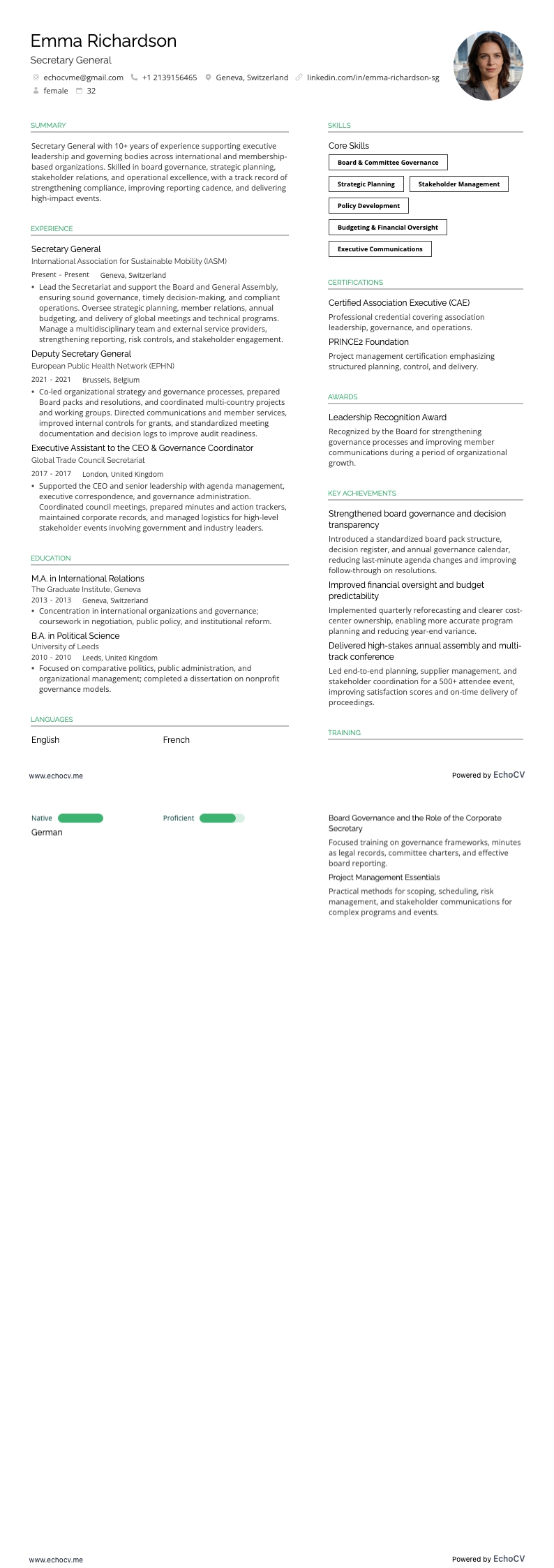
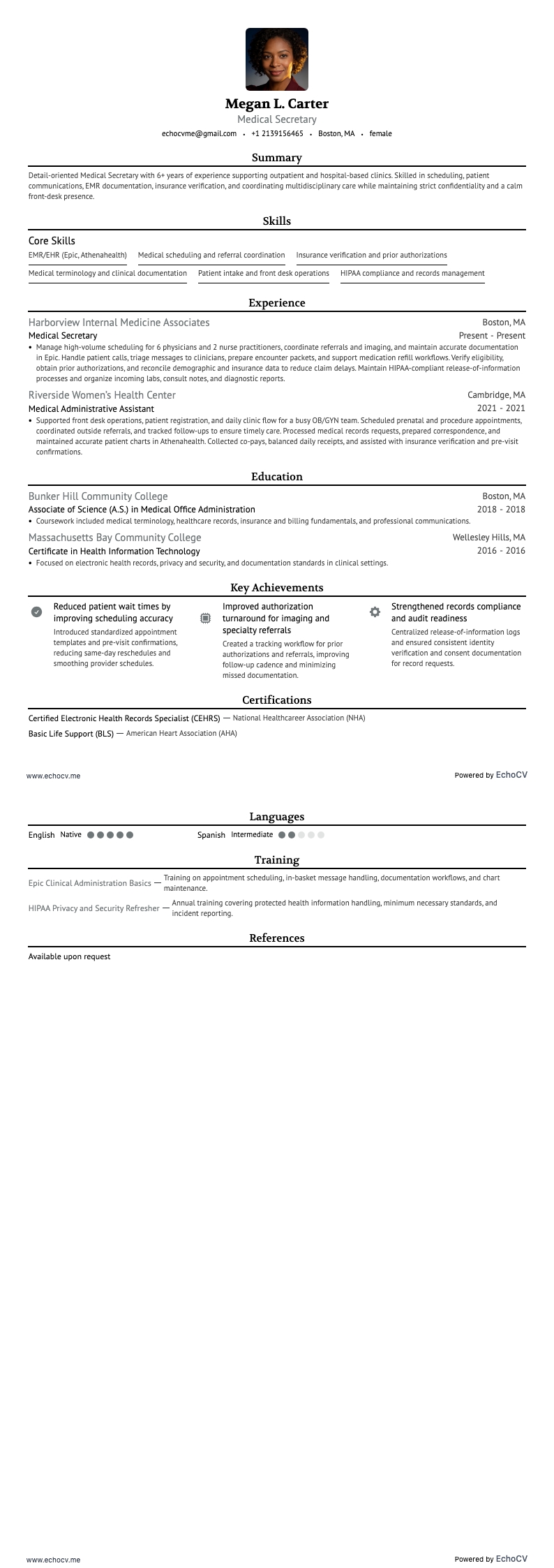
- Check the job description to find out if you need to add a photo to your resume. While it's often not recommended in the US, your role may require one due to frequent face-to-face interactions.
- Strive for a one-page resume, which is often more effective than a longer one.
- Start with a header that includes your name, professional title, and contact information.
- Always save your resume as a PDF to keep its formatting consistent across different devices.
The layout of a resume can differ by region – Canadian resumes may use a distinct format.