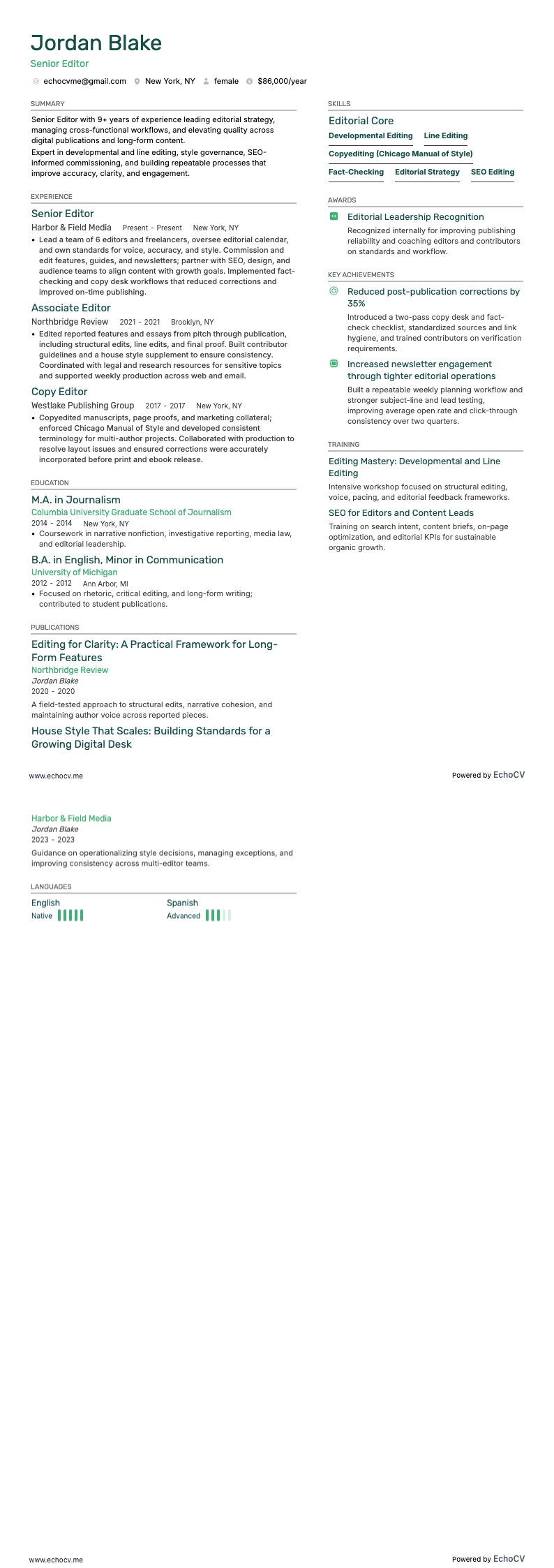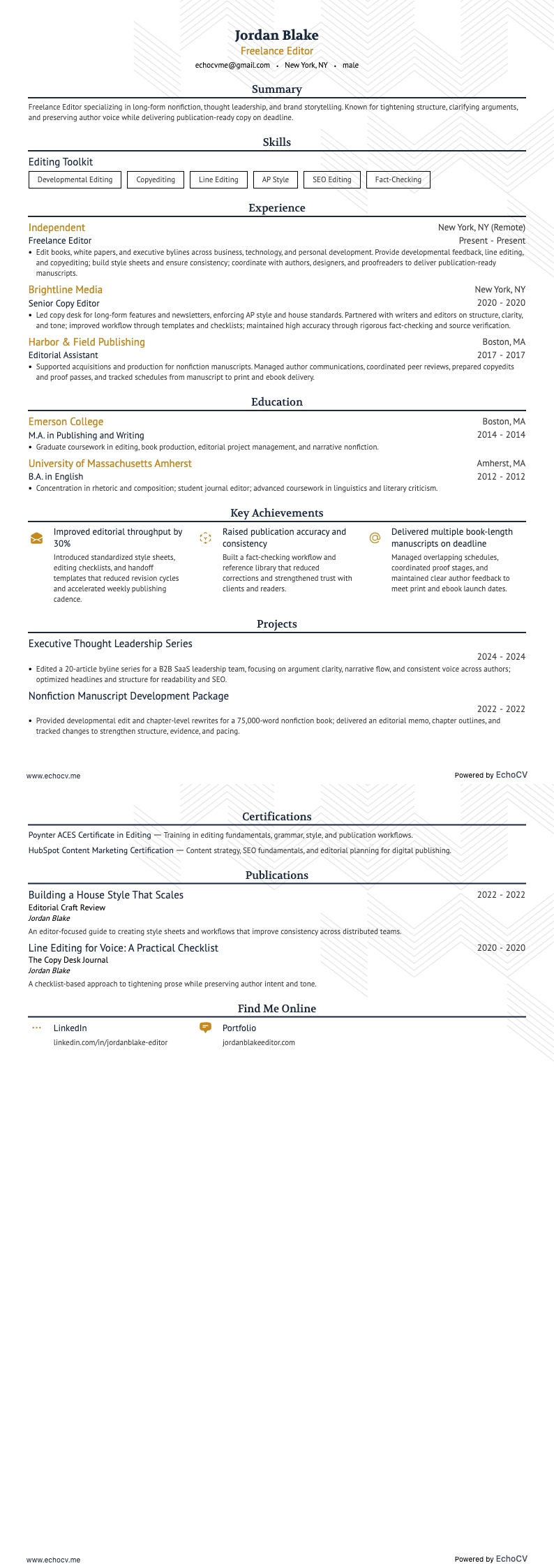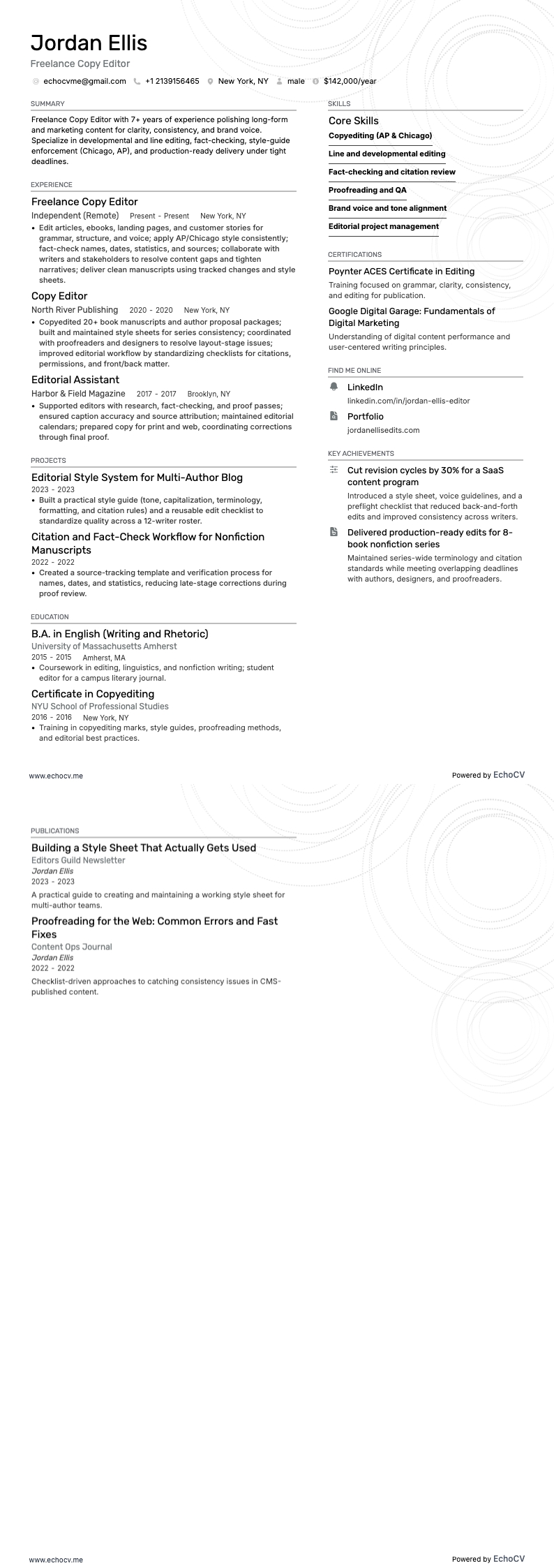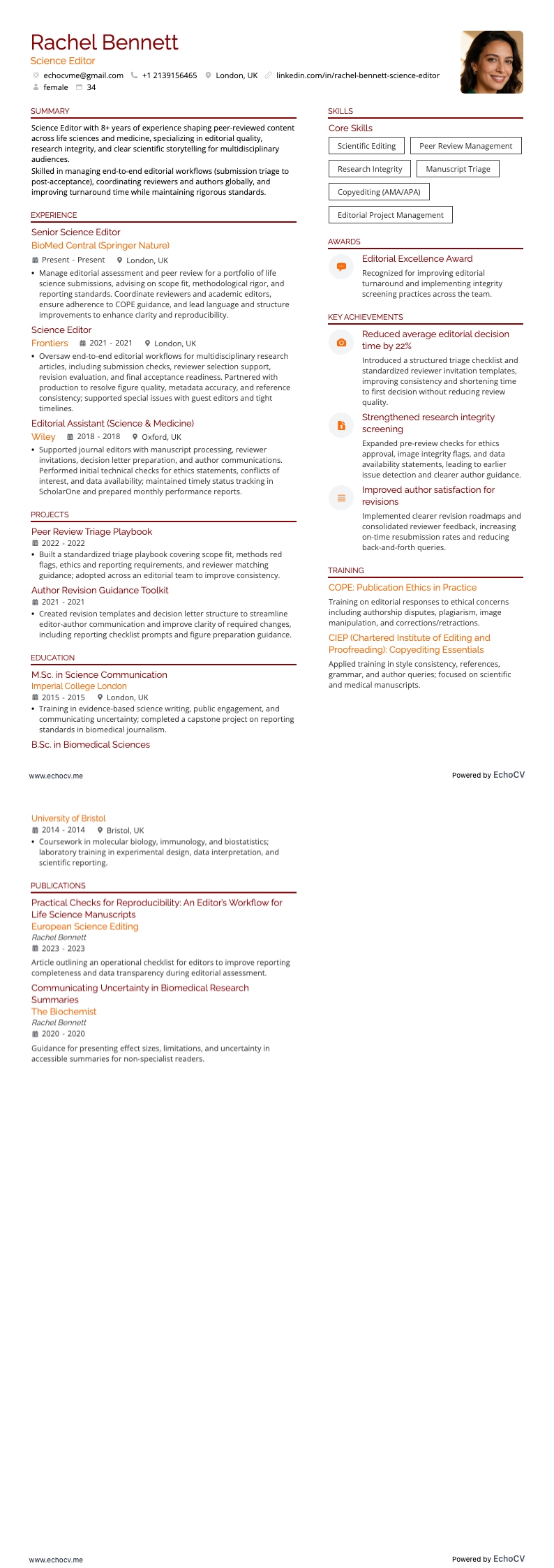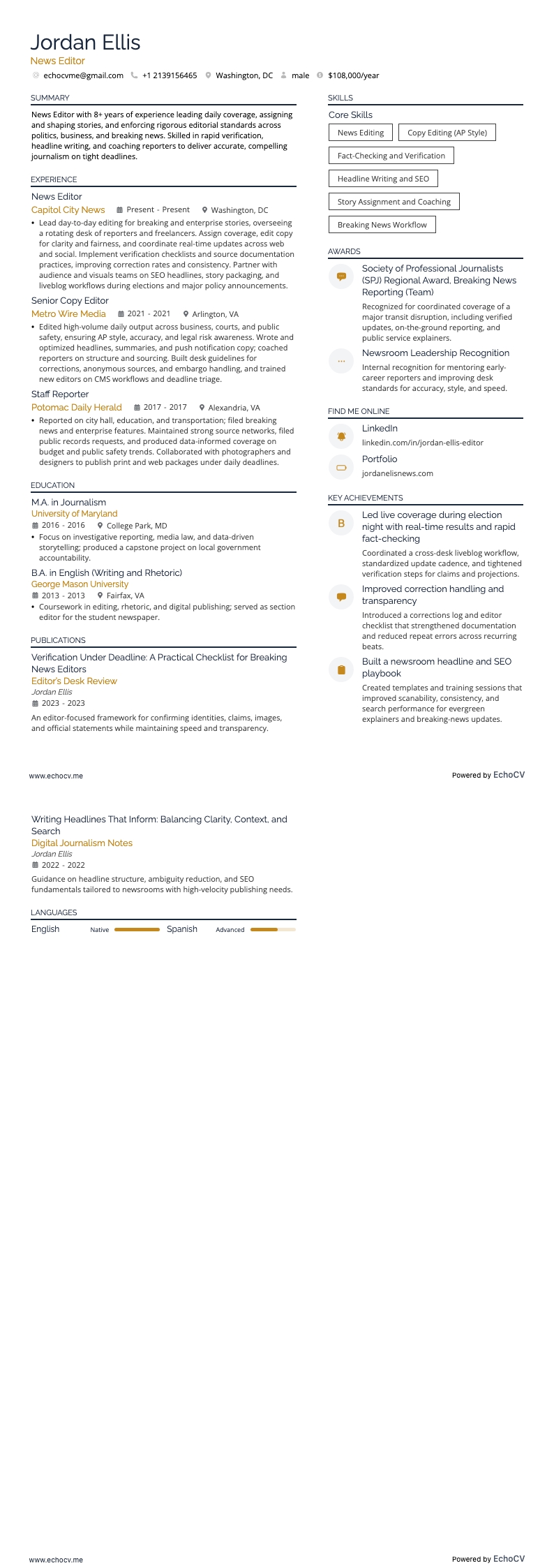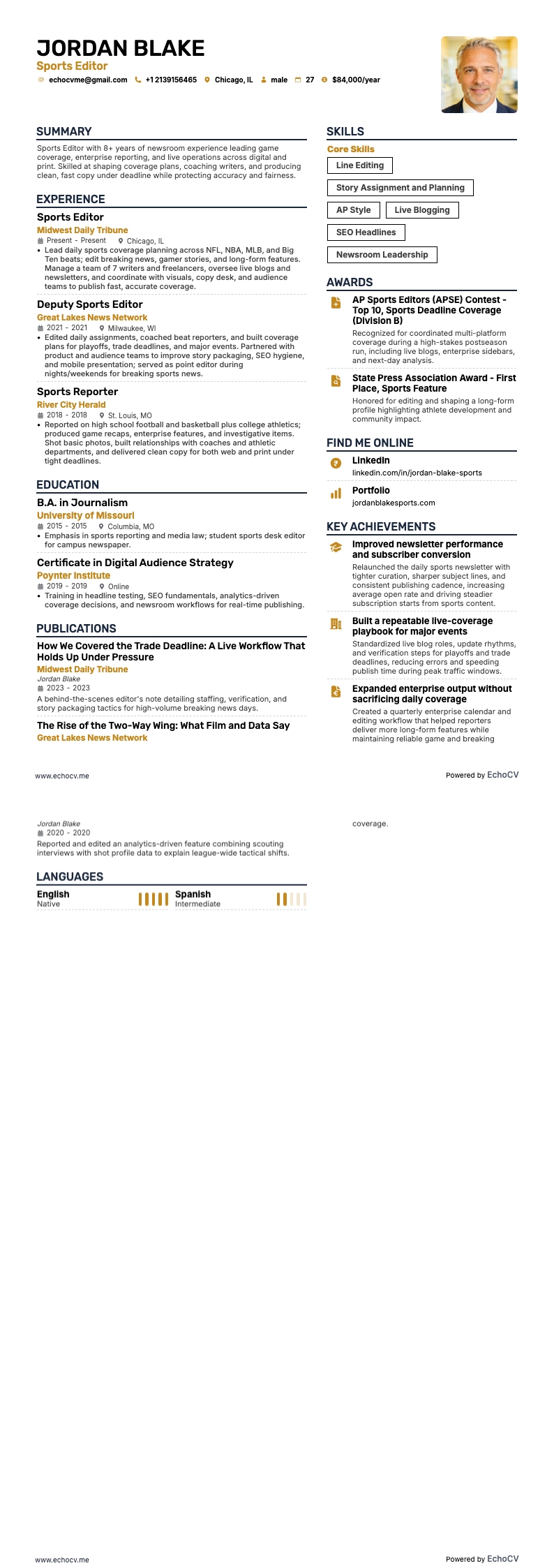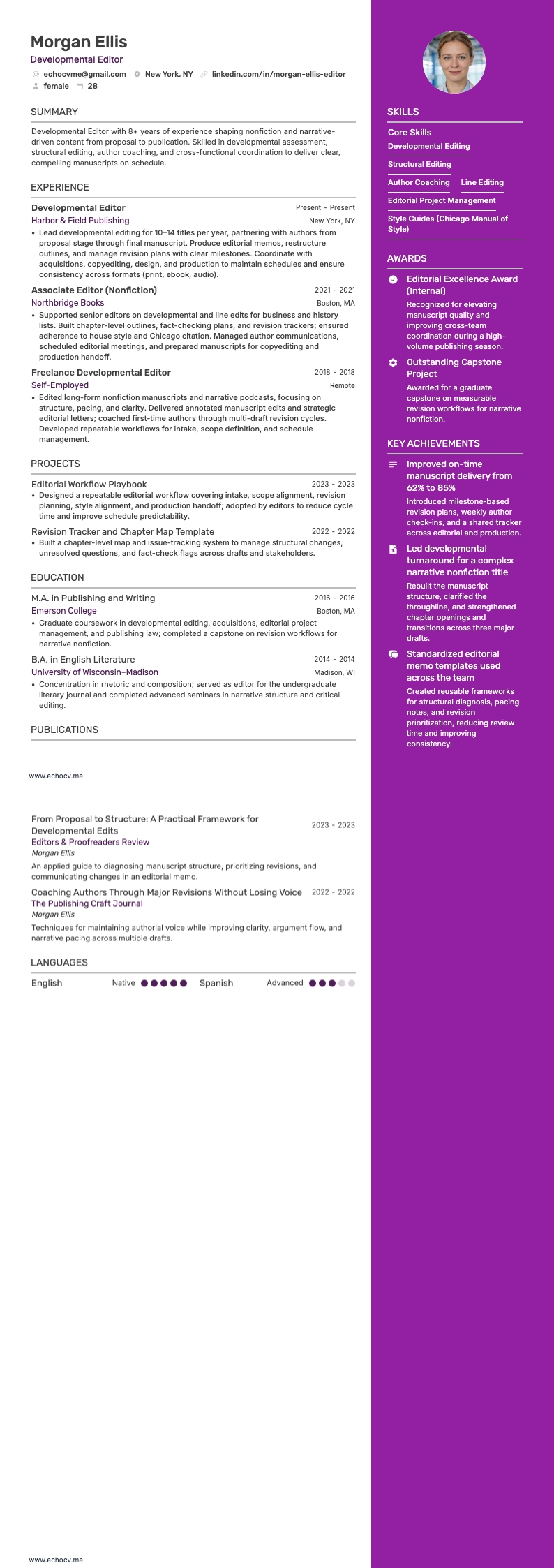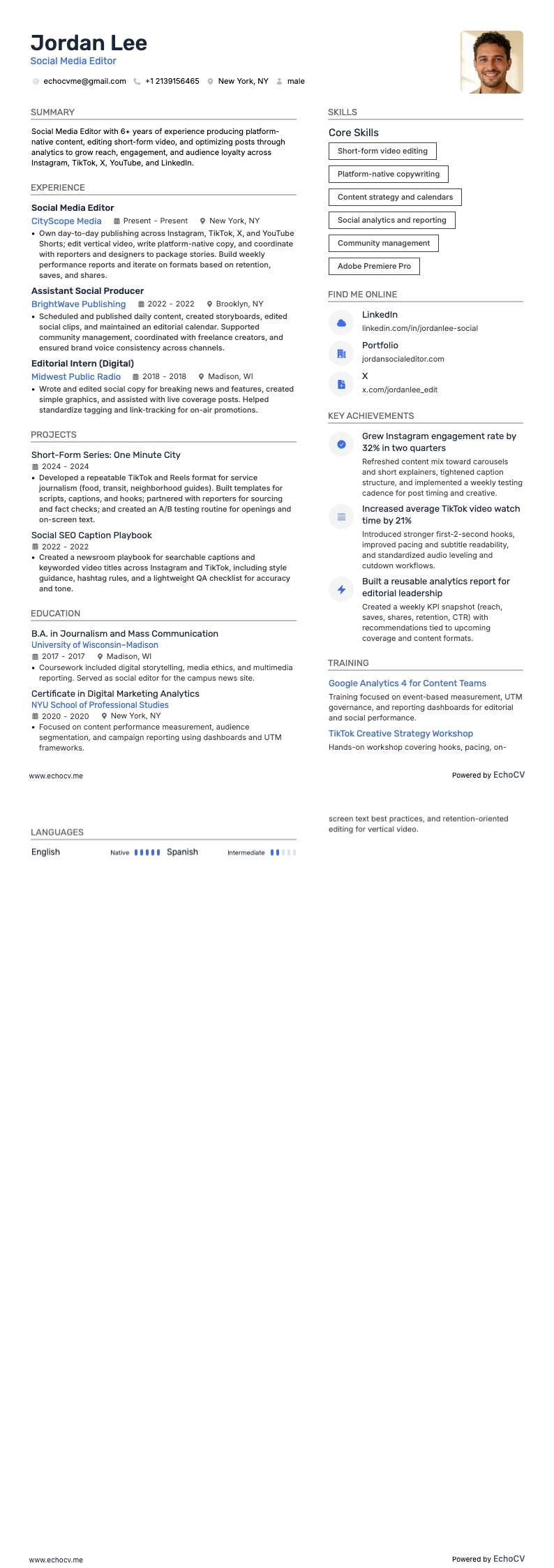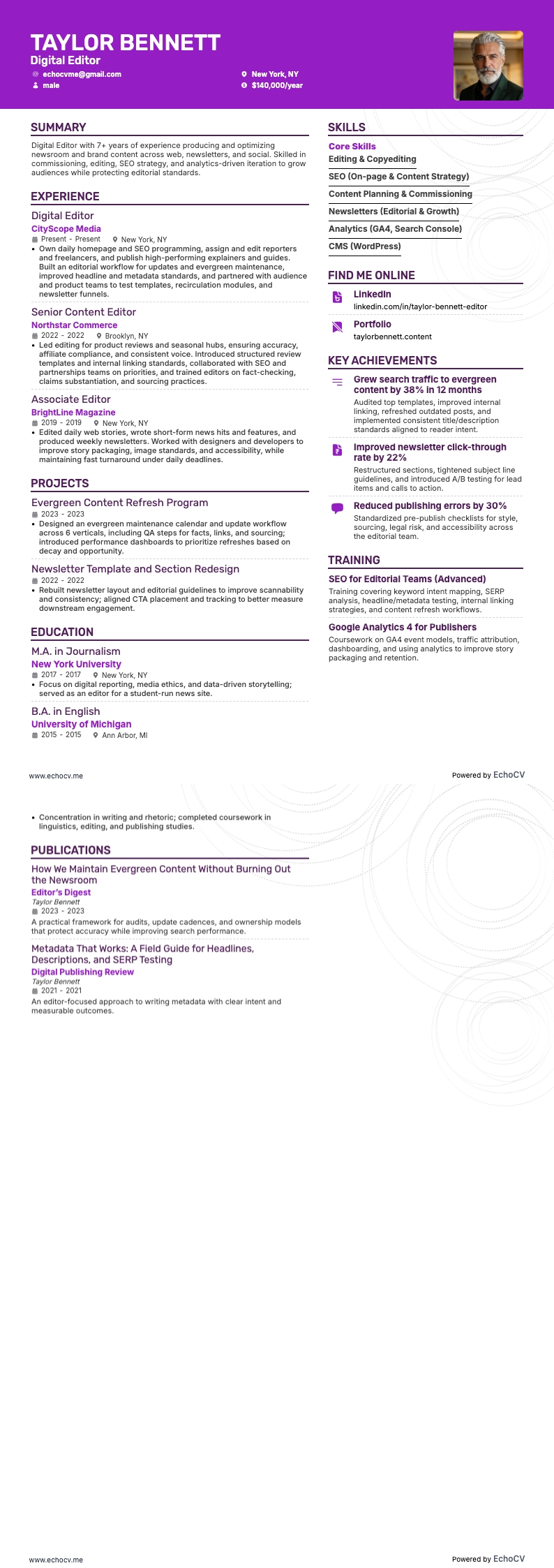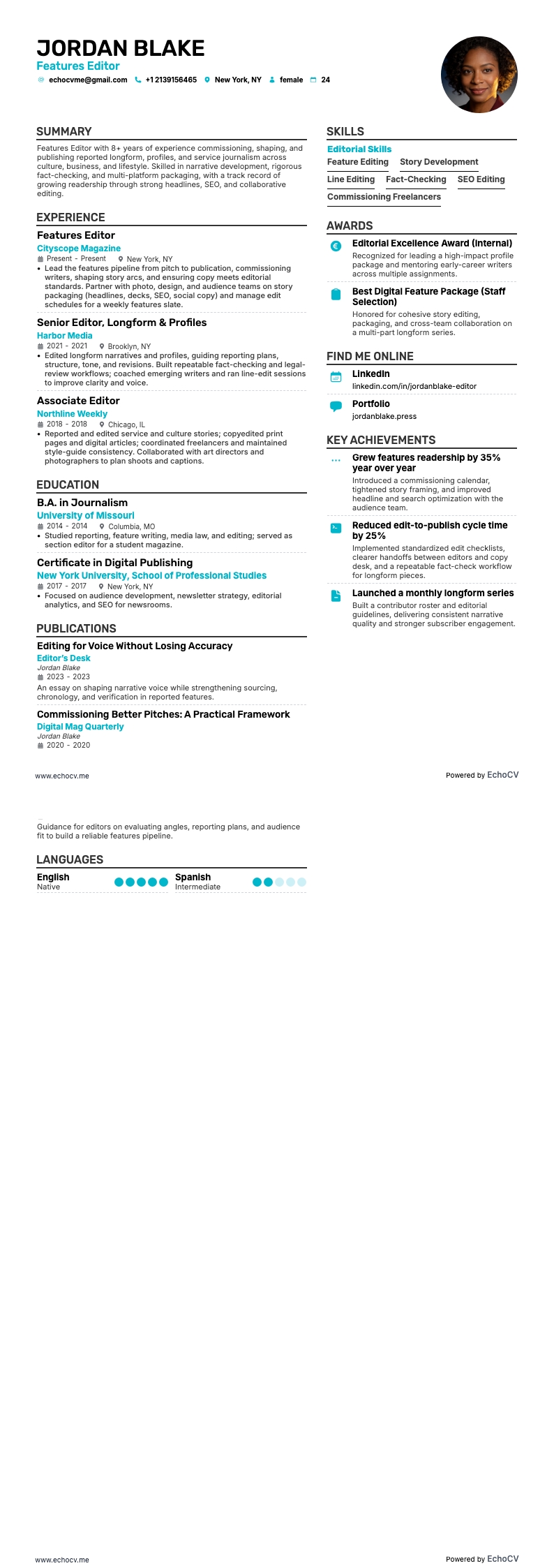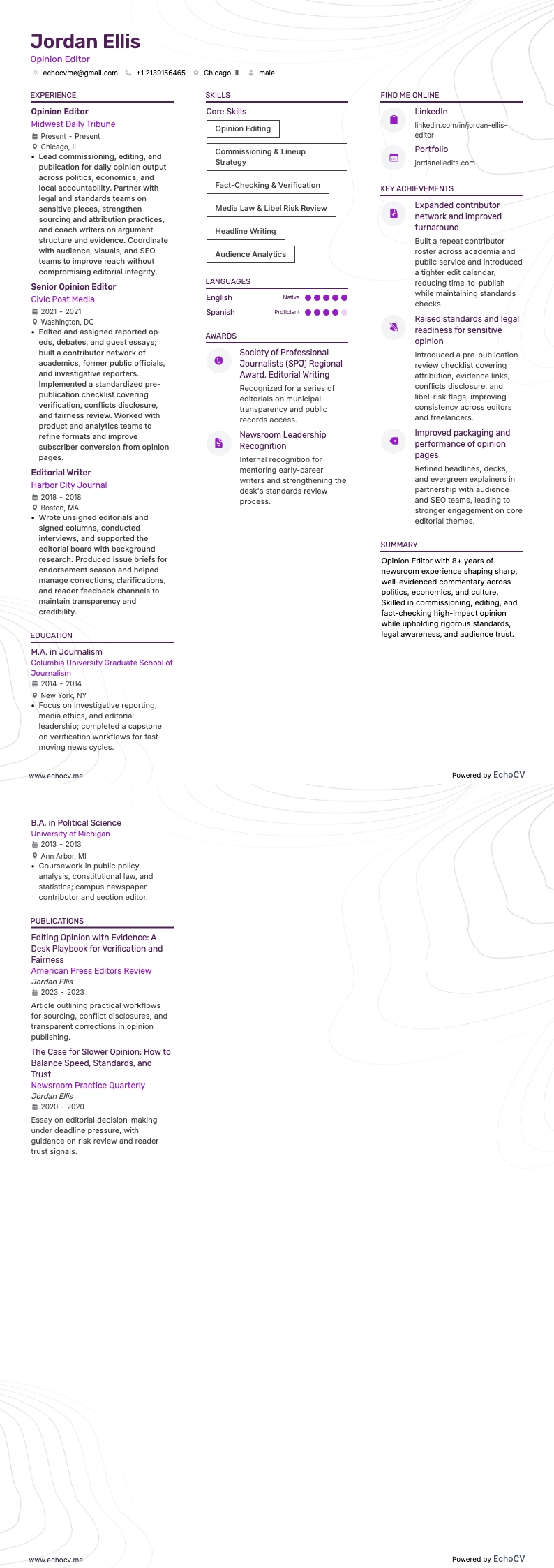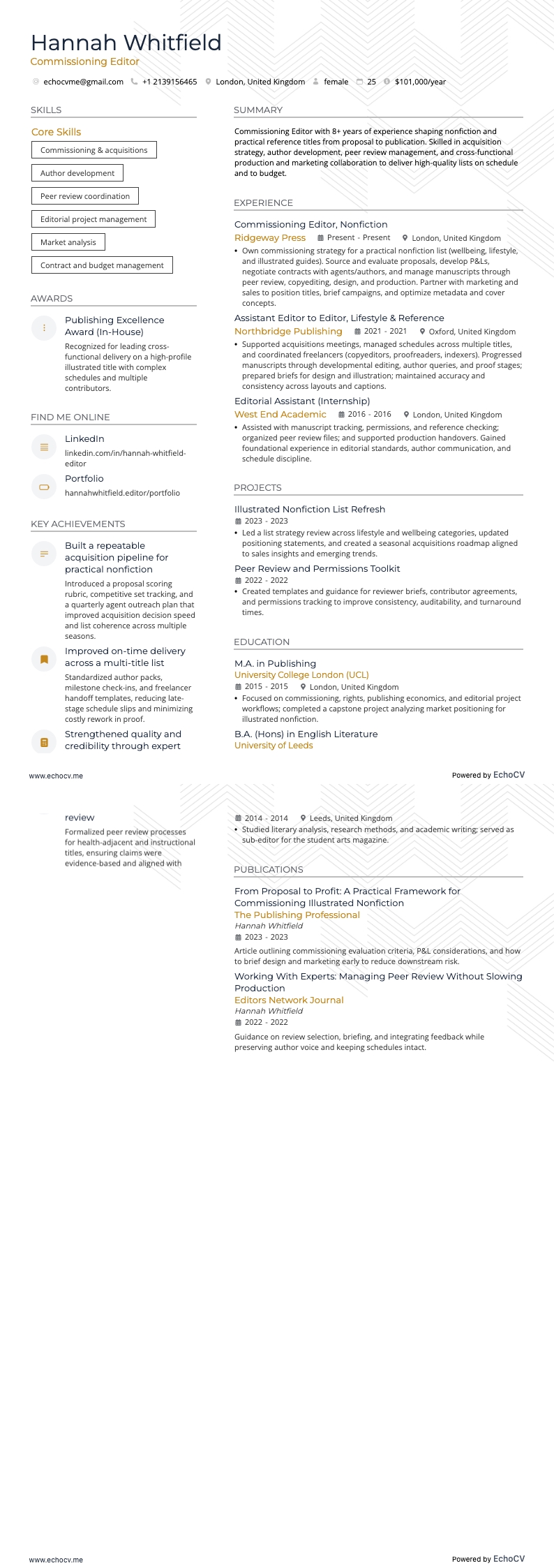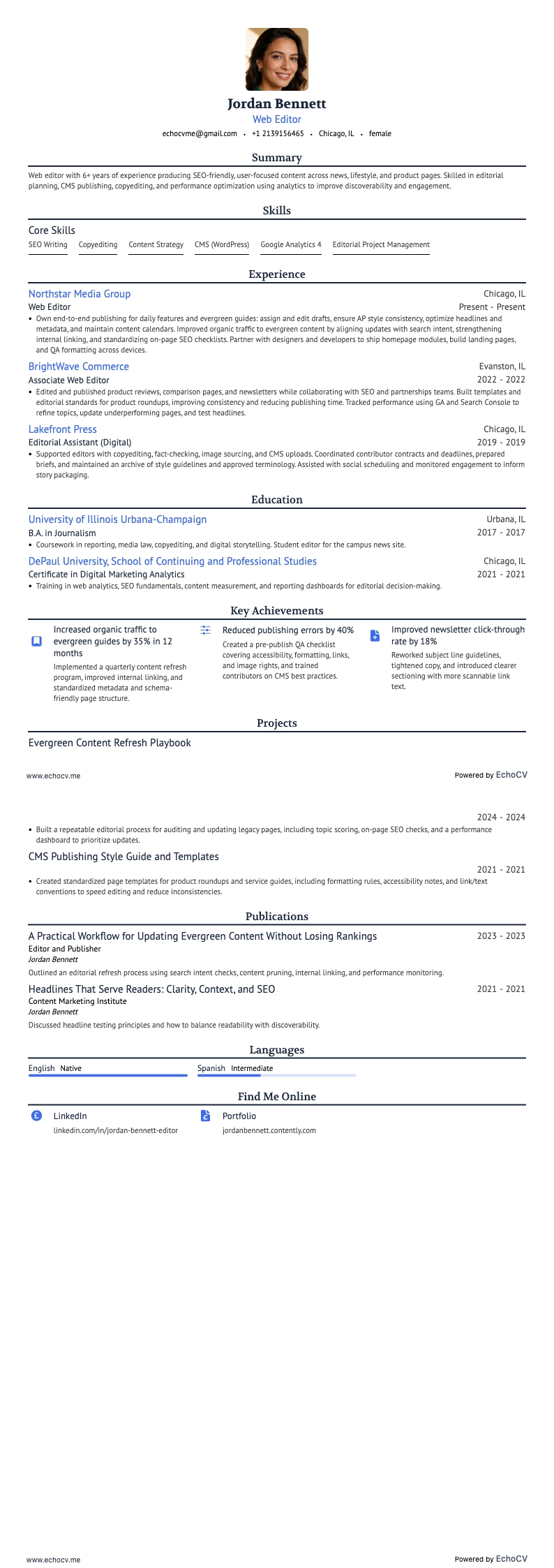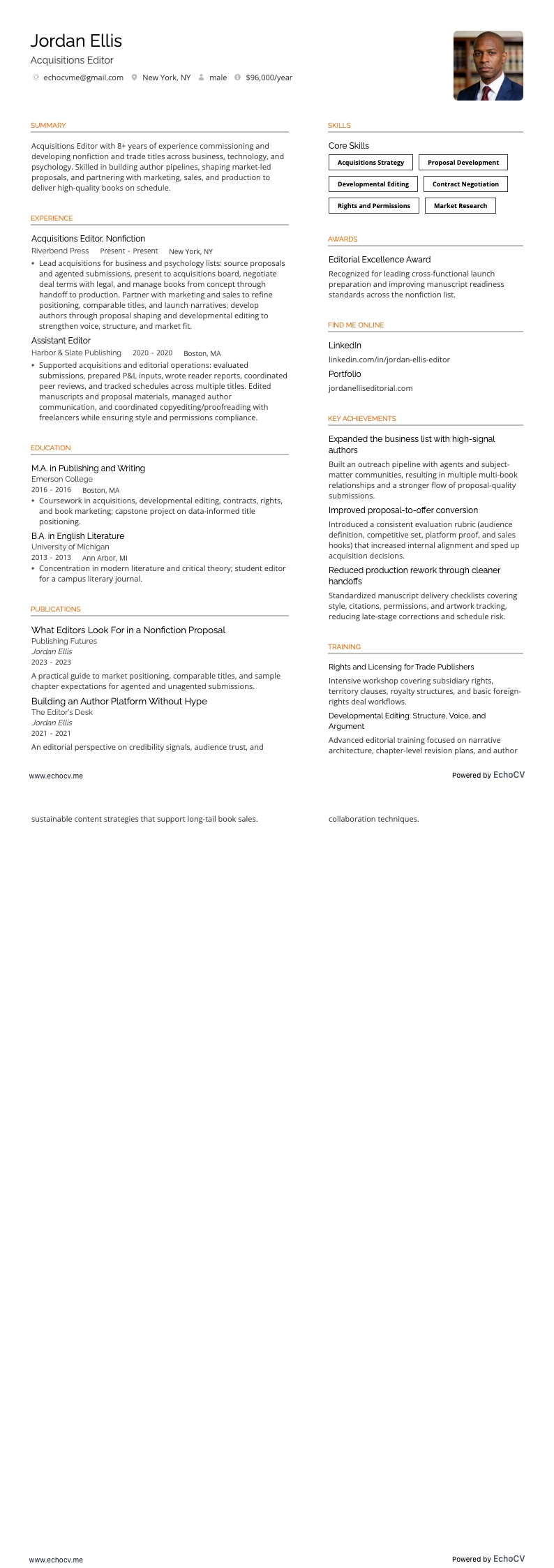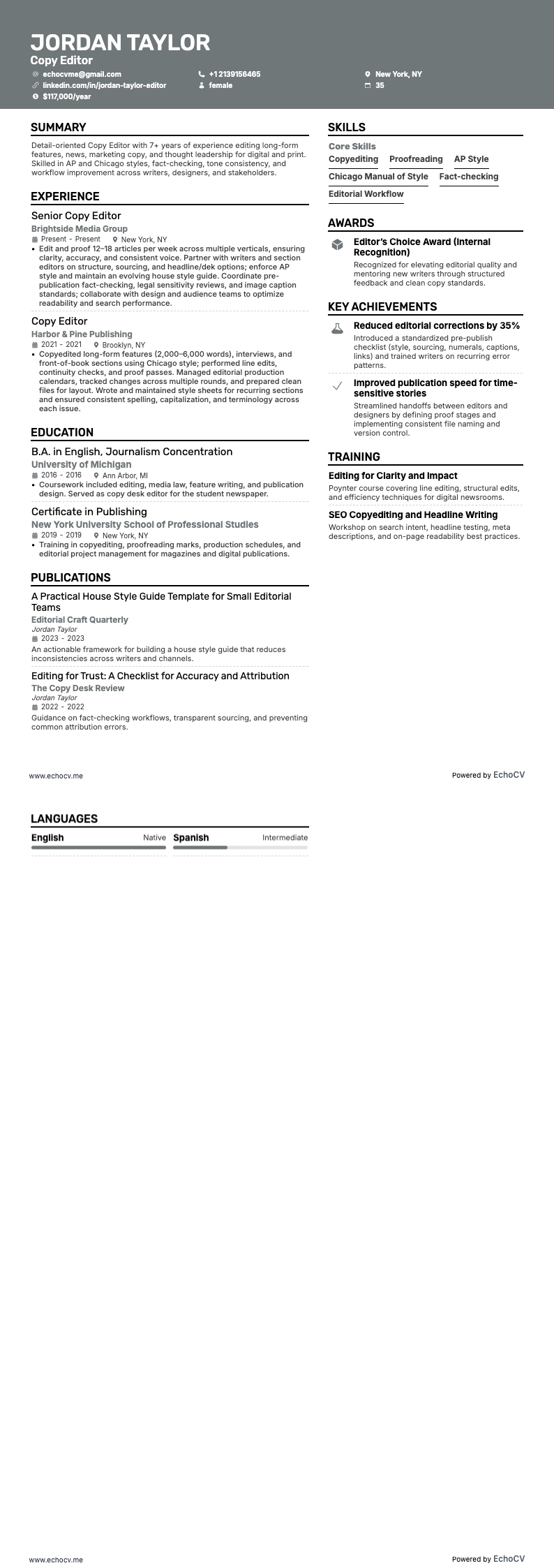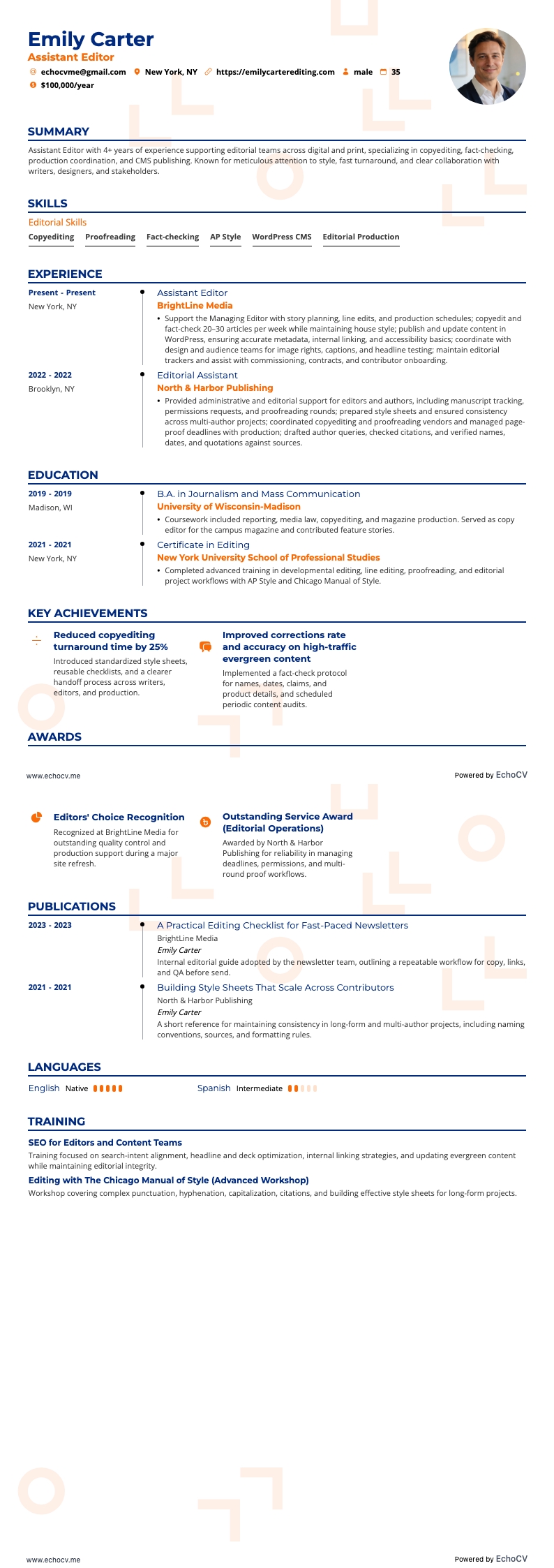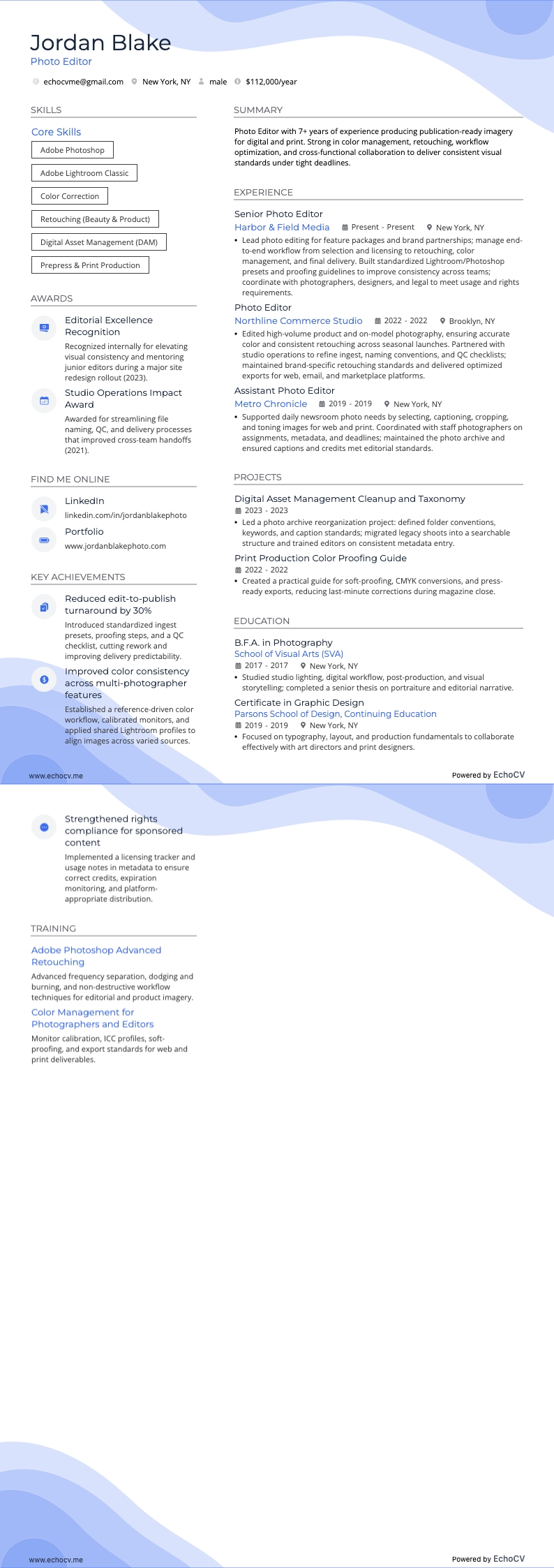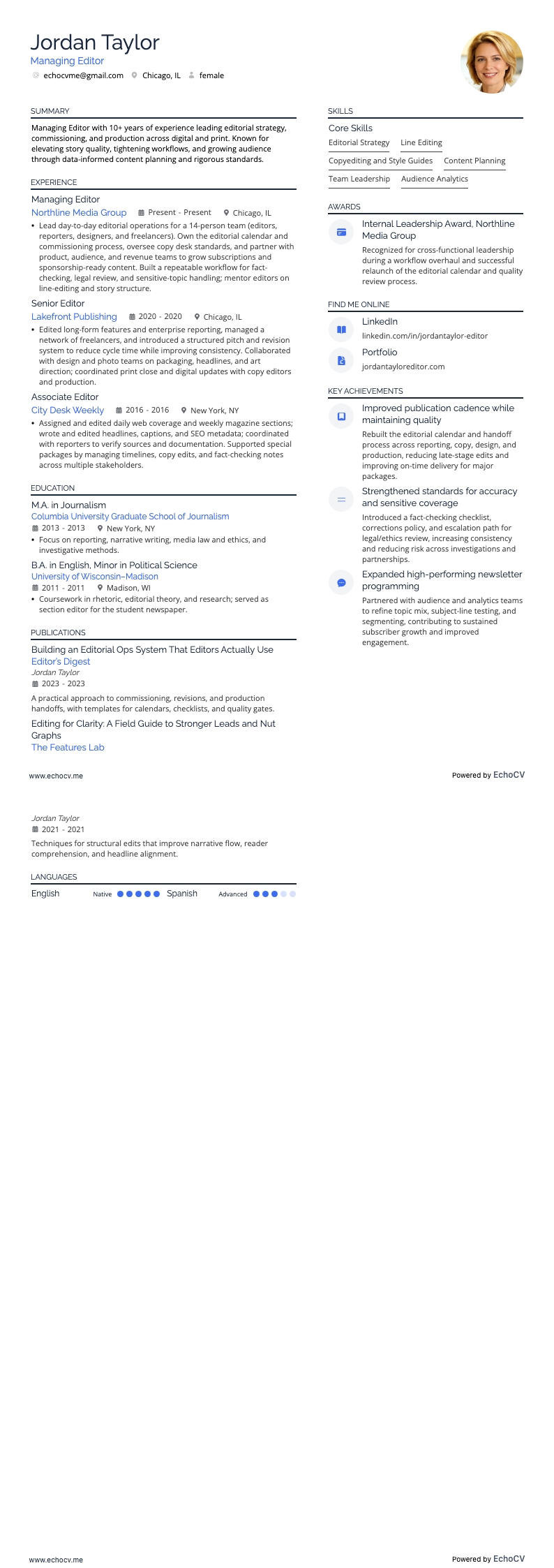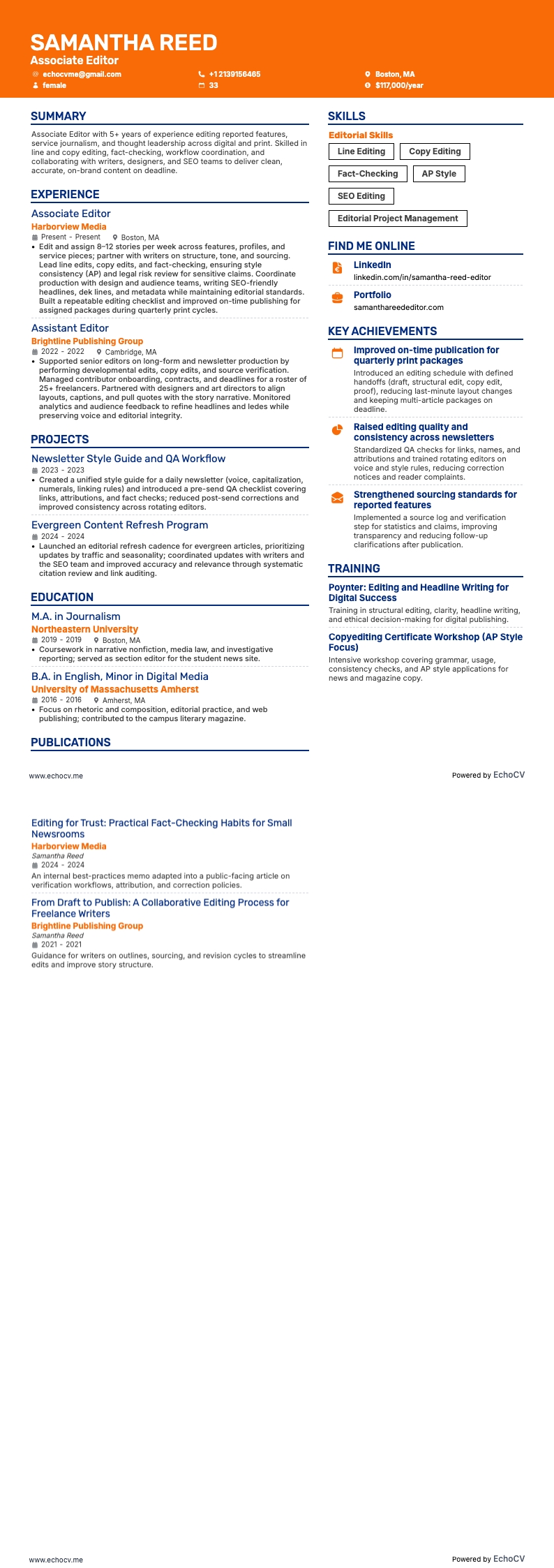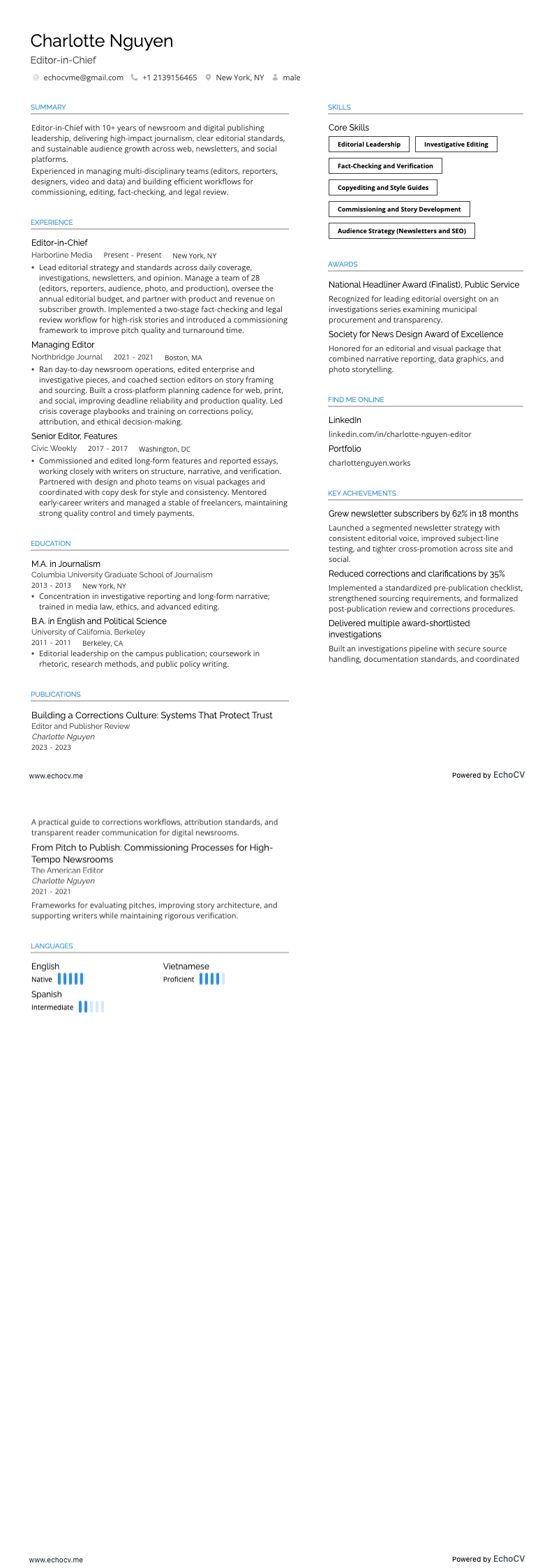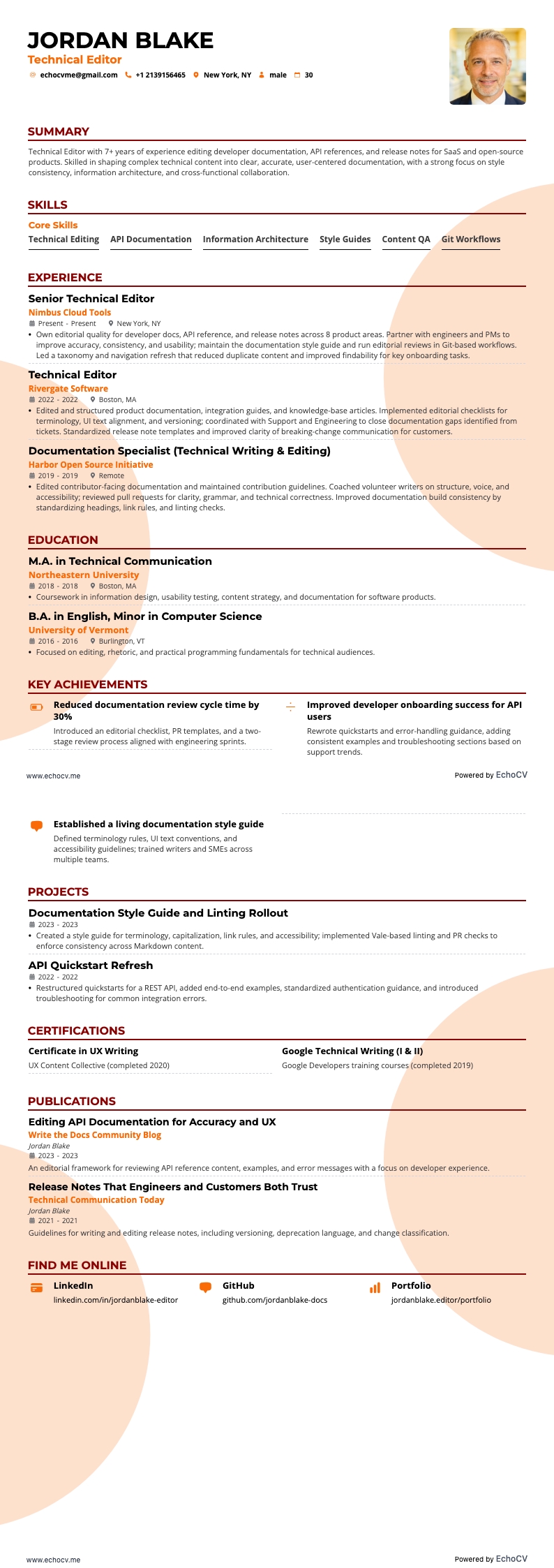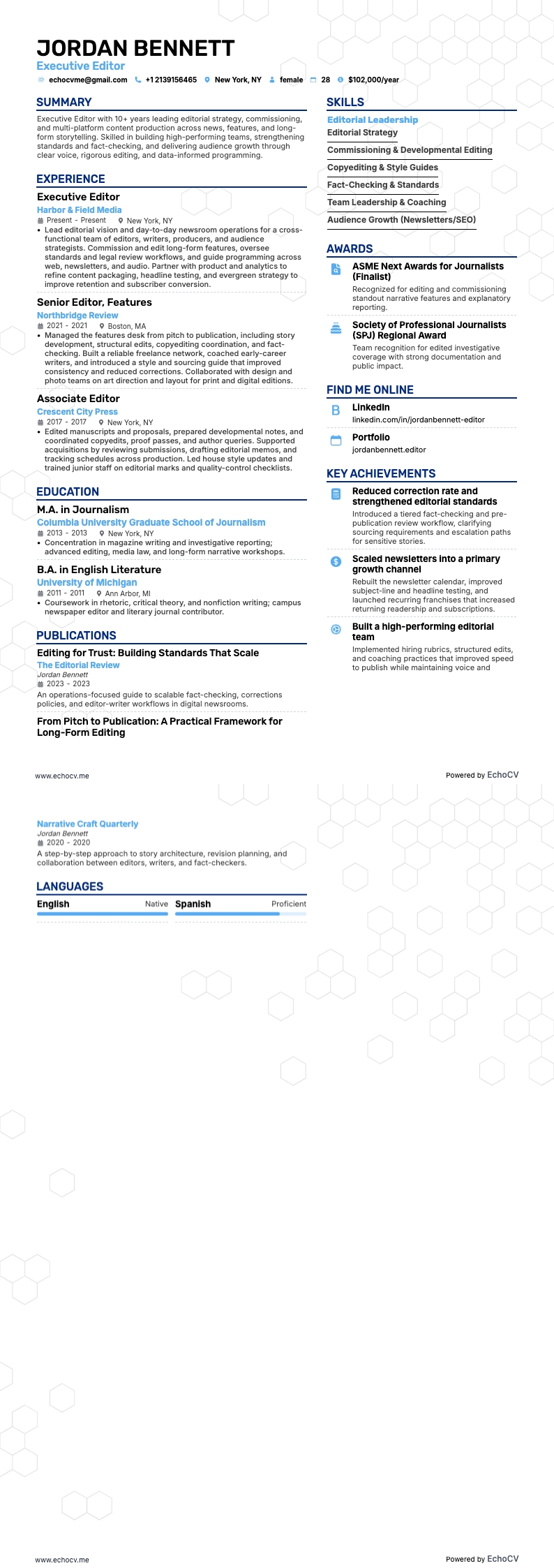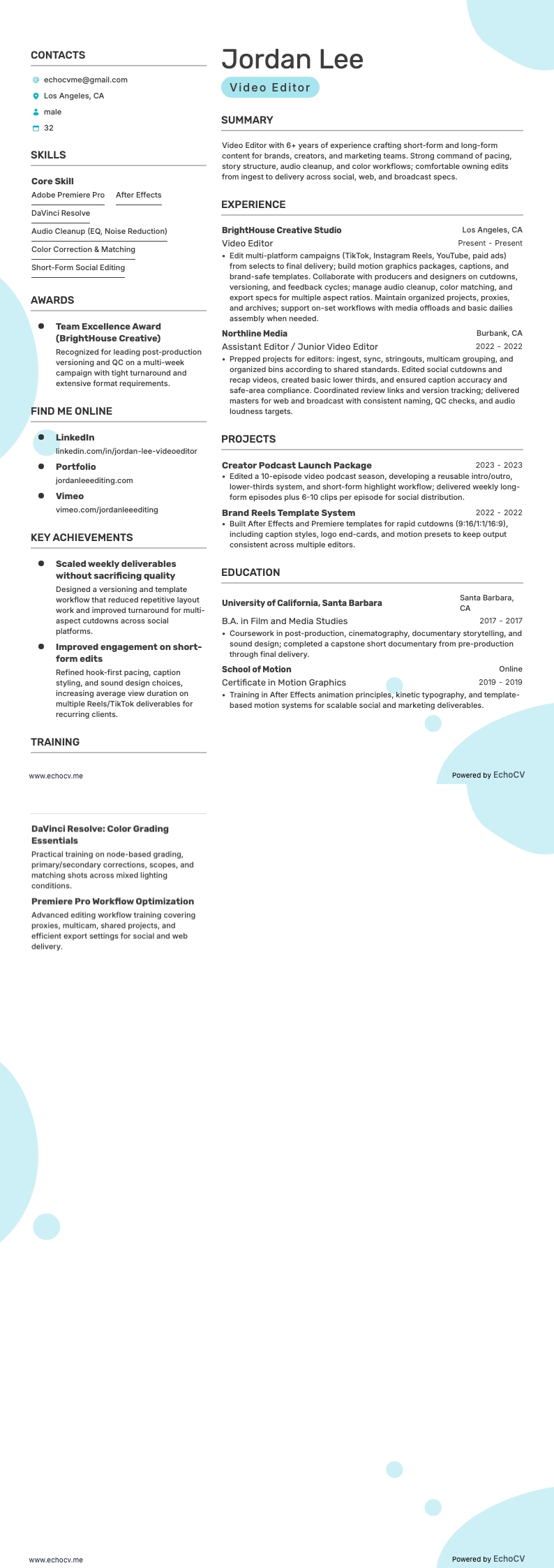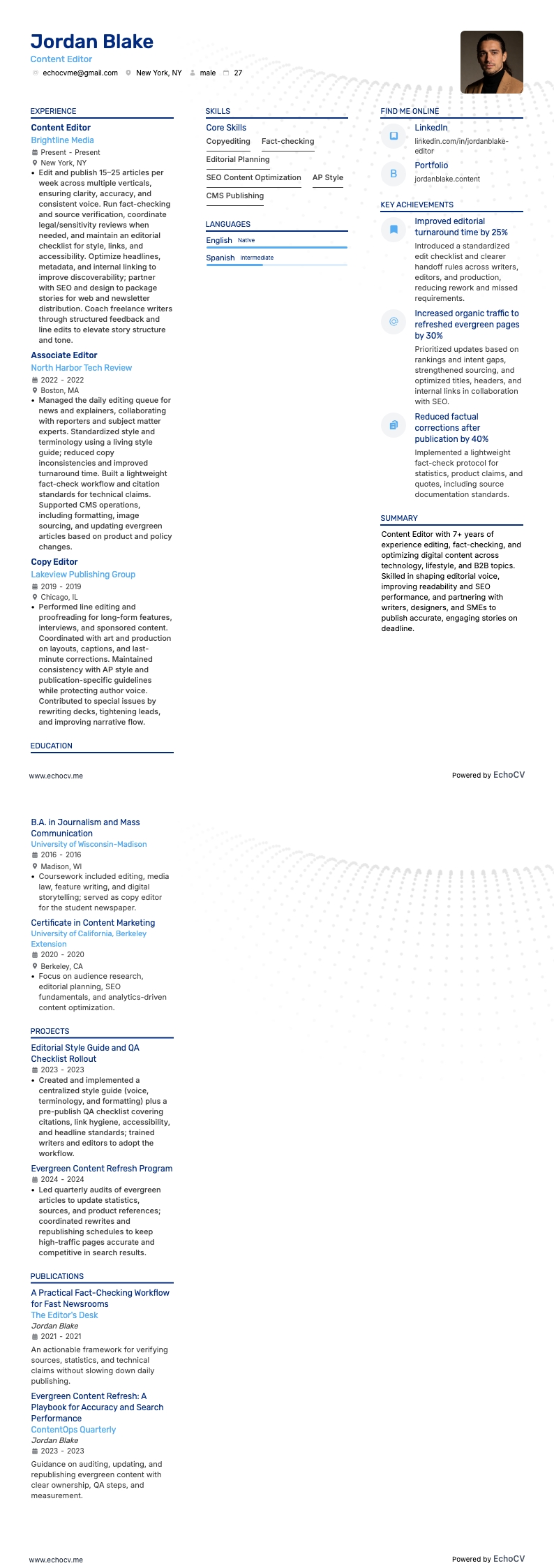
Without having to get very far, we can already see that Jackson is an experienced Managing editor with 10+ years of experience in content strategy and publishing. Notice how the resume summary includes his years of experience, industry-related keywords, and phrases like “managing award-winning editorial projects.” These are the things that recruiters want to see from potential employees.
When we get into Jackson’s work experience, we see a steady progression from Associate editor to Senior Content Manager. You want to format this section so that each job shows your career progression.
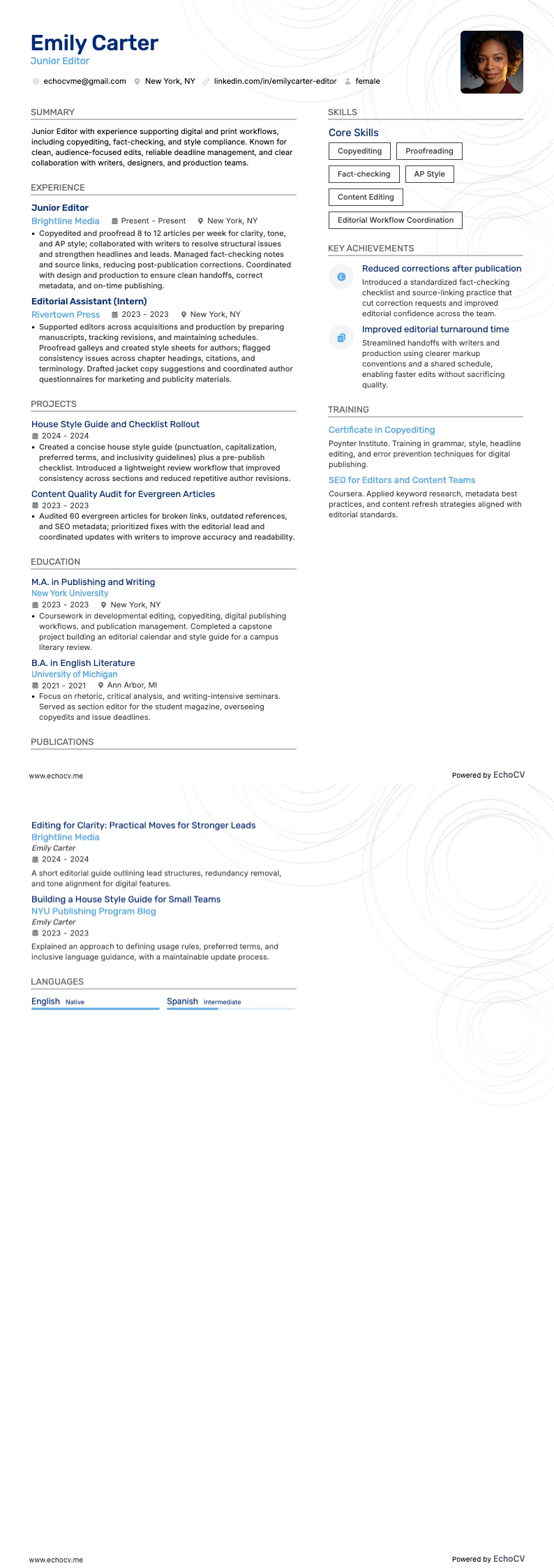
Lastly, this resume uses a two-column format. This is the preferred format for anyone who has several years of experience, like Jackson does. It allows him to include additional details that paint a complete picture of a highly skilled managing editor.
Here’s what else Jackson does well in their resume:
- Highlighting quantifiable achievements: The applicant effectively uses specific percentages to quantify their accomplishments, like a "25% increase in subscriber retention" and a "45% increase in online readership". This approach concretely demonstrates the impact of their work.
- Showcasing relevant certifications: Mentioning certifications like "Advanced SEO Strategies" and "Digital Publishing Innovation" aligns well with their role in content strategy and publishing, indicating a commitment to staying current in their field.
- Detailing diverse experience: The resume illustrates a broad range of roles within the publishing industry, from Senior Content Manager to editorial Director, showcasing versatility and depth of experience in various positions.
Now, we’ll spend a little time talking about formatting and the sections you need to include.
editors have a mix of technical, business, and creative skills that can quickly fill up a resume past its two-page limit. Building a resume is all about cherry-picking the jobs and skill sets that best match the job description.
Sounds easy enough, but many times, editors focus too heavily on their technical or creative skills and fail to demonstrate additional skills employers want to see.
We’ll go over which sections you need to include in a moment. First, we need to make sure your resume has the right settings. These include:
- One-inch margins on all sides
- Using a modern serif or sans serif font
- Listing dated entries in a reverse chronological order
- Including all necessary resume sections
Why does knowing these settings matter?
Hiring agencies and publishers use applicant tracking systems to weed through the hundreds of resumes they receive for a single position. Basically, ATS helps them sort out candidates that match the ideal profile, and there are certain format requirements your resume need to follow.
When creating a new document, you don’t have to worry about setting margins. All new documents come preset with one-inch margins and a default font such as Arial, Calibri, or Times New Roman. While these fonts are ok to use, they are a bit outdated and overused.
When you send your resume to a recruiter, don’t send it in its original format. Do a Save As and save it as a PDF type (.pdf). This will preserve the format of your resume and is accessible on most operating systems.
Echocv resume templates include all of the correct settings and necessary resume sections and come in a wide range of modern and traditional styles. They include more modern fonts, like Exo 2, Lato, Montserrat, Raleway, and Volkhov, which can give your resume a cleaner, more modern look.
We also have exclusive resume sections to demonstrate your vast abilities.
Be aware of location-based layout differences – Canadian resumes, for instance, might differ in format.
Find out how your current resume stacks up against real-world examples by using the Echocv resume checker.
Let’s take a look at the main sections of a resume and the type of information recruiters want to see from potential candidates: