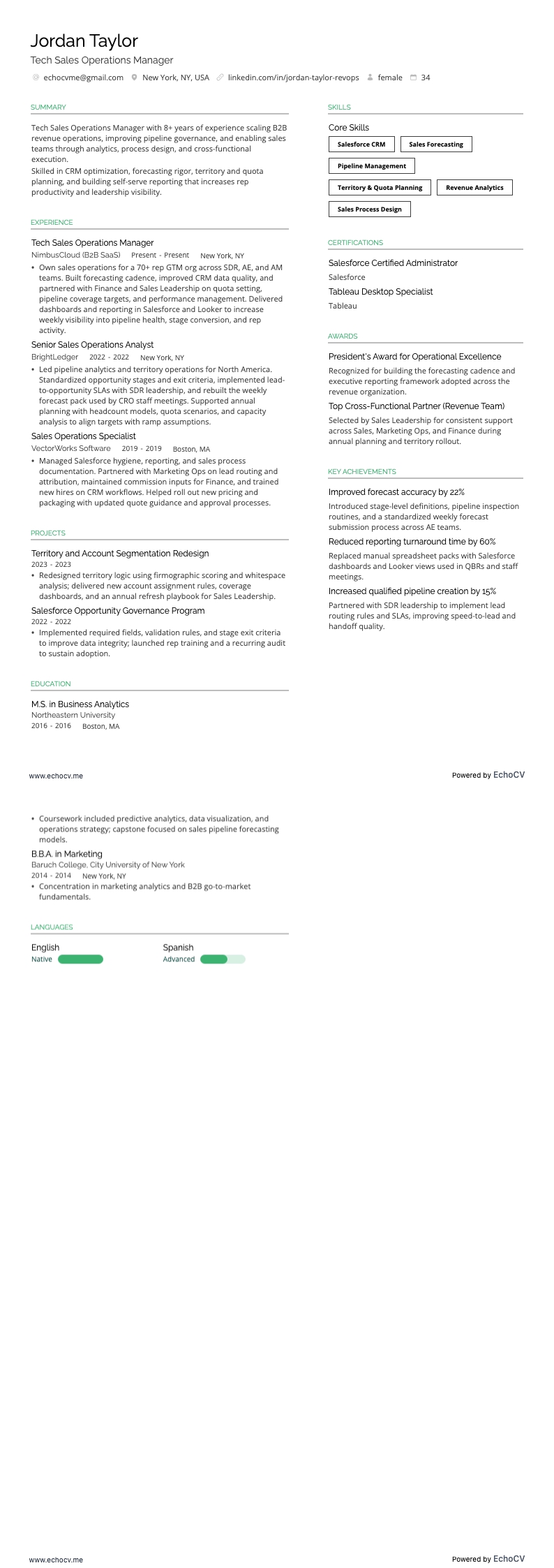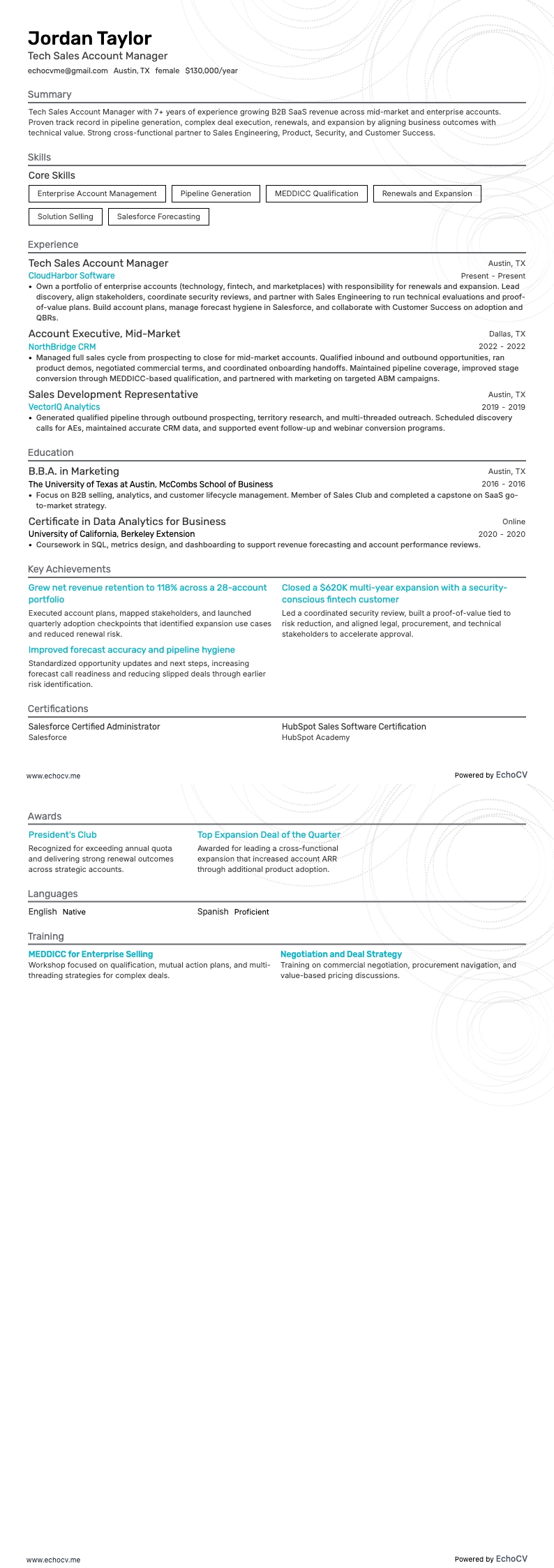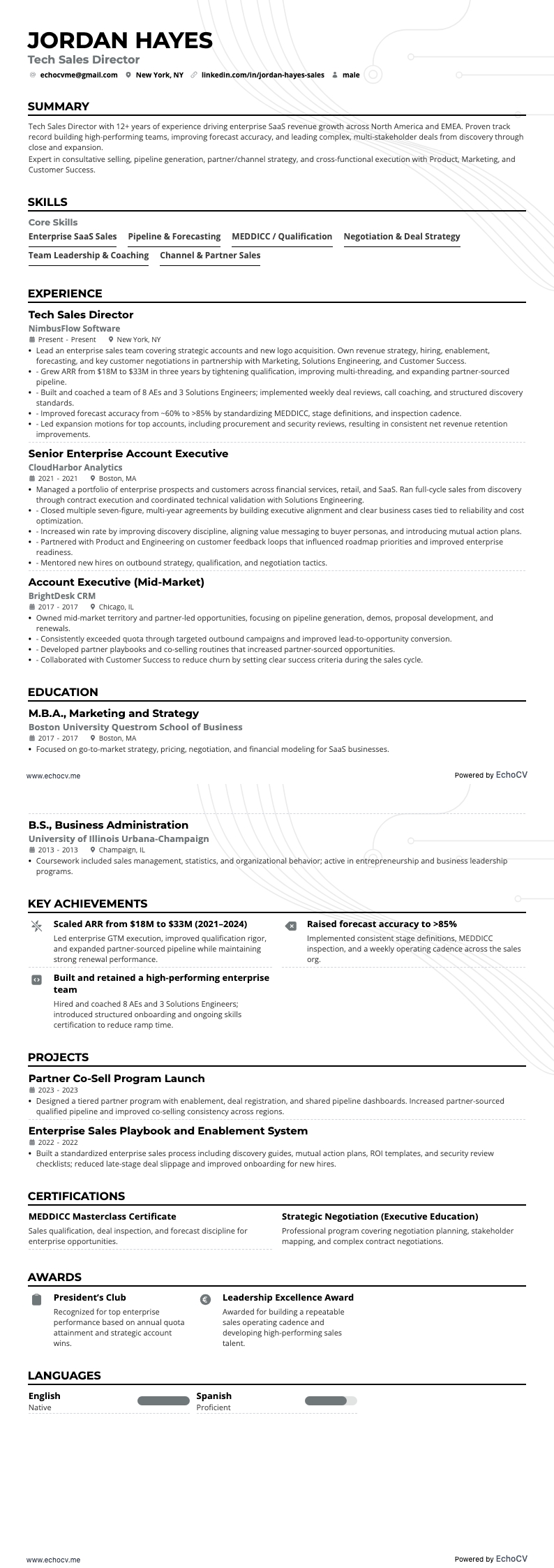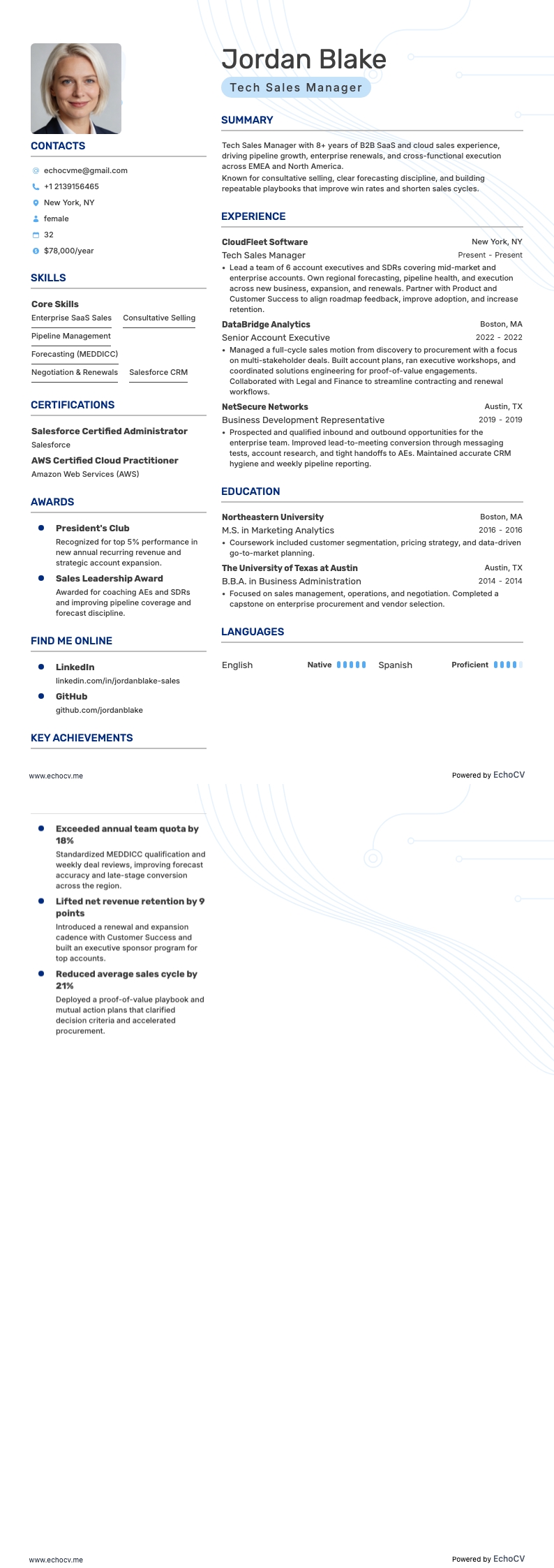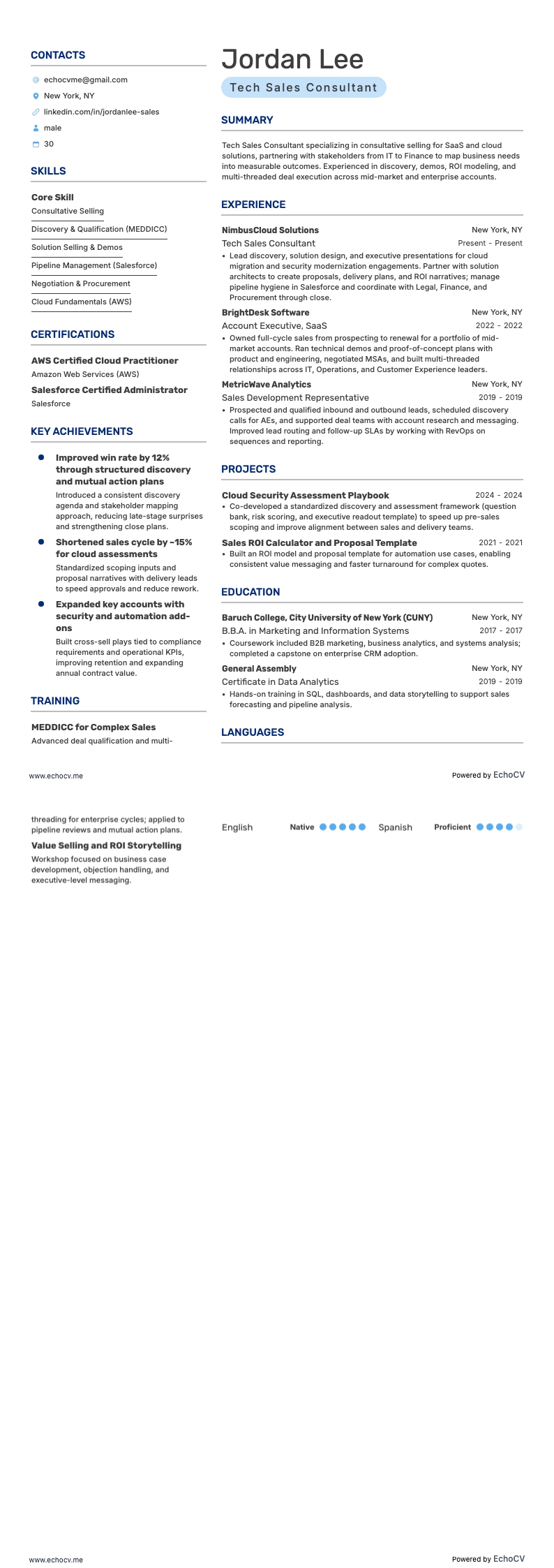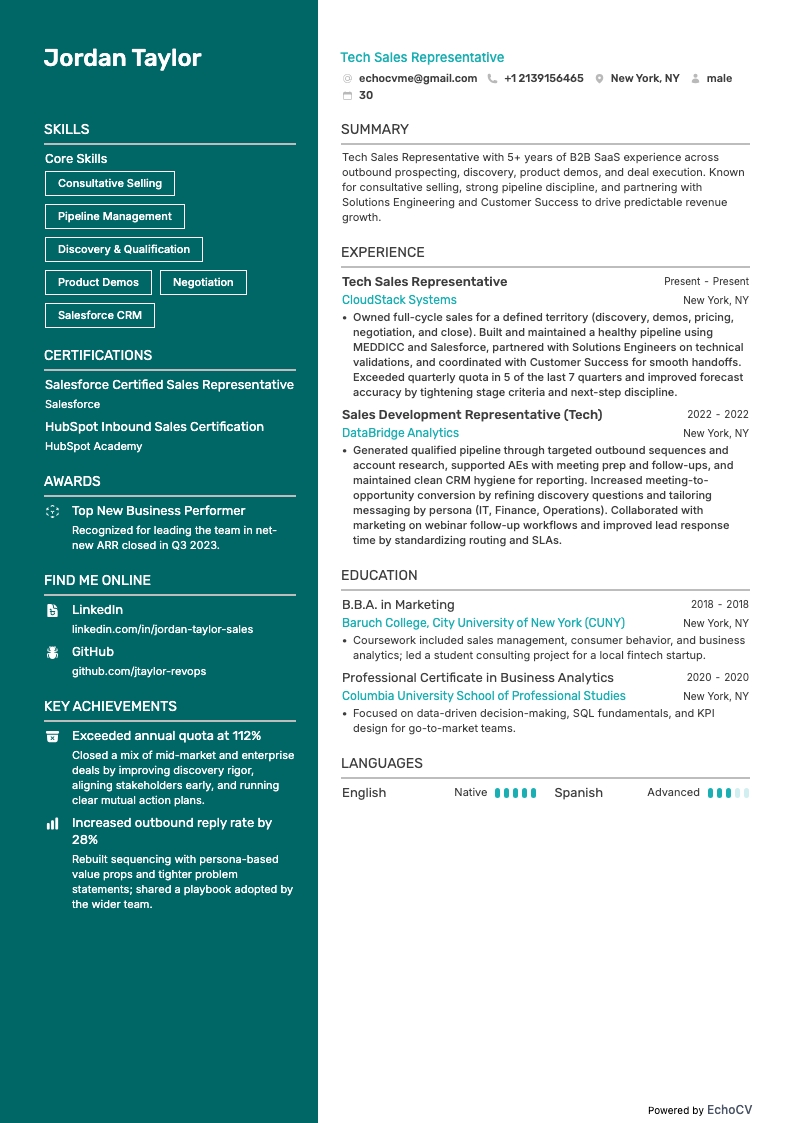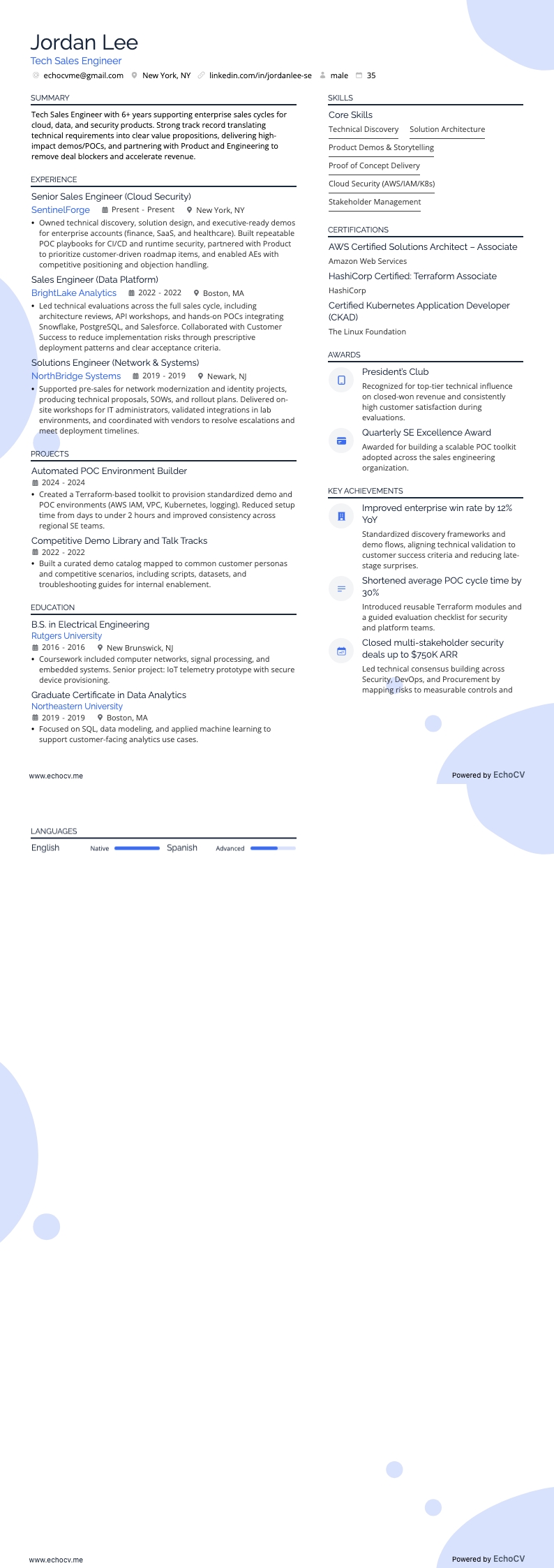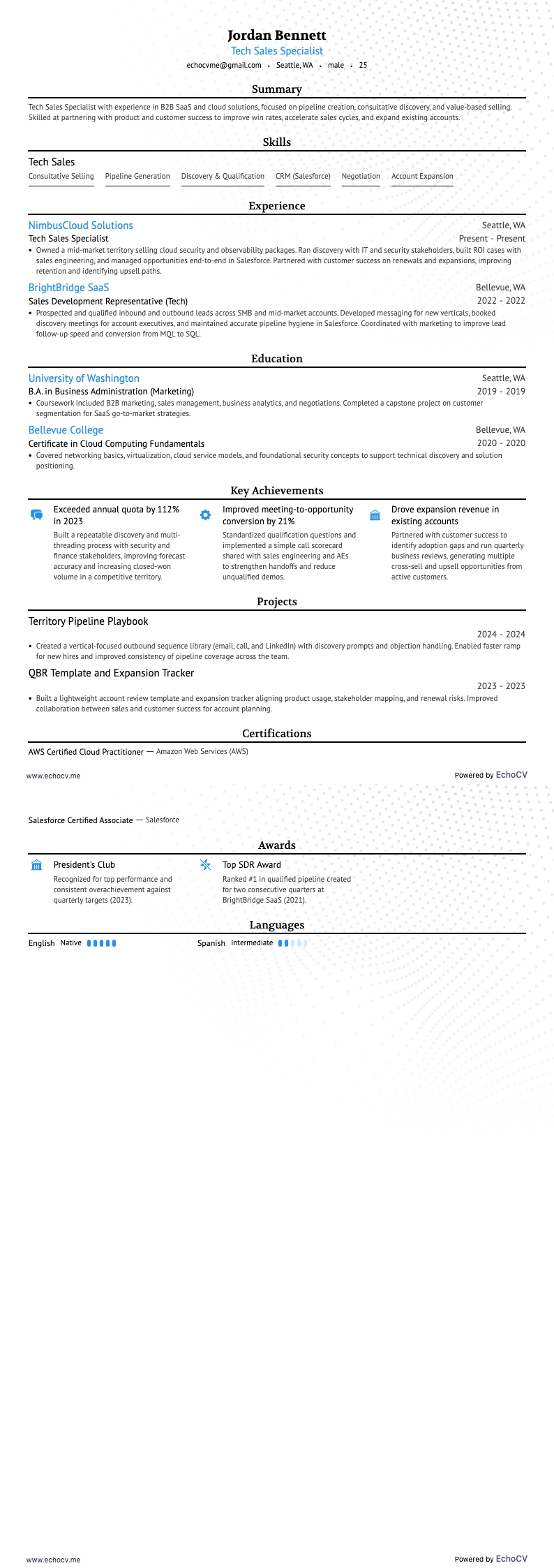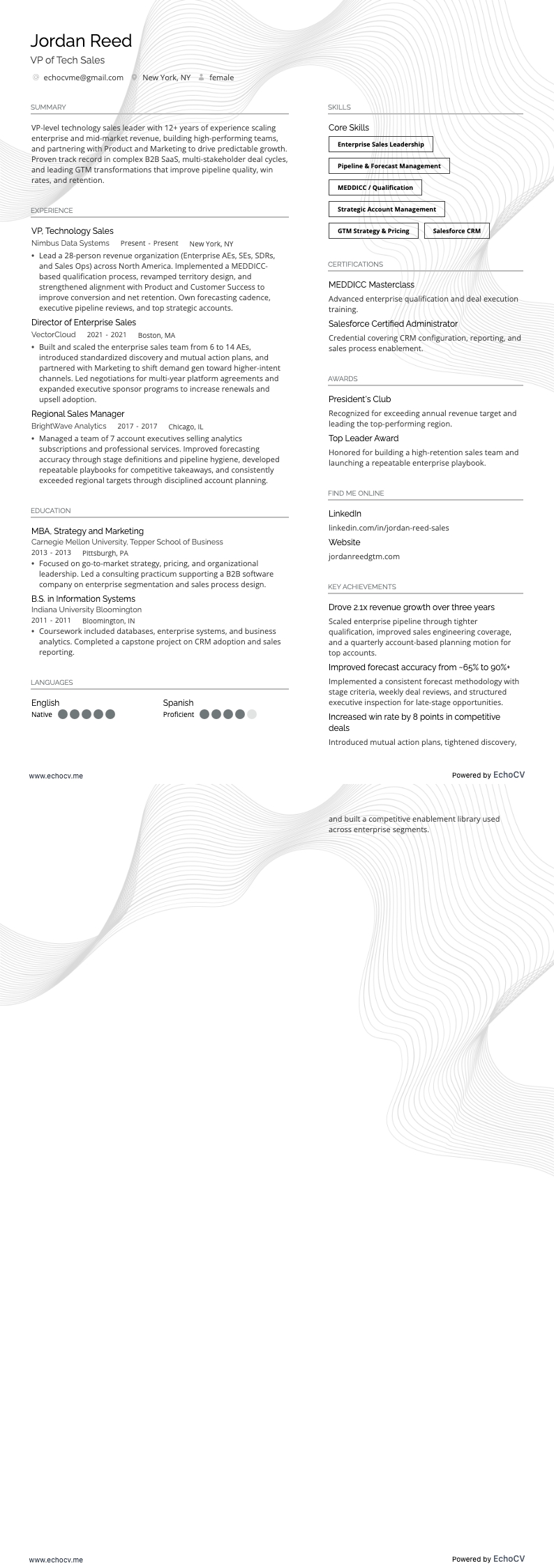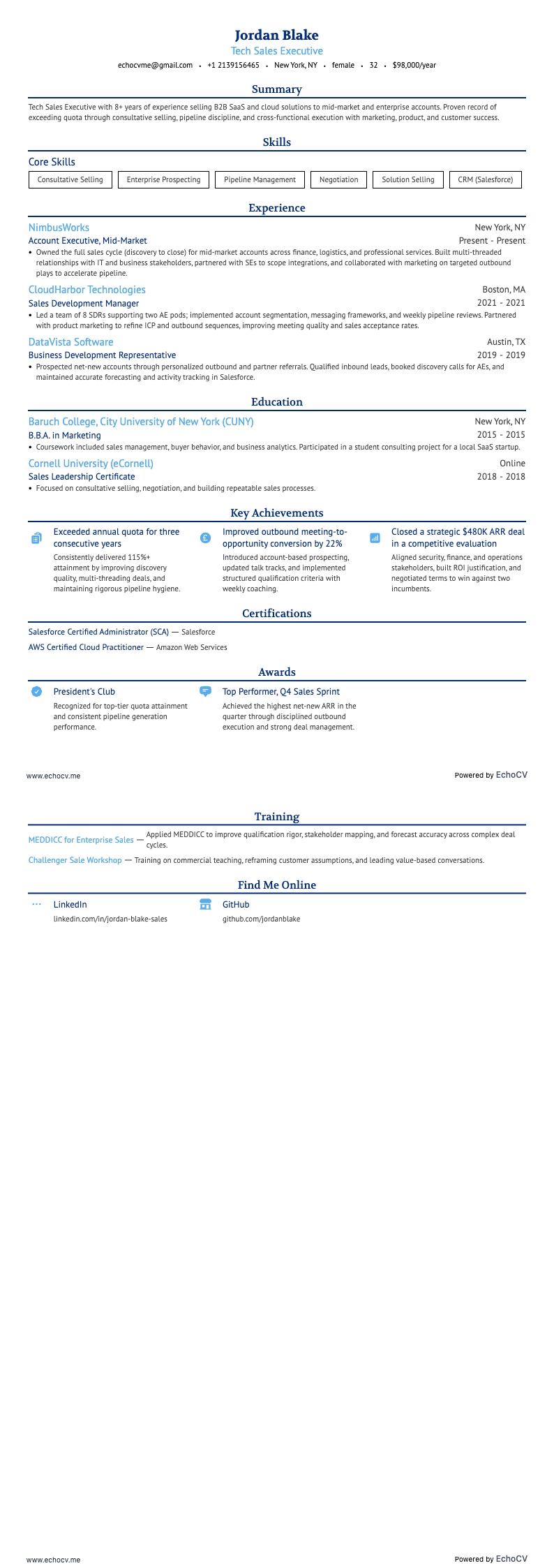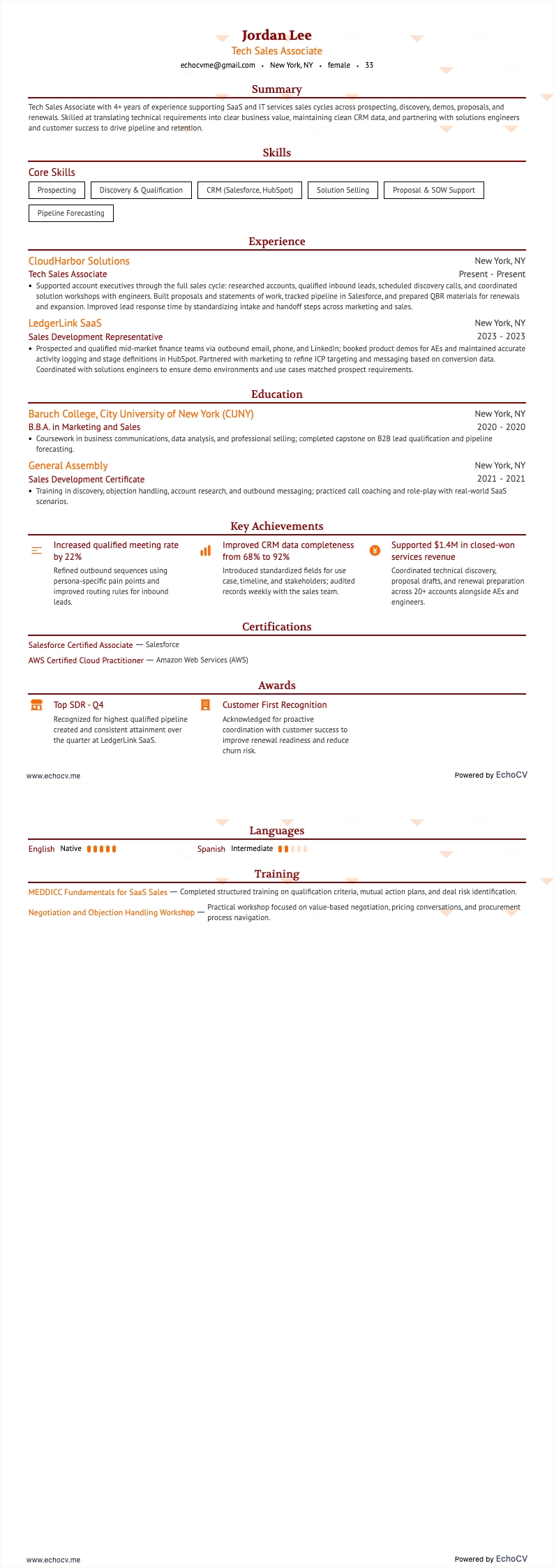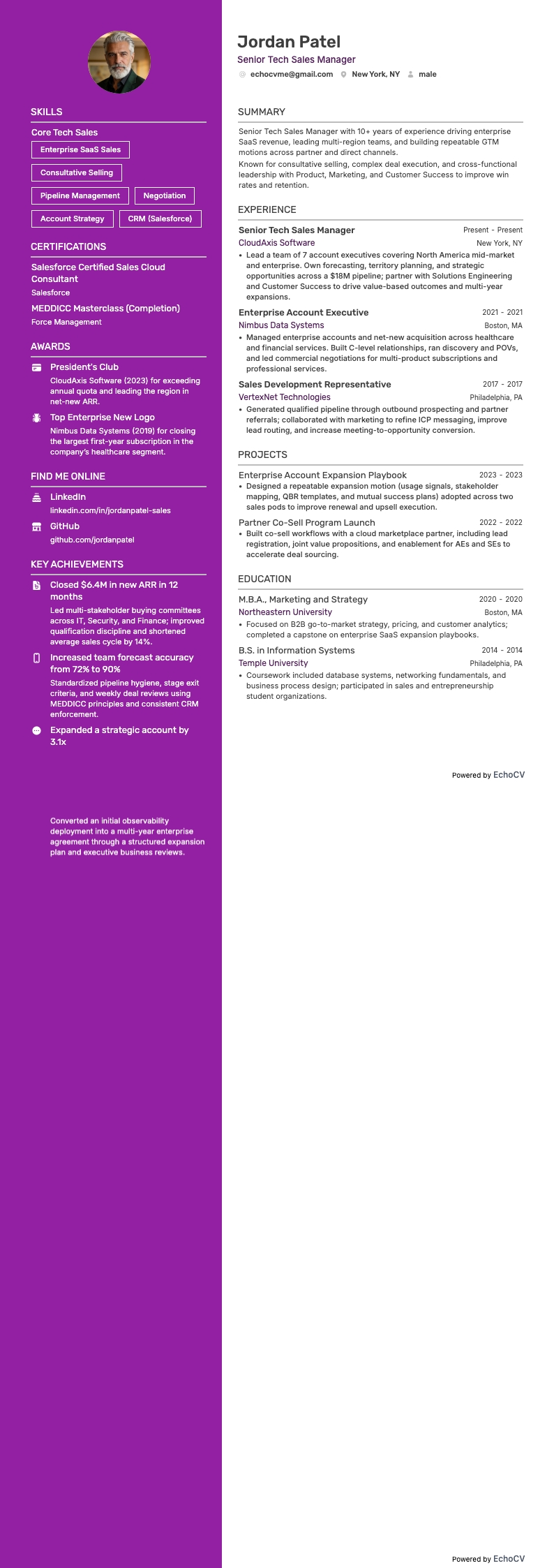
In the tech industry, innovation drives success, and evolution is constant. It's challenging for consumers to keep up with all the new products, features, and updates. That's why your tech sales resume needs to verify up-to-date knowledge of technical concepts, software, and systems alongside your sales talents.
Whether you're a seasoned sales professional looking to climb the ranks or an aspiring talent eager to break into the dynamic world of tech sales, one thing remains clear: a well-crafted resume is your gateway to securing that coveted role.
But crafting a compelling tech sales resume isn't just about listing your experiences and qualifications; it's about strategically showcasing your unique value in a way that captivates recruiters and hiring managers.
In this comprehensive guide, you'll find pro tips and examples and delve into the art of resume writing specifically tailored for tech sales. We'll equip you with the tools and insights needed to craft a standout resume that opens doors, ignites conversations, and propels your career forward in the ever-evolving landscape of tech sales.
For other excellent sales industry resume and cover letter guides, check out some of these:
- Tech sales cover letter
- Technical sales rep resume
- Techical sales manager resume
- SaaS sales resume
- B2B sales resume
How to format a tech sales resume
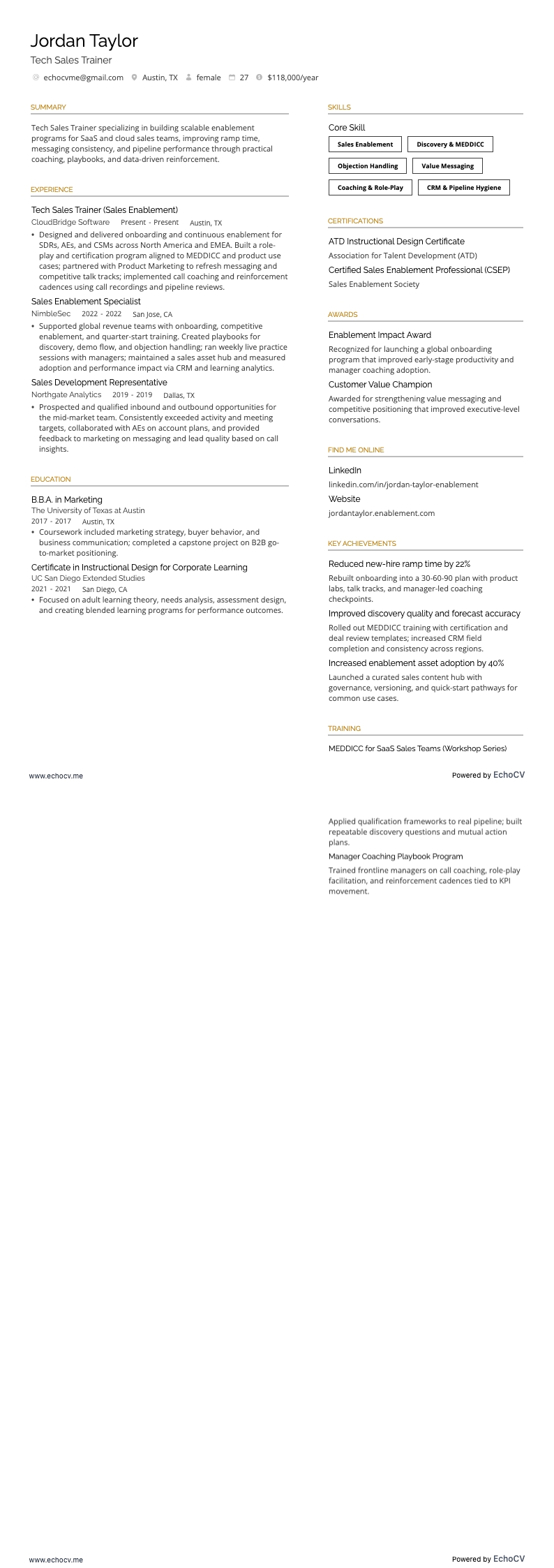
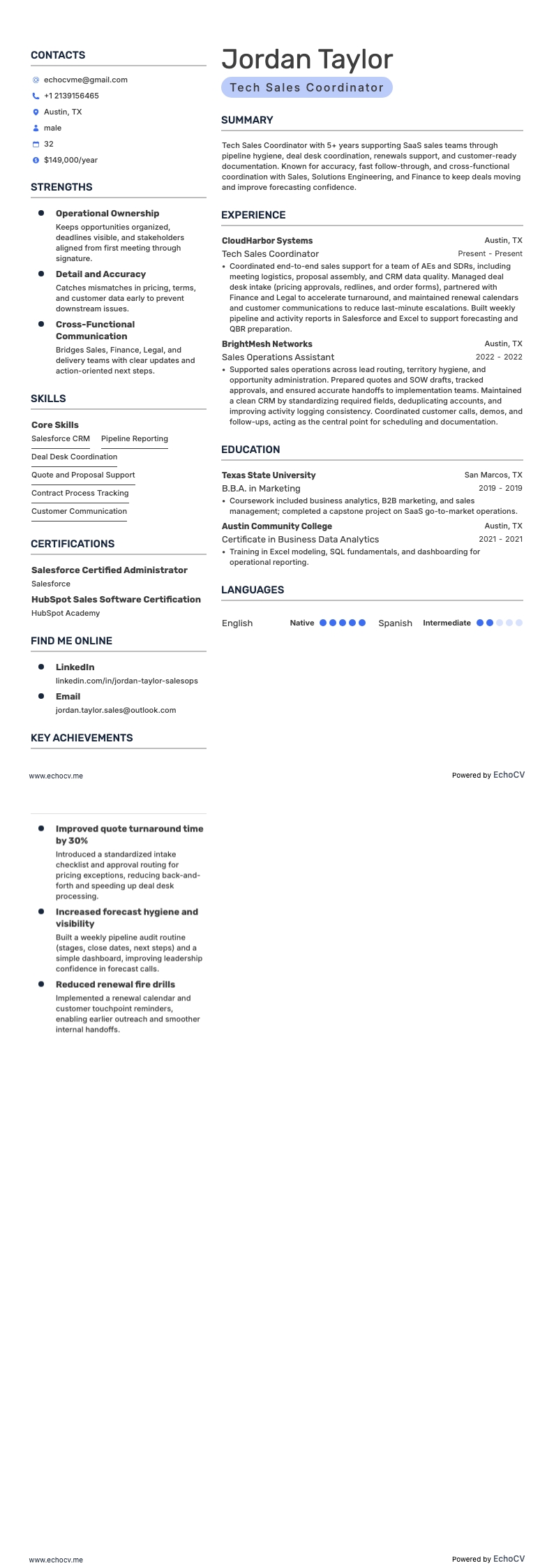
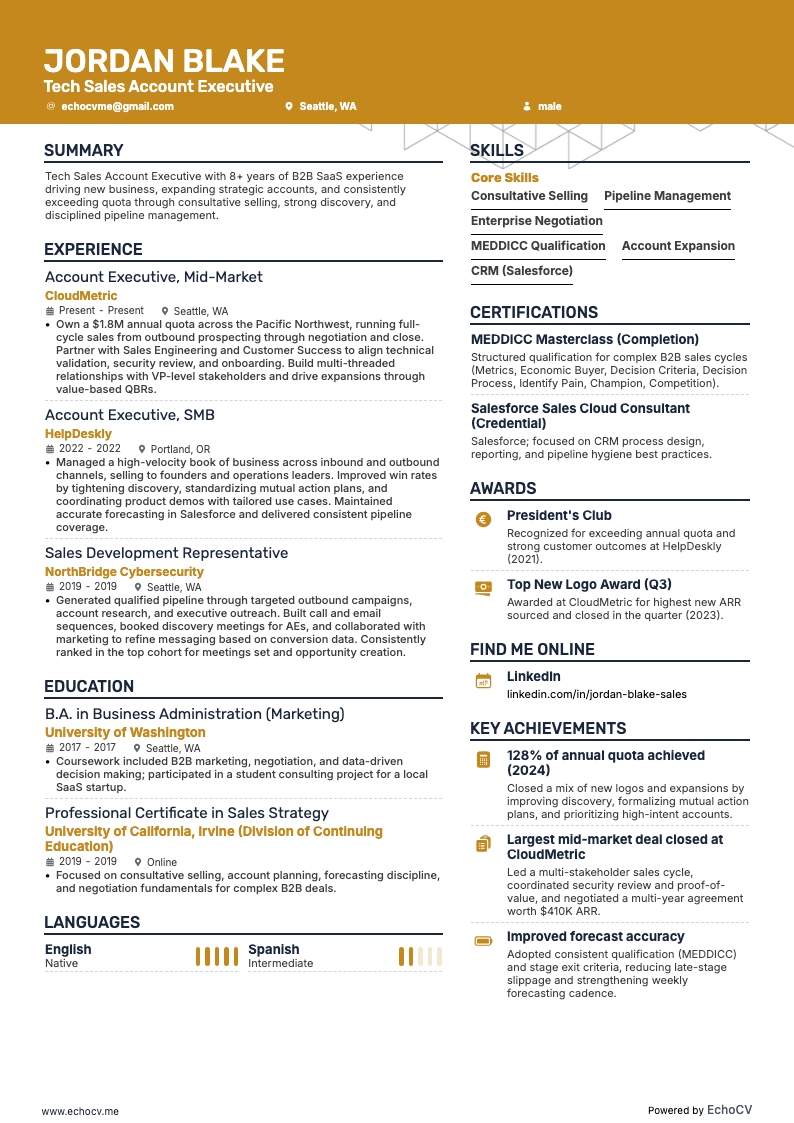
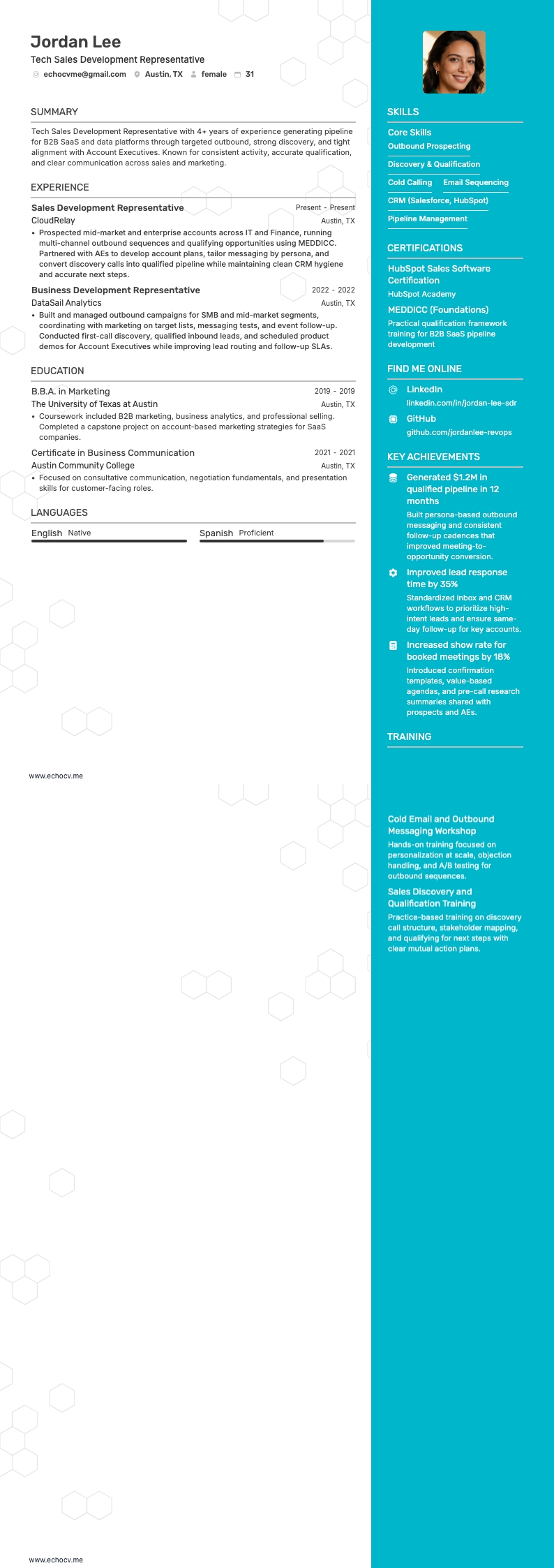
One of the biggest hurdles to overcome when seeking a tech sales position is standing out among the hordes of applicants for an available position. Your resume's formatting can help you to stand out.
A visually striking and impeccably organized resume bursting with potential will stand out to recruiters scrolling through a flood of bland, uninspired resumes.
While your qualifications are the most critical element on your resume, employers may never get to review them if they aren't exhibited professionally. Here are some essential elements to remember when formatting your tech sales resume:
- Keep it simple. To maintain a sleek, professional appearance, avoid using unnecessary creative elements that may distract from your qualifications.
- Be concise. Aim for a one-page resume and use bullet points rather than paragraphs when possible to describe experiences and achievements, making it easier to skim.
- Use clear headings. Ensure your resume sections are organized logically and differentiated using simple, precise headings. Bold headings to help organize information and guide the reader's eye.
- Include contact information. A prominent header featuring your name, desired job title, and contact information lets employers view them at a glance.
- Proofread: Finally, proofread your resume multiple times for spelling, grammar, or formatting errors. Consider having someone else review it as well to catch anything you might have missed.
- Maintain proper ordering. List all entries in reverse chronological order to ensure your most recent and relevant entries appear first.
A fundamental formatting element you may or may not know much about is ATS (applicant tracking systems). Much like the crucial buzzwords featured in tech ads, ATS analyze resume text for keywords and phrases corresponding to desired skills and qualifications for a specific job. Employers use these systems to quickly sort resumes and prioritize candidates with qualifications closely aligned to the available position.
Here are a few tips to ensure your formatting is ATS-optimized:
- Fonts: Select ATS-friendly fonts matching the overall style of your resume. Some ATS-friendly fonts are Calibri, Arial, and Times New Roman. However, these commonly used fonts can be dull or generic. For more creative font options, try Rubik, Lato, Montserrat, Raleway, Exo 2, and Volkhov, which are all available on the Echocv Resume Builder.
- Document Type: Doc or PDF files are typical for resumes and most easily analyzed by ATS. We prefer PDFs, as they maintain your formatting across different operation systems.
- Headings and subheadings: Ensure resume sections are logically organized and include simple, precise headings. Standard section titles ensure ATS accurately recognizes and extracts information from these sections.
Remember, resume layouts can vary by country – for example, a Canadian resume format could look different.