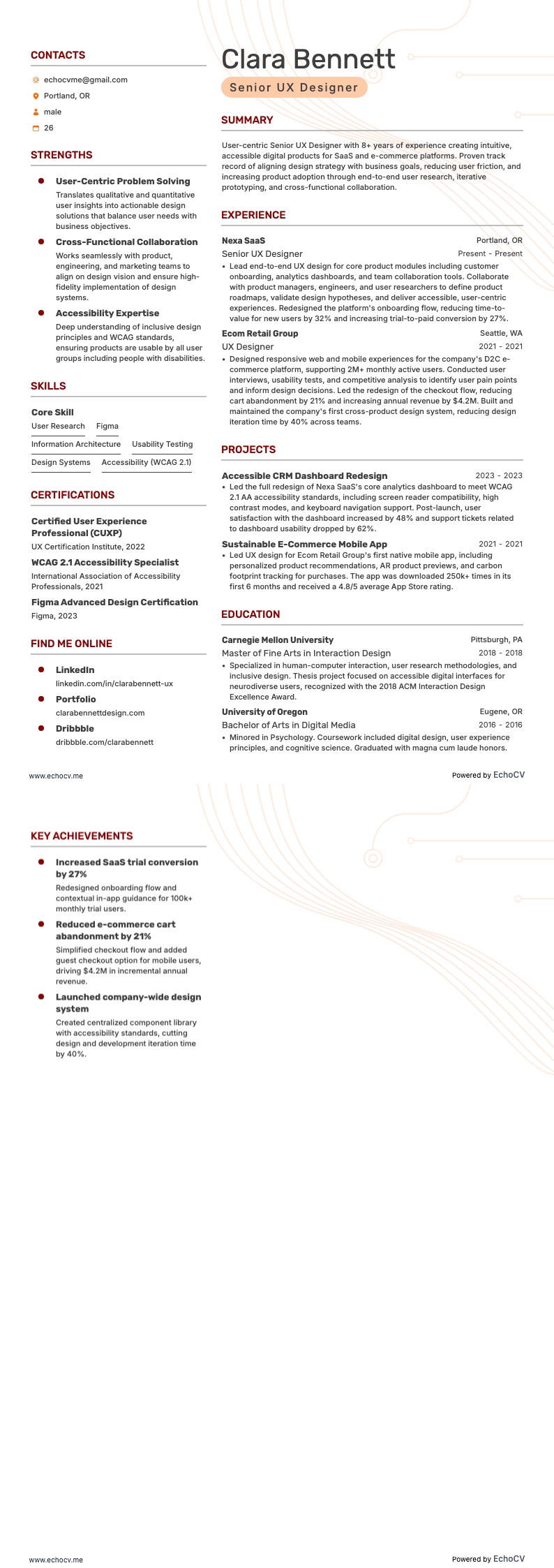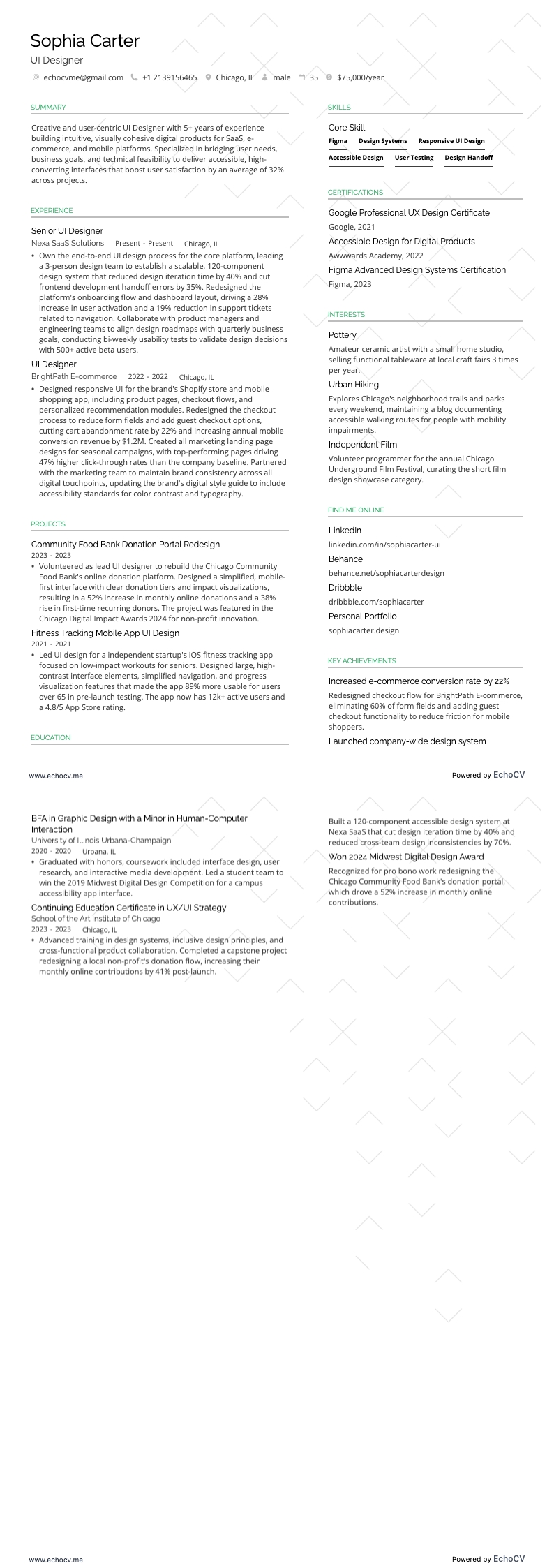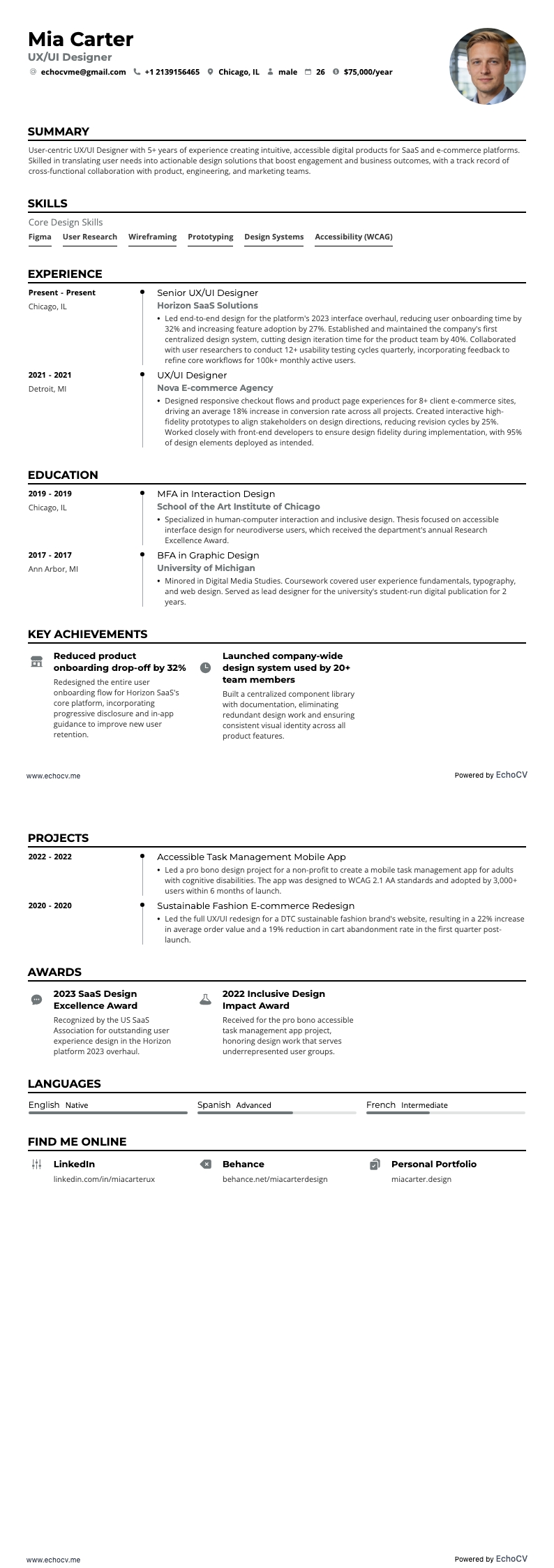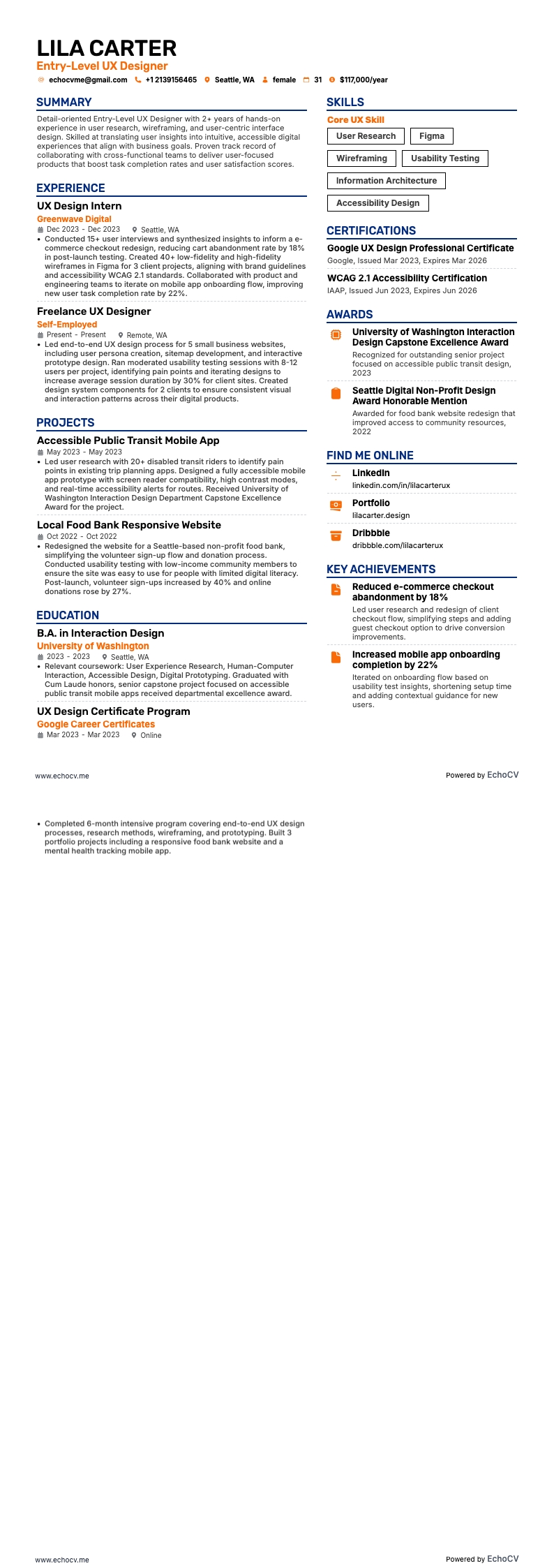
What design rules should you follow for a UX resume?
Your resume design is your first usability test—it should be clear, accessible, and ATS-friendly. Think in terms of hierarchy, whitespace, and readability, just as you would in a product interface.
Follow these key design principles:
- Length: One page if under ten years of experience. Two for senior roles with measurable results.
- Margins: One inch on all sides for balanced spacing.
- Spacing: Single or 1.15 line spacing for compact readability.
- Fonts: Use modern, legible sans-serifs—Inter, Lato, Roboto, or Montserrat with 10–12 pt for body text and 14–16 pt for resume headings.
- Color: One accent color only—avoid heavy backgrounds or gradients.
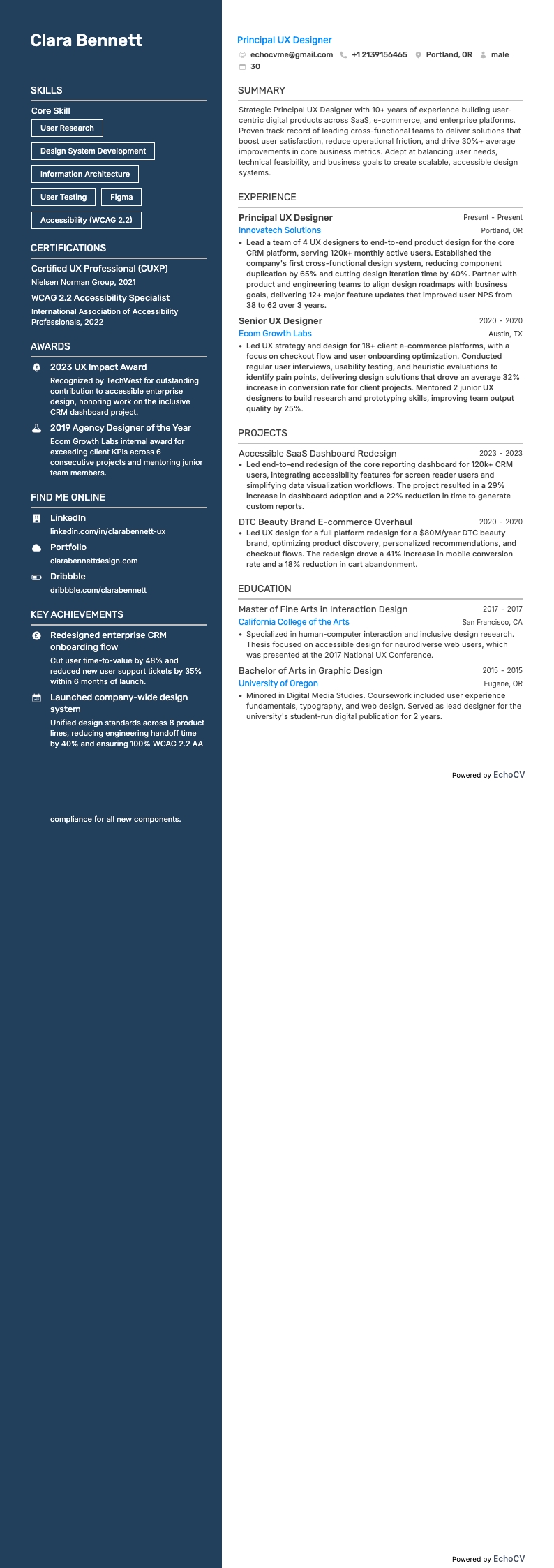
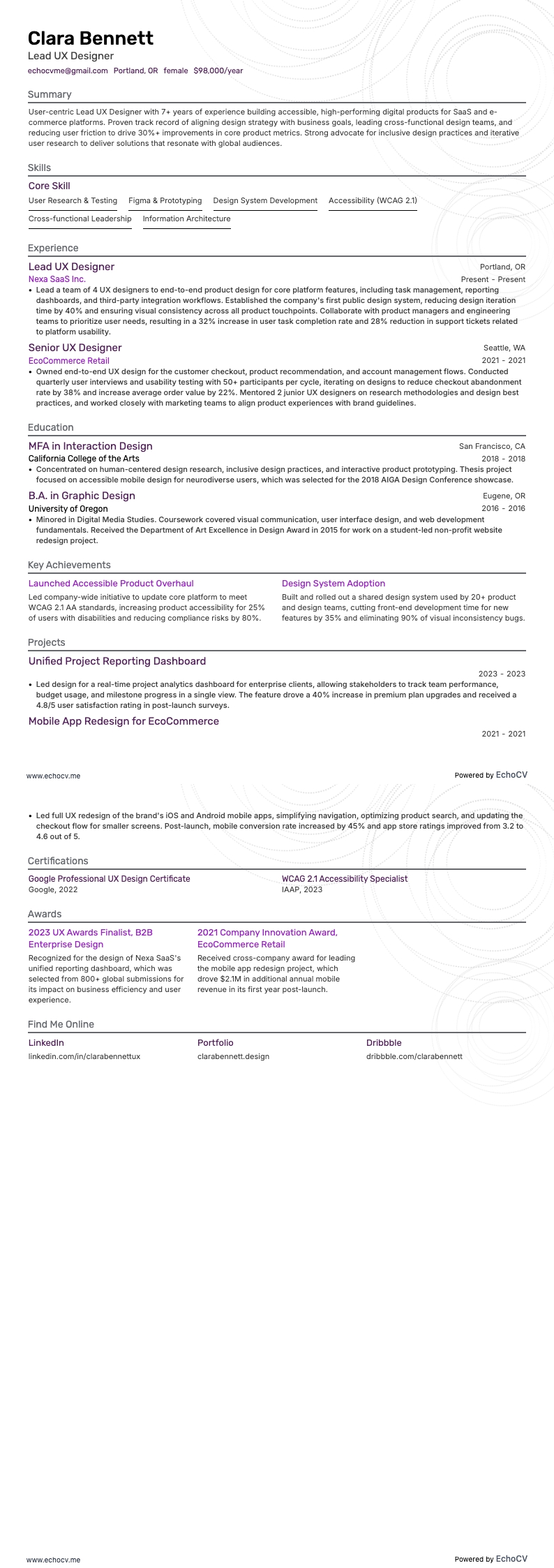
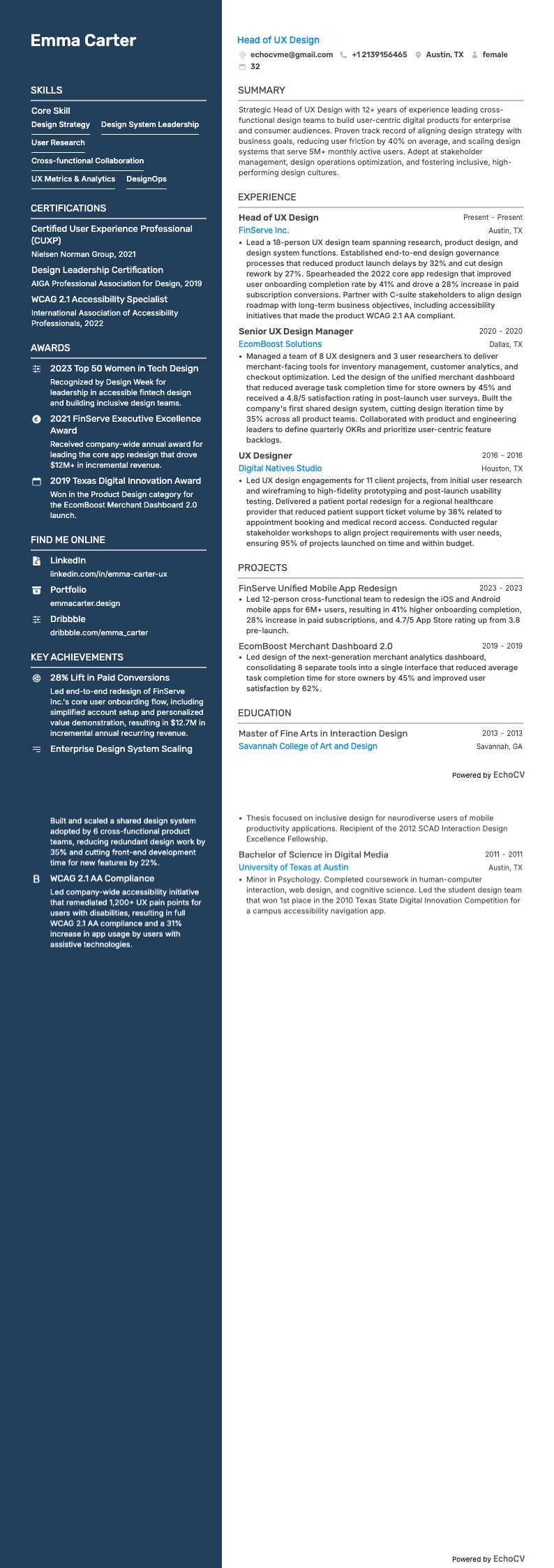
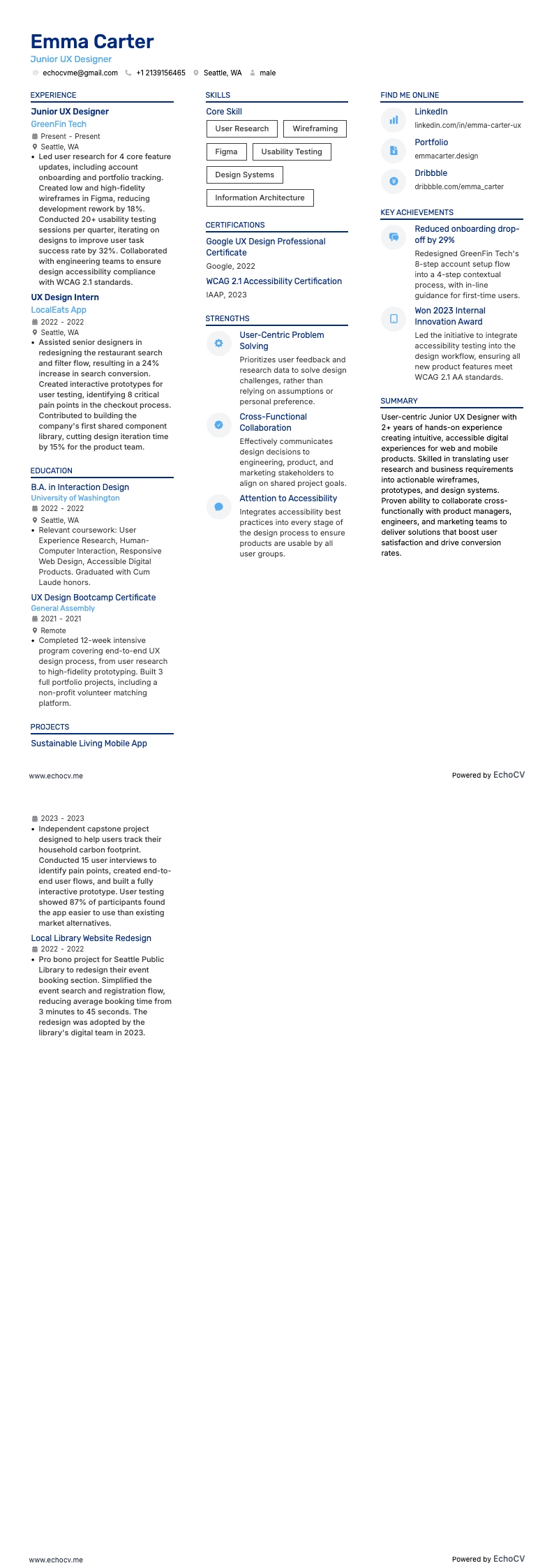
- Layout: Single- or two-column layouts both work. Use a single column for the best reliability, or two columns when built with plain text, primary content on the left, and a clean top-to-bottom reading order.
- Alignment: Left-align text—avoid centered or justified blocks.
- Visuals: Skip photos, icons, and decorative elements unless requested to keep the résumé accessible, ATS-readable, and easy to scan. Prove your visual craft in the portfolio instead.
- Accessibility: Ensure strong contrast, consistent hierarchy, and readable structure.
How should you save and name your UX resume file?
Use a descriptive name like:
“FirstNameLastNameUXDesignerResume.pdf”
This way, recruiters can identify your file instantly.
What should a UX cover letter include?
Explain in your cover letter why this product or user problem excites you, include one–two quantified results, and note how you’ll partner with PM and Engineering. Add one link to your top case study in the first paragraph (after the results), and use the same contact header (name, title, email, portfolio URL) as your resume.